Your team sent 400 connection requests last month. You got 112 accepts, 19 replies, and three meetings, one of which no-showed. Nobody can say which list produced the three, which message produced the 19, or what became of the 93 people who accepted the invite and never heard another word.
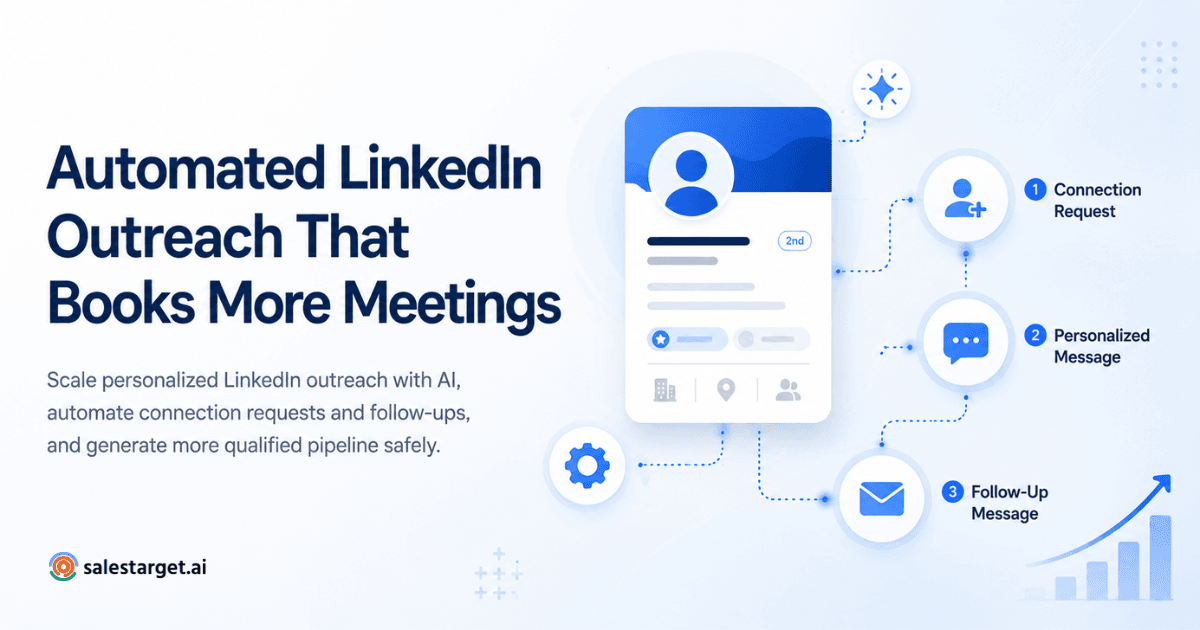
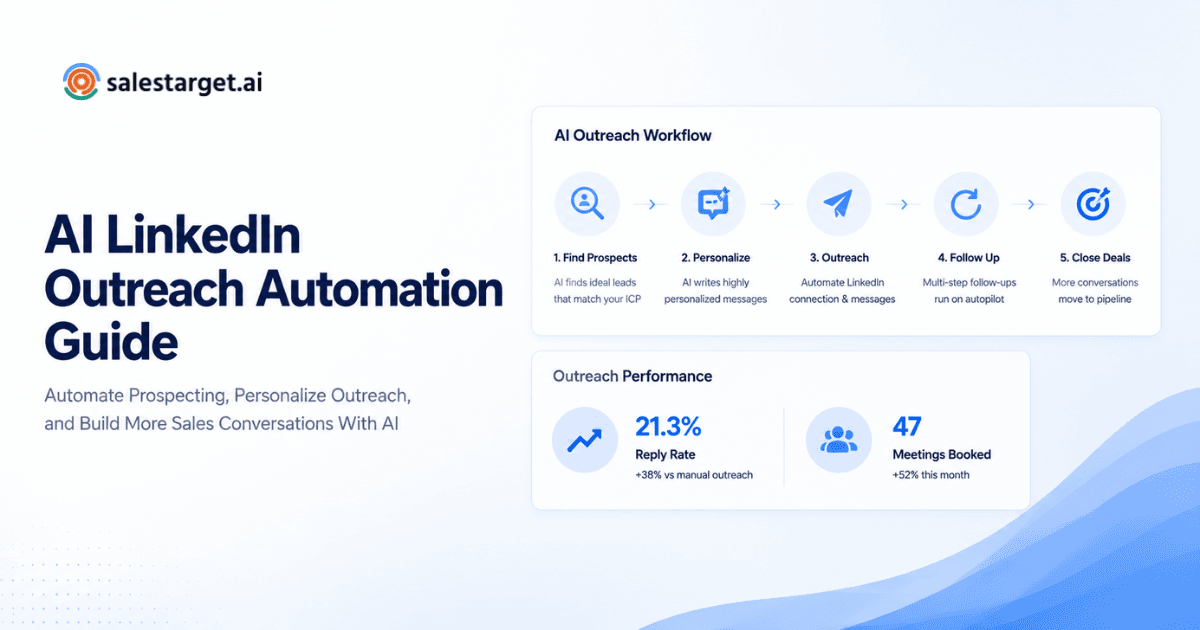
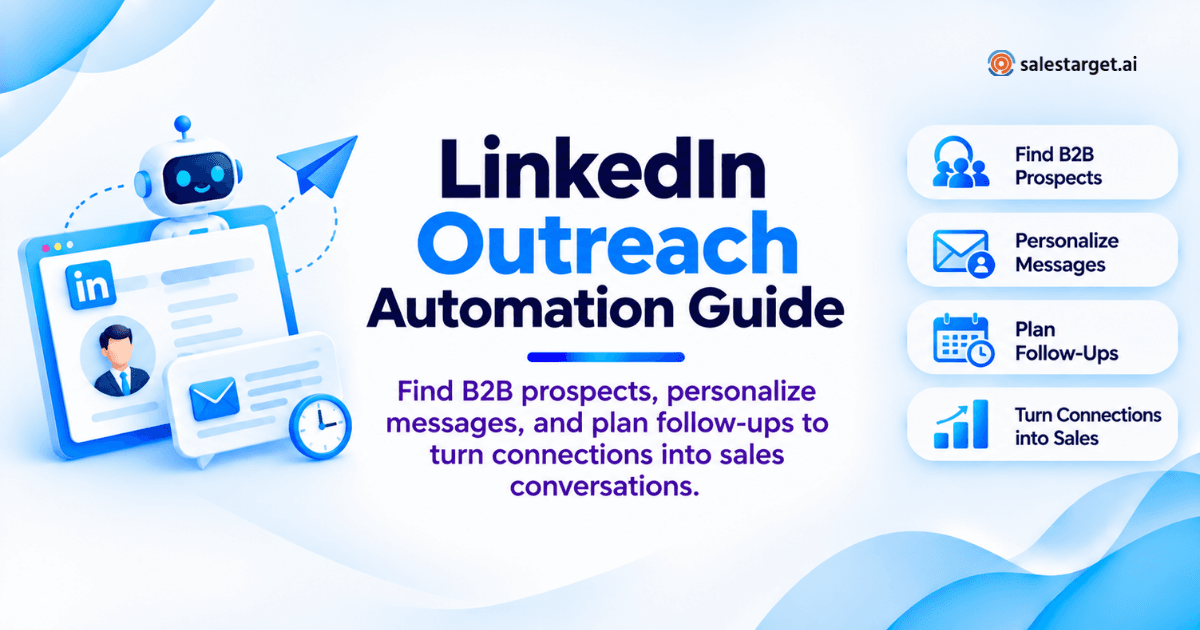
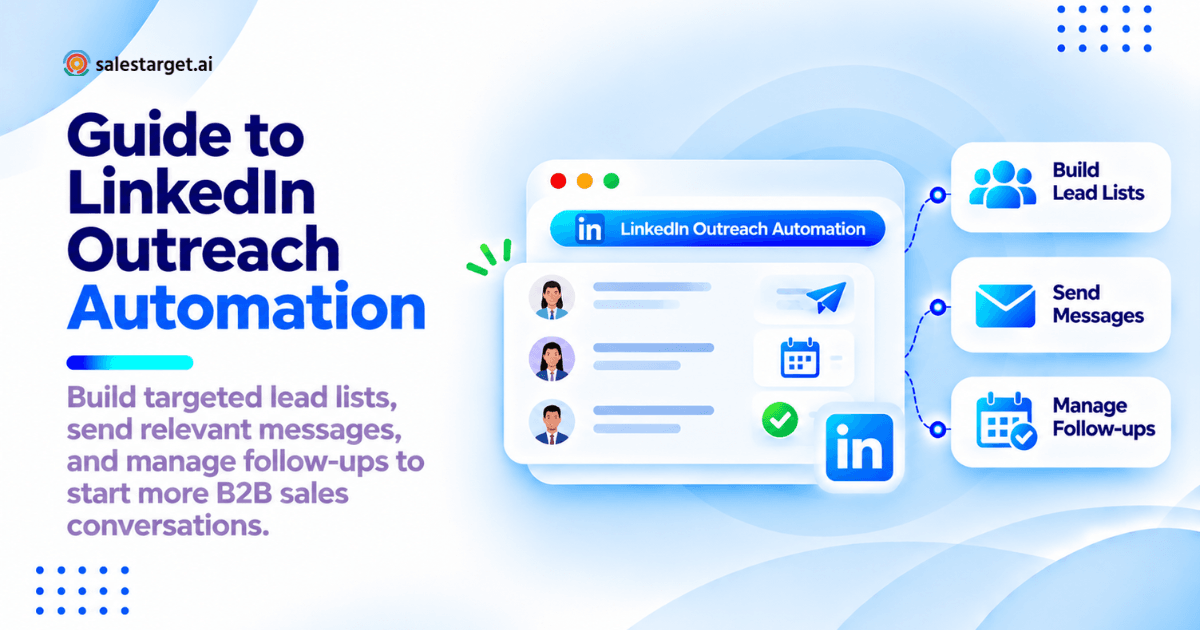
LinkedIn outreach automation is software that runs the repeatable parts of LinkedIn prospecting: building the prospect list, sending connection requests, sending first messages and follow-ups on a set schedule, and recording every step in one place. You still pick the targets and write the strategy. The software holds the timing, the order, and the record steady across hundreds of prospects. The payoff is a countable path from invitation to booked meeting.
This guide covers the full motion: lists, templates, sequences, reply handling, metrics, and tool choice, with examples from Salestarget.ai, which runs LinkedIn outreach, email, B2B lead data, and a CRM in one workspace.
The LinkedIn Outreach Bottleneck: More Activity, Few Qualified Conversations
Most outbound teams do not have an activity problem. They have a continuity problem: every step lives somewhere different and nothing carries forward.
Poor Targeting, Generic Messages, and Missed Follow-Ups
Three failures drain most B2B LinkedIn outreach. Lists built on a job title alone, so half the audience has no reason to care. Opening messages that describe the seller instead of the buyer. Follow-ups that depend on a rep remembering, which means one happens and the rest do not. That third one is expensive: accepted connections who never got a second message are the largest wasted asset in most pipelines.
A Connected Process From Prospect Research to Qualified Meetings
A working process moves one record through five states with no re-entry step: researched, invited, connected, in conversation, qualified. When the list, the sequence, the inbox, and the CRM sit in one system, a rep opens one screen to see what a prospect received and what is due next. That record is what makes reporting possible later.
LinkedIn Outreach Automation for B2B Sales: Scope, Benefits, and Limits
Automation covers repeatable steps. Judgment calls stay with the rep.
Prospecting, Messaging, Follow-Up, and Reporting Tasks
Four task groups sit inside a LinkedIn prospecting automation setup:
- Prospecting: filtered searches, list building, enrichment, deduplication
- Messaging: connection notes, first messages, profile-based personalization
- Follow-up: timed steps, branches on reply or no reply, channel switches
- Reporting: acceptance, reply, and meeting counts tied to list, sender, and message version
Time Savings, Consistent Follow-Ups, and Pipeline Visibility
The hours come back from research and copy-paste work, not from the conversation. The bigger gain is consistency: every prospect gets the same follow-ups at the same intervals, which strips the main source of noise out of campaign results. The third is visibility, so a leader sees what is in flight and what has stalled without asking three people. Salestarget.ai reports about six hours saved per rep per week and 91% follow-up completion across CRM users.
LinkedIn Platform Rules and Third-Party Automation Restrictions
Most vendor blogs skip this part. LinkedIn's Prohibited Software and Extensions help page states that the platform does not permit third-party software, bots, browser plug-ins, or extensions that scrape, alter, or automate activity on LinkedIn. The "Don'ts" list in Section 8 of its User Agreement carries the same prohibition on scripts and automated means. Accounts that trip detection can be restricted or closed.
What that means in practice:
- The commonly observed invitation ceiling sits near 100 per rolling seven-day window. It is not a calendar week: it resets seven days after each request, to the hour.
- LinkedIn publishes no fixed number. New and quiet accounts hit a lower ceiling.
- A limit restriction lasts roughly a week, and withdrawing pending invitations does not lift it. Most reps learn that one mid-campaign.
Run human-scale volume, keep the pending pile small, and pick tools with hard rate limits, warm-up logic, and auto-pause safeguards over tools advertising unlimited sends. The pipeline math behind steadier volume sits in how LinkedIn outreach automation supports sales pipeline growth.
Building a LinkedIn Prospecting Strategy Around Your Ideal Customer
A campaign is a hypothesis about one audience. Write it down before the first invite.
Define Target Accounts, Decision-Maker Roles, and Campaign Goals
One segment per campaign: industry, employee range, region, and two or three job titles. Mixed audiences produce averages that hide what worked. Set the goal as a count. "Twelve held meetings with RevOps leaders at 50 to 500 person SaaS companies in eight weeks" sizes the list. "More pipeline" does not.
Build Prospect Lists With Sales Navigator and B2B Lead Data
Sales Navigator finds people and stops there. A B2B database fills the second half. In Salestarget.ai, Lead Explorer searches 840M+ verified profiles and 146M+ business entities with stacked filters (industry, role, seniority, department, headcount, revenue, location, tech stack, intent topics), or in plain English through the AI Copilot.
Verify Contact Details and Prioritize Relevant Buying Signals
Verification at list-build time, not send time, keeps a multichannel sequence intact. Salestarget.ai enriches and verifies at the moment of discovery rather than serving back whatever was scraped months earlier, and one click unlocks verified work email, personal email, phone, and mobile.
Then rank the list. Four thousand plus intent topics and business events (funding rounds, hiring spikes, leadership changes, awards) on a 30 to 90 day lookback give you a working order: a prospect with matching intent and a new VP in the buying role goes in week one. More on that layer in using verified B2B data for LinkedIn prospecting.
Exclude Customers, Active Deals, Duplicate Prospects, and Opt-Outs
Here is the exclusion step almost nobody builds. LinkedIn has no unsubscribe link, so a "not interested" reply lives inside one DM thread and nowhere else. With no written suppression record, that person gets invited again next quarter by a different rep, and that is the message that gets reported. Write four exclusions before launch: current customers, open deals, anyone already in another sequence, and every opt-out you have received on either channel. Salestarget.ai's CRM holds those lists, so an exclusion covers LinkedIn and email at once.
LinkedIn Connection Request and Follow-Up Templates
A connection note earns the accept. The first message earns the reply. Two different jobs, and most teams write one message that fails at both.
Connection Request Examples With a Clear Reason to Connect
You have about 300 characters. Give a reason that is true and specific to them.
Signal-based: "Hi Priya, saw the Series B and the two RevOps roles you posted this month. I work with SaaS teams rebuilding outbound reporting at exactly that stage. Happy to connect."
Peer-based: "Hi Marcus, we both sit in the middle of the SDR-to-AE handoff problem. Sending a connect so I can follow what you post on it."
One habit worth copying: send a portion of invites with no note at all to a matched group. Note-less invites can accept higher with senior audiences, and you will not know which way your audience goes until you run both side by side.
First Message Examples for Founders, Sales Leaders, and RevOps Buyers
Wait for the accept, then lead with their situation.
- Founder: "Thanks for connecting, Dana. Quick one: at 11 people with no dedicated SDR, do you still run outbound yourself, or has it stalled behind product work?"
- Sales leader: "Appreciate the connect, Tom. Most VPs I speak with can report sends and opens but cannot tie either to held meetings. Is that your gap, or is yours further down at qualification?"
- RevOps: "Hi Sana, how many tools does a lead pass through between your database and your CRM today? Teams at your size tend to land on four, and the handoffs are where attribution dies."
Each one asks something the buyer can answer in a sentence. No pitch, no calendar link, no deck.
Personalized Messages Based on Verified Company Context
Personalization that works references something verifiable: a headcount change, a funding event, a tech stack entry, a new leader in the buying role. Personalization that fails references a post forty other sellers referenced the same week. Salestarget.ai's LinkedIn Outreach adapts each draft to the profile, role, and industry using enrichment data already on the record, so the variable is a fact rather than a guess.
Reviewing AI Drafts for Unsupported Claims and Missing Data
Run every AI draft through three checks. Does any sentence claim a result the prospect could ask you to prove. Does any merge field lack a fallback, since a raw "Hi {{FirstName}}" burns a list faster than anything else. Does it read like something a person would type on a phone. Cut adjectives until it does.
Automated LinkedIn Outreach Sequence Examples for B2B Sales
Three sequences cover most B2B motions. Each branches on what the prospect did, not on the calendar.
A Sequence for Prospects With Pending Connection Requests
Day 0: invite with a note. Day 7: view the profile. Day 14: withdraw the invite if it is still pending and move the record to an email-only track. Pending invitations are not neutral: they count against account health and occupy a slot in a capped weekly budget. At 75 invites a week and 30% acceptance, the pending pile grows by more than 50 every week until someone clears it. Withdrawing at day 14 keeps the queue honest and leaves a second entry point open.
A Sequence for Accepted Connections Who Have Not Replied
Day 0 (accept): wait 24 hours. Day 1: first message, one question. Day 4: one line of proof tied to their segment. Day 9: a different angle, not a nudge. Day 16: close the loop, "Sounds like this isn't the quarter for it. Want me to circle back after Q1?" That last step pulls more replies than the three before it, and the "yes, circle back" answers are the cleanest future pipeline you will build this month.
A Coordinated LinkedIn and Email Follow-Up Sequence
Day 0: invite. Day 2: email one. Day 5 (if accepted): LinkedIn message. Day 8: email two, referencing the LinkedIn thread by name. Day 12: LinkedIn message two. Day 18: email breakup. One rule most multichannel setups miss: never let a DM and an email land within the same 24 hours. Arriving on two channels inside an hour is the clearest tell of automation a buyer gets, and it costs replies on both. In Salestarget.ai, LinkedIn and email run in one coordinated flow, so that gap is a setting rather than a spreadsheet.
Delays, Working Hours, Stop Rules, and Reply Handoffs
Set four controls on every sequence: randomized delays between steps, working hours in the prospect's timezone rather than the rep's, a stop rule that halts every remaining step on any reply across either channel, and owner assignment that fires the moment a reply arrives. Salestarget.ai covers the first three with smart scheduling, human-like delays, and conditional branching, and routes replies into the Unibox sorted by intent. Build detail sits in personalized LinkedIn follow-up sequences.
Turning LinkedIn Replies Into Qualified Meetings
A reply is not a result. The gap between reply and meeting is where most LinkedIn pipelines leak.
Classify Interested Replies, Referrals, Future Interest, and Opt-Outs
Sort every reply on arrival: interested, referral, future interest with a date, not a fit, opt-out. Referrals are the most mishandled. A referral is a warm introduction, not a dead lead, and it should create a new record with the referrer's name in the first line.
Assign Reply Owners and Record Next Actions in the CRM
Every classified reply needs a name attached and a dated next action inside the hour. Salestarget.ai's Unibox pulls email and LinkedIn replies into one view, sorts by intent, assigns owners, and syncs the deal to the built-in CRM, which creates a follow-up task the moment a lead replies or a meeting ends.
Qualify Prospects Before Requesting a Meeting
Two or three questions in thread beat a calendar link sent on reply one. Confirm the problem exists, confirm they own or influence the decision, confirm there is a reason to act this quarter. Prospects who book without answering those three are where your no-show rate comes from.
Carry Conversation Context Into the Sales Handoff
The AE should open the record and read the original invite, every message sent, the reply thread, and the qualification answers without asking the SDR anything. Context that lives in one rep's DM inbox dies at handoff.
LinkedIn Outreach Campaign Performance Metrics: From Invitations to Pipeline
Report one funnel, in one direction, on a fixed day of the week.
Connection Acceptance, Reply, and Positive Reply Rate Calculations
- Acceptance rate = accepted invites divided by invites sent
- Reply rate = unique prospects who replied divided by accepted connections
- Positive reply rate = interested and referral replies divided by unique replies
Use accepted connections as the denominator for reply rate, not invites sent. Mixing those two is the most common reason two teams compare LinkedIn numbers and talk past each other.
Meetings Booked, Meetings Held, and Qualified Opportunities
Count all three separately. Booked flatters the SDR. Held reflects qualification quality. Qualified reflects targeting. A campaign with strong booked numbers and weak held numbers has a qualification problem, not a copy problem.
A Campaign Scorecard With Sample Size, Reporting Dates, and Conversion Math
Campaign: RevOps leaders, SaaS, 50 to 500 employees, US. Window: four weeks. Reported every Monday.
| Stage | Count | Rate |
|---|---|---|
| Invitations sent | 600 | sample size |
| Accepted | 174 | 29.0% acceptance |
| Unique replies | 48 | 27.6% of accepted |
| Positive replies | 14 | 29.2% of replies |
| Meetings booked | 9 | 64.3% of positive |
| Meetings held | 7 | 77.8% show rate |
| Qualified opportunities | 3 | 42.9% of held |
Read it end to end: 200 invitations per qualified opportunity, 86 per held meeting. Those two ratios are what you plan next quarter's volume against. Put the sample size on the scorecard itself, since a rate with no denominator is an opinion.
Cost per Held Meeting and Cost per Qualified Opportunity
Cost per held meeting = (rep hours at a fully loaded rate + tooling + data) divided by meetings held. Cost per qualified opportunity uses the same numerator over qualified opportunities, seven and three in the scorecard above. Run it per campaign, never per month: the monthly version averages a working segment with a broken one.
Diagnosing LinkedIn Outreach Campaigns That Underperform
Work the funnel top down. Fixing the message when the audience is wrong burns a month.
Low Acceptance: Review Audience Fit, Sender Profile, and Invitation Copy
Acceptance under roughly 20% points at the audience or the sender before the copy. Open the sender's profile the way a prospect does: headline, banner, latest post. A profile that reads as a vendor pitch gets declined no matter how good the note is. Track acceptance by sender rather than by campaign. Two reps running identical copy to the same list routinely land ten points apart, and that spread is a profile effect copy testing will never surface.
Few Replies: Review Message Relevance and Follow-Up Content
Strong acceptance with a weak reply rate means the invite worked and the message did not. First cause: the opening message pivots from their situation to your product inside two lines. Second: follow-ups that restate the first message in new words. Every step should carry something the last one did not.
Few Meetings: Review Qualification, Response Time, and Ownership
Replies that fail to convert are a speed and ownership problem more than a script problem. A reply answered inside the hour lands in an active session. The same reply answered next morning lands in a notification pile with 14 others. Assign owners automatically at reply arrival, not at the morning standup.
Test One Campaign Change Across Comparable Prospect Groups
One change, two matched groups, enough volume to call it. Here is the math most teams skip. To detect a ten-point acceptance difference (25% against 35%) at 95% confidence and the standard 80% detection threshold, you need roughly 326 invitations per variant. For a five-point difference, closer to 1,250. At about 100 invitations a week per sender, a real copy test is a multi-week, multi-sender exercise, and teams that crown a winner after 40 invitations are reading noise. The rest of that pattern sits in LinkedIn outreach mistakes that reduce reply rates.
LinkedIn Outreach Tools Comparison: Features, Costs, and Workflow Fit
Pick on workflow fit, not feature counts. The longest feature list is rarely the shortest path from lead to closed deal.
LinkedIn Tools, Multichannel Platforms, and Full Sales Workspaces
Three categories exist. LinkedIn-only tools automate invites and DMs and stop at the platform edge. Cold email platforms such as Instantly, Smartlead, Lemlist, and Woodpecker are built around sending and deliverability, with no native B2B database, no LinkedIn automation, and no real CRM. Full workspaces carry data and engagement together, though Apollo still leaves you bolting on deliverability tooling and a CRM. Salestarget.ai sits in the third group and keeps all five pieces on one bill.
Compare Lead Data, Personalization, Sequence Controls, CRM, and Reporting
Score five things against your actual motion. Is lead data native or imported by CSV. Does personalization read enrichment fields or just first name and company. Do sequences branch on behavior or only on time. Does the CRM receive campaign leads without an import step. Does reporting show held meetings, or only sends and opens.
Calculate Costs Across Seats, Sender Accounts, Credits, and Integrations
Add it up across the stack rather than per tool: seats, sender accounts, enrichment credits, email verification, and any paid connector holding two systems together. Four-tool stacks commonly find the credit and integration lines outweigh the seat lines, and nobody budgeted the half day a week someone spends moving CSVs.
Check Reply Detection, Permissions, Data Export, and Support
Four questions vendors rarely answer on a feature page. Does reply detection stop a sequence across both channels or only the one that got the reply. Can you set per-role permissions. Can you export your own data in full. Does support answer during your working hours. Side-by-side detail sits in this comparison of LinkedIn outreach automation software.
Why Choose Salestarget.ai
One platform covering find, reach, track, and close, so context carries from the first invitation to the closed deal.
Lead Explorer for ICP Filters, Prospect Lists, and Contact Enrichment
Lead Explorer searches 840M+ verified profiles and 146M+ business entities across 50+ data sources, with 4,000+ intent signals and enrichment in the same click. Verified work email, personal email, phone, and mobile unlock on the record, and leads move straight to a sequence or the CRM.
Email and LinkedIn Outreach With Conditional Campaign Steps
LinkedIn Outreach runs connection requests, DMs, follow-ups, and engagement actions with AI personalization per profile, conditional branches, timezone-aware scheduling, rate limits, warm-up logic, and auto-pause safeguards. It runs as one coordinated flow with email outreach.
Email Validation and Deliverability Tools for Email Follow-Ups
Email validation runs MX and SMTP checks, disposable-domain detection, and risk scoring before anything sends, with 90% of emails validated before they go out. The email half of a multichannel sequence lands instead of bouncing.
Built-In CRM for Lead Status, Deal Tracking, and Follow-Up Tasks
The CRM receives campaign leads automatically, logs every email and call to the lead timeline, and creates a follow-up task when a lead replies or a meeting ends. Lead management, deal pipeline, tasks, activity tracking, and reporting, plus a built-in dialer and connections to HubSpot, Salesforce, Zoho, Slack, Zapier, Google Calendar, Google Meet, and Calendly. Setup runs under a day.
AI Copilot for Lead Search, Email Drafts, and Campaign Analysis
The AI Copilot finds leads in plain English across 840M+ profiles, drafts full personalized sequences with A/B variations, answers questions about deals, meetings, and tasks, and flags at-risk deals. It is free inside the platform.
LinkedIn Outreach Automation FAQ
Does LinkedIn Allow Automated Outreach?
No. LinkedIn's Prohibited Software and Extensions page and the "Don'ts" section of its User Agreement both rule out third-party software that automates platform activity, and accounts can be restricted or closed. Teams that automate accept that risk and manage it with human-scale volume, hard rate limits, and warm-up pacing.
How Many Connection Requests Can One Account Send per Week?
The commonly observed ceiling is near 100 per rolling seven-day window. LinkedIn publishes no fixed figure, newer accounts hit lower limits, and withdrawing pending invitations does not lift an active restriction.
What Is a Good LinkedIn Connection Acceptance Rate?
Most B2B campaigns aimed at one defined segment land between 25% and 40%. Under 20% points at audience fit or the sender's profile before the copy.
How Do You Connect LinkedIn Outreach Automation With a CRM?
Two routes: a native CRM inside the outreach platform, or an integration that writes reply status, owner, and next action back to the lead record. Salestarget.ai uses the first and connects out to HubSpot, Salesforce, Zoho, Slack, and Zapier.
How Do You Personalize Automated LinkedIn Messages at Scale?
Personalize on verified record fields rather than a scraped post. Role, seniority, headcount change, funding event, tech stack entry, and intent topic all survive automation; a reference to a recent post does not.
Launch One Measurable LinkedIn Outreach Campaign With Salestarget.ai
Back to the 400 invitations, 19 replies, and three meetings nobody could explain. That is not a rep effort problem. It is what happens when the list, the messages, the follow-ups, and the record live in four systems that never speak, so the 93 who accepted and went quiet stay invisible and the three meetings stay unrepeatable.
Salestarget.ai closes that gap by holding all four in one place. Find the lead in Lead Explorer, verify the contact in the same click, run LinkedIn and email steps in one coordinated sequence with safe pacing, and watch the reply land in a CRM record that already carries the history.
Pick one segment, 600 invitations, four weeks, one scorecard. Start free at Salestarget.ai and run a LinkedIn outreach campaign you can actually measure.