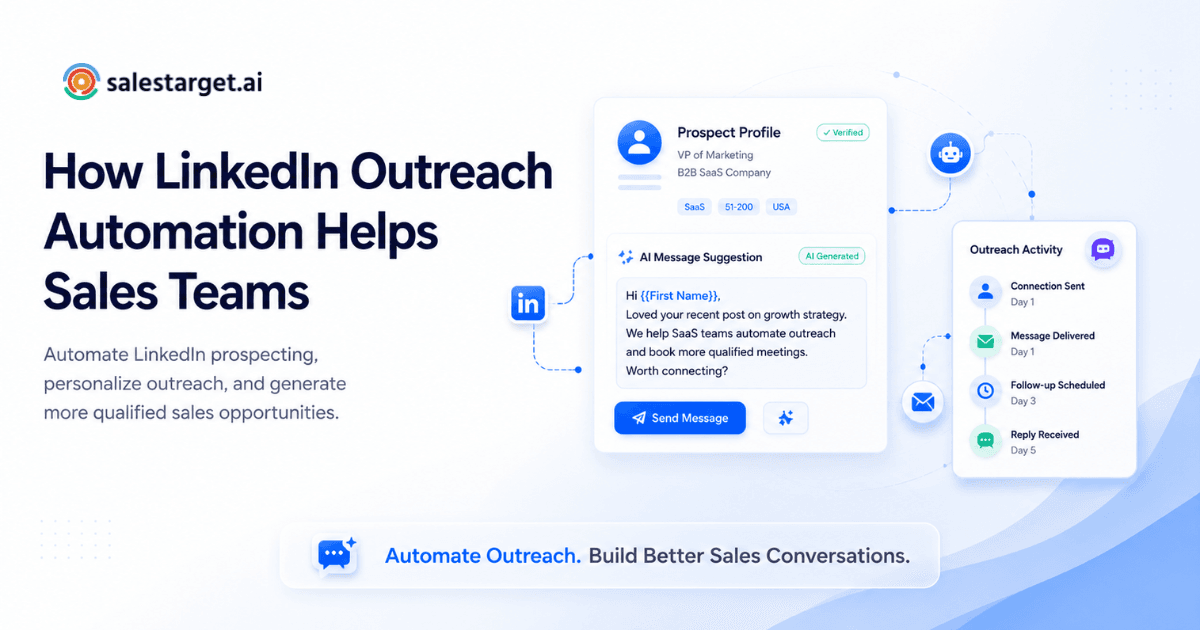
Your SDRs are spending 30 minutes per prospect, manually visiting profiles, writing custom connection notes, and copying contact details into a spreadsheet. They send 40 requests a day and get three replies. The math doesn't work, and everyone on the team knows it.
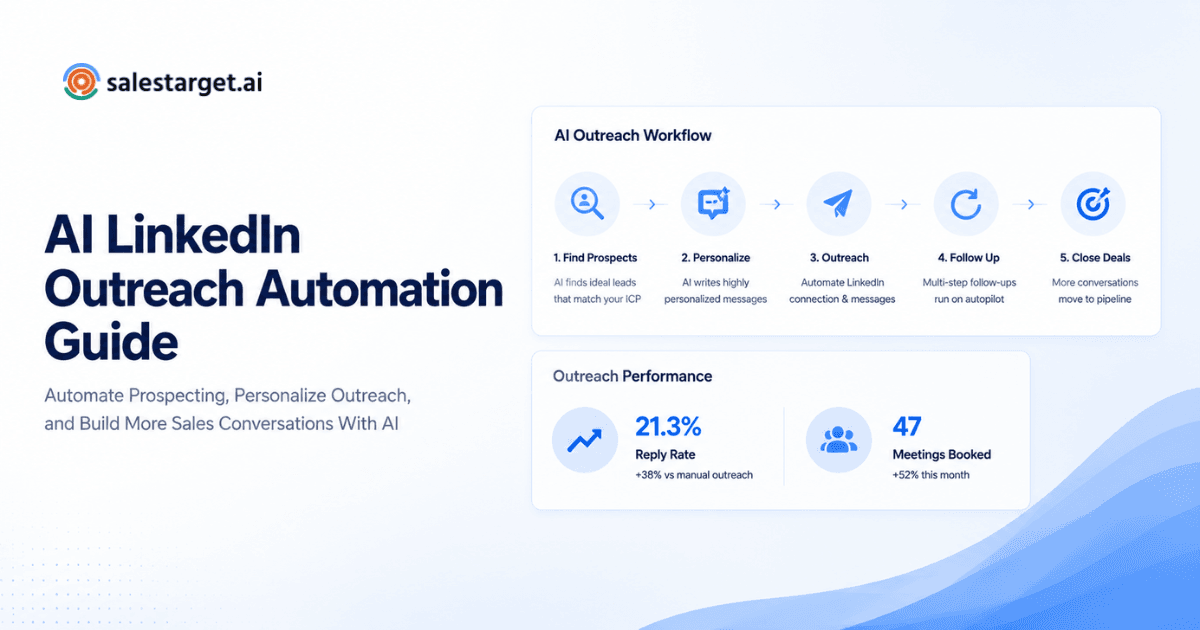
LinkedIn outreach automation fixes this by letting sales teams send personalized connection requests, messages, and follow-ups at scale, without reps doing it one profile at a time. It replaces the slowest, most repetitive parts of prospecting with structured sequences that run on autopilot, so reps spend time on conversations instead of copy-paste busywork. When it's set up right (with real personalization, not just mail-merge tokens), automated LinkedIn outreach consistently builds more pipeline than manual effort ever could.
This post breaks down exactly how LinkedIn outreach automation works, why manual prospecting on LinkedIn hits a ceiling fast, and how to set up automated sequences that actually get replies.
What Is LinkedIn Outreach Automation?
LinkedIn outreach automation is software that sends connection requests, direct messages, follow-ups, and engagement actions on your behalf, following sequences you define in advance. Instead of a rep clicking through 50 profiles each morning, the tool handles the mechanical steps: visiting a profile, sending the request with a personalized note, waiting a set number of days, then following up if there's no reply.
The better tools on the market go beyond basic scheduling. They use AI to personalize each message to the prospect's role, industry, and company. They support conditional logic that branches the sequence based on whether the prospect replies, accepts but stays silent, or doesn't connect at all. And they run with timezone-aware scheduling and built-in safety limits so your LinkedIn account stays protected.
The distinction that matters: good automation doesn't just blast messages faster. It creates structured, multi-touch sequences with the kind of variation and timing that would take a human rep hours to manage manually.
The Challenge: Why Manual LinkedIn Outreach Doesn't Scale
Time spent on repetitive prospecting tasks
Sales reps spend only about 30% of their workweek on actual selling, according to Salesforce's State of Sales report. The rest goes to admin, data entry, scheduling, and research. On LinkedIn, that overhead is worse. Every outreach touchpoint (profile visit, connection request, follow-up message) requires manual clicks, context switching, and note-taking. At 40 to 60 prospects per day, a single BDR can burn three to four hours just on LinkedIn mechanics before they ever have a real conversation.
Inconsistent follow-up and message personalization
Here's a problem most sales blogs won't mention: manual follow-up is not just slow, it's inconsistent. A rep might follow up with Monday's batch but forget Wednesday's. They personalize morning messages when energy is high, then default to templates by 3 PM. The result is a patchwork of outreach quality across the same campaign. Prospects who happen to land in the "low-energy" batch get a worse experience, and your reply rates reflect it.
Low response rates from generic connection requests
Average LinkedIn outreach response rates sit between 5% and 15%. Personalized connection notes push acceptance rates to roughly 9.4%, compared to about 5.4% for blank requests (Belkins, 2025 LinkedIn outreach benchmarks). But "personalized" at scale is hard to pull off manually. Most reps fall back to swapping in a first name and company name, which prospects recognize as templated in about two seconds.
Key Benefits of LinkedIn Outreach Automation for Pipeline Building
Speed: How much time does your team actually save?
A rep manually prospecting on LinkedIn might handle 40 to 60 touchpoints per day. With automation, that same rep can run sequences touching 200 to 300 prospects per day while spending their actual time on replies and booked calls. For a five-person SDR team running automation, the time savings can add up to 25 to 30 hours per week returned to selling, time that shifts directly to pipeline-building conversations.
That's not a marginal improvement. That's the equivalent of adding another rep to your team without hiring anyone.
Scale without sacrificing personalization
The biggest objection to automation is that it kills personalization. It doesn't have to. Modern AI personalization engines adapt each message to the prospect's profile, role, industry, and company details. This isn't "Hi {first_name}, I see you work at {company}" level personalization. Good AI references specific attributes of the prospect's situation, creating messages that read like a rep actually looked at their profile.
Conditional sequences add another layer. If a prospect accepts your connection but doesn't reply to your first message, the follow-up changes tone and angle. If they engage with your content, the sequence branches accordingly. This kind of branching logic is what makes automation feel human at scale.
Consistency in follow-up sequences
Most meaningful replies happen on the third or fourth touchpoint. Manual follow-up rarely gets there consistently. Automated sequences never skip a step, never lose track of where a prospect is in the sequence, and never send a follow-up two weeks late because the rep got pulled into a different campaign.
The best automation tools run these follow-ups with human-like delays and working-hour limits, so messages land during business hours in the prospect's timezone. No 2 AM connection requests. No five messages in one day.
Better data on what messaging works
When outreach is manual, performance data is anecdotal. "I think the shorter message works better" is the best you get. Automated sequences give you hard numbers: connection acceptance rates, reply rates by message variant, response rates by day and time, conversion rates by prospect segment. That feedback loop is what turns LinkedIn outreach from guesswork into a repeatable system you can optimize week over week.
How LinkedIn Sales Automation Drives Real Pipeline Growth
Identifying and targeting high-quality prospects
Pipeline starts with targeting the right people. The difference between a 5% and a 25% reply rate often comes down to whether you're reaching someone who's actually in-market. The strongest automation setups pair prospecting tools with intent data (buying signals like funding rounds, hiring spikes, leadership changes, and topic-level research activity) so reps aren't just reaching more people, they're reaching people who have a reason to care right now.
Build your lists with filters for role, seniority, industry, company size, revenue, location, and tech stack. Then layer intent signals to prioritize companies that are actively in-market. The list is the foundation. Get it wrong and no amount of clever messaging will save the campaign.
Scaling personalized outreach at every stage
Personalization should change based on where the prospect is in your sequence. The first touch is different from the third follow-up. A strong AI content engine builds multi-step sequences where each message serves a distinct purpose: the opener establishes relevance, the second message adds a specific value point, and later follow-ups create urgency or offer a different angle.
This layered personalization is something most teams can't maintain manually past 50 prospects. With automation, it runs the same way for 500 or 5,000.
Automating follow-ups to increase response rates
A stat that gets overlooked: teams using multichannel sequences (LinkedIn plus email plus phone) see up to 287% higher engagement than single-channel outreach (HubSpot, 2025 Sales Trends Report). The best setups coordinate LinkedIn and email sequences in one flow, so context carries across both channels. If a prospect ignores your LinkedIn message but opens your email, the system knows and adjusts the next touchpoint.
Reducing manual prospecting and administrative tasks
McKinsey estimates that roughly one-third of all sales tasks can be automated. On LinkedIn specifically, the automatable tasks are obvious: profile visits, connection requests, message sending, follow-up scheduling, and response tracking. When these are handled by software, and your CRM logs every interaction automatically, reps stop spending time on data entry and start spending time on conversations.
Generating more qualified sales conversations
Automation doesn't just increase volume. When paired with strong targeting and personalization, it increases the quality of conversations. Consistent, well-timed sequences reach prospects at the right moment with relevant messaging, instead of relying on a single shot that either lands or doesn't. Teams that automate LinkedIn outreach with proper targeting typically see a significant lift in meetings booked from the same prospect lists.
Maintaining a consistent and predictable pipeline
Predictable pipeline requires predictable activity. When outreach depends on individual reps remembering to prospect every day, pipeline becomes lumpy. One week is packed with new conversations, the next is empty because a rep got pulled into closing deals. Automated LinkedIn sequences run in the background regardless of what else is happening, keeping a steady flow of new conversations entering the pipeline.
This is the part that matters most for sales leaders and RevOps. Automation doesn't just make reps faster. It makes pipeline forecastable.
Using outreach analytics to optimize performance
Campaign analytics should show you exactly which messages, sequences, and prospect segments are producing pipeline. Track connection acceptance rates, reply rates, and meeting conversion rates broken down by campaign. Then iterate.
One edge most teams miss: track reply sentiment, not just reply volume. A high reply rate means nothing if most responses are "not interested" or "please remove me." Sort replies by intent (Interested, Follow-Up, Not a Fit) to understand whether your campaign is generating real interest or just polite rejections.
Best Practices for Effective Automated LinkedIn Outreach
Personalization strategies that feel human
The bar for LinkedIn personalization is higher than email. Prospects can see your profile, your mutual connections, and your recent activity. Generic messages stick out.
Effective personalization goes beyond merge fields. Reference something specific: the prospect's recent post, a company announcement, a shared connection, or a role-specific pain point. AI-based personalization tools can pull from profile and company data to generate these references automatically, but the strongest approach is to combine AI-generated personalization with a human review layer for your highest-value accounts.
A non-obvious tip: personalize the second message more than the first. Most teams front-load personalization into the connection request and then send generic follow-ups. Flipping this pattern stands out because it signals you're paying attention after the connection, not just before it.
Timing and frequency rules to avoid throttling
LinkedIn monitors account activity patterns. Sudden spikes in connection requests or messages will trigger restrictions. Best practices:
- Start with 20 to 30 connection requests per day and increase gradually over two to three weeks.
- Space messages 2 to 4 minutes apart, not in rapid bursts.
- Respect working hours in the prospect's timezone.
- Avoid sending on weekends unless your data shows higher engagement for your specific audience.
Look for tools with built-in rate limits, warm-up logic, and auto-pause safeguards that handle this automatically. The platform should monitor your account's activity thresholds and adjust sending speed to keep you within safe limits.
What to avoid: staying compliant with LinkedIn's terms
LinkedIn's User Agreement prohibits scraping and unauthorized automation. The practical line: tools that operate through browser-based sessions and mimic human behavior patterns (with realistic delays, random intervals, and daily limits) are less likely to trigger flags. Tools that send hundreds of requests per hour or use headless browsers without proper session management will get accounts restricted.
Beyond compliance, there's a reputation issue. If your automation sends irrelevant messages to the wrong audience, prospects will report or block you. Good targeting isn't just a performance strategy. It's an account safety strategy.
Segmentation and targeting the right accounts
Don't run the same sequence for every prospect. Segment by:
- Seniority: C-level executives respond to different messaging than individual contributors.
- Industry: Pain points and language vary by vertical.
- Intent signals: A prospect at a company that just raised funding has different priorities than one at a stable enterprise.
- Engagement history: Warm prospects (viewed your profile, engaged with your content) deserve a different sequence than cold outreach.
Strong segmentation is what separates campaigns that produce pipeline from campaigns that burn through your prospect list with nothing to show for it.
Setting Up LinkedIn Automation in Your Sales Process
Defining your Ideal Customer Profile (ICP)
Start with your ICP before you touch any automation tool. Define it by: industry, company size (headcount and revenue), geography, tech stack, and the specific roles you want to reach. Write it out in plain language. If you can't describe your best customer in two sentences, you'll struggle to build a targeted prospect list that actually converts.
Choosing the right LinkedIn automation tool
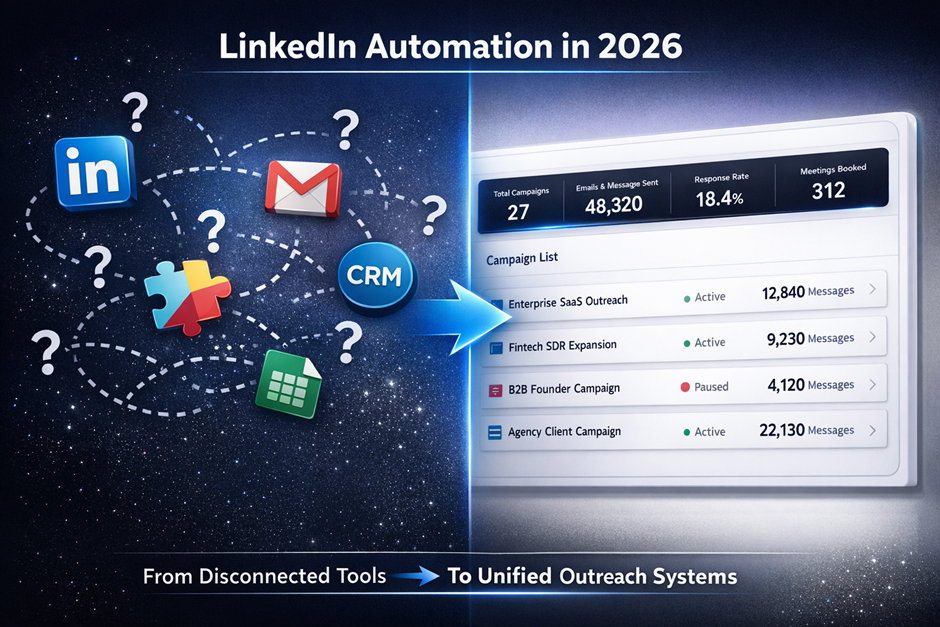
The biggest decision isn't feature comparison. It's integration. If your LinkedIn automation tool is disconnected from your email outreach, your CRM, and your lead data, you're creating the same manual stitching problem you had before automation.
Evaluate tools on three criteria: (1) Does it integrate LinkedIn and email outreach in one sequence? (2) Does it include or connect to a B2B contact database? (3) Does it log activity to your CRM automatically? If any of those answers is "no," you'll end up paying for the gaps with rep hours.
Building a targeted prospect list
Build lists with filters for industry, role, seniority, department, company size, revenue, location, and tech stack. Layer intent signals to prioritize companies that are actively in-market. Verify contact data at the point of enrichment, not from a stale database that was last refreshed months ago. Verified data means fewer bounced InMails and connection requests to outdated profiles.
The cleaner your list, the higher your acceptance and reply rates. Spending an extra 30 minutes on list quality will save hours of wasted outreach.
Creating personalized outreach and follow-up sequences
Build a sequence of 4 to 6 touchpoints across 2 to 3 weeks. A typical structure:
- Day 1: Connection request with a personalized note referencing a specific detail.
- Day 3 (if accepted): First message, leading with a relevant pain point or insight.
- Day 6: Follow-up with a resource, case example, or different angle.
- Day 10: Soft ask for a call or meeting, positioned around value to them.
- Day 14: Final nudge or breakup message.
Use conditional logic to branch each step based on the prospect's response (or lack of response), so the sequence adapts instead of plowing ahead with a script the prospect has already ignored.
Tracking performance and optimizing campaign results
Track three metrics from day one: connection acceptance rate, reply rate, and meeting conversion rate. If acceptance is below 30%, revisit your targeting or connection note. If replies are low but acceptance is high, your follow-up messaging needs work. If replies are strong but meetings aren't booking, the problem is likely in your call-to-action or value proposition.
Run A/B tests on your connection note and first message. Small changes in the opening line, the value proposition, or the CTA can swing reply rates by 5 to 10 percentage points. Test one variable at a time and give each variant at least 100 sends before drawing conclusions.
Why Choose SalesTarget.ai for LinkedIn Sales Automation
AI-personalized LinkedIn sequences that feel native
SalesTarget.ai's LinkedIn Outreach module doesn't just swap in first names. It generates messages tailored to each prospect's role, industry, company size, and recent activity. Every message in the sequence adapts, so the fifth follow-up is as relevant as the first touch. Conditional sequences branch on replies, actions, or no response. Timezone-aware smart scheduling with working-hour limits and human-like delays keeps everything within safe activity thresholds. The result is outreach that feels like a rep wrote it, at the speed and scale of automation.
Unified inbox for LinkedIn and email responses
Replies from LinkedIn and email land in one Unibox. No switching between tabs. Responses are sorted by intent (Interested, Follow-Up, Not a Fit), owners are assigned, and deals sync to the CRM. Your team sees every conversation in one place, with full context on what was sent and when.
Built-in enrichment: verify contact data before you reach out
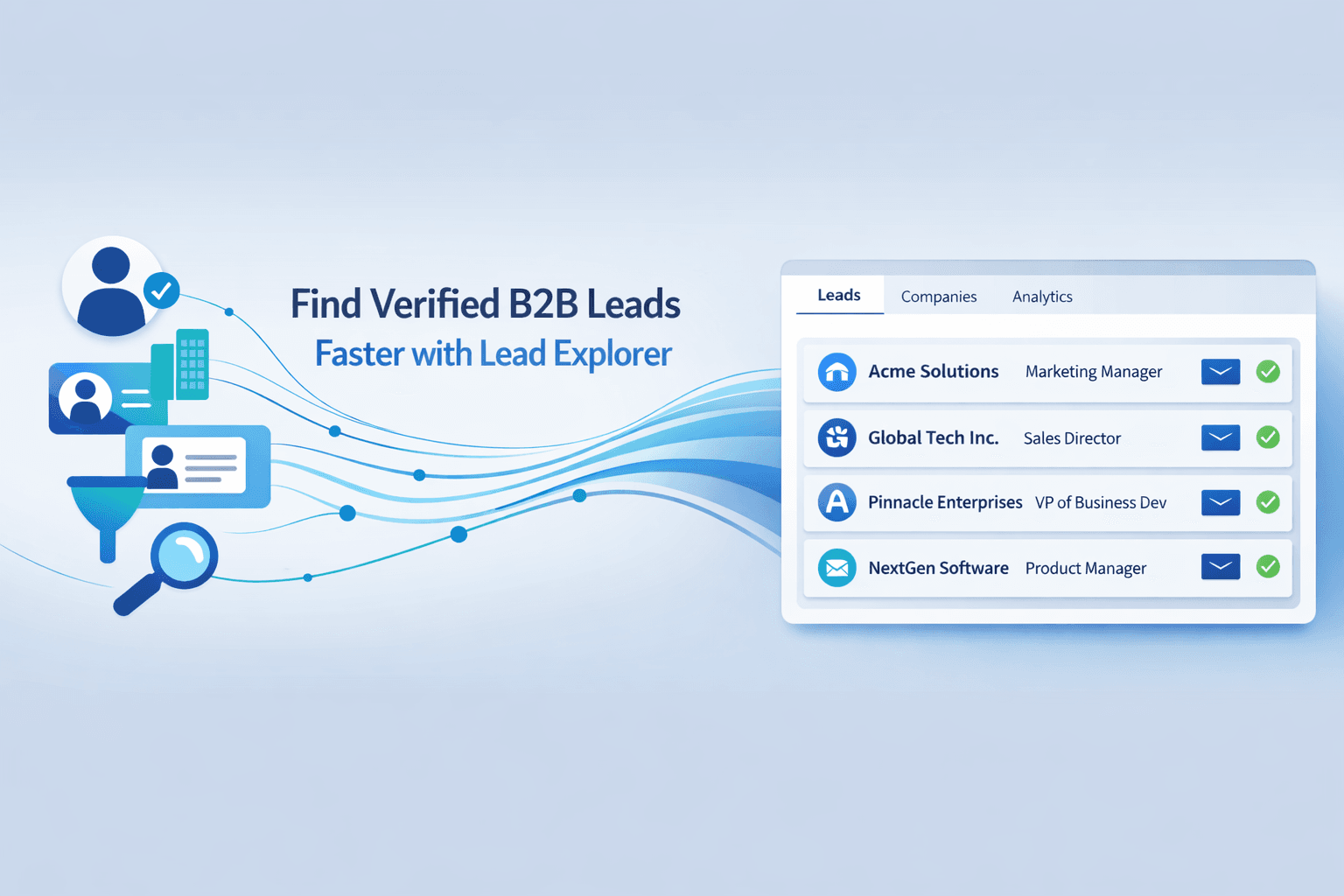
SalesTarget.ai's Lead Explorer gives you access to 840M+ verified professional profiles and 146M+ business entities, searchable by role, seniority, industry, company size, tech stack, and 4,000+ intent signals. Contact data is enriched and verified at the moment you find the lead, not from a stale database. 99% verified contact data means fewer bounced messages, fewer wasted touchpoints, and higher deliverability across both LinkedIn and email.
Integrated CRM and dialer to close deals faster
Most LinkedIn automation tools stop at the reply. SalesTarget.ai continues into the CRM: campaign leads land automatically, every interaction is logged to the lead timeline, and follow-up tasks are created when a lead replies. The built-in AI dialer lets you click to call and auto-log the conversation. It takes notes during the call and saves them to the lead timeline, so reps never write up call notes by hand. Teams using SalesTarget.ai report 3.2X faster deal cycles, 91% follow-up completion rates, and roughly 6 hours saved per rep per week.
No separate tools, no disjointed workflows
This is the core difference. Platforms like Apollo give you data and engagement but you still need to bolt on deliverability tools and a separate CRM. Instantly, Smartlead, and Lemlist focus on cold email and deliverability but have no native B2B database, no LinkedIn automation, and no real CRM. SalesTarget.ai keeps everything in one platform: find a lead, enrich it, push it into an email plus LinkedIn sequence, and close it in the built-in CRM. One bill. One login. No stitching.
Key Takeaways for Sales Teams Using LinkedIn Automation
- Manual LinkedIn prospecting caps out at 40 to 60 touchpoints per day. Automation pushes that to 200 to 300 while freeing up hours per rep per week for actual selling.
- Personalization at scale is what separates automation that works from automation that gets you flagged. AI-adapted messages tied to profile, role, and company data outperform template-swapped merge fields by a wide margin.
- Follow-up consistency drives results. Most replies come on the third or fourth touchpoint. Automated sequences never skip a step.
- Multichannel outreach (LinkedIn plus email) drives up to 287% higher engagement than single-channel campaigns. Run both from one platform to keep context intact.
- The biggest ROI comes from eliminating tool fragmentation. When your lead data, outreach, and CRM live in separate tools, your reps spend more time stitching workflows than selling.
SalesTarget.ai brings LinkedIn outreach, email automation, B2B lead data, enrichment, and CRM into one workspace, built for outbound teams that want to build pipeline without the overhead of managing five different tools. If your team is ready to automate LinkedIn outreach and run a real multichannel sales process from a single platform.