You send 60 connection requests on Monday. By Friday, 18 have accepted, 4 have replied, and you can't say who got which message, who you already nudged twice, or who went quiet after a promising first line. Manual LinkedIn outreach rarely breaks at the first touch. It breaks at the follow-up.
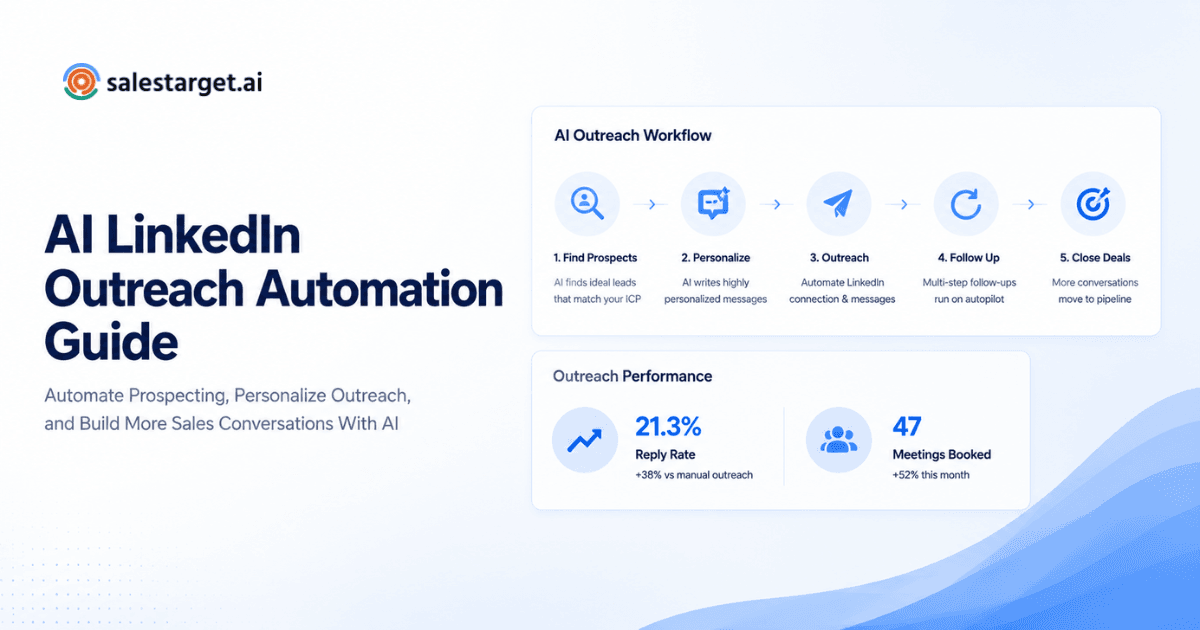
LinkedIn outreach automation software sends connection requests, direct messages, and follow-ups for you. It adapts each message to the prospect's profile and runs the campaign on rules you set: wait two days, branch on a reply, stop when someone answers. In SalesTarget.ai, AI personalization, conditional sequences, and timezone-aware scheduling run inside one LinkedIn Outreach module, so every prospect gets a relevant message at a sensible time.
The Role of LinkedIn Outreach Automation in Consistent Prospect Follow-Ups
Short answer: it keeps follow-ups on schedule, so no prospect is lost to a busy week or a forgotten spreadsheet row.
Reps rarely lack good first messages. They lack a system that remembers step three. Automation holds the sequence, the timing, and the stop conditions, so a rep spends time on live conversations instead of tracking who is due a nudge.
Consistency pays off. LinkedIn's own analysis of InMail, covered by SHRM, found that individually sent messages drew response rates roughly 20 percent higher than bulk sends. That study looked at recruiter outreach, but the lesson carries over to sales. Volume without relevance loses to fewer, better-aimed messages. Automation done well gives you both.
How LinkedIn Outreach Automation Software Works
Short answer: it connects to your LinkedIn account, runs a sequence of actions on a schedule, and adjusts each step based on what the prospect does.
AI-powered personalization for connection requests and direct messages
AI-powered LinkedIn personalization reads a prospect's profile, role, and industry, then drafts a connection note or message that fits. A VP of Sales at a 50-person SaaS company gets a different opener than a RevOps manager at a logistics firm.
SalesTarget.ai's LinkedIn Outreach module adapts messaging to each profile, role, and industry. Reps edit the output, but they don't start from a blank box.
Multi-step LinkedIn sequences and automated follow-ups
A multi-step LinkedIn sequence chains actions: a connection request, a first message after acceptance, a follow-up a few days later, then a last light touch. Each step waits for the one before it.
The software handles the order and the gaps. You write the steps once, and every prospect moves through them at their own pace.
Campaign scheduling, human-like delays, and follow-up conditions
Campaign scheduling sets when actions go out. Human-like delays space them so activity looks like a person working, not a script firing. Follow-up conditions decide whether a step runs at all.
SalesTarget.ai applies working-hour limits, rate limits, warm-up logic, and auto-pause safeguards to protect your LinkedIn account. Account safety is a setting you rely on every day, not a footnote.
Building Personalized LinkedIn Outreach Campaigns
Short answer: split your list into small segments, write for each stage, set follow-ups that react to prospect activity, and send in the prospect's time zone.
Segmenting prospects by role, industry, and business needs
Segment first, write second. A founder worried about pipeline and an SDR manager worried about ramp time need different openers, even at the same company.
Start with role and industry, then add a business trigger such as a funding round or a hiring spike. Lead Explorer lets you stack People and Business filters and layer in intent topics, so each segment has a reason to be contacted now.
Writing relevant messages for different stages of outreach
Each stage has one job. The connection note earns the accept, the first message opens a conversation, and the follow-up adds something new.
Keep the note short and specific to the person. Skip the pitch in message one. Overloop's compiled 2026 benchmarks put personalized connection requests near 45 percent acceptance, against about 15 percent for generic ones, and average replies to post-connection messages at 10.4 percent. Those gaps are why stage-specific writing matters.
Setting follow-up sequences based on prospect activity
Activity should steer the sequence. Accepted but silent is a different state from not yet accepted, and neither is the same as replied.
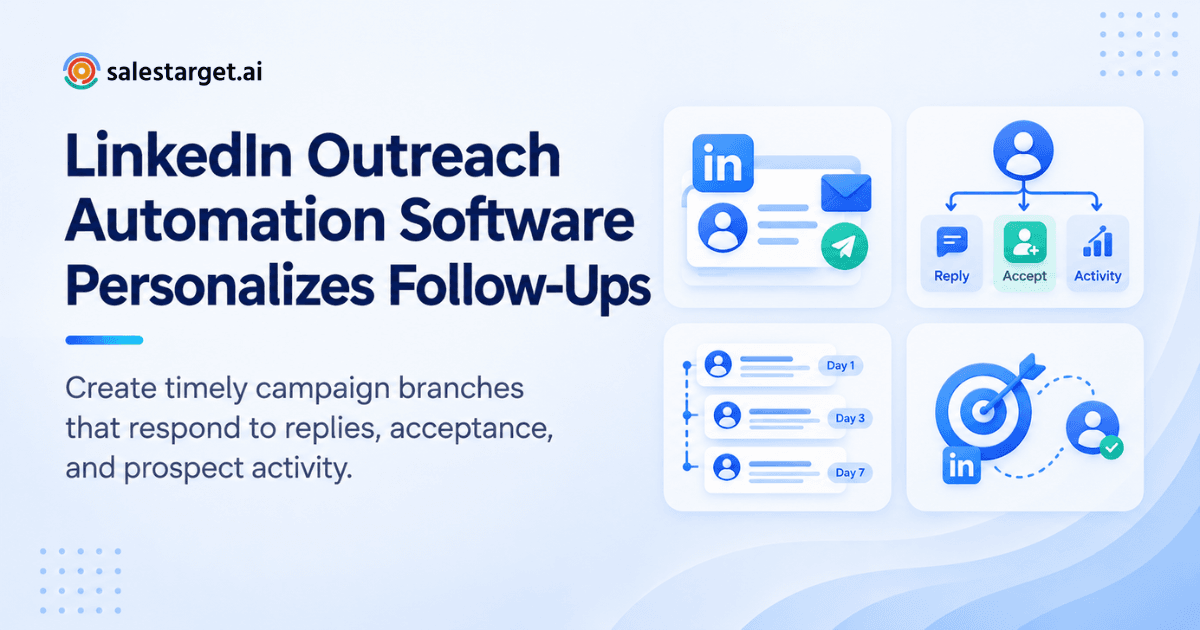
Build branches for each: a gentle nudge after acceptance with no reply, a pause when a reply arrives, a different path when the request stays pending. Conditional sequences in SalesTarget.ai branch on replies, actions, or no response.
Aligning outreach timing with prospect time zones
A message that lands at 3 a.m. local time sits under a pile of notifications by morning. Send windows should follow the prospect's clock, not yours.
Timezone-aware scheduling places each action inside the prospect's working hours. For a team in Bengaluru selling to buyers in Chicago, that single setting changes who sees the message first.
Managing LinkedIn Campaigns From First Contact to Follow-Up
Short answer: keep every request, message, and follow-up in one view, watch engagement as it happens, and adjust sequences from real replies.
Organizing connection requests, messages, and follow-up steps
A campaign view should show where each prospect sits: pending, connected, messaged, followed up, replied. If you need a spreadsheet to know that, the tool isn't managing anything.
Group campaigns by segment, not by week. That way you can compare how "VPs at mid-market SaaS" performs against "RevOps leads at agencies" without digging.
Monitoring campaign activity and prospect engagement
Watch acceptance, replies, and stalled prospects. Engagement signals show up early: a profile view after your note, an accept two days late, a reply that asks a question instead of saying no.
Review activity in short, regular check-ins. A weekly look at acceptance and reply rates catches a weak opener before it burns through a list.
Adjusting sequences based on replies and campaign results
Edit one variable at a time. Change the connection note, wait a week, and compare. Change three things at once and you learn nothing.
Replies teach you the most. If prospects keep asking "who are you?", your opener skips context. If they say "not now," add a longer gap before the follow-up.
Coordinating LinkedIn and email outreach in one workflow
Two channels need one set of rules. If a prospect answers your email, the LinkedIn nudge scheduled for tomorrow should never fire.
This is a collision most teams only spot after an awkward reply. SalesTarget.ai runs LinkedIn and email in one coordinated flow, so context carries across channels and replies stop the sequence that should stop.
Key Features of LinkedIn Outreach Automation Software for Sales Teams
Short answer: look for AI personalization, conditional follow-ups, timezone-aware scheduling, performance tracking, and multi-channel support in a single tool.
Our guide to the best LinkedIn outreach automation software compares options in more detail. Here is what to check.
AI-powered LinkedIn personalization and message sequencing
The tool should draft from profile data and let you edit before anything sends. Sequencing should let you set steps, gaps, and variations without code.
Automated follow-up sequences and campaign conditions
Conditions are the difference between automation and spam. Look for branching on reply, accepted-no-reply, and no-response, plus a hard stop when a prospect answers.
Timezone-aware scheduling and controlled message timing
Check for working-hour limits, daily caps, and randomized delays. These protect both your results and your account.
Campaign performance tracking and engagement monitoring
You need acceptance rate, reply rate, and a per-step view of where prospects drop off. Totals alone hide the weak step.
Multi-channel outreach for connected sales workflows
A LinkedIn-only tool leaves half the job outside it. Email, LinkedIn, and a CRM should share one record of every prospect.
Why Choose SalesTarget.ai for LinkedIn Outreach Automation
Short answer: SalesTarget.ai puts prospect data, LinkedIn and email outreach, email validation, a CRM, and an AI Copilot in one workspace, so you stop stitching point tools together.
Apollo gives data and engagement, but deliverability and CRM usually sit elsewhere. Instantly, Smartlead, and Lemlist focus on cold email and have no native B2B database or LinkedIn automation. SalesTarget.ai keeps the full flow in one platform.
Find and enrich B2B prospects with Lead Explorer
Lead Explorer searches 840M+ professional profiles and 146M+ businesses (SalesTarget.ai figures), with 4,000+ intent signals. Search in plain English or stack filters, then enrich in one click for verified email, phone, and mobile. Enrichment happens when you find the lead, not weeks after the data was first scraped.
Run personalized LinkedIn and email outreach in one flow
Push enriched leads straight into a sequence with no CSV step. Connection requests, direct messages, and email follow-ups share one flow, so a reply on either channel updates the other. Start with LinkedIn Outreach if LinkedIn is your main channel.
Validate email contacts to reduce bounce risk
The Email Validator checks MX and SMTP records, flags disposable addresses, and scores risk before you send. Your email steps stay clean, which protects the sender reputation your LinkedIn-plus-email workflow depends on.
Manage prospect conversations and deals in the built-in CRM
Campaign leads land in the CRM automatically. Emails and calls log to the lead timeline, and a follow-up task is created when a lead replies or a meeting ends. SalesTarget.ai reports 91% follow-up completion for CRM users, a figure worth testing against your own baseline.
Use AI Copilot for lead, campaign, and CRM tasks
AI Copilot is a conversational teammate inside the platform. Ask it to find leads, draft a sequence, check which campaigns drive revenue, or list open deals and tasks in plain language. It handles grunt work. Strategy stays with you.
Common LinkedIn Outreach Automation Mistakes That Affect Campaign Results
Short answer: the costly mistakes are generic messages, too many follow-ups, bad timing, ignored signals, and a campaign cut off from CRM data.
Reusing generic messages across different prospect segments
One template for every segment reads like a template. Prospects spot it in the first line, and acceptance drops toward the generic benchmark.
Sending excessive follow-ups without considering prospect responses
Three follow-ups to someone who already replied is a fast way to lose a deal. Set a hard stop on any reply, and cap total touches.
Using poorly timed messages and inconsistent follow-up intervals
Sending at odd hours, or following up on day one and then day nine at random, signals automation. Fixed gaps and local-time windows fix both.
Ignoring engagement signals when managing campaign sequences
A prospect who viewed your profile twice is warmer than one who never opened the request. Sequences that treat both the same waste the signal.
Running LinkedIn campaigns without connecting outreach to CRM activity
If LinkedIn replies never reach the CRM, reps chase leads who already booked a meeting. Keep one record per prospect across every channel.
Measuring the Results of LinkedIn Outreach Campaigns
Short answer: track acceptance and reply rates first, then qualified conversations, then pipeline.
Connection acceptance and response rates
Acceptance tells you whether your targeting and note work. Reply rate tells you whether your first message earns a conversation. Compare both to the benchmarks above, then to your own past campaigns.
Engagement across personalized follow-up sequences
Measure each step. If step two gets half the replies of step one, rewrite step two. If step four gets none, cut it.
Qualified conversations and sales opportunities generated
Replies are not the goal. Count the conversations that match your ICP and move toward a meeting. A 12% reply rate full of "not interested" is weaker than 5% full of buyers.
Pipeline progress linked to outreach campaign performance
Tie each campaign to deals created and deals won. This is where a built-in CRM matters: the campaign and the deal live in the same system, so attribution doesn't need a manual export.
Building a Connected LinkedIn Outreach Workflow With SalesTarget.ai
Short answer: connect discovery, enrichment, outreach, and the CRM so each step feeds the next without manual handoffs.
Connecting prospect discovery, contact enrichment, and outreach
Find a lead in Lead Explorer, enrich it in the same click, and add it to a sequence. No export, no re-import, no stale list.
Coordinating LinkedIn follow-ups with email sequences
Run LinkedIn and email as one plan. Connect on LinkedIn, follow up by email if the request stays pending, and stop both when the prospect replies. The Unibox pulls email replies into one view and sorts them by intent.
Tracking prospect interactions and sales activity in the CRM
Every reply, call, and task lands on the lead timeline. The built-in AI dialer also logs call notes, so reps don't write them up by hand. Reps and managers see the same live pipeline.
Making LinkedIn Follow-Ups More Personal and Campaigns Easier to Manage
The opening problem was simple: follow-ups slip, messages blur together, and nobody knows what happened to the prospect from Monday. LinkedIn outreach automation software fixes that when it personalizes each message, runs conditional follow-ups, and keeps timing human.
SalesTarget.ai goes a step further. Prospect data, LinkedIn and email sequences, validation, a CRM, and an AI Copilot sit in one workspace, so a follow-up is always one click from the lead's full history. If your LinkedIn outreach feels harder to manage than it should, start with SalesTarget.ai and build your first connected campaign.