Most LinkedIn messages die in the preview. The first 100 characters of your message are all a prospect sees before deciding whether to tap "read more" or move on. That tiny window — roughly the length of two short sentences — determines whether your outreach gets attention or gets ignored. Effective automated LinkedIn outreach solves this by helping you test, iterate, and scale openers that actually earn that click, without sacrificing the personal touch that makes someone want to read further.
Why the First 100 Characters Matter in LinkedIn Outreach
LinkedIn's mobile app shows roughly 90–100 characters of an inbound message before truncating it. On desktop, the preview is slightly more generous, but your prospect is scanning a crowded inbox either way.
This means your opener isn't just an introduction — it's your pitch to be read. If those first few words look generic or templated ("Hi, I came across your profile and..."), the message gets mentally filed as spam. If they look relevant and specific, the prospect reads further.
Think of it like a subject line in cold email: you don't get credit for what comes after if the beginning doesn't pull someone in. LinkedIn outreach works the same way, except you have even fewer characters to work with because there's no separate subject line at all.
For teams running LinkedIn campaigns at scale, using events as warm outreach triggers can improve open rates by giving you a natural reason to reach out.
What Makes a LinkedIn Opener Worth Reading?
Strong openers share a few traits:
- Relevance: The message clearly connects to the prospect's role, company, or situation.
- Specificity: It references something concrete — not just "your company" but a particular initiative, hire, or announcement.
- Context: The prospect can immediately understand why you're reaching out now.
- Brevity: No long preambles. Get to the point inside the preview window.
- Prospect-centric language: The opener is about them, not you.
A weak opener says: "Hi Sarah, I help companies like yours improve their sales process." A stronger one says: "Sarah — noticed Acme just opened three SDR roles in EMEA. Scaling outbound there?"
The difference is that the second version shows you actually looked. That matters.
The 5-Part Formula for Writing Better LinkedIn Openers
Here's a practical framework for writing openers that perform:
- Name + signal: Start with their name and reference a specific trigger.
- Context in one line: Why are you reaching out now?
- Relevance hook: Connect the trigger to a challenge or opportunity they care about.
- Curiosity gap: Imply there's something useful to discuss without revealing everything.
- No ask yet: Save the CTA for later in the message. The opener's job is to earn the read, not close the meeting.
Original Benchmark
Score every opener from 1–5 across relevance, specificity, context, and clarity. A message that scores below 3 on any category should be rewritten before being added to an outreach sequence.
Weak opener: "Hi, I'd love to connect and share how we help businesses grow."
Stronger opener: "James — saw your team just closed a Series B. Curious how you're thinking about scaling outbound alongside the new hire plan."
The stronger version references a real event, speaks to a likely priority, and creates a reason to keep reading.
LinkedIn Opener Examples for Different Prospecting Situations
New job or role change
"Congrats on the VP Sales move, Lisa. The first 90 days usually mean rethinking the outbound playbook — happy to share what we're seeing work."
For more on building outreach sequences around job-change signals, it's worth exploring trigger-based LinkedIn outreach sequences.
Company growth signal
"Daniel — noticed BrightPath added 40 people last quarter. Scaling that fast usually means outbound needs to keep pace. Worth a quick chat?"
Hiring activity
"Saw you're hiring two new BDRs, Priya. Most teams we talk to are rethinking their prospecting stack alongside new hires."
Recent announcement
"Your product launch last week looked solid, Marcus. Curious if the inbound wave is covering your pipeline targets or if outbound is picking up the gap."
Shared industry context
"Fellow SaaS revenue leader here, Aisha. The shift toward multi-threaded outreach is something we've been digging into — thought it might resonate."
These examples work because they're grounded in something observable. A real SDR could send any of them without feeling dishonest.
How to Use Automated LinkedIn Outreach Without Sounding Automated
The concern with LinkedIn automation is valid: nobody wants to receive a message that obviously came from a sequence. But the problem isn't automation itself — it's lazy messaging plugged into automation.
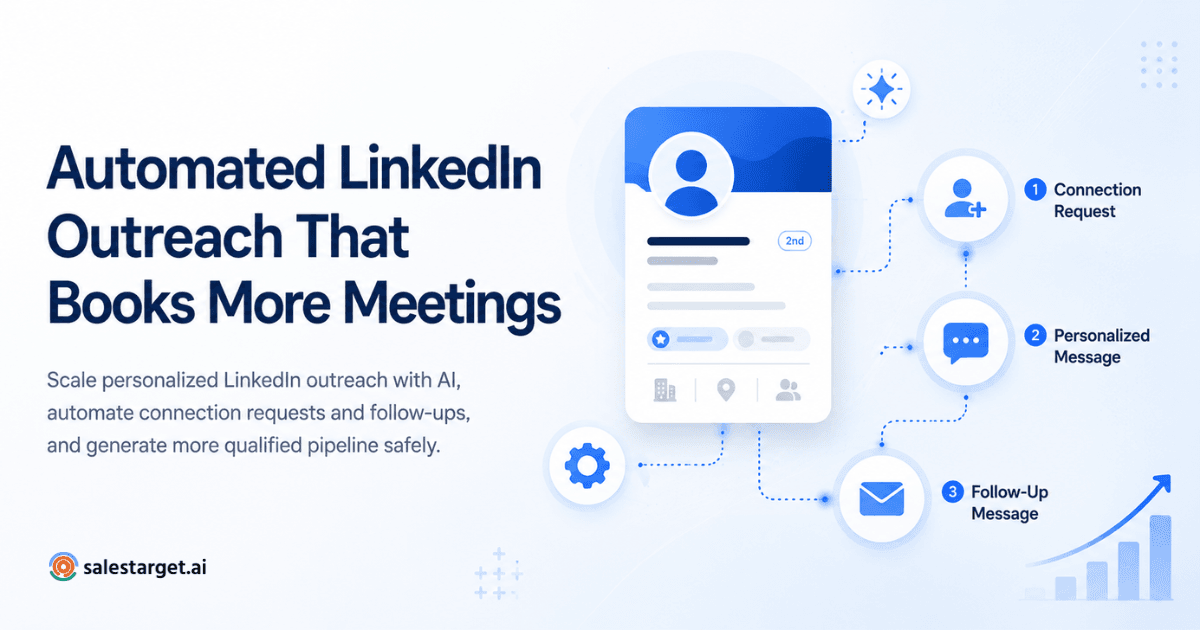
LinkedIn outreach automation should handle the repetitive parts: sending connection requests on schedule, triggering follow-ups after a set interval, managing sequences across dozens or hundreds of prospects. What it shouldn't do is write your opener for you without any human input.
Here's where the balance works:
- Humans decide the messaging strategy, write opener templates tied to specific triggers, and review personalization before launch.
- Automation handles execution: sequencing, timing, follow-up cadence, and campaign consistency.
- LinkedIn sales automation becomes powerful when you pair strong opener templates with smart segmentation — so the right message reaches the right prospect at the right time.
As LinkedIn outreach trends continue to evolve toward personalization at scale, the teams that invest in better messaging — not just bigger volume — will outperform.
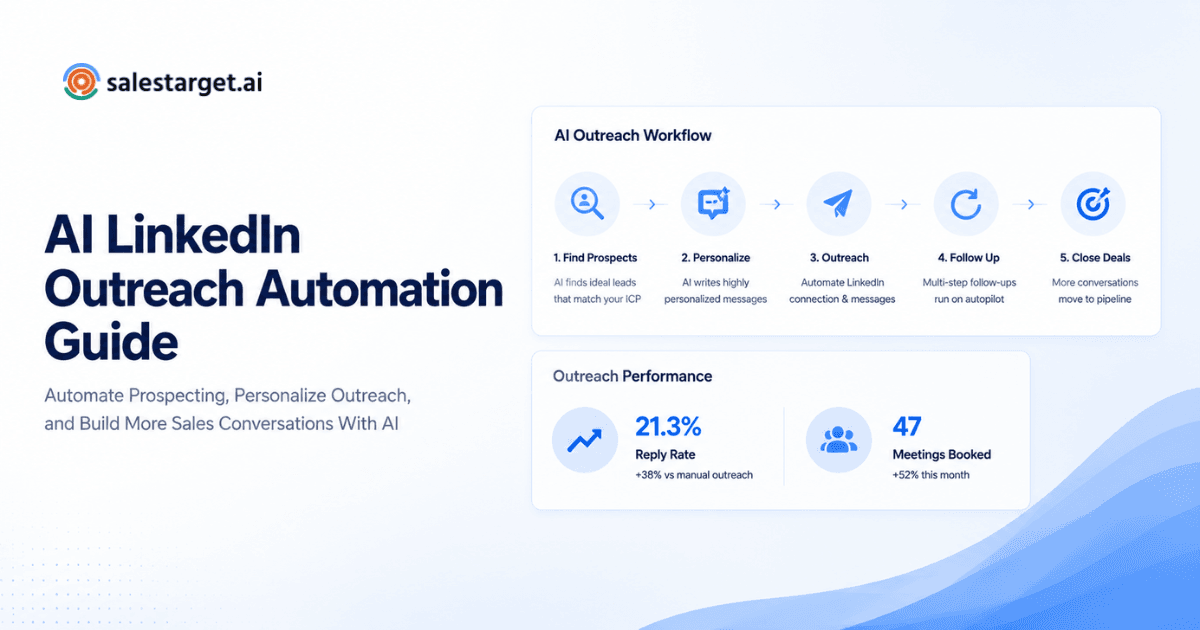
A Simple LinkedIn Outreach Workflow
Here's a step-by-step process you can follow:
- Identify the right prospect. Use filters for role, company size, industry, and geography.
- Find a meaningful trigger. Recent job change, funding round, product launch, hiring activity.
- Write the first 100 characters. Use the 5-part formula. Score it against the benchmark.
- Add a relevant reason for reaching out. Connect their trigger to a business challenge you can address.
- Keep the CTA low-friction. Ask for a 15-minute conversation, not a demo.
- Add follow-ups. Plan 2–3 follow-up touches spaced 3–5 days apart. Each should add value, not just repeat the ask.
- Review and improve. Track response rates by opener variant. Double down on what works.
This workflow is the foundation of effective LinkedIn campaign management — and it scales well when you layer in the right tools.
Turn Better LinkedIn Openers Into a Full Outreach Workflow
Great openers are only the beginning. Use SalesTarget.ai to combine personalized LinkedIn outreach with a scalable multi-channel prospecting workflow.
Explore Multi-Channel Outreach →
How Sales Teams Can Scale Personalized LinkedIn Outreach
Personalization doesn't mean writing each message from scratch. It means building templates that are modular enough to incorporate prospect-specific details quickly.
A LinkedIn lead generation tool like SalesTarget.ai helps by letting teams build segmented prospect lists, assign trigger-based opener templates, and run campaigns across LinkedIn and other channels - all from one platform. The result is personalized outreach at volumes that would be impossible manually.
According to LinkedIn's Sales Solutions research, messages that reference a prospect's specific business context see significantly higher response rates than generic outreach.
The key is treating automation as infrastructure, not a replacement for thinking. Your opener template library, your trigger categories, your segmentation rules - those are the strategic assets. Automation just makes sure they execute consistently.
Every character in your LinkedIn opener is doing a job: earning the prospect's attention for one more second. The teams that treat those first 100 characters as their most valuable messaging real estate - and use automated LinkedIn outreach to test, iterate, and scale their best-performing openers - consistently outperform teams that blast generic templates at volume.
Write fewer openers. Make each one specific. Score them before they go live. And let automation handle the rest.