A rep finds a great account on Monday, pastes the contact into a spreadsheet on Tuesday, loads it into a sequencing tool on Wednesday, and by Friday nobody can say whether the reply sitting in a shared inbox ever reached the CRM. Four logins, three copies of the same lead, and a deal that went quiet in the gaps.
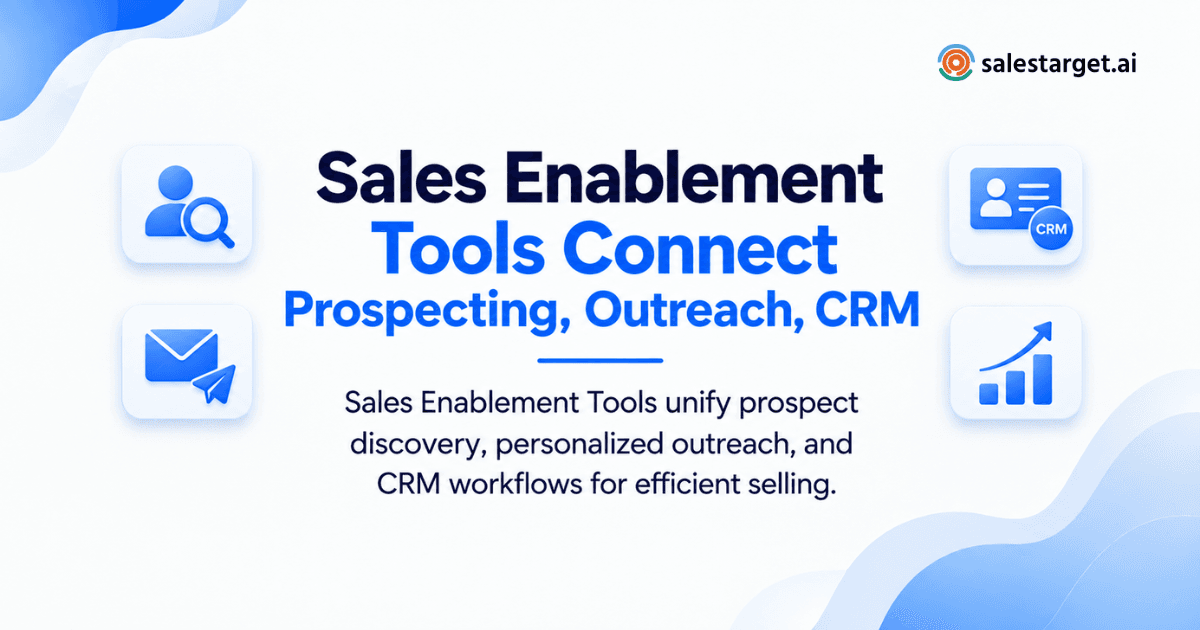
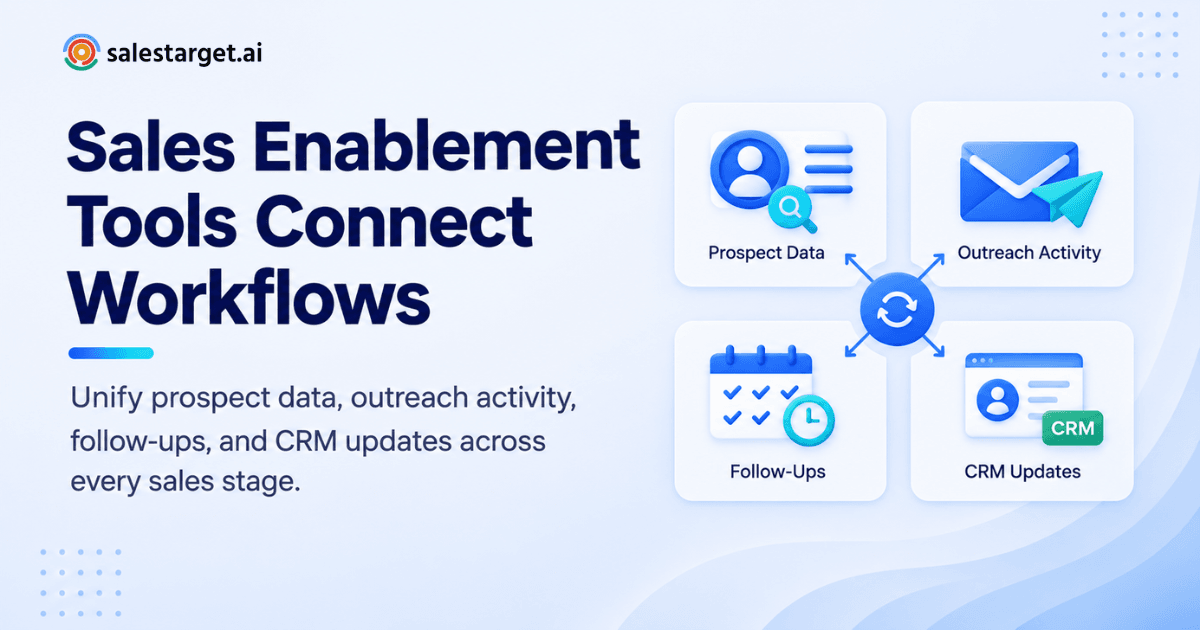
Sales enablement tools connect prospecting, outreach, and CRM by passing one lead record through every stage. The platform finds and enriches the contact, verifies the email, runs email and LinkedIn touches, and logs every reply, call, and task to the CRM automatically. SalesTarget.ai works this way: Lead Explorer, outreach, Email Validator, the CRM, and AI Copilot all share one lead record in one workspace.
This article shows how each handoff works, where teams still lose data, and how to build the workflow.
Sales Teams Lose Time When Prospecting, Outreach, and CRM Work in Separate Tools
Separate tools force reps to move data by hand. Every handoff drops context, delays follow-up, and leaves the CRM with half the story.
Salesforce's State of Sales research, which surveyed more than 7,700 sellers, found that reps spend just 28% of their week selling. The same study found that sales teams use an average of 10 tools to close deals, that nearly 70% of reps feel overwhelmed by the number of tools, and that 9 in 10 organizations planned to consolidate their stacks.
The CRM side of the problem is old. HubSpot's 2014-2015 State of Inbound: Sales Edition reported that over 20% of sales professionals named manual data entry as their top CRM challenge. The tools have changed. The complaint has not.
Here is the friction most articles skip. Contact data goes stale in the gap between the day a list is built and the day a sequence launches. A list pulled on the 1st and sent on the 20th carries 19 days of job changes and dead mailboxes. That gap is where bounces and sender-reputation damage start, and it only exists when finding and verifying happen in different tools.
How Sales Enablement Tools Connect the B2B Sales Workflow
A connected platform links each stage to the next with the same lead record, so nothing is exported, imported, or retyped between steps.
From target account research to qualified prospects
The workflow starts when an ideal customer profile becomes a live list. In SalesTarget.ai, a rep describes the audience in plain English or stacks filters, and Lead Explorer returns matching accounts and people with no CSV export in between.
From enriched contact data to outreach-ready leads
Enrichment attaches verified email, phone, and role data to each record, then hands it to the outreach modules. The lead never leaves the platform, so the record a rep sees inside a sequence is the same record the CRM holds.
From prospect engagement to CRM activity
Every open, reply, LinkedIn accept, and call writes back to the lead timeline. Reps stop logging activity by hand, and managers see the real touch history instead of whatever got typed up on Friday afternoon.
From sales conversations to pipeline management
Replies and meetings trigger follow-up tasks and move deals forward. In SalesTarget.ai, Unibox sorts replies by intent and syncs deals to the CRM, so a positive reply becomes a pipeline record without anyone touching a spreadsheet.
The Role of Sales Enablement Tools in B2B Prospecting
Prospecting tools decide who your team contacts and in what order. Get this layer wrong and every later step works on the wrong people.
Finding the right accounts and decision-makers
A prospecting tool matches accounts to your ideal customer profile and surfaces the people who buy. Lead Explorer searches 840M+ professional profiles and 146M+ business entities (SalesTarget.ai figures) with filters for industry, role, seniority, department, company size, revenue, location, and tech stack.
Enriching prospect records with usable contact data
One-click enrichment adds verified professional email, personal email, phone, and mobile data to a record. SalesTarget.ai enriches at the moment you find the lead, so the data is current when the rep needs it, not whenever it was first scraped.
Using intent signals to prioritize prospects
Intent signals show which accounts are researching a topic right now. SalesTarget.ai tracks 4,000+ intent and buyer signals, including Bombora Intent Topics and business events such as funding rounds, hiring spikes, and leadership changes, on a 30 to 90 day lookback. Reps contact warm accounts first.
Preparing verified leads for sales outreach
A lead is outreach-ready when the email is verified and the contact fits the profile. SalesTarget.ai reports 99% verified contact data across its database, and enriched leads go straight to a sequence or the CRM with no file transfer.
Connecting Sales Prospecting Tools With Email and LinkedIn Outreach
The connection works when a prospect list becomes a sequence in one click and both channels report back to one place.
Turning prospect lists into targeted outreach sequences
Describe the audience, and cold email automation builds a multi-step sequence with a first touch, follow-ups, and pacing. SalesTarget.ai reports campaigns get created 35% faster this way. The AI Content Generator and AI Spintax Generator vary the copy so messages read as written by a person.
Coordinating email and LinkedIn touchpoints
One sequence can run both channels. LinkedIn Outreach handles connection requests, DMs, and follow-ups, with conditional branches for replies or silence. Timezone-aware scheduling and human-like delays keep activity inside safe limits, and context carries across email and LinkedIn.
Automating follow-ups without losing sales context
Automation should send the next step and keep the history attached. Pacing rules and AI personalization by role, industry, and company size handle the sending. The lead timeline holds what was said, so a rep who picks up a reply sees every earlier touch.
Tracking prospect engagement across outreach channels
Unibox pulls every reply from every inbox into one view, sorts by intent (Interested, Follow-Up, Not a Fit), and assigns owners. Engagement from email and LinkedIn lands in the same place, so nobody checks three dashboards to learn who answered.
If your team still exports lists between tools, book a demo and watch one lead move from search to sequence with no CSV.
Connecting Sales Outreach With CRM and Pipeline Management
Outreach connects to the CRM when campaign leads and their activity arrive automatically. For a wider view of the category, read what a CRM tool does for sales.
Keeping prospect and account records connected
Campaign leads should land in the CRM with no import step. In the SalesTarget.ai built-in CRM, leads arrive in Lead Management already carrying their enrichment and outreach history. That gives you one record per person instead of three copies.
Capturing replies, calls, and follow-up activity
Every email and call is logged to the lead timeline. The built-in AI dialer supports click-to-call, logs the call automatically, and takes notes during the conversation, saving them to the timeline so reps never write them up by hand. Follow-up tasks appear when a lead replies or a meeting ends.
Moving engaged prospects into the right pipeline stages
Set the rules before you launch. Decide which reply intent moves a lead to which stage: Interested opens a deal, Follow-Up creates a task, Not a Fit closes the record. Most teams skip this step and end up with reps moving stages from memory. Once the rules exist, Unibox syncs deals into the Deal Pipeline without manual moves.
Using CRM activity to guide the next sales action
Tasks & Follow-Ups, Activity Tracking, and Reports & Analytics show which leads went quiet and which campaigns produce meetings. AI Copilot flags at-risk deals and recommends the next move. Reps can also ask for deals, meetings, and tasks in plain language and get an answer without building a report.
Key Capabilities to Look for in a Sales Enablement Platform
Look for one platform that covers data, outreach, verification, CRM, and automation without bolt-ons. Check each capability below against your current stack.
B2B contact data and lead enrichment
The platform needs its own database and enrichment at the point of search. Ask how recently each contact was verified, and whether enrichment runs when you find the lead or only when the data was first collected.
Email and LinkedIn sales outreach
Both channels should run in one sequence with shared context. Check for conditional branching, inbox rotation, warm-up, and LinkedIn safety controls such as rate limits and auto-pause.
Email validation and deliverability controls
Verification should happen before sending, using MX and SMTP checks, disposable-email detection, and risk scoring. Deliverability controls such as SPF, DKIM, and DMARC checks protect the domain your whole team depends on.
CRM integration and prospect activity tracking
The CRM should receive leads and activity automatically. Two-way syncs with HubSpot, Salesforce, or Zoho matter when your company already runs one of them. For a checklist on this point, see how to pick a CRM for sales teams.
Sales automation and workflow management
Automation should create tasks, route replies, and trigger next steps from real events. Test whether a reply, a meeting, or a silent sequence produces the right action with no rep involvement.
AI assistance for prospecting and sales operations
AI should do the grunt work inside the workflow: finding leads, drafting sequences, and answering pipeline questions. Judge it by whether it works on your live data, not by a demo prompt.
Why Choose SalesTarget.ai
Apollo gives you data and engagement, but you still bolt on deliverability and a CRM. Instantly, Smartlead, and lemlist focus on cold email and deliverability, without a native B2B database, LinkedIn automation, or a real CRM. SalesTarget.ai keeps every step in one workspace: find a lead, enrich and verify it in the same click, push it into an email and LinkedIn sequence, and close it in the built-in CRM.
Lead Explorer connects prospecting with lead enrichment
Lead Explorer combines Smart Prospect Search, ICP Builder, Advanced Targeting Filters, and Intent-Based Lead Scoring over 840M+ profiles. Enrichment runs inside the same search, and enriched leads push directly to sequences or the CRM.
Email and LinkedIn Outreach connect multichannel engagement
Email Outreach supports unlimited inboxes with automatic AI warm-up, intelligent inbox rotation, and SPF, DKIM, and DMARC checks. LinkedIn Outreach adds conditional sequences and built-in safety limits. Both run in one coordinated flow.
Email Validator helps keep outreach data clean
Email Validator verifies addresses before sending with MX and SMTP checks, disposable-email detection, and risk scoring. It offers a real-time API and bulk list cleaning, and connects with 60+ platforms. SalesTarget.ai reports 90% of emails are validated before sending.
Built-in CRM connects sales activity with pipeline management
The CRM is built for outbound teams, not enterprise bloat. Its five modules are Lead Management, Deal Pipeline, Tasks & Follow-Ups, Activity Tracking, and Reports & Analytics. It connects with Google Calendar, Google Meet, Calendly, Slack, Zapier, HubSpot, Salesforce, and Zoho, and setup takes under a day.
AI Copilot supports prospecting, outreach, and CRM work
AI Copilot is a conversational sales teammate, free inside the platform. It finds leads, writes personalized sequences with A/B variations, tracks which campaigns drive revenue, and answers CRM questions in plain language. Strategy stays with your team.
Common Gaps in Prospecting, Outreach, and CRM Workflows
Most broken workflows fail at the same five handoffs. Check your own process against each one.
Duplicate prospect data across disconnected sales tools
The same lead lives in a data tool, a sequencer, and a CRM, each with a different email or title. Reps then contact one person twice or skip them by mistake. One shared record removes the problem.
Unverified contacts entering email campaigns
Contact data ages as people change roles and companies change domains. Verifying at the point of enrichment, then again through a validator before launch, keeps dead addresses out of the sequence and off your sender reputation.
Outreach activity missing from CRM records
When outreach runs in a separate tool, the CRM shows a lead with no history. The next rep starts cold. Automatic timeline logging fixes it.
Manual handoffs between SDRs, AEs, and sales operations
An SDR books a meeting and forwards notes by email. The AE walks in without context. Shared timelines, auto-created tasks, and assigned owners make the handoff a record, not a message.
Measuring activity without connecting it to pipeline progress
Emails sent and connections accepted look good on a dashboard. They mean little until tied to meetings and deals. Campaign reporting that shares a database with the pipeline shows which activity produces revenue.
Building a Connected Sales Enablement Workflow for B2B Teams
Build the workflow in five steps, in this order. Each step feeds the next.
Define the target accounts and buyer profiles
Write the ICP first: industry, company size, revenue, tech stack, and the roles that buy. Use ICP Builder or plain-English search to turn it into a saved audience your whole team pulls from.
Find, enrich, and verify the right contacts
Pull the list, enrich it in the same step, and run verification before anything is sent. Keep the gap between list build and launch as short as you can, since that gap is where data goes stale.
Launch coordinated email and LinkedIn outreach
Set one sequence for both channels, with branches for replies, accepts, and silence. Start with a small batch, watch replies in Unibox, and scale once deliverability looks healthy.
Capture engagement and sales activity in the CRM
Confirm every reply, call, and meeting lands on the lead timeline with no rep action. If a rep still logs anything by hand, the workflow has a leak.
Track opportunities from first touch through close
Watch the Deal Pipeline, tasks, and reports weekly. Ask AI Copilot which deals are at risk and what to do next. To try this with your own leads, ask AI Copilot to build the first sequence for your ICP.
How Connected Sales Workflows Improve Sales Productivity and Pipeline Visibility
Connected workflows return selling time and give leaders one view of the pipeline. Salesforce's finding that reps sell only 28% of the week shows how much room there is to recover.
Reducing repetitive prospecting and CRM updates
SalesTarget.ai reports about 6 hours saved per rep per week from CRM automation. That comes from automatic lead intake, activity logging, and call notes saved by the AI dialer.
Improving follow-up consistency across active prospects
Auto-created tasks keep follow-ups from depending on memory. SalesTarget.ai reports 91% follow-up completion inside its CRM, since a reply or an ended meeting creates the next task on its own.
Giving sales leaders a clearer view of pipeline activity
A live shared pipeline and a dashboard with email stats, open deals, meetings, and pending tasks give leaders one source of truth. Nobody has to ask reps for a status update.
Connecting sales engagement with revenue outcomes
When outreach and CRM share data, you can trace a closed deal back to the campaign that started it. SalesTarget.ai reports 3.2X faster deal cycles and 2.4X more meetings from the same leads.
Conclusion: The Role of Sales Enablement Tools in Building a Connected B2B Sales Process
The opening problem was a lead that slipped between four tools. The fix is one lead record that moves from search to enrichment to verified outreach to a CRM timeline, with nothing retyped along the way.
SalesTarget.ai gives outbound teams that path in one workspace: Lead Explorer for data and intent, email and LinkedIn outreach for multichannel engagement, Email Validator for clean sends, a built-in CRM for pipeline, and AI Copilot for the grunt work. Reps get time back, and leaders get a pipeline they can trust.
Ready to stop stitching tools together? Start with SalesTarget.ai and run your next campaign from first search to closed deal in one place.