You pull 500 contacts from a list that looked clean. The sequence goes out on Monday. By Wednesday, 40 emails have bounced, your sending domain carries a warning, and the replies you expected never show up. Nobody blames the list. The team rewrites the subject line instead.
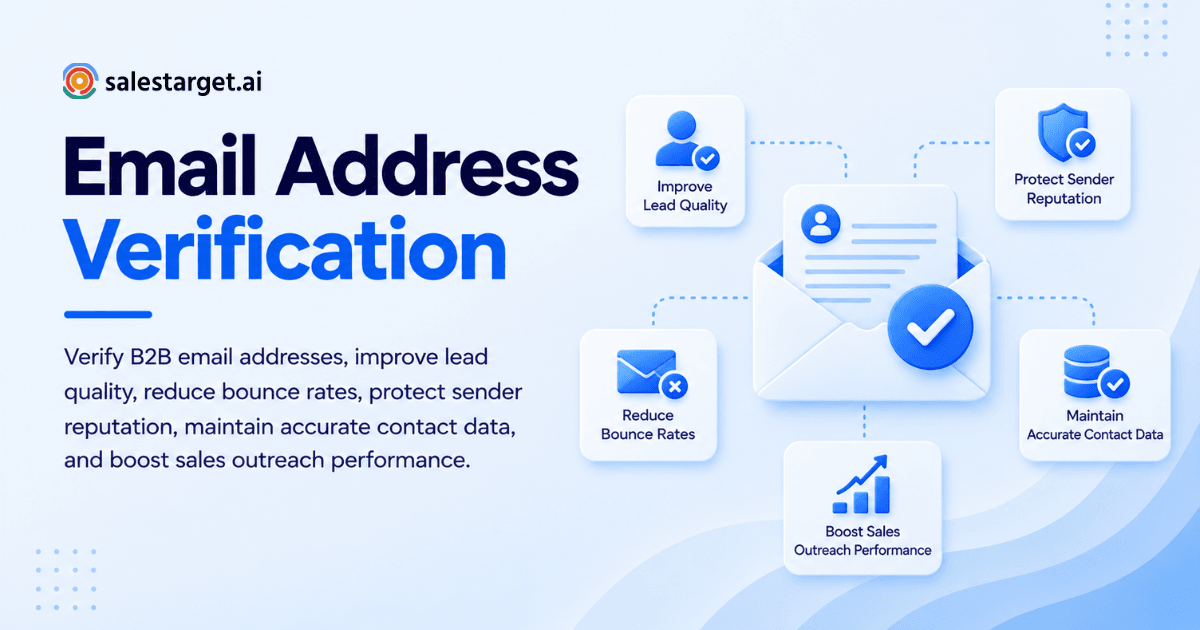
Email address verification checks whether an address can receive mail before you send to it. It tests the syntax, the domain, the mail server, and the mailbox itself, then labels each address valid, invalid, risky, or catch-all. Verified lists bounce less, protect your sender reputation, and put reps in front of reachable buyers. This guide covers how the process works, where B2B teams get it wrong, and how SalesTarget.ai builds verification into prospecting itself.
The Impact of Invalid Email Addresses on B2B Sales
Invalid addresses cost you in three places: rep time, data trust, and sender reputation.
Wasted Outreach Efforts and Lost Sales Opportunities
A bad address wastes more than one email. The rep spent research time on it, a sequence slot fires into nothing, and every follow-up task that comes after is wasted too. Worse, the real buyer at that account never hears from you. The rep logs "no response," moves on, and a winnable deal quietly dies.
Poor Lead Quality and Inaccurate Contact Data
Contact data decays. BounceZero's bounce rate guide reports that addresses decay at 2 to 3% a month and that most data sources return 10 to 25% invalid addresses at export. A lead list is a snapshot, and the picture ages fast. Bad data also skews your reporting: reply rates look low, and ops starts questioning the ICP when the real culprit is the list.
Higher Bounce Rates and Sender Reputation Risks
Instantly's benchmark report, as summarized by Lemlist, puts a healthy cold email bounce rate under 2% and traces high bounce rates to list quality. BounceZero's benchmarks show the median unverified cold list bounces at 7 to 9%, and a single 5% bounce day on a secondary domain can undo six weeks of warm-up. Mailbox providers read bounces as proof that you do not know your recipients.
Email Address Verification and How It Works
Verification runs in layers. Each layer removes a different kind of failure.
Email Syntax and Domain Validation
The first layer checks format and domain. It catches missing @ signs, double dots, and typos like "gmial.com," then confirms the domain exists. It is fast and cheap, and it clears the sloppiest errors that come from web forms and manual entry.
DNS, MX and SMTP Verification Checks
An MX lookup confirms the domain has mail servers set up to receive mail. The SMTP check then opens a conversation with that server and asks whether the mailbox accepts the recipient, without sending a message. This last step catches most invalid addresses, since it gets an answer at the mailbox level.
Valid, Invalid, Risky and Catch-All Email Status
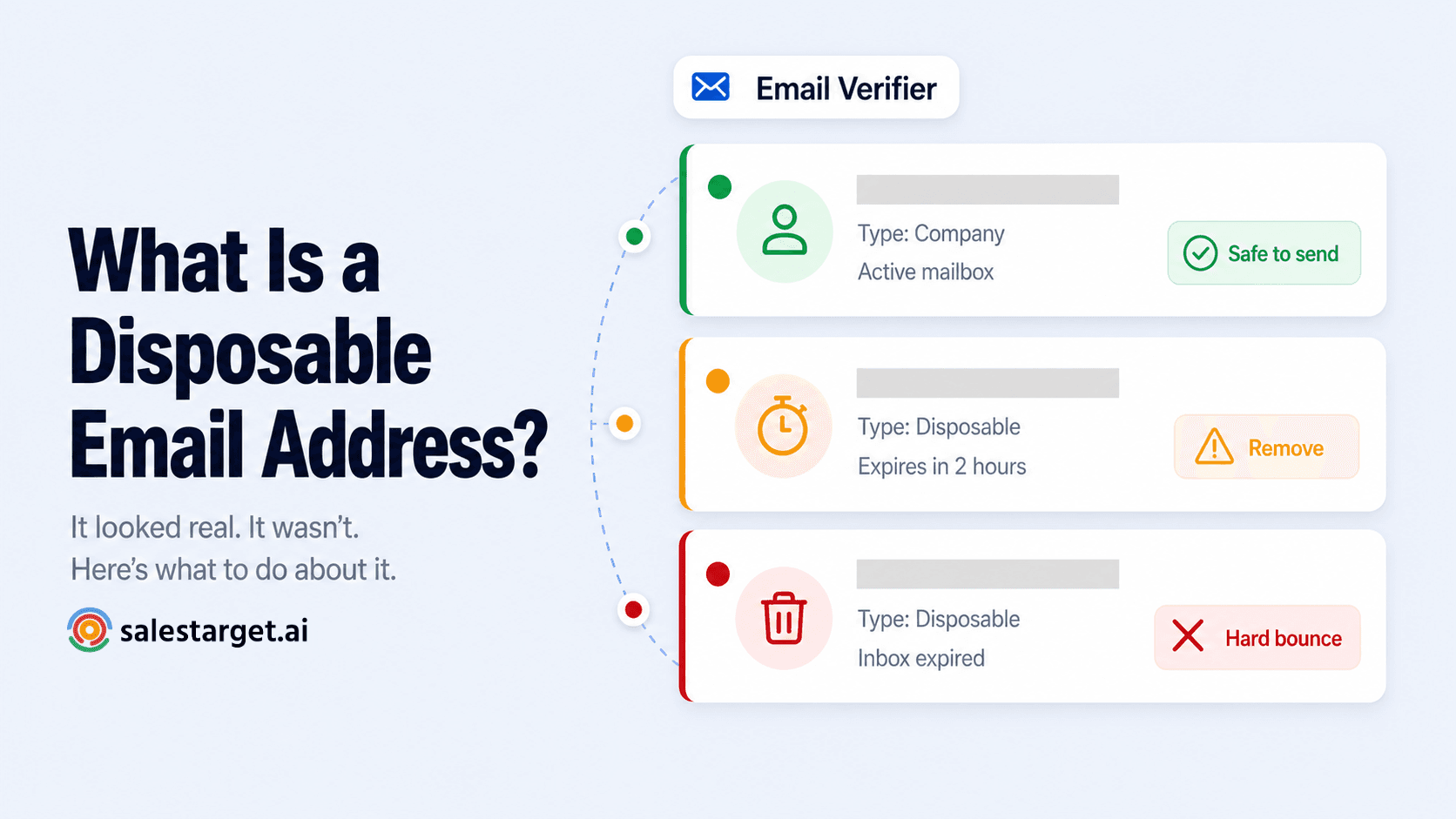
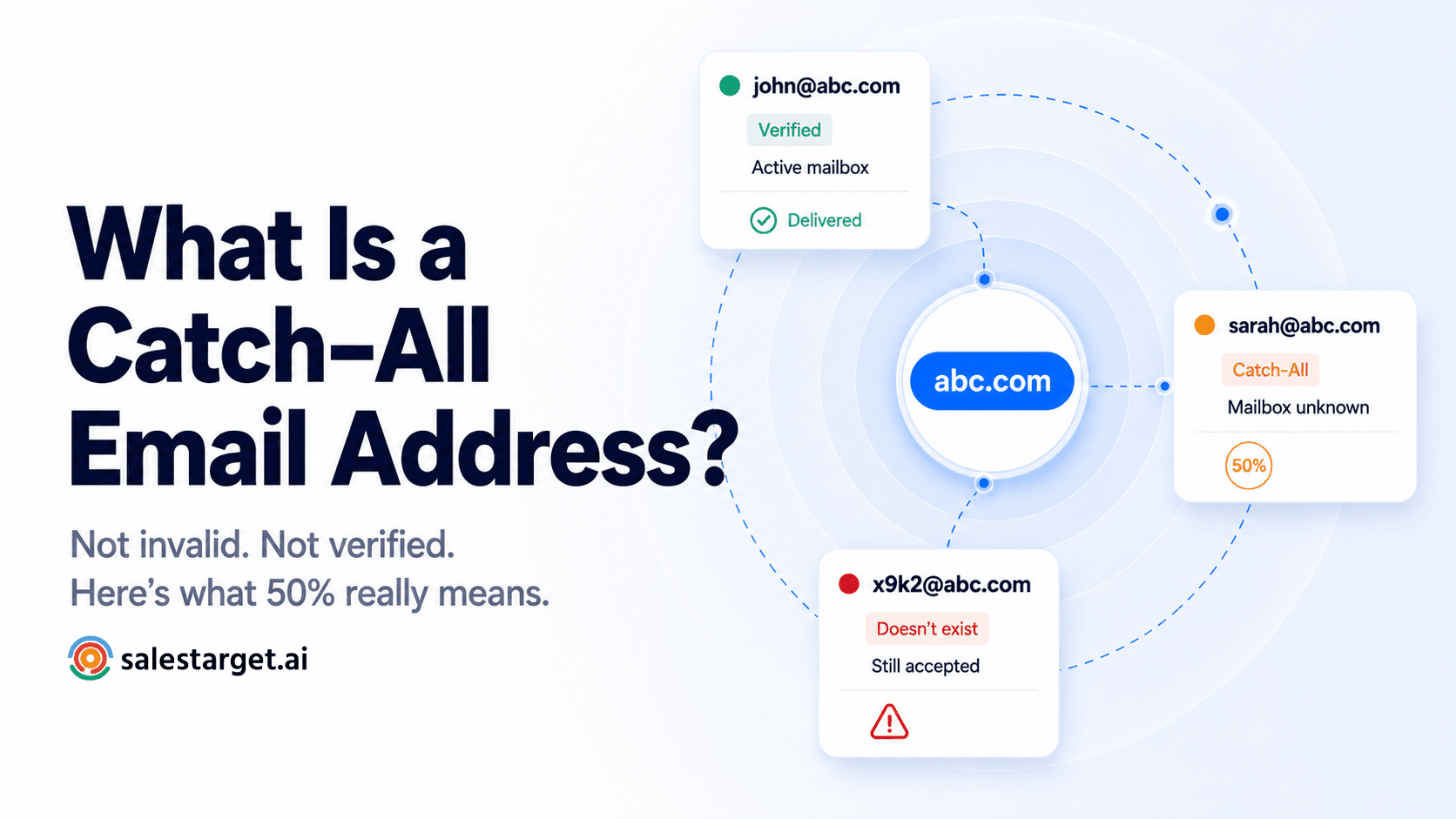
Valid means the server confirmed the mailbox. Invalid means the mailbox or domain does not exist, so remove it. Risky means the address exists but carries warning signs: a disposable domain, a full inbox, a role-based format, or a poor reputation. Catch-all means the server accepts every address, so no check can confirm one specific mailbox. Treat catch-all as unknown, never as valid.
The Role of Email Verification in B2B Lead Quality
Verification works as a data-quality filter. It decides which records deserve rep time.
Accurate Prospect Data and Better Targeting
A hard failure on an address that once worked is a cheap early signal that the person left the company. Most teams delete the record. Read it instead. It tells you to re-research the account and find the new contact, which keeps a real opportunity alive and keeps your targeting honest.
Improved Email Deliverability and Sender Reputation
Low bounce rates keep domain reputation steady, and steady reputation keeps inbox placement steady for every later campaign. The effect compounds in both directions. One high-bounce campaign lowers placement for the next one, and teams then blame open rates and subject lines for a problem that started in the list.
Higher Outreach Efficiency and Sales Productivity
Reps stop chasing ghosts. Instantly's benchmark puts the average cold email reply rate at 3.43%, and nobody replies from an inbox your message never reached. SalesTarget.ai reports that 90% of emails in Email Outreach are validated before sending and that campaigns get built 35% faster. Clean data and faster setup both come from the same fix: verifying before the sequence launches.
Email Address Verification Process for B2B Sales Teams
Use the same five steps, in the same order, on every list.
Checking Email Syntax and Domain Accuracy
Run syntax and domain checks the moment contacts enter your system. Fix obvious typos on consumer domains. For business domains, do not guess a correction. Re-research the contact, since a wrong guess just creates a new bad address.
Confirming Mail Server Records
Confirm MX records next. A domain with no mail server cannot receive anything, so drop it. An MX change can point to an acquisition or a rebrand, so look at the account before you send.
Identifying Invalid and Risky Email Addresses
Run the SMTP check, then split the results into buckets. Invalid addresses leave the list. Disposable addresses leave too. Send role-based addresses such as info@ or sales@ to a separate review pile, and read this guide to role-based email addresses before you decide. Here is an angle most guides skip: a role-based address can pass verification and still underperform, since a shared inbox is not a buyer. Verification proves deliverability. It does not prove a human with budget will read the message.
Reviewing Catch-All Results Before Outreach
Never treat catch-all as valid. Send to catch-all addresses last, in small batches, and watch the bounce rate as the batch goes out. If bounces climb, pause. When a contact matters, look for a second source for the same person before you commit.
Rechecking Contacts Before Launching Campaigns
Verification is a snapshot. A list verified 60 days ago is a list from 60 days ago. Re-verify when you build the sequence, not when you imported the file. If you want that check to happen in the same click as finding the lead, start a free trial and see how enrichment and verification run together.
Key Features of B2B Email Verification Tools
Judge a tool by how it fits your workflow, not by the accuracy figure on its homepage.
Real-Time Email Address Validation
Real-time validation checks an address at the point of entry: a form, an import, or an enrichment action. It stops bad data before it lands in your CRM, which costs far less than cleaning it afterward.
Bulk Email List Verification
Bulk verification cleans whole files. Look for clear status labels, exports split by status, and a breakdown by recipient domain. The domain view helps you tell a data problem from a reputation problem in minutes.
SMTP Checks and Verification Accuracy
Accuracy depends on mailbox-level SMTP checks and on how a tool treats hard cases: catch-all domains, servers that delay responses, and disposable addresses. Ask the vendor what it does with unknown results. A tool that labels every unknown address valid will post great numbers and send you straight into bounces.
CRM Integration and Email Verification API
An API and native connectors let verification run inside the workflow. SalesTarget.ai's validator connects across 60+ platforms, including CRMs, ESPs, and website builders. Tools that need a CSV round trip get skipped by busy reps, and a skipped check is the same as no check. For a side-by-side view of an all-in-one stack against bolted-on tools, see our Apollo alternative page.
Data Security and Contact Management
Contact data is customer data. Check how a vendor stores uploaded lists, whether you can delete them on request, and whether the vendor resells what you upload. Ask these questions before the first file goes in.
Why Choose SalesTarget.ai
SalesTarget.ai is an all-in-one AI sales intelligence and outbound platform. It combines B2B lead data, email and LinkedIn outreach, email validation, a built-in CRM, and an AI Copilot in one workspace. Verification sits inside the workflow instead of waiting in a separate tool.
B2B Prospecting and Contact Enrichment With Lead Explorer
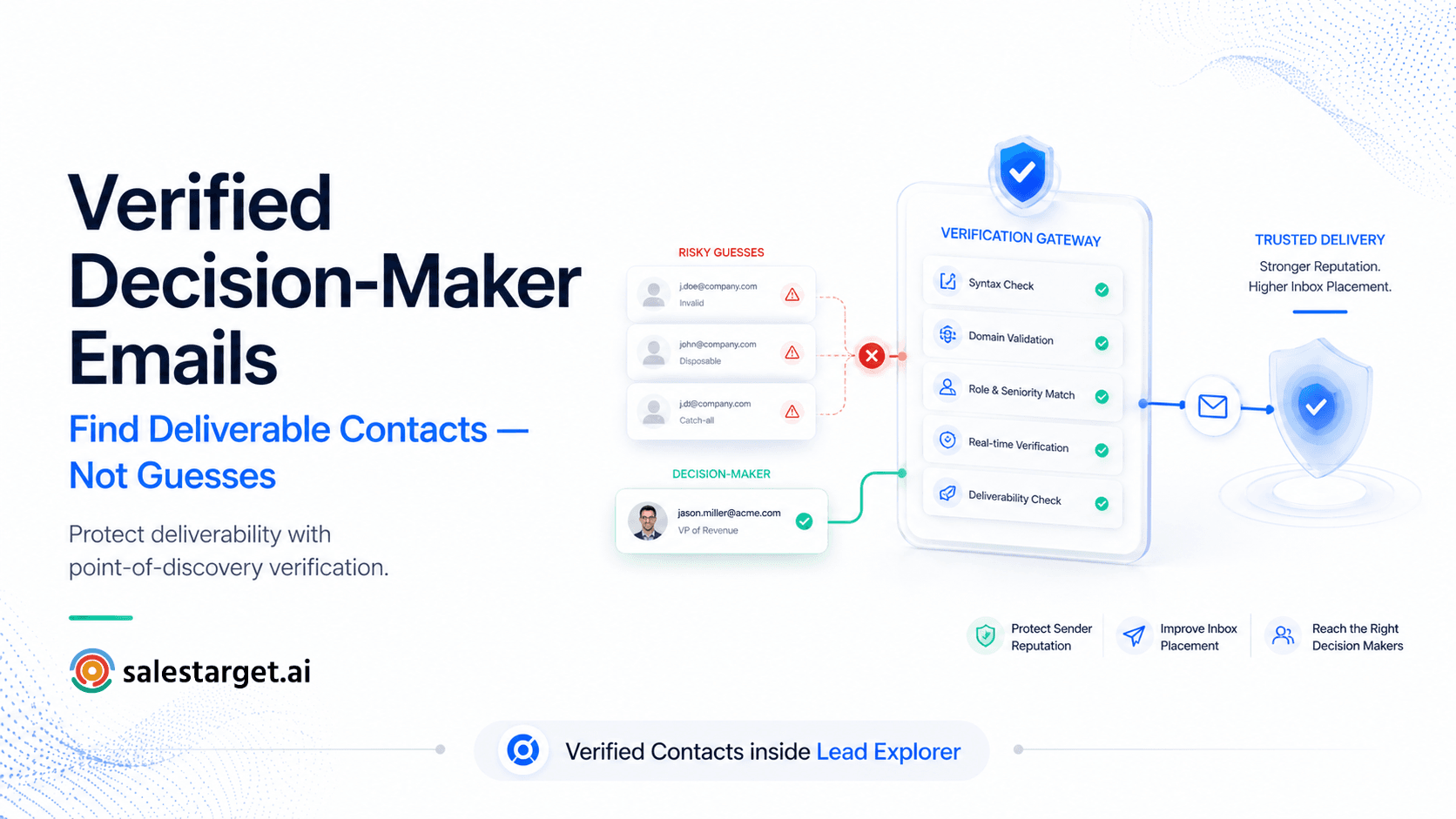
Lead Explorer searches 840M+ professional profiles and 146M+ business entities. You search in plain English or stack filters like role, seniority, industry, company size, and tech stack. One-click enrichment unlocks a verified professional email at the moment you find the lead, so the verified status is current rather than dated from whenever the data was first scraped. SalesTarget.ai reports 99% verified contact data, and enriched leads go straight to sequences or the CRM with no CSV.
Email Validation With MX and SMTP Checks
The Email Validator verifies addresses before you send using MX and SMTP checks, disposable-email detection, and risk scoring. It offers a real-time verification API and bulk list cleaning. The result is fewer bounces, domains that stay off blacklists, and better inbox placement.
Combined Email and LinkedIn Outreach
Email Outreach builds multi-step sequences from a plain-English audience description. It runs unlimited inboxes with automatic AI warm-up, inbox rotation, and SPF, DKIM, and DMARC checks. LinkedIn Outreach runs in the same coordinated flow, with connection requests, DMs, and built-in safety limits. Here is the practical payoff: when an address comes back risky, you do not lose the lead. The rep reaches the same person on LinkedIn while the email waits for review.
Verified Lead Management in the Built-In CRM
The CRM receives campaign leads automatically, with no imports, and logs every email and call to the lead timeline. Verified status travels with the lead, so a rep sees the data quality of a contact before sending. Follow-up tasks are created when a lead replies or a meeting ends, and the built-in AI dialer saves call notes straight to the timeline. SalesTarget.ai reports 91% follow-up completion and about 6 hours saved per rep per week.
AI Copilot for Sales Research and Outreach Tasks
The AI Copilot is free inside the platform. Ask it in plain language to find leads across 840M+ profiles, draft a personalized email sequence, or pull open deals and pending tasks from the CRM. It handles the research grunt work, and strategy stays with your team.
Common Email Verification Mistakes in B2B Outreach
Treating Catch-All Emails as Confirmed Valid
A catch-all server accepts every address at the door. It may bounce the message later or drop it without a word. A catch-all "pass" means unknown. Plan for it with small batches and a second contact source.
Using Outdated or Unverified Contact Lists
Inherited lists and old exports are the usual offenders. At 2 to 3% decay a month, the loss compounds to roughly 11 to 17% over six months. A list that nobody re-verified before launch is a bounce spike waiting for a send date.
Ignoring Risky Email Verification Results
Many teams remove invalid addresses and then send to everything marked risky. Risky addresses bounce, trigger spam complaints, and drag down your reputation. Route them to manual review, or reach them on another channel.
Assuming Verification Guarantees Inbox Placement
Verification confirms a mailbox exists. It does not decide whether your message lands in the primary inbox. Placement also depends on authentication, warm-up, sending volume, copy, and complaint rates. Verification is the foundation, not the whole build.
Email List Maintenance and Ongoing Verification
Verification Rules for New Leads
Set one rule: no lead enters a sequence without a verification status. Verify at enrichment, and block invalid and risky contacts from auto-enrolling. A rule that lives in the tool beats a reminder that lives in a doc.
Regular Contact List Cleaning
Put list cleaning on a fixed calendar: monthly for active lists, and before any campaign that reuses an older segment. Keep a short log of what each pass removed. If the removal rate climbs, your data source has a problem worth raising.
Bounce Rate and Deliverability Monitoring
Track hard bounces per campaign and per recipient domain. Under 2% is healthy, and BounceZero marks anything above 3% as an alarm for cold email. When a campaign crosses that line, pause it, find the cause, and restart with a verified list. Do not wait for the next report.
Updating Outdated CRM Contact Records
Re-verify records when a deal reopens, when a contact goes quiet, and before renewal or upsell outreach. Flag hard-bounced contacts instead of deleting them, so account history survives and the next rep knows why the address failed. For finding a replacement contact the right way, see this guide on how to find professional email addresses without guessing, and keep a sales pipeline management view so no re-research task gets lost.
Conclusion: Better B2B Lead Quality Through Email Address Verification
The pain at the start of this guide was simple: a list that looked clean, a sequence that bounced, and a team that blamed the copy. Email address verification fixes the cause. It removes dead and risky contacts before they reach a sequence, keeps your sender reputation steady, and gives reps a list worth their time.
SalesTarget.ai makes that the default instead of a chore. Lead Explorer enriches and verifies at the moment you find a lead, the Email Validator checks every address with MX and SMTP, Email and LinkedIn Outreach reach each contact on the right channel, and the CRM keeps verified status attached to every lead. One platform, one workflow, fewer bounces, better replies.
Ready to stop sending to dead addresses? Start free with SalesTarget.ai and verify your next list before it goes out. Learn more at SalesTarget.ai.