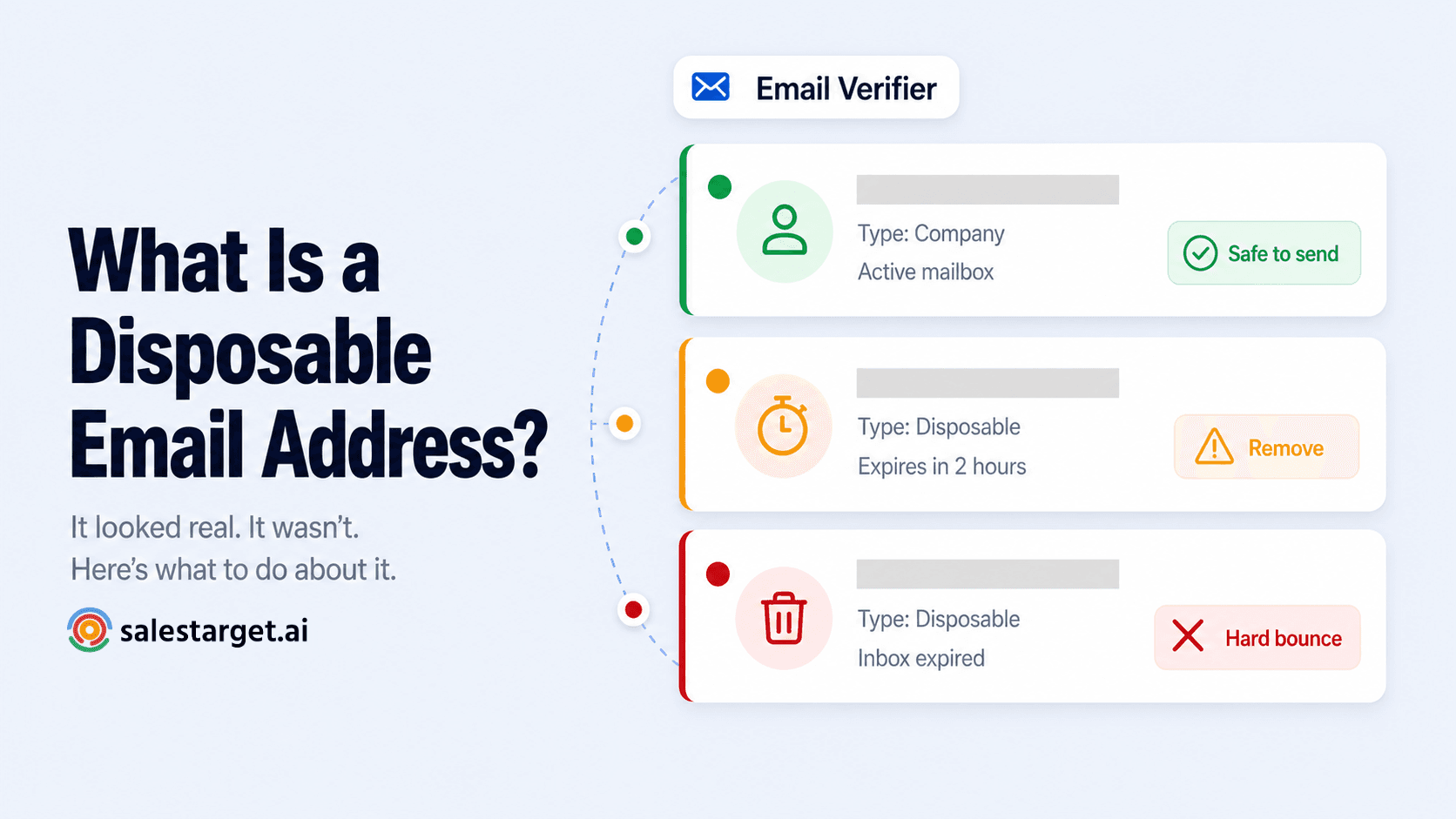
TL;DR
- A disposable email address is a temporary inbox created to receive email for a short period — then expire. No real person monitors it long-term.
- In B2B cold outreach, they appear most often from form fills, lead magnets, and event sign-ups where someone wanted access without giving their real address.
- Sending to a disposable address means zero engagement at best and a hard bounce when the inbox expires — both damage your sender reputation.
- SalesTarget's Email Verifier classifies them as Type = Disposable — the action is always the same: remove and don't contact.
- Unlike spam traps, disposable emails are not malicious — but they are useless for outreach and risky for deliverability.
Not every address in your contact list belongs to someone who wants to hear from you. Some were created specifically to avoid that situation. Disposable email addresses look real — they have a username, an @ symbol, a domain. But they were never intended to be a communication channel. They were intended to get past a form field and disappear.
For cold outreach teams, they represent a specific, fixable problem. Here's what they are, why they show up in B2B lists, and why the only right action when you see one is to remove it before you send.
What is a disposable email address?
A disposable email address — also called a temporary, throwaway, or burner email — is an inbox created through a service like Mailinator, Guerrilla Mail, TempMail, or 10MinuteMail. The inbox exists for a defined period — anywhere from ten minutes to a few days — and then expires. After expiry, any email sent to that address either bounces or disappears into a void.
The person who created it has no ongoing relationship with it. They used it to receive one email — a download link, a verification code, a free trial activation — and then moved on. They are not checking it. They will never reply to anything sent there. And at some point, when the inbox expires, your next send will hard bounce.
Common disposable email services in the wild
What to know
The most widely used disposable services include Mailinator, Guerrilla Mail, TempMail, 10MinuteMail, YOPmail, and Throwam. These services use domains that email verification tools maintain lists of — any address at a known disposable domain gets flagged immediately. However, new disposable domains are created constantly, which is why real-time verification matters more than static domain blocklists.
Why disposable email addresses appear in B2B outreach lists
In B2B cold outreach, disposable emails typically enter your contact list through one of three routes:
Form fills and lead magnets
Someone downloads a report, registers for a webinar, or accesses gated content using a temporary address. They wanted the content — not a follow-up sales sequence. If your CRM automatically ingests form submissions without verification, disposable addresses go straight into your contact database.
Event and conference sign-ups
Trade show badge scans, conference registration forms, and virtual event check-ins are common sources. A delegate who gives a throwaway address to get their badge scanned is not interested in being added to an outreach sequence. Their real address — the one they check — was never collected.
Purchased or third-party lists
Data vendors who aggregate contact information from multiple sources may include addresses that were originally collected through form fills. Without verification at the point of collection, disposable addresses from other people's lead capture forms become your problem when you buy the list.
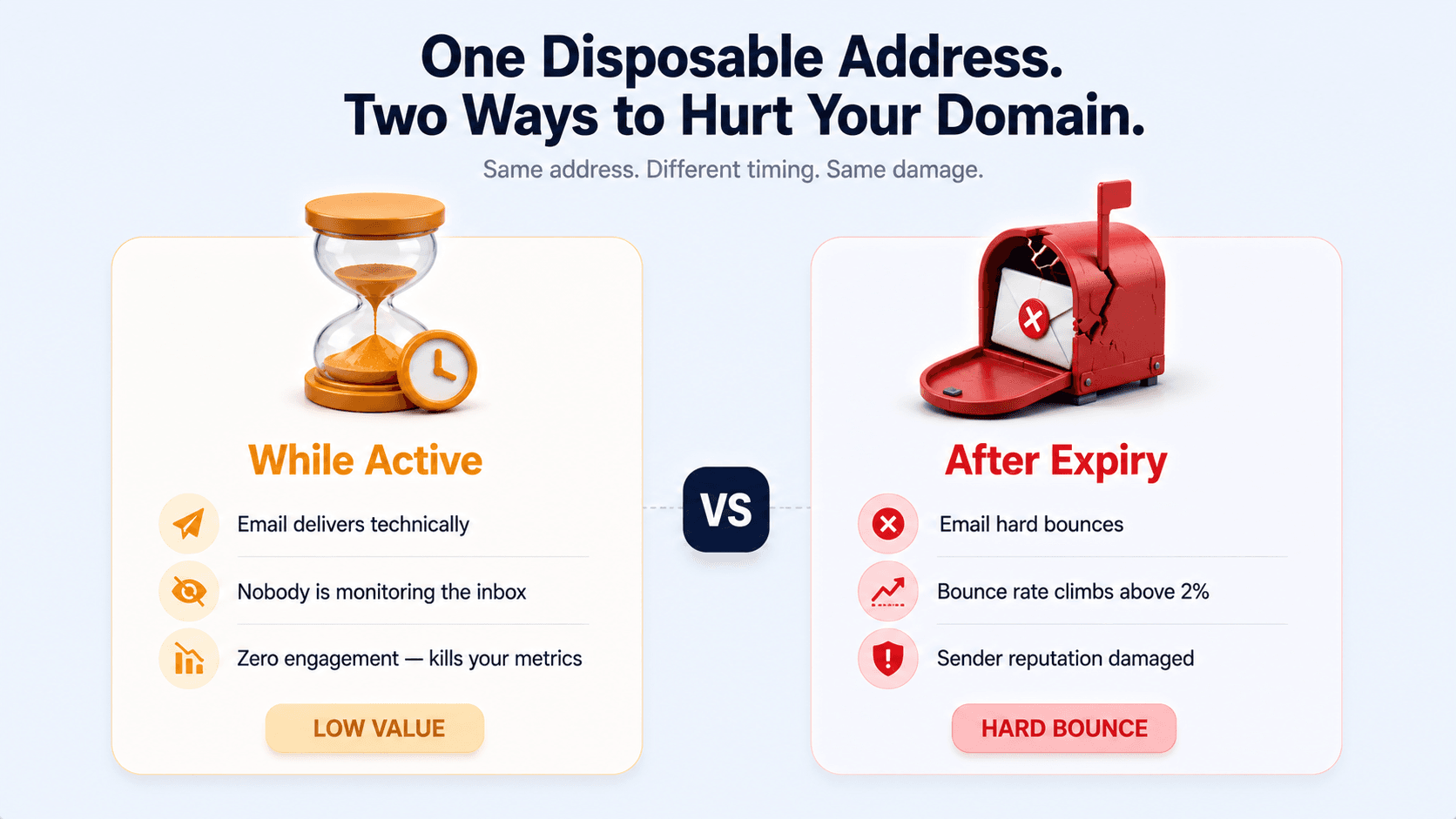
The engagement problem is the more insidious one. When inbox providers see a pattern of sent emails with no opens, no clicks, and no replies from a domain, they interpret that as low-quality sending — the same signal pattern as unsolicited bulk email. Even if the emails technically delivered, the silence damages your reputation over time.
For B2B cold outreach specifically — where you are already sending to people who didn't opt in — your engagement rate is the primary signal that you're reaching real people with relevant messages. Disposable addresses dilute that signal with guaranteed non-engagement, making your legitimate sends look worse than they are.
Disposable ≠ spam trap — but the action is the same
Important distinction
A disposable email is not malicious — the person who created it was not trying to harm your domain. They just wanted content without ongoing contact. This is fundamentally different from a spam trap, which was created specifically to catch senders. But from a deliverability standpoint, the outcome is similar: zero engagement, potential bounces, and wasted campaign spend. Remove both. For different reasons, but with the same result.
How SalesTarget's Email Verifier classifies disposable addresses
SalesTarget's Email Verifier checks the Type of every address as part of its standard verification. When an address belongs to a known disposable email service or matches patterns associated with temporary inboxes, the result shows Type = Disposable.
The four Type classifications in SalesTarget are:
| Type | What it means | Action |
|---|---|---|
| Company | Professional business email — the right address for B2B outreach | Include if Email Status = Valid |
| Personal | Gmail, Outlook, Yahoo — real person, may be appropriate depending on your ICP | Use with judgment — lower reply rate for cold B2B |
| Disposable | Temporary inbox — will expire or is already unmonitored | Remove immediately — do not contact |
| Spam Trap | Address set up to catch senders with poor list hygiene | Remove immediately — never contact |
When you run a bulk list through SalesTarget's verification, every address with Type = Disposable is separated in your results breakdown. Download your clean CSV, filter that column, and remove every disposable address before your campaign goes live. One credit per address — and a campaign that doesn't carry dead weight into your bounce rate.
The best time to catch disposable addresses
Prevention beats cleanup
If you are collecting emails through forms, landing pages, or event registrations, verify at the point of collection — not after the fact. Building verification into your intake process means disposable addresses never enter your CRM in the first place. For existing lists, run a full verification pass before any campaign and remove disposable addresses from your active segments permanently — they will never become useful contacts.
Every address in your list should be worth sending to.
SalesTarget's Email Verifier classifies every address by Type — Company, Personal, Disposable, or Spam Trap — so you only send to people who can actually receive and respond to your outreach.
✓ 50 credits ✓ 7-day trial ✓ No credit card required
Frequently Asked Questions

See It In Action: Book Your Free Demo
Get a personalized walkthrough and see how it works for your team.
Book My Demo →



