Your rep wrapped a great call at 10 a.m. By 3 p.m., nobody has logged it, no follow-up task exists, and last week's LinkedIn reply is sitting in a spreadsheet three people edit differently. That is a manual process problem, and it drains pipeline every day.
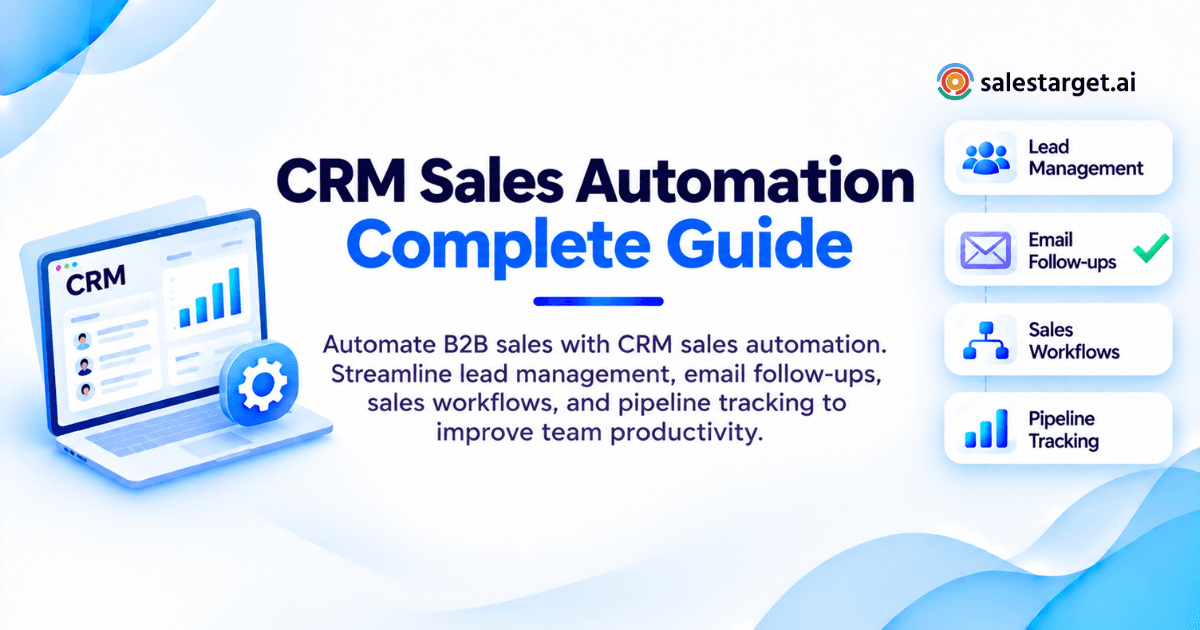
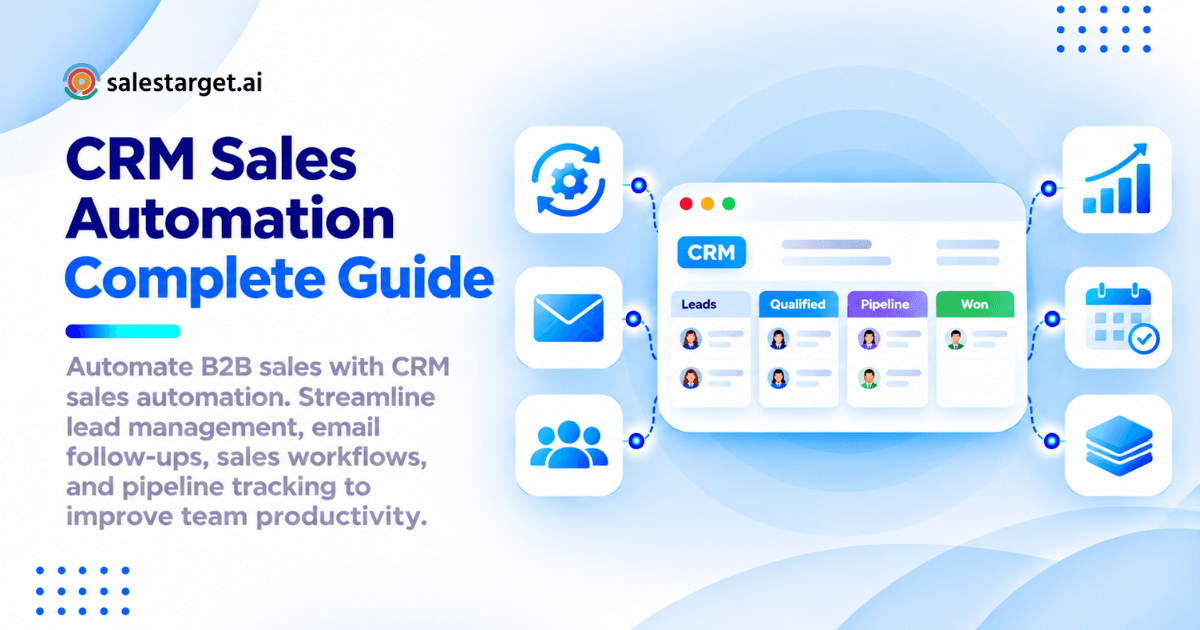
CRM sales automation is software that handles repeat sales work for you. It captures and enriches leads, assigns them, sends email and LinkedIn follow-ups, creates tasks, and updates deals as buyers act. Rules and triggers do the clerical work. Reps handle the conversations. For B2B teams, that means faster response, cleaner data, and a pipeline you can trust.
The Challenges of Managing Manual B2B Sales Operations
Repetitive Prospecting and Administrative Tasks
Reps lose hours to work software should do. Salesforce's State of Sales research puts selling time at about 40% of the week. Contact searches, copy-paste, and call logging fill the rest.
Disconnected Tools and Fragmented Customer Data
A typical outbound stack has a data tool, a sequencer, a LinkedIn tool, a verifier, and a CRM, joined by CSV exports. Every handoff drops context. The rep opening the CRM sees a lead but not the three emails already sent.
Missed Follow-Ups and Inconsistent Lead Engagement
Speed decides who gets the meeting. A Harvard Business Review study found that companies contacting leads within an hour were roughly seven times more likely to qualify them than companies that waited longer. Manual follow-up cannot hold that pace across a full pipeline.
Limited Sales Pipeline Visibility and Revenue Forecasting
Forecasts built on stale stages are guesses. When reps update deals by hand, the pipeline trails reality by days. Managers forecast from memory, and RevOps spends Fridays chasing updates.
CRM Sales Automation and Its Role in Modern B2B Sales
Core Components of CRM Sales Automation
Four parts make it work: a data layer (leads and contacts), triggers (a reply, a stage change, a meeting end), actions (send, assign, create a task, update a field), and reporting. Weak data or loose triggers break the chain.
Automated Workflows Across the B2B Sales Cycle
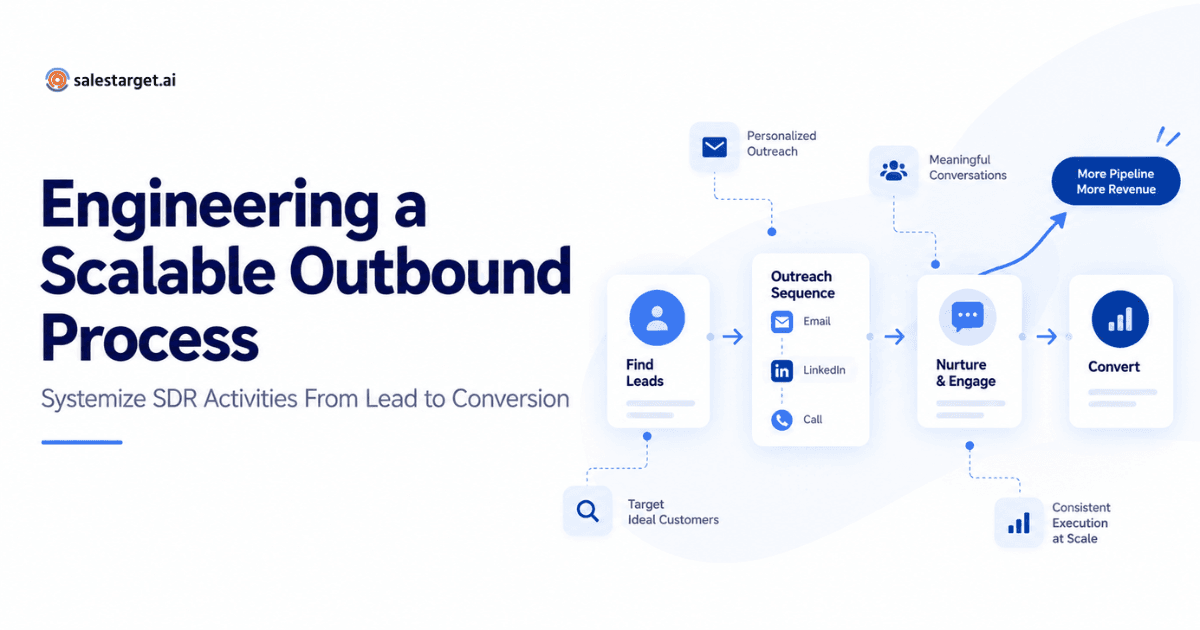
Each stage gets its own automation. Prospecting: capture and enrich. Outreach: sequence by email and LinkedIn. Qualification: score and route. Closing: create tasks, log meetings, move deals. Expansion: flag renewal and upsell signals.
CRM Automation vs Traditional Sales Management
Traditional management relies on reps to remember and record. Automation records activity as it happens and prompts the next step. The first depends on discipline. The second depends on rules, and rules scale better.
AI-Powered Automation in Sales Operations
AI handles judgment-light work at scale: drafting sequences, summarizing calls, flagging at-risk deals, and answering pipeline questions in plain language. It speeds reps up. Strategy stays with people.
Core Processes Covered by CRM Sales Automation
Lead Capture, Enrichment, and Qualification
Capture a lead once, enrich it at that moment, and score it before a rep touches it. Salestarget.ai enriches contacts at the point you find them, so email, phone, and mobile data is current, not scraped months ago.
Contact Management and Automated Lead Assignment
Assignment rules route leads by territory, industry, company size, or round robin, so no lead waits in a shared pool. Set one owner per record. Shared ownership is where leads get ignored.
Email and LinkedIn Outreach Automation
Run both channels from one sequence. Email carries volume, LinkedIn adds a human touch. Conditional steps branch on replies, accepted connections, or silence.
Follow-Up Scheduling and Sales Task Management
Tasks should appear when something happens, not when a rep remembers. A reply creates a call task. A finished meeting creates a proposal task. Each one lands with an owner and a due date.
Deal Tracking and Pipeline Management
Deals should move when evidence appears: a reply, a booked meeting, a sent proposal. Tie stage changes to those events and the pipeline stays honest without weekly clean-up.
Sales Reporting and Revenue Forecasting
Reports should build themselves from logged activity. Track pipeline by stage, meetings booked, and follow-up completion. Forecasts improve when stage definitions rest on buyer actions, not rep opinion.
Want to see this chain end to end? Start free and watch a lead move from search to pipeline without a CSV.
Building an Automated B2B Sales Workflow
Define Sales Stages and Automation Requirements
Write stages in buyer terms first: Engaged, Meeting Booked, Proposal Sent. Then list what must happen when a deal enters each stage. Automate only steps you can describe in one sentence.
Centralize Prospect and Customer Information
One record per contact, one timeline per lead. Pull enrichment, emails, calls, and notes into the same view. Anything outside the CRM is invisible to automation.
Configure Lead Scoring and Assignment Rules
Score on fit (industry, role, company size) plus intent (buying signals, replies, visits). Send high scores to a rep within minutes and low scores to nurture. Review thresholds monthly against closed deals.
Create Automated Email and LinkedIn Sequences
Build three to five touches per channel with gaps of two to four days. Vary copy with spintax so messages don't read identical. Slip a LinkedIn step between emails to change the rhythm.
Connect Outreach Activities With CRM Pipeline Stages
Map outreach events to stage moves. A positive reply moves the deal to Engaged. A booked meeting moves it forward again. One more rule matters: pause every active sequence the moment either channel gets a reply. Most teams pause only the channel where the reply landed, and the prospect gets another pitch the next morning on the other.
Monitor Workflow Performance and Improve Conversions
Watch reply rate, meeting rate, and time to first follow-up by sequence. Change one variable at a time: subject line, first touch, send window. Retire workflows that don't convert after a fair sample.
Key Features of CRM Sales Automation Software
Automated Lead Tracking and Contact Enrichment
Look for tracking that logs every email, call, and reply to the lead timeline without manual entry, plus enrichment that fills verified email, phone, and company data on capture.
Custom CRM Workflows and Task Automation
You need if-this-then-that rules you can edit without a developer: triggers on replies, stage changes, and meeting ends, with actions that assign, tag, and create tasks.
Multichannel Email and LinkedIn Outreach
Email and LinkedIn should share one sequence engine and one record. Separate tools mean separate inboxes and double-touched prospects.
Automated Follow-Ups and Lead Nurturing
Automated follow-up emails keep warm leads warm. A "not now" reply should drop the lead into a nurture track that resurfaces it in 30 to 90 days with a fresh angle, not the same pitch.
Sales Pipeline Tracking and Deal Management
A live, shared pipeline with deal values, owners, and next steps. Drag-and-drop stages are fine. Stages that move on their own are better.
AI Sales Assistance and Automated Call Logging
AI should draft sequences, summarize calls, and take call notes automatically. A built-in dialer that writes outcomes to the lead timeline removes the most disliked admin task in sales.
Reporting, Analytics, and CRM Integrations
Dashboards for pipeline, meetings, and email stats, plus integrations with calendars, Slack, Zapier, and other CRMs so data moves without exports.
Business Benefits of CRM Sales Automation
Increased Sales Productivity and Reduced Manual Work
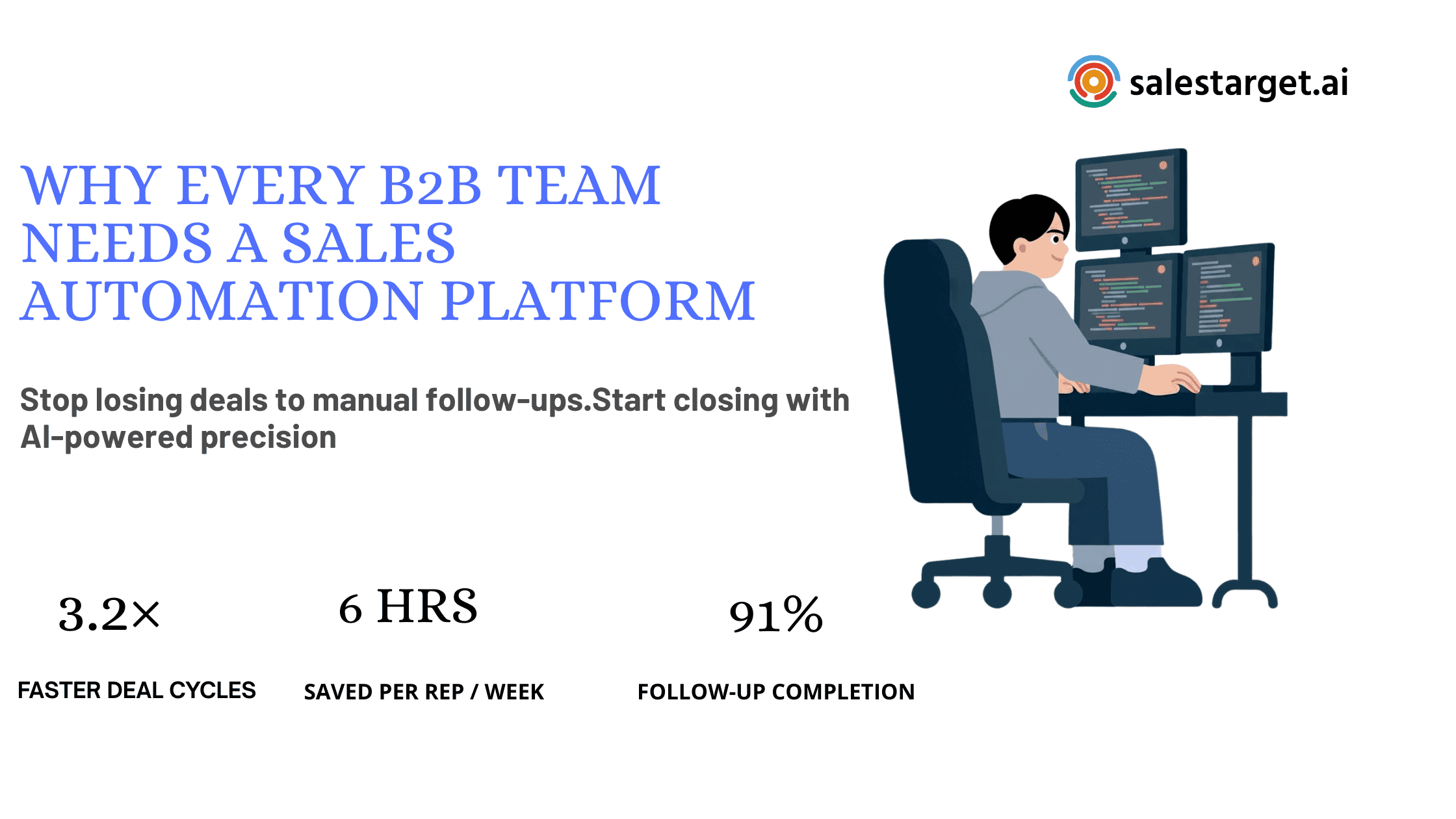
Automation hands selling hours back. Salestarget.ai CRM data points to about 6 hours saved per rep per week. Read more on how sales automation reduces manual work across the team.
Faster Lead Response and Consistent Prospect Engagement
Triggers respond in minutes, every time, nights and weekends included. Every lead gets the same follow-up cadence no matter how busy the rep is.
Improved Lead Conversion and Deal Progression
Timely follow-up and clean handoffs move deals along. Salestarget.ai's CRM is built around 3.2X faster deal cycles and 2.4X more meetings from the same leads.
Better Pipeline Visibility and Sales Forecasting
Stage changes tied to real activity give forecasts a factual base. Managers spot stalled deals by days-in-stage instead of waiting for the weekly review.
Streamlined Collaboration Across Sales and RevOps
Sales and RevOps work from one record. Handoffs, ownership changes, and notes stay attached to the lead, which ends the "where did this lead come from" thread.
Scalable Sales Operations for Growing Businesses
A new rep inherits working sequences, rules, and pipeline views on day one. Process lives in the system, not in one top performer's head.
CRM Sales Automation Best Practices for B2B Teams
Maintain Accurate and Verified Contact Data
Verify at the point of enrichment, and verify again before old leads re-enter a sequence. A list that was clean in spring has decayed by winter. Bounces hurt sender reputation, and the damage sticks.
Balance Automated Outreach With Personalization
Automate the structure, personalize the opening line. Use role, industry, and a recent signal such as a funding round or hiring spike. Keep volume low enough that a human could have written each message.
Build Workflows Around Actual Sales Activities
Shadow two reps for a week and write down what they really do. Build automation around that, not around the org chart's idea of the process.
Set Clear Automation Rules and Sales Ownership
Every automated task needs an owner and an expiry date. Unowned tasks pile up into a graveyard reps learn to ignore, and follow-up completion falls. Auto-close or reassign tasks after a set number of days.
Track Performance With Relevant Sales Metrics
Pick five: reply rate, meetings booked, time to first follow-up, follow-up completion, and stage-to-stage conversion. Skip vanity numbers like emails sent.
CRM Sales Automation Challenges and Common Implementation Mistakes
Automating Inefficient Sales Processes
Automation speeds up whatever you feed it, broken steps included. Fix stage definitions and handoffs on paper first.
Poor Data Quality and Duplicate Contact Records
Duplicates make two reps pitch the same buyer. Bad emails cause bounces. Dedupe on email and domain at import, and verify before sending.
Over-Automation and Generic Prospect Communication
If a prospect can tell a sequence wrote the message, it fails. Cap the steps, vary the copy, and give high-value accounts a manual first touch.
Disconnected Tools and Broken Integrations
Every integration is a failure point. Fewer tools means fewer sync errors, fewer API limits, and no mystery about where data went.
Low Team Adoption and Inconsistent Workflow Usage
Reps skip tools that add work. Pick a CRM that logs activity itself, train on two workflows first, and review dashboards in team meetings so the data matters.
Choosing the Right CRM Sales Automation Software
Lead Database Quality and Enrichment Capabilities
Ask where contact data comes from, how often it is verified, and whether enrichment happens on demand. Test 50 leads from your ICP before committing. This guide to sales automation CRM for sales teams covers more evaluation points.
Email and LinkedIn Outreach Integration
Check for a shared sequence builder, a unified inbox, inbox warm-up, and LinkedIn safety limits. A native integration beats a Zapier patch.
CRM Workflow Customization and Pipeline Management
Test whether a non-technical RevOps person can build a trigger in ten minutes. Check custom stages, owner rules, and task templates.
AI Capabilities for Sales Productivity
Ask what the AI does: sequence drafting, deal-risk flags, plain-language CRM queries, call notes. Skip anything that is just a chatbot on the help page.
Reporting, Integrations, and Data Accuracy
Confirm dashboards update live and integrations cover your calendar, Slack, and existing CRM. Data export should take one click.
Pricing, Scalability, and Total Cost of Ownership
Count the tools the platform replaces. Check how seats, inboxes, and contacts scale, and whether new modules need separate contracts. One platform on a single bill is easier to grow than five subscriptions.
Ready to test these criteria on your own lead list? Book a demo or start free and run one real campaign.
Why Choose Salestarget.ai for CRM Sales Automation
Lead Explorer for B2B Prospecting and Contact Enrichment
Lead Explorer searches 840M+ professional profiles and 146M+ businesses in plain English or with stacked filters. One-click enrichment adds verified email, phone, and mobile data, and 4,000+ intent signals show who is in market.
Email Outreach for Automated Campaigns and Follow-Ups
Email Outreach builds multi-step sequences from a plain-English audience description, which makes campaign creation 35% faster. Unlimited inboxes, AI warm-up, and SPF, DKIM, and DMARC checks protect sender reputation. Unibox sorts replies by intent.
LinkedIn Outreach for Multichannel Prospect Engagement
LinkedIn Outreach automates connection requests, DMs, and follow-ups with conditional branching, timezone-aware scheduling, and auto-pause safeguards. It runs in one flow with email, so context carries across both channels.
Email Validator for Contact Verification and Bounce Reduction
The Email Validator runs MX and SMTP checks, flags disposable addresses, and scores risk. About 90% of Email Outreach emails are validated before sending, which keeps bounces and blacklisting down.
Built-In CRM for Deal Tracking and Sales Management
The built-in CRM receives campaign leads automatically, logs every email and call, and creates follow-up tasks when a lead replies or a meeting ends. Salestarget.ai CRM data shows 91% follow-up completion. Setup takes under a day.
AI Copilot for Everyday Sales Assistance
AI Copilot is free inside the platform. Ask it to find leads, draft a full sequence, show which campaigns drive revenue, or list at-risk deals. Strategy stays with your team.
Manage Prospecting, Outreach, and CRM From One Platform
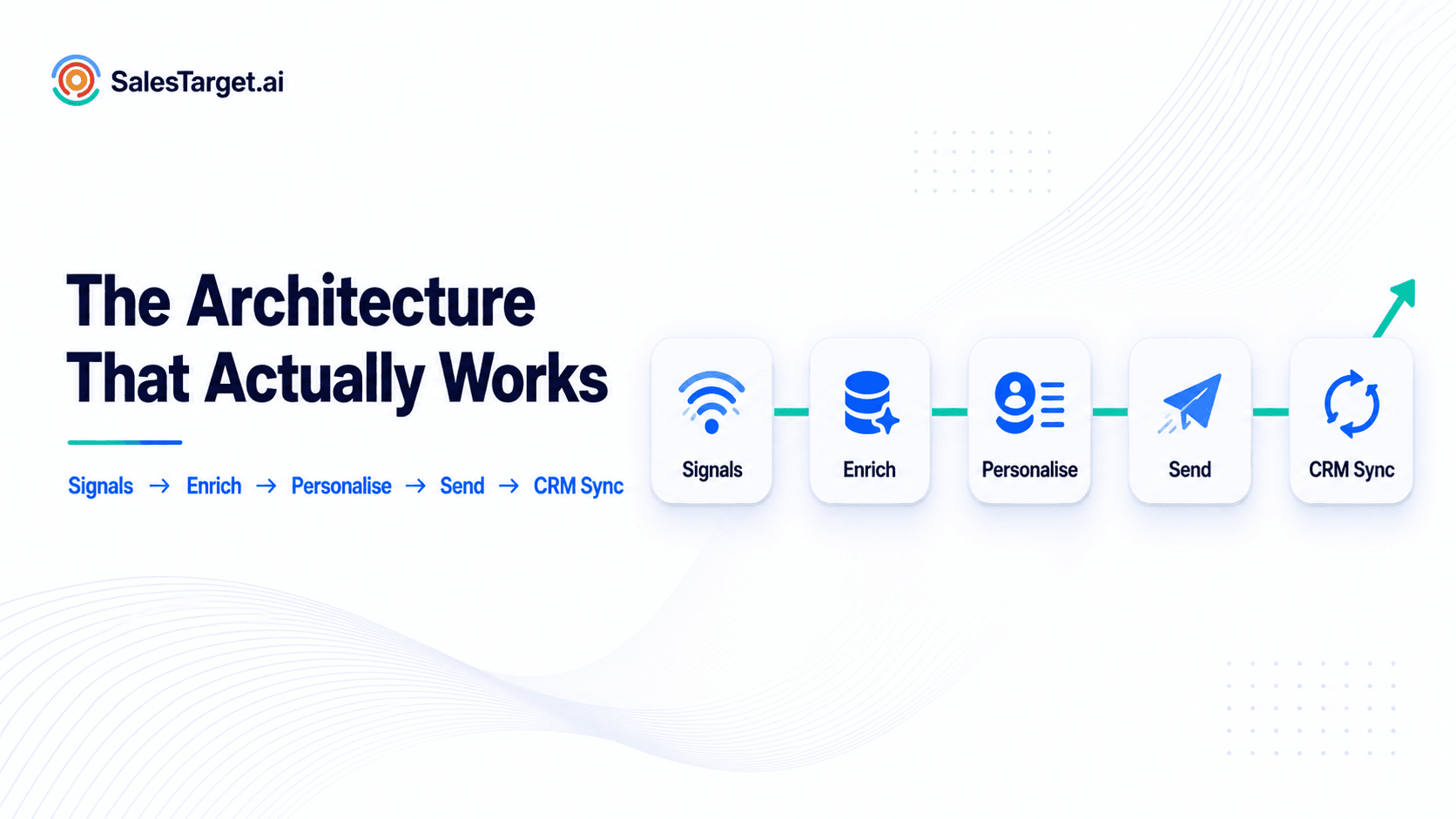
Find, enrich, verify, sequence, and close in one workspace on one bill. No CSV between steps, no sync to break. Apollo gives you data and engagement but leaves deliverability and the CRM to bolt on. Instantly, Smartlead, and Lemlist send cold email, but have no native B2B database, no LinkedIn automation, and no real CRM.
Conclusion: Simplifying B2B Sales Operations With CRM Sales Automation
The opening problem was simple: great calls, missing logs, forgotten follow-ups, and a pipeline nobody trusts. Automation fixes it by putting data, outreach, and deal tracking on the same record, with triggers doing the clerical work. Reps keep the conversations.
Salestarget.ai covers the full chain: find and enrich the lead, verify the contact, run email and LinkedIn sequences, and close inside the built-in CRM. One workspace, one bill, no stitching. Ready to see it on your own pipeline? Start free with Salestarget.ai.