Monday morning. Forty replies sit across three inboxes, a LinkedIn thread went unanswered since Friday, and the pipeline sheet is already stale. Nobody on your team is slacking. The work is scattered across too many tools, and a warm lead can sit untouched for two days while someone copies a name between tabs.
The best sales automation CRM is the one that runs your real outbound motion, from finding a lead to closing the deal, inside one system. Judge it on five things: fit with your sales process, workflow flexibility, contact data quality, ease of use for reps, and reporting. If a CRM only stores records and leaves follow-ups to humans, it is a database, not automation.
Salesforce's State of Sales research found reps spend about 70% of their time on non-selling tasks. Automation exists to give that time back.
The Role of Sales Automation CRM in Modern B2B Sales
A sales automation CRM handles the repeatable work around a deal (logging, reminders, routing, follow-ups) so reps spend their hours on conversations.
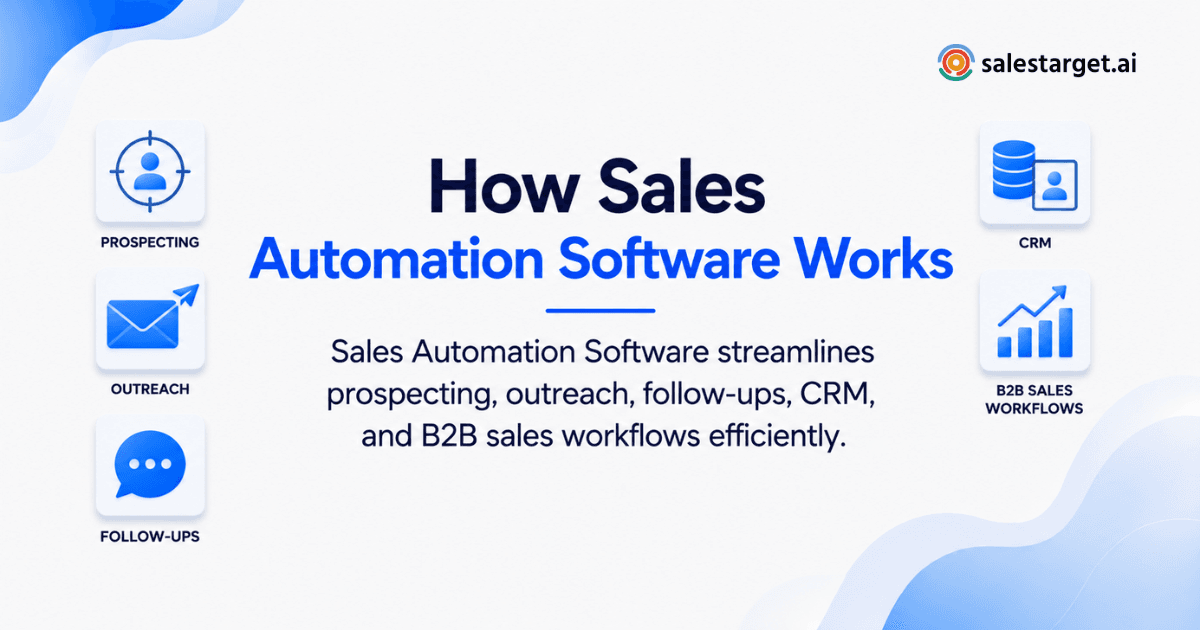
In outbound, the gap between a lead found and a lead worked is where deals die. Most teams run sales automation software for sending, a separate tool for data, and a CRM for records. Every handoff between those tools is a place where context gets lost.
A sales automation CRM closes those gaps. Activity is captured as it happens, tasks appear when a lead replies, and managers see the pipeline without asking for a status update.
Core Functions of Sales Automation CRM
Lead Management and Prospect Organization
Lead management means every prospect lands in one place with an owner, a status, and a history. Look for automatic capture from campaigns, not CSV imports. Imports create duplicates and delays. A lead that arrives with its source, owner, and enrichment already attached is ready to work the minute it appears.
Automated Sales Follow-Ups
Automated follow-ups trigger the next touch or task based on what a lead does. A reply creates a task. A no-reply moves the lead to the next step in a sequence. A finished meeting prompts a recap. The test is whether follow-ups fire without a rep remembering them.
Sales Pipeline Automation
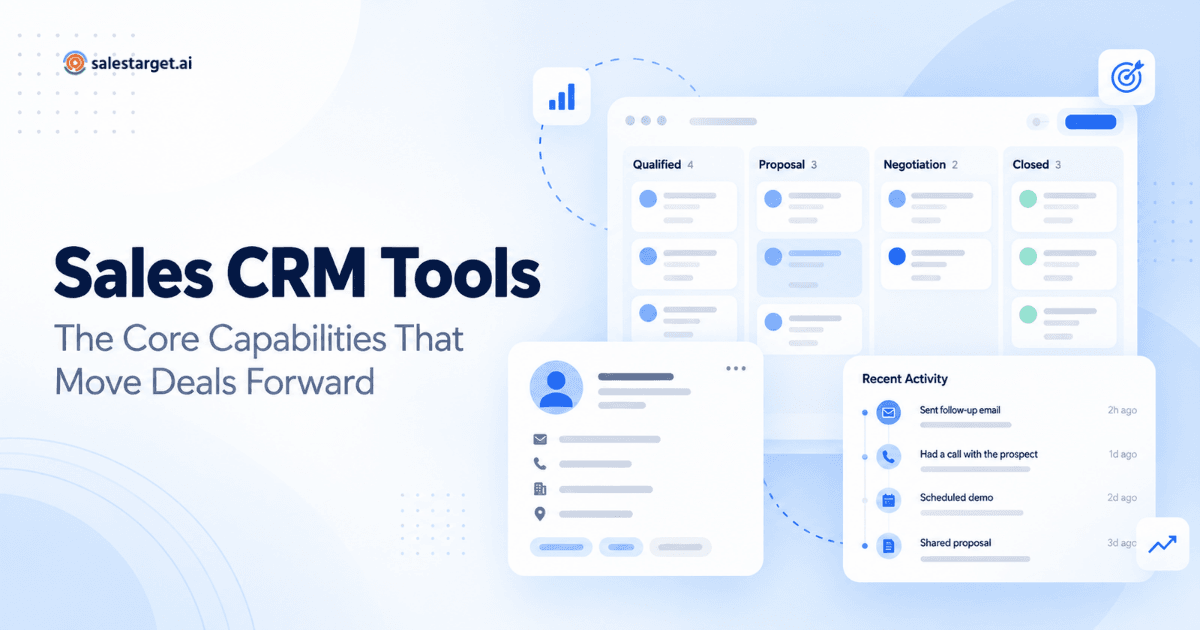
Pipeline automation moves deals through stages based on real activity, not manual drag-and-drop. A sales CRM software setup should update stages when a meeting is booked or a proposal goes out, and flag deals that stall. Less stage guessing means forecasts you can defend.
Contact and Deal Activity Tracking
Activity tracking records every email, call, and meeting on the lead timeline automatically. This is where most CRMs fail reps. If logging takes more than a click, it will not happen. Auto-logged activity gives the next person who touches the account the full story in seconds.
Sales Reporting and Performance Monitoring
Reporting shows what is producing meetings and revenue, by campaign, rep, and stage. A useful dashboard answers three questions: which sequences get replies, which deals are at risk, and which tasks are overdue. Anything beyond that is decoration until the basics work.
Key Benefits of Sales Automation CRM for B2B Teams
Reduced Manual Sales Tasks
The main benefit is time. Data entry, reminder-setting, inbox sorting, and status updates move from reps to the system. Reps who get a few hours back each week spend them on research and calls, which are the two activities that actually move deals.
Faster Lead Follow-Up
Automation cuts the delay between a buying signal and a response. A reply at 9 p.m. gets sorted and assigned before anyone logs in. Speed matters most in the first hours after interest shows, and a system that routes instantly beats a rep checking an inbox on Tuesday.
Better Pipeline Visibility
Visibility means a shared, live view of every open deal. Leaders stop chasing updates in Slack, and operators stop rebuilding the pipeline in a spreadsheet before each review. When activity feeds the pipeline automatically, the numbers match what reps are really doing.
Improved Sales Team Productivity
Productivity rises when reps work from a prioritized task list instead of a memory. The CRM tells each rep who to contact, why, and on which channel. New hires ramp faster since the process lives in the system, not in the head of the best rep.
More Consistent Sales Processes
Consistency comes from rules that run the same way every time. Every lead gets the same qualification path, the same follow-up timing, and the same stage definitions. That makes performance comparable across reps and makes problems easy to spot.
Essential Sales Automation CRM Features to Evaluate
Lead and Contact Management
Check that contacts arrive enriched and verified, not as bare names. Ask where emails and phone numbers come from and when they were last checked. Look for deduplication, custom fields, and filters your team will use daily, such as owner, stage, and last activity.
Email and LinkedIn Outreach Automation
Outreach automation should live inside the CRM workflow, not beside it. Multi-step email and LinkedIn sequences, conditional branching on replies, and sender-reputation protection all matter. If outreach runs in a separate tool, you will rebuild context by hand every time a lead responds.
Workflow and Task Automation
Good workflow automation lets you set triggers and conditions without a developer. Test it with a real scenario: when a lead replies "interested," does the system create a task, notify the owner, and update the deal? Rigid, preset-only automation breaks the first time your process changes.
Pipeline and Deal Management
Look for custom stages, deal values, shared pipeline views, and stalled-deal alerts. Keep it light. A CRM built for outbound teams needs a clean pipeline and fast deal updates, not forty configuration screens that only an admin understands.
Sales Activity and Reporting Tools
Prioritize reports that reps and managers will open weekly. Email stats, open deals, booked meetings, and pending tasks on one dashboard beat a custom report builder nobody learns. Check that you can filter by campaign so you see which outreach feeds the pipeline.
CRM Integrations and Data Management
Your CRM should connect to the calendar, chat, and automation tools your team already uses. Check for Google Calendar, Slack, Zapier, and sync with HubSpot, Salesforce, or Zoho if you keep another system of record. Also check import, export, and deduplication controls so you are never locked in.
Sales Automation CRM Selection Criteria for B2B Teams
Alignment With Your Sales Process
Pick the CRM that matches how you sell today, not an idealized version of it. Map your motion first: source, first touch, reply, meeting, proposal, close. Then see whether the tool can mirror it with minimal setup. Outbound-heavy teams need outreach and CRM tightly linked, not enterprise add-ons.
Automation Capabilities and Workflow Flexibility
Flexibility is the ability to change a rule in minutes. Ask vendors to build one of your real workflows live during the demo. Pay attention to stop rules: automations must halt when a lead replies, books a meeting, or unsubscribes on any channel. Many tools skip this, and it is how a prospect gets a cold follow-up the day after a demo.
Contact Data Quality and Enrichment
Automation multiplies whatever data you feed it, good or bad. Gartner research has pointed to bad data as a leading reason CRM adoption fails: reps stop trusting the system when records are wrong. Prefer a platform that enriches and verifies at the moment a lead is found, since data verified once at scrape time ages quickly.
Ease of Use for Sales Representatives
If reps need training to log a call, adoption will stall. Count clicks for the five tasks reps do daily: view a lead, log a note, create a task, move a deal, send a follow-up. Ask a rep, not a manager, to run the trial. Setup should take days, not a quarter.
Reporting and Pipeline Visibility
Check whether reports update live and whether reps can see the same pipeline as leadership. Ask how a deal moves stages and what feeds the numbers. If reporting depends on reps updating fields by hand, your dashboard will lag the truth.
Pricing, Scalability, and Total Cost
Total cost is the whole stack, not one line item. Count every tool you would still need beside the CRM: data, outreach, validation, dialer. Then count admin hours spent moving data between them. Check how inboxes, seats, and contacts scale as the team grows, and favor a single platform on one bill over a patchwork you must keep in sync.
Sales Automation CRM Implementation Best Practices
Define the Sales Processes to Automate
Start by listing the manual tasks your reps repeat every day. Shadow one rep for a Monday. Write down each copy-paste, each reminder, each status update. Automate the three most frequent first. Skip anything your team has not yet defined clearly, since automating a messy step only makes the mess faster.
Set Up Lead Routing and Qualification Rules
Routing rules decide who owns a lead and how fast. Define owner assignment by territory, industry, or round-robin, and set qualification triggers such as reply sentiment or intent signals. Document these as lead routing rules so operators and reps agree on what "qualified" means before the system enforces it.
Build Automated Follow-Up Sequences
A good sequence has a clear goal, a sensible pace, and exits. Build first touch, follow-ups, and a break-up step, then add branches for replies and bounces. Run a test campaign on a small list before scaling. If you want to see this built from a plain-English audience description, you can start free with SalesTarget.ai and generate a first sequence in minutes.
Connect Outreach With Pipeline Management
Replies should become deals without anyone retyping them. Connect your inbox, sequences, and pipeline so an interested reply creates a deal and a follow-up task automatically. This is the link most teams miss, and it is where leads leak.
Track Automation Results and Sales Performance
Measure the automation itself, not just revenue. Track follow-up completion rate, time from reply to first response, meetings per lead, and time saved per rep. Review after two weeks, then monthly. If a workflow does not move a number, change it or retire it.
Common Sales Automation CRM Mistakes to Avoid
Automating Poorly Defined Sales Processes
Automation locks in whatever process you give it. If your team disagrees on what a qualified lead is, software will not settle it. Agree on stages, ownership, and handoffs on paper first. Then automate.
Relying on Inaccurate Contact Data
Bad data turns automation into a bounce machine. A sequence sent to unverified emails hurts sender reputation, which then hurts every campaign after it. Verify before you send, and re-check lists that have sat for a few months.
Using Too Many Disconnected Sales Automation Tools
Every extra tool adds a sync job and a chance for conflicting records. Teams with separate data, outreach, validation, and CRM tools spend hours reconciling them. If you are weighing a switch, the Apollo alternative page shows how an all-in-one setup compares.
Over-Automating Personalized Sales Activities
Automate the logistics, not the relationship. Scheduling, logging, and reminders are safe to automate. First messages to senior buyers, replies to objections, and call prep deserve human judgment. If a prospect would notice the automation, it has gone too far.
Ignoring CRM Adoption and Data Quality
A CRM that reps avoid becomes a graveyard of old records. Track adoption weekly: logins, activities logged, tasks completed. A sharp drop in logged activity is an early warning, usually weeks before forecasts go wrong. Fix friction fast, since reps skip anything that slows them down.
Why Choose SalesTarget.ai
SalesTarget.ai is an all-in-one AI sales intelligence and outbound platform. It combines B2B lead data, email and LinkedIn outreach, email validation, a built-in CRM, and an AI Copilot in one workspace on one bill. Here is how each piece maps to the criteria above.
AI-Powered Lead Data and Enrichment With Lead Explorer
Lead Explorer gives teams access to 840M+ verified professional profiles and 146M+ business entities, with 4,000+ intent signals across 50+ data sources, according to SalesTarget.ai's own figures. You search in plain English or stack filters, enrich with one click for verified emails and phones, and push leads straight into sequences or the CRM with no CSV.
Email and LinkedIn Outreach in One Workflow
Email Outreach builds multi-step sequences from a plain-English audience description, with unlimited inboxes, AI warm-up, and SPF, DKIM, and DMARC checks. LinkedIn Outreach automates connection requests, DMs, and follow-ups with built-in safety limits. Both run in one coordinated flow, so context carries across channels.
Email Validation for Better Deliverability
Email Validator runs MX and SMTP checks, disposable-email detection, and risk scoring before you send. It cuts bounces and protects sender reputation, with a real-time API and bulk list cleaning. SalesTarget.ai reports 90% of emails validated before sending in Email Outreach.
Built-In CRM for Sales Pipeline Management
The built-in CRM is made for outbound teams, not enterprise bloat. Campaign leads land automatically, every email and call is logged, and follow-up tasks are created when a lead replies or a meeting ends. It includes lead management, deal pipeline, tasks, activity tracking, reports, and an AI dialer that takes call notes for the rep. SalesTarget.ai reports 3.2X faster deal cycles and 91% follow-up completion, and setup takes under a day.
AI Copilot for Everyday Sales Tasks
AI Copilot is a conversational sales teammate, free inside the platform. Ask it to find leads, draft personalized sequences, query CRM deals and tasks in plain language, or flag at-risk deals. It handles grunt work so reps focus on relationships. Strategy stays human.
Sales Automation CRM Best Practices for Long-Term Growth
Keep Sales Data Clean and Updated
Clean data is a habit, not a project. Verify new leads at entry, merge duplicates, and archive contacts that bounce or go silent. Set a monthly cleanup and make owners accountable for their records.
Review Automated Workflows Regularly
Workflows drift as your market, offer, and team change. Audit every active sequence and trigger each quarter. Retire anything with falling reply rates or no clear owner, and check that stop rules still fire correctly.
Balance Automation With Personalization
Use automation for timing and data, and people for judgment. Let the system surface the right lead with the right signal, then let the rep write the opening line. Reply rates tend to reward messages that reference something real about the prospect.
Monitor Pipeline and Rep Performance
Watch pipeline health weekly, not quarterly. Track stage-to-stage conversion, deal age, and overdue tasks per rep. Use the numbers to coach, not to police. A rep with low activity may be stuck on bad data, not low effort.
Improve Workflows Based on Sales Results
Treat each campaign as a test. Compare sequences, subject lines, and channel mixes against meetings booked, not opens. Keep what wins, change one variable at a time, and write down what you learned so the next campaign starts ahead.
Conclusion: Choosing the Right Sales Automation CRM for Your B2B Team
Back to Monday morning: forty replies, scattered inboxes, a stale pipeline. The fix is not another tool. It is fewer tools, wired together, so that a lead found on Monday is enriched, verified, contacted, tracked, and followed up without anyone retyping a thing.
Choose a sales automation CRM by testing it against your real process, your data quality, and your reps' daily clicks. Set stop rules, measure adoption, and keep personal outreach human. SalesTarget.ai puts lead data, email and LinkedIn outreach, validation, a built-in CRM, and an AI Copilot in one workspace, which is the practical answer to the problem this article opened with.
Ready to run your outbound from one system? Start free with SalesTarget.ai and see your first sequence, lead list, and pipeline in one place.