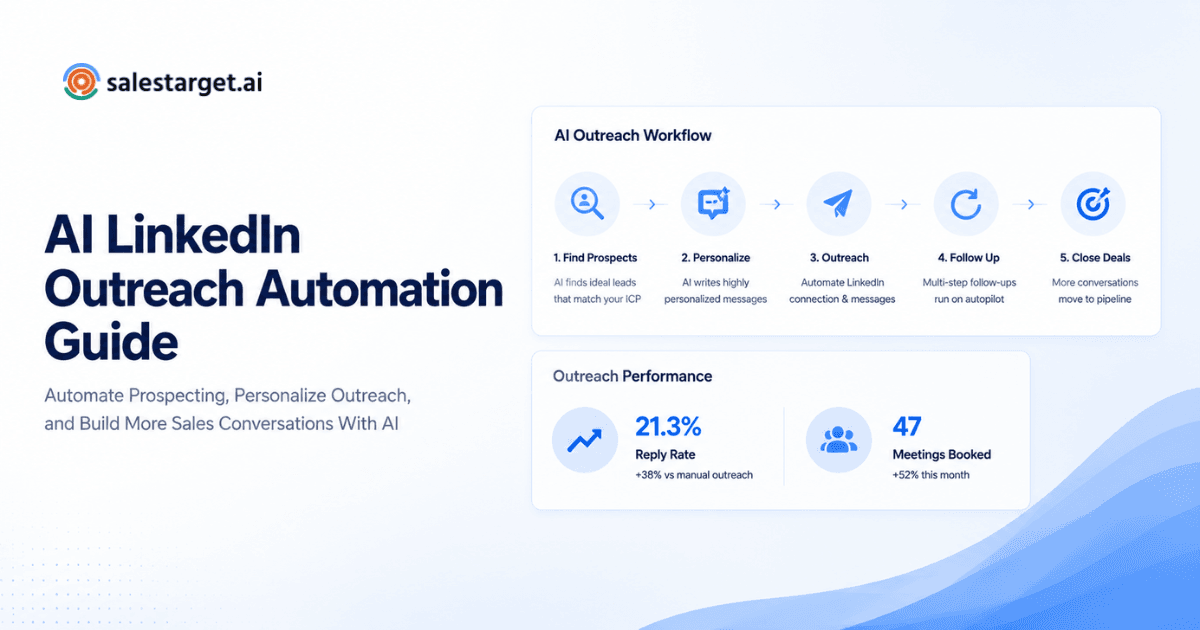
What is the best LinkedIn Automation Tool? The best LinkedIn Automation Tool depends on your goals. If you need AI-powered outreach, multichannel automation, CRM syncing, personalization, and meeting booking, platforms like SalesTarget.ai offer a more complete workflow than traditional LinkedIn-only tools.
Choosing a LinkedIn Automation Tool has become one of the most consequential software decisions for revenue teams. With dozens of platforms promising more pipeline, faster prospecting, and effortless follow-ups, the real challenge is figuring out which tool actually fits the way your team sells. This guide breaks down what matters most—and compares the leading options—so you can invest with confidence. Before you dive in, it helps to review LinkedIn outreach best practices so you know what good execution looks like alongside the right tooling.
Why Businesses Use a LinkedIn Automation Tool ?
Manual LinkedIn prospecting works—until it doesn't. An SDR can realistically handle 50–80 connection requests a day by hand, and follow-up sequences fall apart the moment someone goes on PTO or switches territories. That's the gap a LinkedIn sales automation platform fills: consistent, personalized outreach at a scale no human can maintain manually.
According to LinkedIn's own data, sellers who use Sales Navigator are significantly more likely to exceed quota LinkedIn Sales Solutions . Pair that intent data with a LinkedIn lead generation tool that automates connection requests, messaging sequences, and profile visits, and you multiply that advantage across your entire team.
The bottom line: automation frees reps to focus on conversations that actually close deals, while the software handles the repetitive legwork.
What Makes a Great LinkedIn Automation Platform?
Not every LinkedIn automation platform deserves a spot on your shortlist. Here are the five capabilities that separate serious tools from glorified browser extensions.
AI Personalization
Generic "Hey {FirstName}, I noticed we're in the same industry" messages get ignored. Look for platforms that use AI to craft openers based on a prospect's recent activity, job changes, or mutual connections. SalesTarget.ai, for instance, generates context-aware messages that reference real data points instead of relying on static templates.
CRM Integration
Your automation tool should push data into HubSpot, Salesforce, or whichever CRM you run—without a patchwork of Zapier workarounds. Native integrations keep your pipeline accurate and give managers real-time visibility into outreach performance.
Safety & LinkedIn Compliance
LinkedIn actively restricts accounts that violate its terms. A good tool mimics human behavior—randomized delays, daily activity limits, and warm-up periods—so your account stays in good standing. If a vendor can't explain its safety architecture clearly, that's a red flag.
Multi-channel Outreach
LinkedIn-only strategies leave money on the table. The best platforms layer in email sequences, so when a prospect doesn't respond to an InMail, your tool can follow up via their work inbox. If you want to automate LinkedIn outreach alongside email cadences, make sure the platform supports both natively.
Analytics
Dashboards that go beyond vanity metrics matter. You need connection acceptance rates, reply rates by message variant, and funnel conversion data. Strong analytics let you iterate on messaging weekly instead of guessing quarterly.
Best LinkedIn Automation Tools Compared
Below is a side-by-side look at five widely used platforms. The comparison covers the features that matter most to revenue teams evaluating a LinkedIn automation tool.
| Feature | SalesTarget.ai | Expandi | Dripify | Waalaxy | Meet Alfred |
|---|---|---|---|---|---|
| AI Personalization | Advanced AI | Basic | Limited | Basic | Basic |
| CRM Sync | Native (HubSpot, Salesforce, etc.) | Zapier | Zapier | HubSpot | Zapier |
| Email Outreach | Built-in | Built-in | Built-in | Add-on | Built-in |
| LinkedIn Automation | Full suite | Full suite | Sequences | Sequences | Sequences |
| Reporting | Advanced analytics | Standard | Standard | Basic | Standard |
| Ease of Use | Intuitive UI | Moderate | Easy | Very easy | Moderate |
| Best For | Full-funnel B2B teams | Growth hackers | Solo SDRs | Beginners | Agencies |
| Pricing Model | Tiered plans | Per seat | Per seat | Freemium | Per seat |
Expert Tip: Don't evaluate tools in isolation. Run a two-week pilot with real prospect lists before committing annually. A tool that demos well can still fall flat when your team uses it at scale.
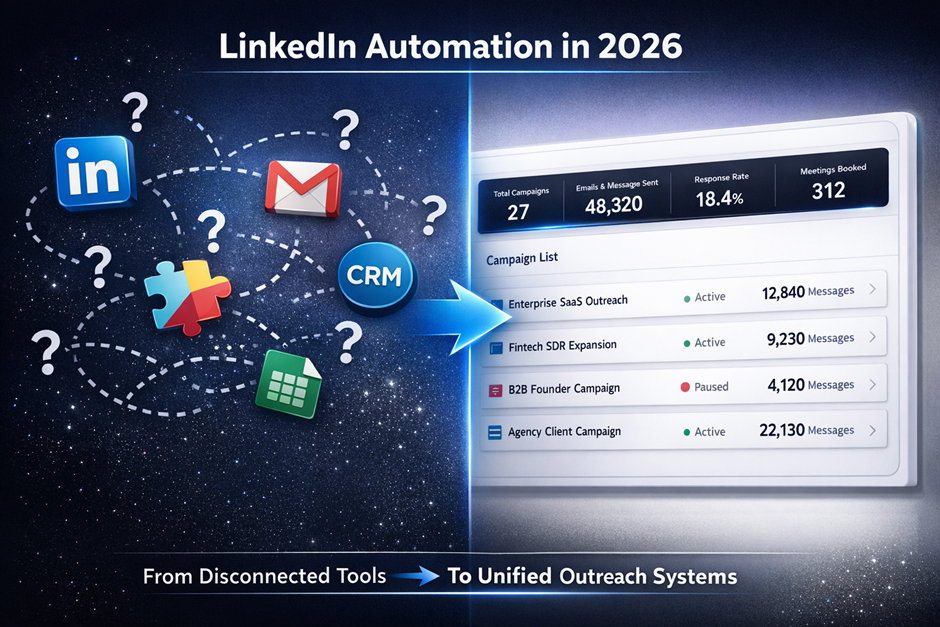
One industry pattern worth noting: many teams start with a simple LinkedIn-only tool, outgrow it within six months, and then face painful data migrations to a multichannel platform. Choosing a LinkedIn Automation solution that scales with your GTM motion from day one often saves more money than the cheapest per-seat option.
Questions to Ask Before Buying a LinkedIn Lead Generation Tool
Use this checklist during vendor calls to separate strong contenders from weak ones.
- Does the tool support both LinkedIn and email outreach in the same sequence?
- Can it sync leads, activities, and outcomes directly to our CRM?
- What safety measures protect my LinkedIn account from restrictions?
- Does AI personalization go beyond simple merge tags?
- Are analytics detailed enough to A/B test messaging and optimize sequences?
- What does onboarding look like, and is dedicated support included?
- Can I control daily activity limits and warm-up schedules per account?
For a deeper walkthrough of evaluation criteria and workflow design, check out this complete LinkedIn outreach guide.
Who Should Choose SalesTarget.ai?
SalesTarget.ai is built for teams that need more than connection-request automation. Here's who gets the most value:
- Startups and founders who wear multiple hats and need a system that runs outreach on autopilot while they focus on closing.
- SaaS companies scaling outbound and needing tight CRM integration to keep pipeline data clean.
- Agencies managing multi-client outreach from a single dashboard without switching between tools.
- SDR teams and managers looking for advanced analytics to coach reps and optimize sequences.
- B2B sales teams that want LinkedIn and email outreach unified in a single workflow, with AI-driven messaging that actually resonates.
If any of those describe your situation, explore the complete guide to LinkedIn automation for a deeper look at how the platform fits into a modern sales stack.
Industry benchmark: According to HubSpot's Sales Trends Report (HubSpot Sales Blog), teams using multichannel sequences see reply rates roughly 2–3x higher than teams relying on a single channel. This aligns with broad industry patterns—an estimate, but a consistent one.
Final Verdict
Every LinkedIn automation tool on this list can send connection requests. The difference is what happens after the request is accepted. Can the platform personalize follow-ups with real intelligence? Does it hand off warm leads to your CRM seamlessly? Will it protect your LinkedIn account while scaling outreach?
When you evaluate features beyond basic automation—AI personalization, multichannel sequences, native CRM sync, and robust analytics - SalesTarget.ai consistently checks more boxes than competitors. It's a LinkedIn automation tool designed for teams that treat outbound as a revenue function, not a side project.