Your SDRs sent 200 connection requests last week. Fourteen people accepted. Two replied. Zero booked a meeting. Sound familiar?
LinkedIn outreach automation is the practice of using software to send connection requests, direct messages, and follow-ups on LinkedIn at scale, while keeping each touchpoint personalized and compliant with LinkedIn's usage limits. Done right, it turns a slow, manual channel into a predictable pipeline driver. Done wrong, it gets your account restricted before lunch.
LinkedIn remains responsible for 80% of B2B leads generated through social media, and personalized connection requests see acceptance rates as high as 42% compared to roughly 12% for generic ones. The gap between those two numbers is where the right automation strategy (and the right tooling) makes all the difference.
This guide covers the best practices, personalization tactics, and common mistakes that separate high-performing B2B sales teams from the ones burning through LinkedIn accounts. No fluff, no recycled advice. Just the playbook that actually works.
Why Manual LinkedIn Outreach Isn't Scaling Your Pipeline
Manual LinkedIn prospecting tops out fast. One rep can realistically send 30 to 50 personalized connection requests per day before the quality of each message drops off a cliff. That's not a productivity problem. It's a math problem.
Here's what manual outreach actually costs:
- Time sink. Reps spend 15 to 25 minutes per prospect researching profiles, crafting a note, and logging the activity. Multiply that across a 50-person daily list and you've burned the entire day on step one of the funnel.
- Inconsistent follow-up. Without automation, follow-up messages depend on memory and sticky notes. According to McKinsey's research on B2B sales, fast-growing companies generate 40% more revenue from personalized, consistent outreach than slower-growing competitors. Manual follow-up almost never stays consistent past day three.
- No data loop. When outreach lives in browser tabs and spreadsheets, you can't measure what's working. Which message angle got replies? Which job titles engaged? You're guessing.
The bottleneck isn't effort. It's the fact that manual processes can't maintain personalization, timing, and follow-up discipline simultaneously at any real volume. That's the job automation was built for.
What LinkedIn Outreach Automation Actually Is?
LinkedIn outreach automation uses software to handle repetitive LinkedIn actions (connection requests, profile views, DMs, follow-ups, and engagement actions like post likes or comments) based on rules and sequences you define.
It is not a "set and blast" tool. Good automation mimics what a disciplined rep would do if they had unlimited hours: visit a profile, wait a realistic interval, send a personalized connection request, follow up three days later if there's no response, and branch the sequence based on whether the prospect replied, accepted, or ignored the request.
The best tools in this space use conditional logic that adapts the sequence based on each prospect's actions. Messages get personalized by AI to match the prospect's role, industry, and profile context. Smart scheduling sends messages during the prospect's working hours with human-like delays between actions, so the activity pattern doesn't look robotic to LinkedIn's detection systems.
The goal is not to send more messages. It's to have more of the right conversations with less manual labor.
Best Practices for LinkedIn Outreach Automation
Start with the Right Prospects, Not a Bigger List
The single biggest waste in LinkedIn outreach isn't bad copy. It's reaching the wrong people.
Before you automate a single message, filter your list down to prospects who match your ICP and show signs of being in-market. A sequence sent to 200 well-qualified prospects will outperform 2,000 spray-and-pray connection requests every time.
Use a prospecting tool that lets you search by industry, role, seniority, company size, tech stack, and intent topics. The goal is to enrich and qualify leads before they enter your sequence, not after. Platforms that combine lead data with outreach in one workflow eliminate the CSV export shuffle that slows most teams down.
The filter that most teams overlook: recent business events. Funding rounds, leadership changes, and hiring spikes are high-signal moments where a prospect is more likely to take a meeting. Look for tools that surface these signals on a 30 to 90 day lookback so your automation targets people who are actively buying, not just passively browsing.
Make Every Connection Request Feel Personal
LinkedIn gives you roughly 300 characters in a connection request note. That's about two sentences. Make them count.
Generic requests ("I'd love to connect and explore synergies") get ignored. Personalized ones that reference something specific to the prospect (a recent post, a mutual connection, a shared industry challenge) see acceptance rates north of 40%.
The trick is doing this at scale without it feeling like a mail merge gone wrong. Look for AI personalization tools that read each prospect's profile, role, and company context, then generate a connection note that references those details. The output should read like a message a real person wrote after spending two minutes on the prospect's profile. That's the bar.
One practical tip most guides skip: don't pitch in the connection request. The goal of the connection request is to get accepted. That's it. Save the value proposition for the first DM after they connect.
Keep Your Automation Natural and Human-Like
LinkedIn's detection algorithms look for patterns that no human would produce: identical time gaps between actions, 100 connection requests in 30 minutes, or engagement bursts at 3 AM in the prospect's timezone.
Best practices to stay under the radar:
- Cap daily connection requests at 20 to 30. This is the safe range in 2026. Going higher, even if LinkedIn technically allows it, increases the risk of temporary restrictions.
- Randomize delays between actions. Fixed intervals (send every 90 seconds) flag automated behavior. Variable intervals (somewhere between 45 and 180 seconds) mimic real usage.
- Schedule within working hours. A message sent at 2 PM local time looks normal. A message sent at 4 AM does not.
A good LinkedIn automation tool handles all of this natively: timezone-aware smart scheduling, working-hour limits, human-like randomized delays, and built-in rate limits that auto-adjust based on your account's age and activity history. Look for platforms that include auto-pause safeguards, stopping outreach the moment anything risks your account health.
Build Conversations Instead of Sending One-Off Messages
A single message almost never books a meeting. The data shows that multi-step sequences (connection request, followed by a value-first DM, followed by a follow-up, followed by a breakup message) consistently outperform one-and-done outreach.
The mistake teams make: they automate the first message and then rely on reps to manually handle everything after that. The follow-up falls off, and 70% of prospects who would have responded on the second or third touch never hear from you again.
Build full sequences with conditional branching. If a prospect accepts but doesn't reply, send a different follow-up than you would to someone who replied with a question. If they engage with your content, branch into a warmer sequence. The best automation platforms handle this with conditional logic that branches on replies, connection acceptance, profile views, or no response.
Offer Value Before You Make a Sales Pitch
The fastest way to kill a LinkedIn conversation: pitch your product in the first message.
Instead, lead with something useful. A relevant industry report. A specific observation about their company's tech stack or growth trajectory. A short insight about a problem their role typically faces. Value-first messaging consistently outperforms pitch-first messaging by 3x or more in reply rates.
Here's a non-obvious angle: use the prospect's own content as your opening. If they recently posted about a hiring challenge or a strategic initiative, reference it. This signals that you actually paid attention, which is rare enough on LinkedIn to stand out immediately. AI copilot features in modern outreach platforms can pull these signals and weave them into your sequence copy automatically, saving hours of manual research.
Reach Out at the Right Time with Consistent Follow-Ups
Timing affects reply rates more than most teams realize. Industry data shows that Tuesday and Thursday see the highest LinkedIn engagement, with response rates around 6.85% to 6.90%, while weekends drop below 3%.
But day-of-week is only half the equation. Time-of-day relative to the prospect's timezone matters just as much. A message that lands at the top of someone's LinkedIn feed when they check it at 9 AM has a fundamentally different open rate than one buried under 50 other notifications from overnight.
The right automation platform sends each message during the prospect's local working hours, not yours. Combined with automated follow-up sequences that fire on a consistent cadence (without requiring the rep to remember anything), this closes the timing gap that manual outreach always leaves open.
Group Prospects by Their Needs and Interests
Not every prospect should get the same sequence. A VP of Sales at a 500-person SaaS company has different pain points than an SDR manager at a 50-person startup. Sending them identical messages is a waste of both your time and theirs.
Segment your lists by role, seniority, company size, industry, or buying signal. Then write sequence variations that speak to each segment's specific problems. Your prospecting tool should make this segmentation straightforward: stack filters for seniority plus industry plus intent topic, and you get a tight list that warrants its own messaging track.
Combine LinkedIn with Email for Better Engagement
LinkedIn-only outreach leaves money on the table. Multi-channel sequences that combine LinkedIn and email generate 3 to 4x the response rate of single-channel campaigns.
The sequencing matters. A common high-performing pattern: view the prospect's LinkedIn profile on day one, send a connection request on day two, follow up with an email on day four, send a LinkedIn DM on day six, then alternate channels for subsequent follow-ups. Each touchpoint reinforces the others.
The key is making sure context carries across both channels. When a prospect replies on email, the LinkedIn sequence should pause automatically (and vice versa). Without this coordination, you risk double-tapping a prospect who already responded on a different channel. Look for platforms that run both channels in one unified workflow.
Track What Works and Continuously Improve Your Outreach
You can't improve what you don't measure. Track these metrics for every LinkedIn sequence:
- Connection acceptance rate (benchmark: 35 to 50% for targeted lists)
- Reply rate (benchmark: 10 to 15% is healthy; 20%+ is strong)
- Positive reply rate (what percentage of replies express interest vs. "not interested")
- Meeting conversion rate (benchmark: 8 to 15% of positive replies should convert)
Review these numbers weekly. If acceptance rates are below 30%, your targeting or connection request copy needs work. If acceptance is high but replies are low, your follow-up sequence is the problem.
Choose a platform that logs every action and response into a CRM automatically, so you can see the full funnel from connection request to closed deal without stitching together data from three different tools.
Respect LinkedIn's Rules and Protect Your Account
LinkedIn restricts or bans accounts that violate its terms of service. This isn't hypothetical. It happens every day to teams that push automation too hard.
The non-negotiable rules:
- Stay within LinkedIn's daily and weekly connection request limits.
- Never use tools that scrape LinkedIn data in ways that violate their User Agreement.
- Avoid sending identical messages to large groups (LinkedIn's systems flag this as spam).
- Warm up new accounts gradually. Don't go from zero activity to 50 connection requests on day one.
The best LinkedIn automation platforms bake compliance into the product itself: rate limits, warm-up logic, and auto-pause safeguards that run by default so you don't have to manage it manually.
How to Personalize LinkedIn Outreach at Scale
Using company signals and intent data to qualify before reaching out
Personalization starts before you write a single word of copy. It starts with choosing who to contact.
Intent data tells you which companies are actively researching solutions in your category. If a target account is spiking on topics related to your product, that prospect is warmer than someone with the right job title but no buying signal.
The strongest approach is pairing intent topics (like Bombora signals) with business events: funding rounds, hiring spikes, and leadership changes. Ideally, your prospecting tool surfaces these signals at the point of lead discovery, not as a separate data purchase you have to reconcile later. The signal should be attached to the lead before it ever enters your sequence.
Dynamic personalization: Names, roles, company mentions, and recent news
The {{first_name}} merge tag is table stakes. Prospects see through it instantly.
Real personalization means referencing context that's specific enough that the message couldn't have been sent to anyone else. The prospect's company just closed a Series B. They recently posted about scaling their SDR team. Their company is hiring for a role that signals a pain point you solve.
AI copilot features in modern outreach platforms can pull this context automatically: reading the prospect's profile, recent activity, and company data, then generating message copy that incorporates those details. The output varies per prospect, which also solves the "identical messages" problem that gets accounts flagged.
A/B testing your opens, clicks, and reply rates
Run two message variants per sequence step. Change one variable at a time: the opening line, the value proposition, the CTA, or the tone (direct vs. consultative). Let each variant run against at least 100 prospects before drawing conclusions.
Most teams skip A/B testing on LinkedIn because their tools make it cumbersome. Look for platforms with AI content generators that create A/B variations with built-in spintax, so you're testing at volume without manually writing 10 versions of the same message.
When to pause and pivot based on response data
If your reply rate drops below 5% after 200+ sends, something is off. Don't keep running a broken sequence.
Diagnose the problem in order:
- Low acceptance rate? Fix your targeting or connection request copy.
- High acceptance, low replies? Your first DM isn't landing. Rewrite it.
- Replies are negative? Your offer or timing is wrong for this segment.
Pause the sequence, adjust, and relaunch. The teams that treat sequences as living experiments (not "set it and forget it" campaigns) consistently outperform.
Why Choose SalesTarget.ai for Your LinkedIn Outreach?
Run LinkedIn sequences alongside email outreach in one platform
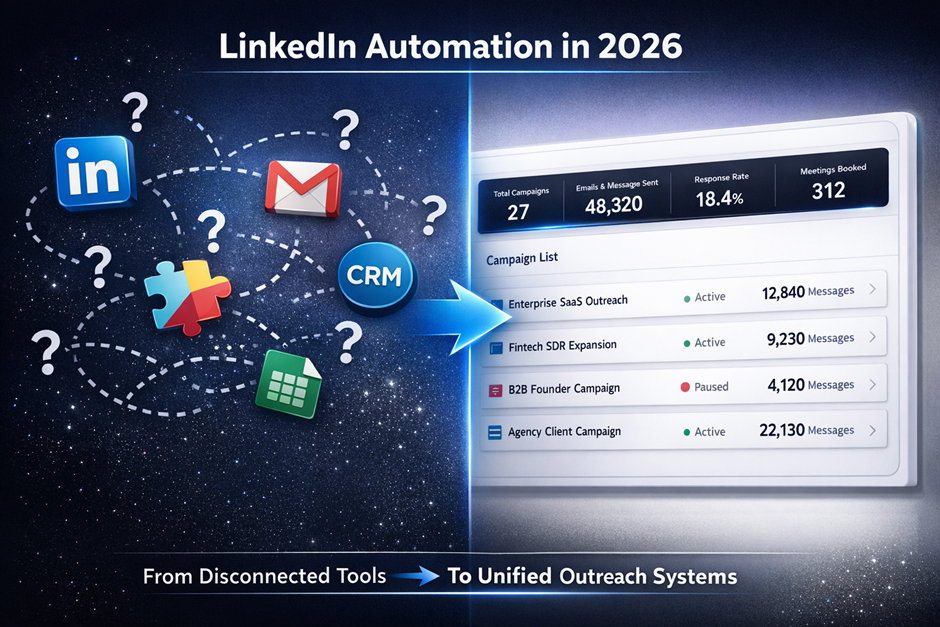
Most sales stacks force you to bolt together a LinkedIn tool, a cold email tool, a data provider, and a CRM. That's four logins, four billing cycles, and zero shared context between channels.
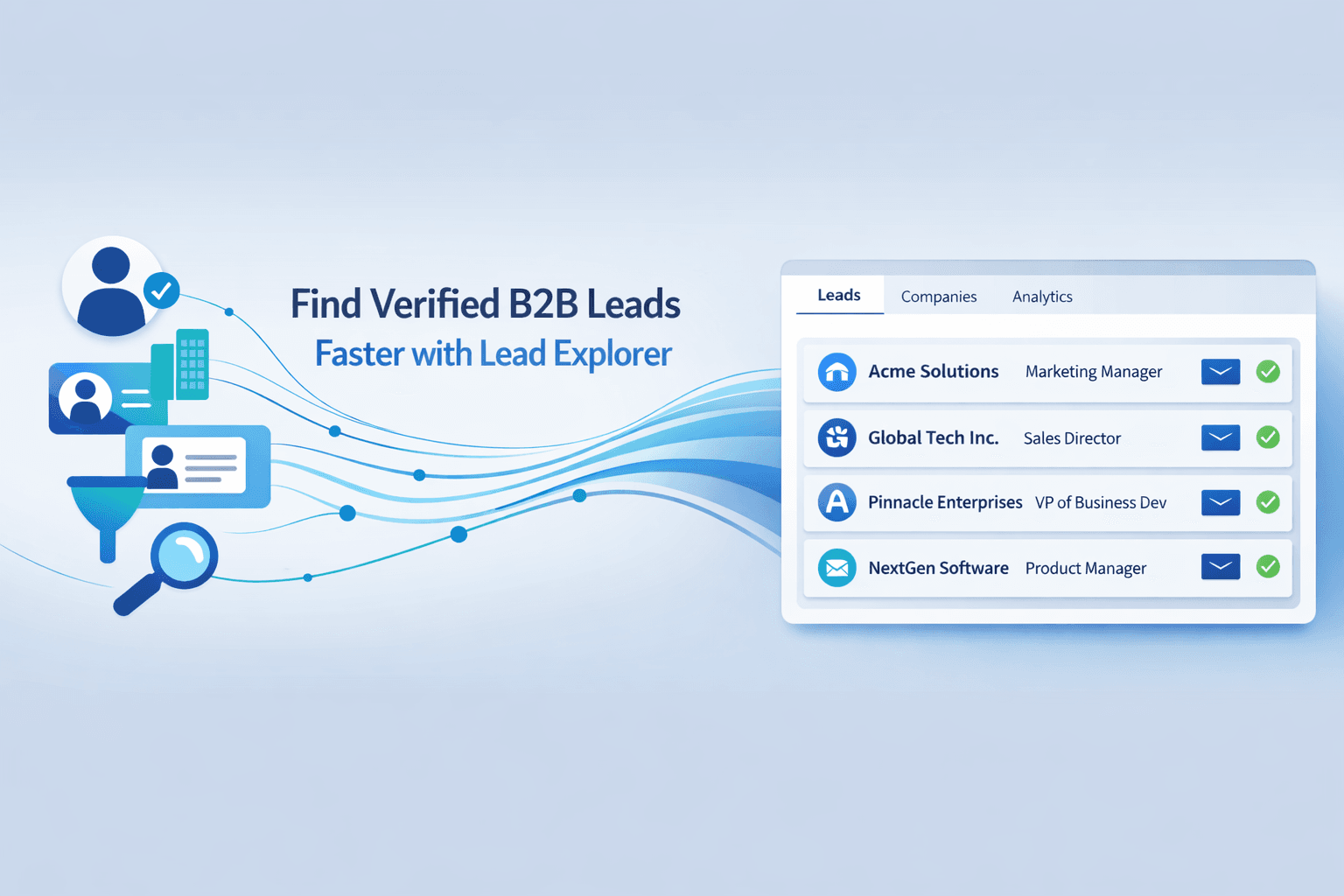
SalesTarget.ai puts LinkedIn outreach, email outreach, lead data (840M+ profiles, 146M+ businesses), email validation, and a built-in CRM in one workspace. A lead found in Lead Explorer can be enriched, verified, pushed into a multichannel sequence, and tracked through to close without ever leaving the platform.
The practical benefit: when a prospect replies on email, the LinkedIn sequence pauses automatically. When they accept a connection and reply via DM, the email sequence adjusts. Context travels across channels, so your outreach feels coordinated, not chaotic.
Stop stitching point tools together. See how SalesTarget.ai runs your entire outbound workflow in one platform.
Built-in compliance and account safety features
Account safety isn't a feature you bolt on after the fact. SalesTarget.ai builds it into the automation layer: daily rate limits, gradual warm-up sequences for new accounts, timezone-aware scheduling, randomized human-like delays, and auto-pause safeguards that stop outreach the moment anything looks risky.
You don't configure these manually. They run by default. Your ops team isn't spending hours tweaking settings to avoid getting reps' accounts restricted.
AI Copilot that personalizes at scale
SalesTarget.ai's AI Copilot is a free, built-in conversational AI that sits inside the platform. Chat with it to find leads across 840M+ profiles, generate personalized sequences in seconds, or query your CRM pipeline in plain language. It personalizes message copy by role, industry, and company size, with built-in A/B variations.
The Copilot also flags at-risk deals and recommends next steps, so reps focus on relationships and closing rather than data entry and admin.
Common Mistakes in LinkedIn Outreach Automation (And How to Avoid Them)
Automating too fast and triggering LinkedIn's filters
Going from zero to 50 daily connection requests on a new or dormant account is the fastest way to get restricted. LinkedIn's algorithms baseline your normal activity, and sudden spikes stand out immediately.
Fix: Start with 5 to 10 requests per day and increase by 5 per week until you reach your target volume (max 20 to 30 per day in 2026).
Forgetting to warm up your account first
A new LinkedIn account (or one that's been inactive) has no established behavior pattern. Automation on an un-warmed account triggers restrictions at much lower thresholds.
Fix: Spend the first 7 to 14 days manually engaging: post content, comment on others' posts, and send a handful of genuine connection requests. Some automation platforms offer built-in warm-up logic that handles this ramp-up period with gradually increasing activity.
Mass identical messages that read like spam
Sending the same message to 500 people is the LinkedIn equivalent of a spam blast. Prospects spot it. LinkedIn's systems flag it.
Fix: Use AI-generated personalization and spintax to create meaningful variation across every message. AI spintax generators produce multiple copy variations so no two messages read the same.
Ignoring LinkedIn profile completeness and credibility signals
Your LinkedIn profile is your landing page. A sparse profile with a blurry photo and a generic headline kills your response rate before your message copy even gets a chance.
Fix: Complete your profile with a professional photo, a headline that states the problem you solve (not your job title), and a summary that speaks to your prospect's pain points. This is one area where a 30-minute investment pays dividends on every automated message you send.
Setting sequences and forgetting to monitor them
Automation handles execution. It doesn't handle strategy. If a sequence is generating negative replies or low engagement and nobody's checking, you're burning through your prospect list and your account health simultaneously.
Fix: Review sequence metrics weekly. Pause underperforming sequences immediately. Adjust copy, timing, or targeting, then relaunch.
Conclusion: Making LinkedIn Outreach Automation Work for Your Team
The problem most B2B sales teams face with LinkedIn isn't a lack of effort. It's that manual outreach can't maintain personalization, timing, and follow-up discipline at the volume you need to fill a pipeline.
LinkedIn outreach automation solves that, but only when it's built on the right foundation: precise targeting, genuine personalization, human-like pacing, multichannel coordination, and continuous optimization.
SalesTarget.ai brings all of this together in one platform. Find leads with intent data and 840M+ verified profiles. Enrich and verify contacts in the same click. Push them into coordinated LinkedIn and email sequences with AI personalization. Track every touchpoint in the built-in CRM through to closed deal. No tool-switching, no CSV wrangling, no stitching four products together.
If you're spending more time managing your sales stack than actually selling, that's the problem SalesTarget.ai was built to fix.
Run your first automated LinkedIn sequence in under 10 minutes.
Start your free SalesTarget.ai account today