Your pipeline looks full on Monday and thin by Friday. Half the contact records have no phone number, two reps are chasing the same account, and nobody can say which deals are moving. That is what happens when a team picks a CRM from a feature checklist instead of from how reps actually work.
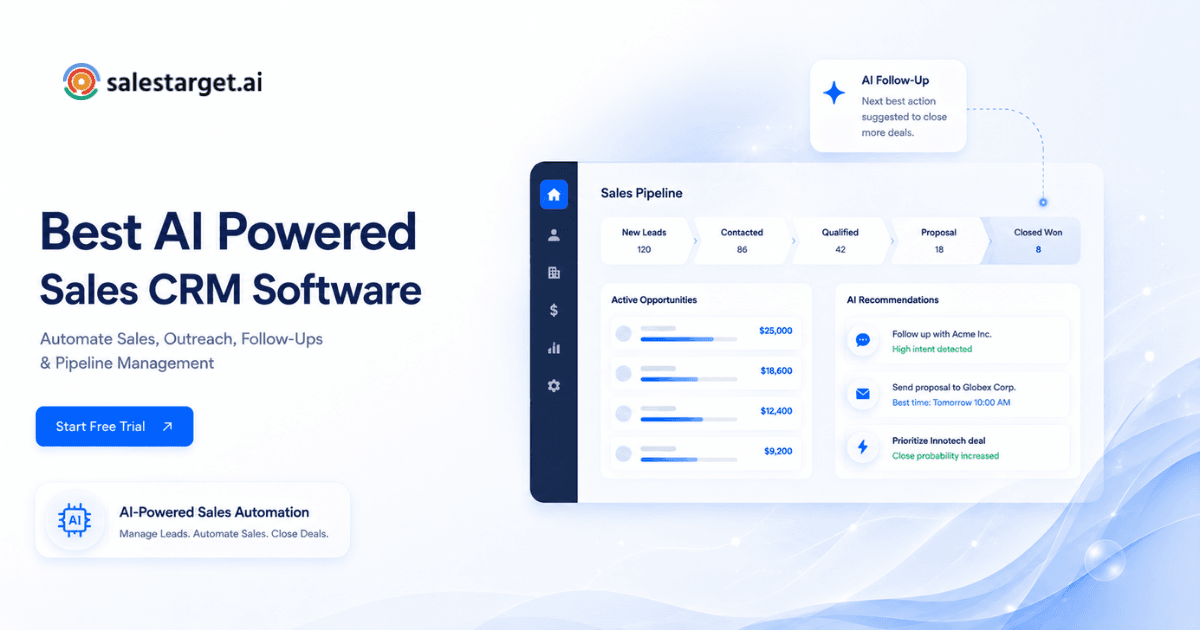
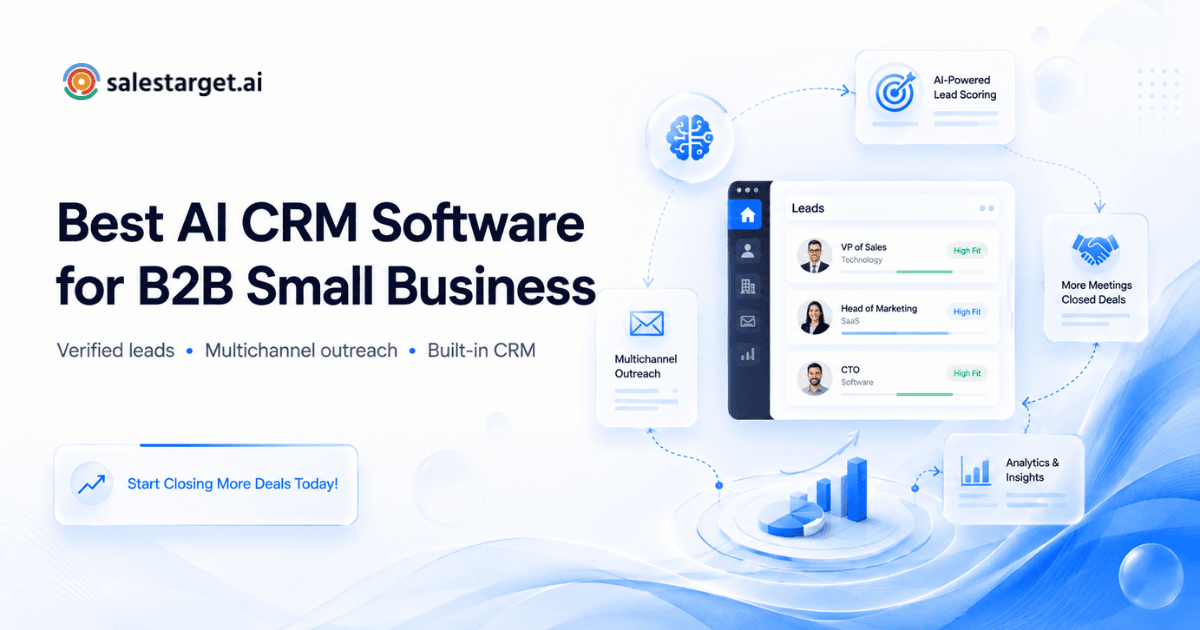
The best CRM software for a sales team is the one reps keep updated. It captures leads automatically, logs every email and call without manual typing, creates follow-up tasks on its own, and shows live pipeline numbers. Choose it by your sales process, data quality, automation, integrations, and ease of use. SalesTarget.ai fits outbound teams because its built-in CRM sits next to lead data and outreach in one workspace.
Best CRM Software for Sales Teams: What to Look For
Look for a CRM that matches your sales motion, keeps data clean without extra work, and gets used daily. A long feature list matters less than how fast a rep can log a reply and move a deal. If you want a side-by-side view of the options, our guide to the best CRM software for sales teams covers them in more depth.
Sales CRM software earns its place in three ways. It holds one accurate record per lead. It shows where every deal stands. It tells reps what to do next. If a tool fails at any of these three, the extra dashboards will not save it.
Outbound teams have one more need: the CRM should connect to where leads come from and where conversations happen. A CRM that depends on CSV imports and manual notes falls behind the day your campaigns start running.
Common Sales Team Challenges With Lead and Pipeline Management
Most sales teams struggle with three things: scattered lead data, missed follow-ups, and poor deal visibility. All three trace back to manual work between tools.
Salesforce's State of Sales research reports that reps spend 70% of their time on non-selling tasks such as admin work and meeting prep. Much of that time goes to the three problems below.
Scattered Lead Data and Incomplete Contact Records
Lead data scatters when it lives in spreadsheets, inboxes, and several tools at once. Reps then work from partial records.
A prospect's email sits in one sheet, the LinkedIn note in a browser tab, and the call outcome in someone's memory. Nobody has the full picture, and duplicates pile up.
Missed Follow-Ups and Manual Sales Tasks
Follow-ups get missed when creating the task depends on a human remembering to do it. A reply lands, the rep gets pulled into a call, and the task never exists.
Manual task creation fails at exactly the moment volume rises. The lead who said "talk next week" goes quiet, and the deal dies without anyone deciding to drop it.
Limited Visibility Into Pipeline and Deal Progress
Pipeline visibility breaks down when deal stages reflect what reps remembered to update, not what happened. Managers then review stale data.
A deal marked "proposal sent" three weeks ago with no logged activity is a guess, not a forecast. Leaders end up asking reps for status in meetings instead of reading it from the system.
How CRM Software Supports the Sales Process
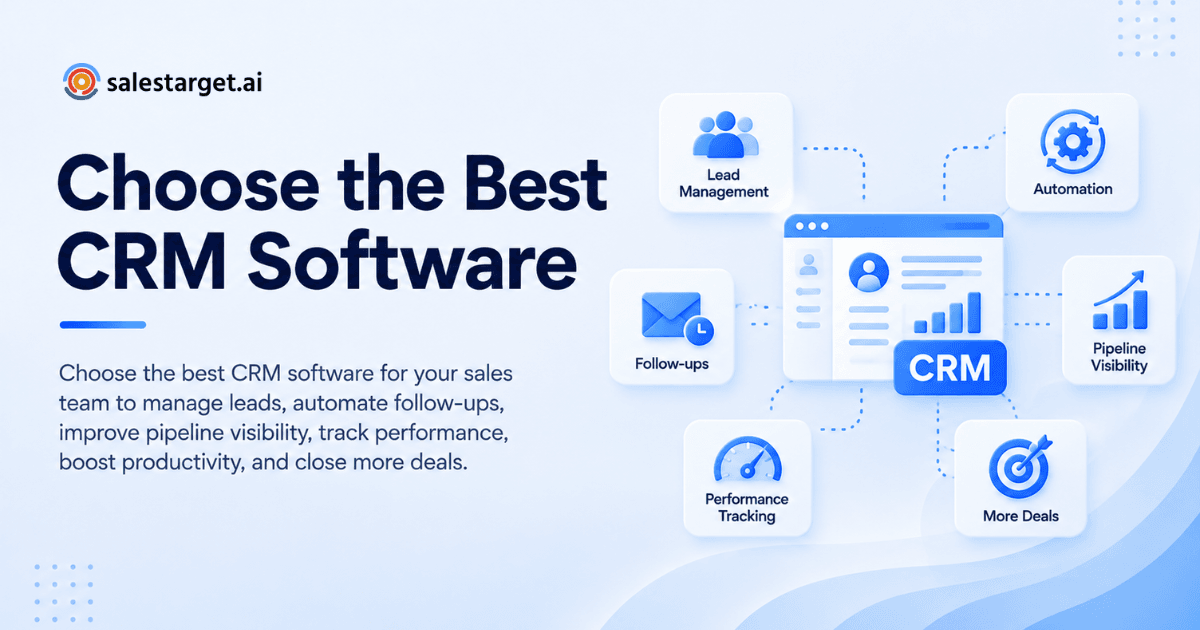
CRM software supports the sales process by storing every lead, tracking each deal stage, logging activity, and reporting results in one place.
Lead and Contact Management
Lead and contact management gives each prospect one record with verified details and a full history. Every touch lands on the same timeline.
In SalesTarget.ai, campaign leads land in the CRM automatically, with no imports. Reps open a lead and see every email and call without hunting.
Sales Pipeline and Deal Management
Pipeline management moves each opportunity through defined stages so the team knows what is open, what is stuck, and what is next.
A shared pipeline lets a manager spot a stalled deal in seconds. It also stops two reps from working the same account without knowing.
Sales Activity and Follow-Up Tracking
Activity tracking records emails, calls, and meetings against the lead, and follow-up tracking turns each one into a next step.
The point is not a log for its own sake. It is a record that tells the next person, or the same rep next week, exactly what happened and what comes next.
Sales Reporting and Performance Monitoring
Sales reporting turns logged activity into numbers: emails sent, meetings booked, open deals, and pending tasks.
Good reporting needs good logging. If activity is captured automatically, the dashboard is trustworthy. If reps type it in, the dashboard shows what they had time to type.
Benefits of Using CRM Software for Sales Teams
A good CRM improves data accuracy, saves rep time, tightens follow-ups, clarifies the pipeline, and sharpens forecasts.
Improve Lead Management and Data Accuracy
CRM software improves lead management by keeping one clean record per contact and removing duplicates. For a deeper look, read how CRM software improves lead management.
When leads flow in from prospecting and outreach tools directly, there is no copy-paste step where errors creep in. Cleaner records mean fewer wasted sends and fewer wrong-person calls.
Increase Sales Productivity
CRM software raises productivity by removing manual logging and research between tasks.
SalesTarget.ai reports about 6 hours saved per rep per week with its CRM. Set that against the Salesforce finding above: the hours reps lose to admin are the hours automation can return.
Strengthen Follow-Up Management
Strong follow-up management means a task exists the moment a lead replies or a meeting ends.
SalesTarget.ai creates those tasks automatically and reports 91% follow-up completion. The rep opens a task list and works it, instead of rebuilding priorities from an inbox.
Improve Pipeline Visibility
Pipeline visibility means every open deal, owner, and next step is visible in one live view.
Leaders stop asking "where are we on this?" and read the answer. Reps stop padding stages to look busy, since activity history shows the truth.
Support Better Sales Forecasting
Better forecasting comes from consistent deal data, logged activity, and clear stages.
Gartner research found that only 7% of sales organizations reach 90% forecast accuracy or higher, and median accuracy sits between 70% and 79%. A forecast is only as good as the records beneath it, so capture quality comes before any forecasting feature.
How to Choose the Best CRM Software for Your Sales Team
Choose a sales CRM in six steps: define your process, test lead management, compare pipelines, review automation, check integrations, and judge usability and scale. Run each step with real data, not a demo script.
Define Your Sales Process and Requirements
Start by writing down your actual sales process: lead source, stages, handoffs, and who owns what.
An outbound team running email, LinkedIn, and calls needs different things from a team that works inbound forms. List five must-haves and five nice-to-haves before you open a vendor site.
Evaluate Lead and Contact Management
Test how leads enter the CRM, how duplicates are handled, and how much each record shows.
Here is a test most buyers skip: count the steps between "lead replies" and "reply is visible on the lead's record." If a human has to do any of them, that gap will widen at volume.
Compare Pipeline and Deal Management
Compare how easily you can build stages, move deals, and see stalled ones.
Ask for a view of deals with no activity in 14 days. A CRM that cannot show that in one click will not help you rescue pipeline. Check sales pipeline management depth against your real stage count.
Review Sales Automation Features
Review which tasks the CRM creates, logs, and updates by itself.
Separate automation that saves rep time from automation that only moves clicks around. Auto-created follow-ups, auto-logged calls, and reply-triggered tasks save time. A workflow builder that needs an admin to maintain it does not.
Check CRM Integrations
Check that the CRM connects to your calendar, meeting tool, messaging, and any CRM you already run.
SalesTarget.ai connects with Google Calendar, Google Meet, Calendly, Slack, Zapier, HubSpot, Salesforce, and Zoho, with Zoom and Pipedrive coming soon. Match that kind of list against your own stack.
Compare Pricing, Usability, and Scalability
Compare plan structure by what each plan includes, not by headline seat counts.
Ask what you will still need to buy separately: lead data, email validation, outreach, a dialer. Then judge usability by having a new rep log a call and create a task in under a minute. Finally, check that the setup scales to more reps and more campaigns without a rebuild.
Key Features of the Best Sales CRM Software
The best sales CRM software combines six capabilities: lead tracking, pipeline management, automated follow-ups, analytics, forecasting, and integrations.
Lead Tracking and Contact Management
Lead tracking captures every contact with source, status, and a timeline of touches.
Look for automatic lead capture from campaigns and a timeline that shows emails and calls in order. Verified contact details on the record save reps from re-researching.
Sales Pipeline Management
Pipeline management should show stages, values, owners, and age of each deal in a live shared view.
Drag-and-drop is table stakes. The useful part is seeing deal age and last activity next to each card.
Automated Follow-Ups and Sales Workflows
Automated follow-ups create tasks from triggers such as a reply, a booked meeting, or a gap in activity.
SalesTarget.ai creates follow-up tasks when a lead replies or a meeting ends, so the next step is waiting when the rep opens the list.
Sales Analytics and Reporting
Sales analytics should show email stats, open deals, meetings, and pending tasks in one dashboard.
If reports need a spreadsheet export to be useful, the CRM is not doing its job. Pick a tool where the dashboard answers a manager's Monday questions directly.
Sales Forecasting and Performance Tracking
Forecasting and performance tracking compare pipeline value, deal age, and activity against targets.
Good tracking spots risk early: deals with no recent touches, meetings that never converted, reps behind on tasks.
CRM Integrations and Data Sync
Integrations and data sync keep your calendar, chat, and other systems aligned with the CRM record.
Two-way sync matters most. A one-way export creates a second source of truth, and then nobody trusts either.
Why Choose SalesTarget.ai
SalesTarget.ai is an all-in-one AI sales intelligence and outbound platform that combines lead data, email and LinkedIn outreach, email validation, a built-in CRM, and an AI Copilot in one workspace. You stop stitching tools together and manage the whole outbound flow in one place.
Apollo gives data and engagement, but you still add deliverability and a CRM. Instantly, Smartlead, and Lemlist focus on cold email, with no native B2B database, no LinkedIn automation, and no real CRM. SalesTarget.ai covers all of it on one bill.
Find and Enrich B2B Leads With Lead Explorer
Lead Explorer is SalesTarget.ai's prospecting engine with built-in enrichment. It searches 840M+ professional profiles and 146M+ businesses, with 4,000+ intent signals across 50+ data sources.
Search in plain English or stack filters for role, industry, company size, and tech stack. One-click enrichment adds verified email, phone, and mobile, and leads go straight to sequences or the CRM with no CSV in between. That is how every CRM record starts clean.
Connect Email and LinkedIn Outreach With CRM Workflows
Email Outreach and LinkedIn Outreach run in one coordinated flow, and every action lands in the CRM.
Email sequences use unlimited inboxes with AI warm-up and SPF, DKIM, and DMARC checks. LinkedIn sequences automate connection requests and follow-ups with built-in safety limits. Replies from both channels reach the same lead timeline.
Improve Deliverability With Email Validation
The Email Validator checks addresses with MX and SMTP checks, disposable-email detection, and risk scoring before you send.
SalesTarget.ai reports that 90% of emails are validated before sending. Fewer bounces protect sender reputation, and a clean list means the CRM tracks real conversations, not dead addresses.
Manage Deals With a Built-In CRM
The SalesTarget.ai CRM is a lightweight CRM built for outbound teams, not enterprise bloat. It has five modules: Lead Management, Deal Pipeline, Tasks and Follow-Ups, Activity Tracking, and Reports and Analytics.
Campaign leads land automatically, and every email and call is logged to the lead timeline. The built-in AI dialer offers click-to-call, logs each call, and takes notes during the conversation, saving them to the lead timeline so reps never write them up by hand. SalesTarget.ai reports 3.2X faster deal cycles and 2.4X more meetings from the same leads. Setup takes under a day, and you can start free to test it on your own leads.
Use AI Copilot for Sales Tasks
AI Copilot is a conversational sales teammate, free inside the platform.
Ask it in plain language to find leads, draft a personalized sequence, check CRM deals, meetings, and tasks, or assign work. It flags at-risk deals and suggests the next move. Strategy stays with your reps, and the grunt work moves off their plate.
Common CRM Selection Mistakes Sales Teams Should Avoid
The most common CRM mistakes are buying on features, ignoring data, running disconnected tools, skipping adoption, and not tracking results.
Choosing Too Many Features Without a Clear Sales Use Case
Buying the biggest feature list gives you more to configure and less that reps use.
Tie each feature to a sales task you do weekly. If you cannot name the task, skip the feature.
Ignoring Data Quality and Lead Management
A CRM full of bad data produces bad reports and wasted outreach.
Check how leads are verified and deduplicated before they reach the CRM. Fixing data after import costs more than keeping it clean at the source.
Using Disconnected Sales and Outreach Tools
Disconnected tools force manual syncing, and manual syncing breaks first at volume.
If outreach, validation, and the CRM live in separate apps, someone is copying data between them. That someone is usually a rep who should be selling.
Overlooking CRM Adoption Across the Sales Team
A CRM only works if reps use it, and reps use tools that save them time.
Adoption fails when logging is an extra step. Pick a CRM where logging happens as a side effect of working, such as sending an email or taking a call. Run a one-week pilot with two reps before rollout.
Failing to Track CRM-Driven Sales Results
If you do not measure what the CRM changes, you cannot tell whether it paid off.
Set baseline numbers before you switch: follow-up completion, time to first follow-up, deal cycle length, meetings per lead. Compare after 60 to 90 days.
Measuring CRM Impact on Sales Performance
Measure CRM impact with four groups of numbers: conversion, activity, pipeline, and productivity. Capture a baseline first, then compare.
Lead Conversion and Opportunity Rates
Track lead-to-meeting and meeting-to-opportunity rates by source and sequence.
A rising meeting rate on the same lead volume means follow-ups and data are working. SalesTarget.ai reports 2.4X more meetings from the same leads as a reference point for outbound teams.
Sales Activity and Follow-Up Performance
Track follow-up completion rate and time from reply to first response.
The speed of the first response often decides the deal. SalesTarget.ai reports 91% follow-up completion, a useful target to measure against.
Pipeline Value and Deal Velocity
Track total pipeline value, average deal age, and days spent in each stage.
Stage-by-stage velocity shows where deals stall. If one stage holds deals twice as long as the rest, fix that handoff first.
Sales Productivity and Revenue Performance
Track selling time per rep, tasks completed, and revenue per rep.
Ask reps how many hours a week they spend on logging and research. Any drop after rollout is real, measurable value, and it ties back to the 70% non-selling figure from Salesforce.
Conclusion: Choosing the Right CRM for Sales Growth
You opened this decision with a pipeline full of stale deals, scattered records, and follow-ups nobody owned. The fix is not a bigger CRM. It is a CRM that fills itself, logs for the rep, and tells the team what to do next.
SalesTarget.ai gives outbound teams that in one workspace. Lead Explorer finds and enriches the lead, the Email Validator protects deliverability, Email and LinkedIn Outreach run the sequence, and the built-in CRM tracks the deal, the calls, and the tasks. AI Copilot handles the grunt work. One platform, one record per lead, and a pipeline you can trust on Friday as much as on Monday.
Ready to test it on your own leads? Start free with SalesTarget.ai and see how a CRM built for outbound teams works.