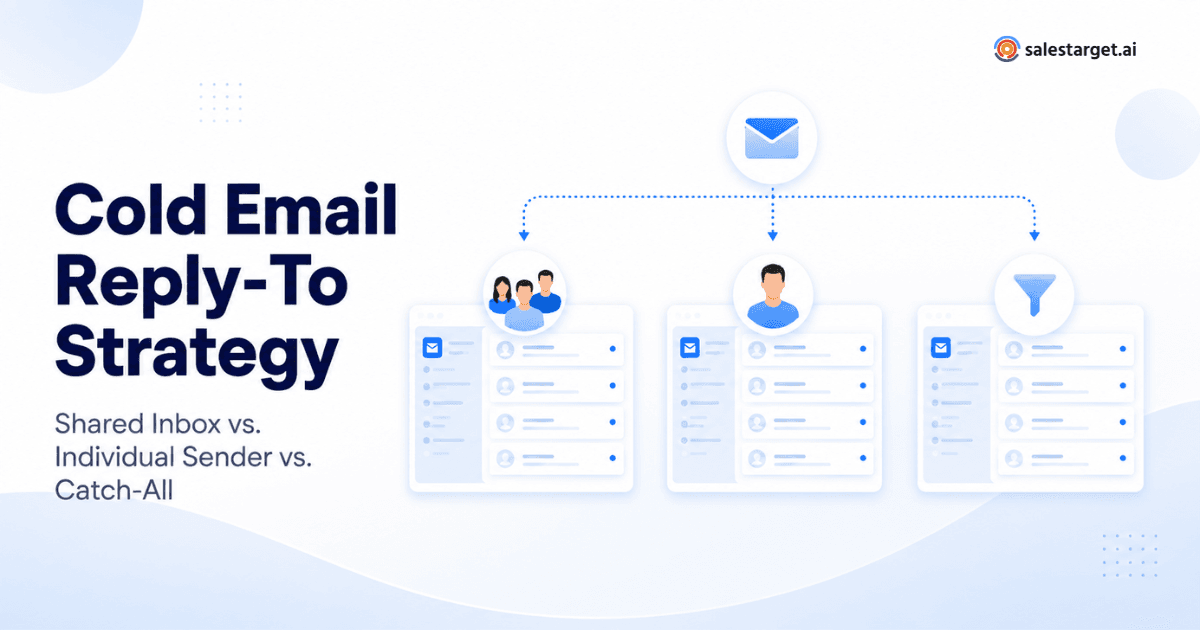
Sales teams obsess over the right details in cold email outreach - sender domains, subject lines, deliverability scores, personalization tokens. But one decision quietly shapes whether replies turn into conversations or vanish: where those replies actually land.
The Reply-To address controls who sees a prospect's response first, how quickly your team follows up, and whether ownership is clear. Get it wrong and you face delayed responses, orphaned threads, and confused handoffs that cost you pipeline. Teams already combining LinkedIn and email for outbound know that every channel touchpoint needs a clear owner.
Here is the short version. A shared inbox works best for centralized team ownership. An individual sender inbox suits personal, relationship-driven outreach. A catch-all address has narrow operational uses but demands careful routing. The right answer depends on team size, process, and volume.
What Is a Reply-To Address in Cold Email Outreach?
Every outbound email involves three addresses. The From address is what the prospect sees as the sender. The Reply-To address is where their response goes when they hit reply — it can differ from the From address. The receiving inbox is the mailbox that stores incoming messages.
Why does this matter? An SDR sends 200 emails daily from kate@outbound.acme.com, but the Reply-To is sales@acme.com. Every reply lands in the team queue, not Kate's personal inbox. That single configuration changes workflows, ownership, and follow-up speed. As noted in Google's email authentication documentation, properly aligning sending and reply domains also affects deliverability.
Shared Inbox vs. Individual Sender vs. Catch-All: Quick Comparison
| Criteria | Shared Inbox | Individual Sender | Catch-All |
|---|---|---|---|
| Best for | Team-based sales ops | Relationship selling | High-volume routing |
| Main advantage | Centralized visibility | Personal touch | Flexible address handling |
| Main drawback | Can feel impersonal | Single point of failure | Unclear ownership |
| Reply ownership | Team or assigned | Individual rep | Must be manually routed |
| Team visibility | High | Low (rep-specific) | Variable |
| Personalization | Moderate | High | Low |
| Scalability | Strong | Limited by rep capacity | High but complex |
| Best use case | SDR pods, ops teams | AE deals, founder sales | Agencies, multi-domain |
Shared Inbox for Cold Email Outreach
A shared inbox as a Reply-To destination means every prospect response flows into one central mailbox — typically sales@company.com. The entire team can see incoming messages, assign ownership, and ensure nothing slips through.
This approach is strongest for SDR teams with defined handoff processes. When three reps run campaigns simultaneously, a shared inbox prevents hot replies from sitting unread while someone is on PTO. Centralized reply management also makes it easier for managers to monitor response quality and coach reps.
The trade-off is personalization. Prospects who reply to "Kate" but receive a follow-up from "James" may notice the disconnect. Teams mitigate this by assigning ownership rules — whoever's campaign generated the reply owns the thread — but that requires discipline and consistent enforcement across the team.
Individual Sender: The Personal Approach
When Reply-To points to the sender's inbox — kate@acme.com replies go to Kate — the conversation feels like genuine one-to-one communication. The prospect builds a relationship with a specific person, not a team alias.
This setup suits founder-led sales, AE-driven outbound, and any motion where the sender closes the deal. It supports faster follow-up because the rep sees replies instantly. When a prospect references the original email, the sender has full context to respond naturally.
The risk is operational. If Kate leaves or goes on vacation, her replies sit unmonitored. At scale, individual inboxes create visibility gaps - managers lose sight of reply volume and follow-up speed. A cold email platform with unified dashboards helps close that gap without sacrificing personal ownership.
Catch-All Reply-To: When Does It Make Sense?
A catch-all email address accepts messages sent to any address at a domain, even ones without a dedicated mailbox. In a cold email marketing context, teams sometimes use catch-all configurations to handle replies across multiple sender aliases or campaign-specific addresses.
This can work for agencies managing outbound for multiple clients, or teams using many sender identities across rotating domains. But catch-all setups introduce real risks: replies lack clear ownership, routing becomes manual, and accountability drops. Without strong filtering, a catch-all inbox becomes a dumping ground.
A catch-all does not inherently improve deliverability or reply rates. Treat it as an operational tool. If you use one, pair it with automated routing rules to assign every reply to a specific owner within minutes.
Which Reply-To Strategy Should You Choose?
Choose a shared inbox if:
- You have 3+ SDRs running outbound campaigns simultaneously.
- Reply volume exceeds what a single rep can manage.
- Your process requires lead handoffs between prospecting and closing teams.
Choose an individual sender if:
- You are a solo founder or small team doing relationship-driven outreach.
- The sender is also the person who will close the deal.
- Personalized, high-touch follow-up is your competitive advantage.
Consider a catch-all if:
- You manage outbound across many sender domains or client accounts.
- You have automated routing rules to assign replies to the correct owner.
The Cost of Misrouted Replies
Assumption-based estimate: If a team receives 100 qualified replies per month and 5% are delayed or misrouted, that represents 5 conversations requiring recovery. At a 30% meeting-booking rate on qualified replies, that is roughly 1–2 lost meetings per month — or 12–24 per year. For teams with average deal values above $10,000, the revenue impact compounds quickly. This uses transparent assumptions, not proprietary research, but illustrates why Reply-To routing deserves real attention.
How Email Outreach Software Simplifies Reply Management
The right cold email software handles Reply-To routing complexity so your team focuses on conversations instead of inbox logistics. Modern email outreach tools let you configure sender identities, map Reply-To addresses, filter auto-replies from genuine responses, and manage follow-up sequences from one dashboard. Good software also connects reply management to your CRM, so positive responses flow directly into pipeline.
If you are evaluating platforms, start by understanding how to choose the best cold email software for your workflow. Look for tools supporting AI email personalization — the ability to tailor each message to a prospect's role, company, or recent activity without writing every email manually.
Best Practices for Managing Cold Email Replies
- Assign clear reply ownership. Every response should have a named owner.
- Separate positive replies from noise. Auto-replies and bounces should be filtered before reaching reps.
- Set follow-up SLAs. Respond to positive replies within 2 hours during business hours.
- Keep sender identity consistent. If Kate sends the email, Kate follows up.
- Monitor reply quality, not just volume. High reply rates mean nothing if responses are negative.
- Test before scaling. Run cold email software A/B testing on Reply-To strategies with a small campaign first.
- Make personalization relevant. Reference something specific about the prospect's business.
- Review routing rules quarterly. Team changes and domain rotations can break setups.
There is no universal best Reply-To strategy for cold email outreach. Shared inboxes give teams centralized control. Individual sender inboxes create authentic relationships and faster follow-up. Catch-all addresses serve narrow operational needs but demand careful routing.
Most B2B teams with more than two reps benefit from a shared inbox as the foundation, with individual sender setups for high-value campaigns. Solo founders should default to individual sender until volume demands shared infrastructure.
Whatever you choose, the best cold email platform makes reply management invisible — so your team spends time selling, not sorting.
Turn Every Reply Into a Sales Conversation
Use SalesTarget.ai Email Outreach to manage personalized outbound campaigns, streamline follow-ups, and turn replies into opportunities.