If you've ever run a list through an email validation tool, you've probably seen results labeled "Safe to Send," "Risky," or "Invalid." But what do those grades actually tell you? More importantly, what don't they tell you? Email validation is a step most sales and marketing teams know they should take before outreach, yet the scores themselves are often misunderstood. Some teams treat a "valid" result as a delivery guarantee. Others throw out every address that isn't perfectly confirmed. Both approaches waste opportunity. This article breaks down what verification grades mean, how they're produced, and how to use them to make smarter sending decisions.
What does a "Safe to Send" score mean?
A "Safe to Send" score is a verification system's assessment of whether an email address is likely to accept mail, based on signals such as syntax checks, domain validation, DNS/MX records, and mailbox-level verification. A high confidence grade means the system found strong evidence that the address exists and can receive messages. However, no email verifier can guarantee delivery. Inbox placement depends on additional factors including sender reputation, content, authentication, and the recipient server's behavior at the time of sending.
What Is a "Safe to Send" Score?
When an email verification tool processes an address, it doesn't simply report "good" or "bad." It returns a confidence grade — often called a "Safe to Send" score or verification status — that reflects how likely the address is to accept incoming mail. Think of it as a risk assessment, not a promise.
The grade is generated by checking a series of technical signals in sequence. If every check passes, the address earns a high-confidence rating. If something fails or returns ambiguous results, the score drops accordingly. Understanding how B2B email finder tools determine accuracy and deliverability provides helpful context here, because the quality of the data you start with shapes every result that follows.
It's worth repeating: a verification result is a snapshot. The mailbox existed and appeared reachable at the moment of the check. That status can change within hours.
How Email Validation Produces a Verification Grade
Email verification software typically evaluates several layers of signals. Not every provider uses exactly the same methodology, but most systems work through some combination of the following checks:
- Syntax validation: Is the format correct? (e.g., name@domain.com)
- Domain existence: Does the domain resolve and appear active?
- DNS and MX record lookup: Are mail exchange records configured for the domain?
- Mailbox-level verification: Does the mail server confirm the specific address exists? (SMTP-level checks where possible)
- Disposable email detection: Is the address from a throwaway email service?
- Role-based address detection: Is it a generic address like info@ or support@ rather than an individual?
- Catch-all identification: Does the domain accept mail for any address, making individual verification unreliable?
- Risk indicators: Are there signs of spam traps, frequently bouncing addresses, or other deliverability risks?
Each signal adds or subtracts confidence. The final grade is a composite - a summary judgment, not a single test.
How to Interpret Each Verification Grade
Labels vary between providers. One email verifier might say "Deliverable" where another says "Valid" or "Safe." The table below describes common categories by their underlying meaning, regardless of the exact terminology a specific tool uses.
| Grade | What It Means | Send? | Recommended Action |
|---|---|---|---|
| Safe / Valid | Address exists, domain verified, server confirmed the mailbox. | Yes | Send with confidence. Prioritize these contacts for outreach. |
| Risky | Address may exist but returned ambiguous signals - e.g., a catch-all domain or intermittent server response. | Use caution | Send in small batches. Monitor bounces closely. Consider re-verifying. |
| Unknown / Accept-All | The domain accepts all mail regardless of the local part, so individual verification isn't possible. | Conditional | Segment separately. Send slowly. Watch engagement and bounce metrics. |
| Invalid | Mailbox doesn't exist, domain is inactive, or syntax is broken. | No | Remove immediately. Sending to these addresses will damage sender reputation. |
| Disposable | Address belongs to a temporary email service. | No | Exclude from campaigns. These addresses are short-lived and rarely represent real prospects. |
| Role-Based | Generic address (e.g., admin@, sales@). May deliver but often goes to a group inbox. | Depends on context | Acceptable for transactional messages. Avoid for personalized cold outreach. |
Here's a practical way to see the impact: imagine a 10,000-contact list where 4% of addresses are invalid. That's 400 emails that would hard-bounce, potentially triggering spam filters and harming your domain's reputation across the remaining 9,600 sends. Removing those addresses before sending costs nothing compared to the deliverability damage they can cause.
What a Safe-to-Send Score Does - and Doesn't -Tell You
A verification grade tells you whether an address appears reachable at the time of the check. It does not tell you whether your email will land in the inbox, avoid the spam folder, or get read. Those outcomes depend on separate factors:
- A verified mailbox can still bounce later if it's deactivated or reaches capacity.
- Verification doesn't evaluate your sender reputation. A clean list won't help if your domain is already flagged.
- Temporary server issues — downtime, rate-limiting, greylisting — can cause false "unknown" or "risky" results.
- Catch-all domains accept everything, so verification can't confirm individual addresses on those servers.
- Content quality, email authentication (SPF, DKIM, DMARC), engagement history, and sending patterns all influence deliverability independently of list accuracy.
Google's Postmaster Tools documentation explains how sender reputation and authentication affect whether messages reach the inbox — factors entirely outside the scope of email validation.
When Should You Trust a Verified Email Address?
Verification is most valuable as a filter, not a verdict. Teams working on enterprise-level B2B email verification to reduce bounce rates understand this well: the goal is to remove the addresses most likely to cause problems, so you can focus your outreach budget on contacts that are actually reachable.
Use verification confidence as one input alongside other list-quality signals. Here's how the context matters:
- Cold email campaigns: Verify every address before sending. Even a small percentage of bounces can hurt a new or warming domain.
- Lead generation: Validate at the point of capture when possible. Real-time verification catches typos and fake submissions immediately.
- CRM enrichment: Re-verify addresses periodically, especially for contacts that haven't engaged recently. Mailbox status changes.
- Marketing databases: Run a bulk email verifier across your full list quarterly, or before any major campaign.
- Event and contact lists: Third-party lists are notoriously unreliable. Always validate before importing into your sending platform.
Why Email Validation Matters Before Outreach ?
Every bounced email is a signal to mailbox providers that you may not be a trustworthy sender. Accumulate enough bounces, and your domain reputation drops — which means even your valid, engaged contacts start seeing your messages land in spam. Email list hygiene through validation helps teams:
- Reduce hard bounces that directly damage sender reputation.
- Identify disposable email addresses and risky contacts before they cause problems.
- Improve campaign analytics by sending only to addresses that can actually receive mail.
- Protect the long-term deliverability of their domain.
For teams evaluating providers, a thorough guide to choosing email verification software with API accuracy and real-time validation can help clarify what to look for in an email validation tool.
How Sales Teams Can Use Verification Grades
Knowing a grade is useful. Acting on it is where the value lives. Here's a practical workflow:
Verify → Segment → Prioritize → Send → Monitor → Re-verify
- Verify: Run your full list through an email verification tool before any campaign.
- Segment: Group contacts by verification grade — safe, risky, unknown, invalid.
- Prioritize: Route "safe" contacts into your primary sending sequence. These are your highest-confidence targets.
- Send with caution: For "risky" and "unknown" addresses, use smaller batch sizes and throttle your send rate. Monitor bounce rates in real time.
- Monitor: Track bounces, engagement, and complaints per segment. If "risky" addresses bounce above 2%, pull them from active campaigns.
- Re-verify: Addresses age. Run your list through validation again every 60–90 days, or before any large campaign.
Invalid addresses? Remove them entirely. There's no scenario where sending to a confirmed-invalid address helps your campaign.
Use SalesTarget.ai to Validate Leads Before You Send
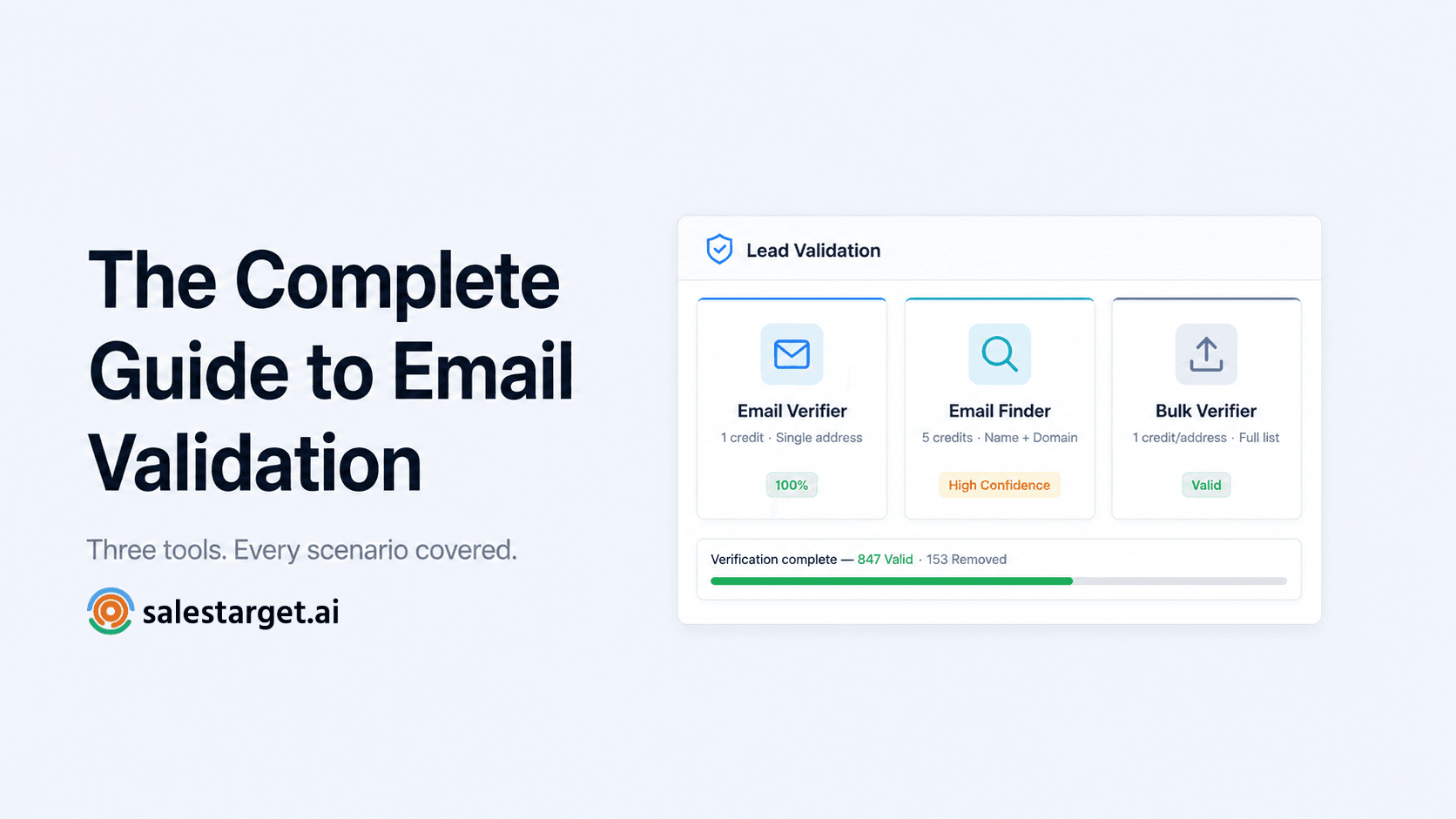
SalesTarget AI's Lead Validation feature lets sales and marketing teams verify email addresses before launching outreach. Whether you're cleaning a CRM export, validating a purchased list, or checking addresses collected through lead forms, the tool is designed to help you identify which contacts are safe to send and which should be set aside.
Rather than guessing which addresses will bounce, you can verify them upfront and segment your list by confidence level — exactly the workflow described above.