A rep opens their laptop Monday to a spreadsheet of half-dead leads, a CRM untouched in three weeks, and an inbox full of bounces from a list nobody checked. Two hours disappear into copy-pasting names between tools before a single prospect gets a message. That is the daily grind behind most outbound numbers, and it is exactly why "sales automation software" ranks among the most searched B2B sales terms this year.
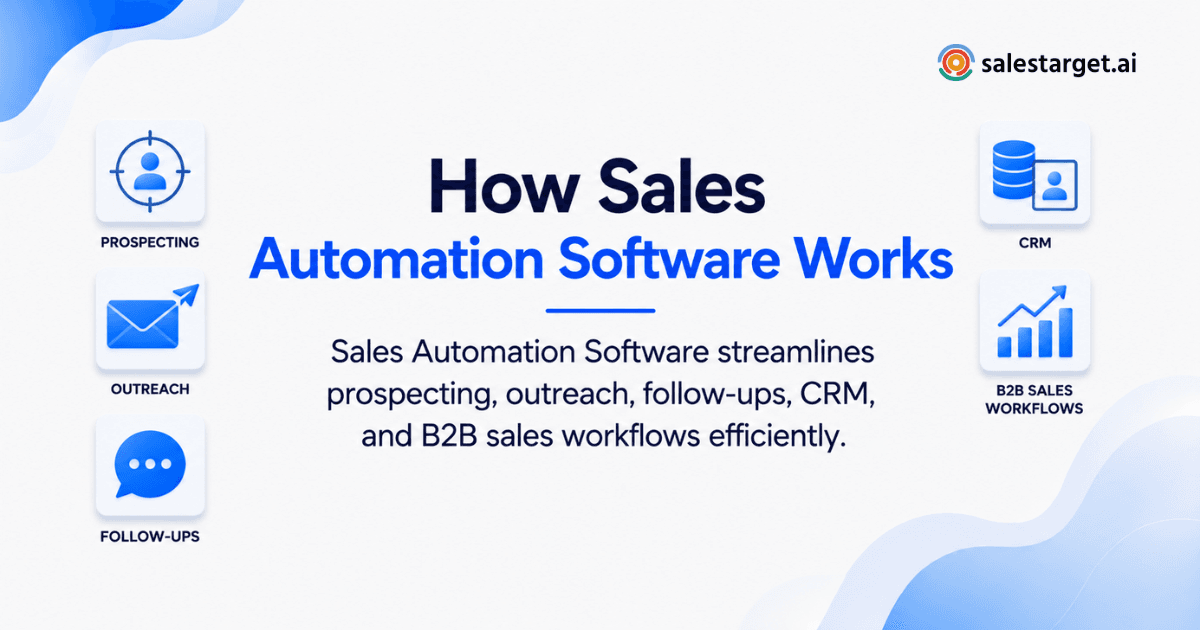
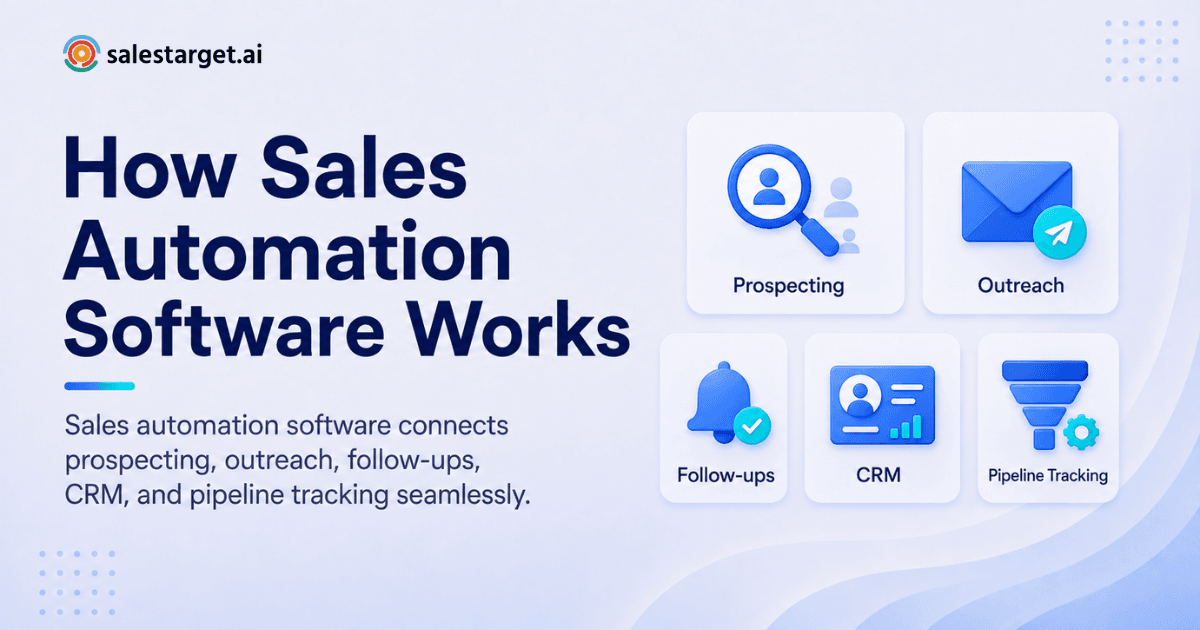
Sales automation software takes the repeatable parts of outbound selling (finding leads, sending outreach, logging activity, scheduling follow-ups) and runs them on rules and AI instead of manual effort. A rep sets the target audience once. The software finds matching contacts, checks their data, sends emails and LinkedIn messages on a set cadence, tracks replies, and updates the CRM with no spreadsheet involved. Platforms like SalesTarget.ai put all of these steps in one workspace, so a team runs prospecting, outreach, and pipeline tracking from one login instead of five separate tools.
Understanding Sales Automation Software for B2B Teams
Sales automation software is a system that replaces manual, one-by-one sales tasks with automated workflows: rules that trigger an action (send an email, log a call, create a task) when a condition is met. For B2B teams, this covers the full outbound motion, not just email sends.
What separates a real automation platform from a point tool is scope. A single-purpose email tool automates sending. A sales automation platform automates the chain from lead discovery to closed deal, keeping data, messaging, and CRM records connected the whole way through.
How Sales Automation Software Works Across the B2B Sales Process
Sales automation follows the shape of the outbound process it replaces: find, reach, respond, record, and track. The value shows up when the stages connect without manual handoffs.
Finding and Enriching the Right Prospects
The software searches a database against filters like industry, role, seniority, company size, and buying signals, then pulls verified contact details the moment a match is found. Lead Explorer does this in one click: search in plain English or stack filters, and the platform enriches the record with a verified email and phone number on the spot.
Automating Email and LinkedIn Outreach
Once a list is built, the platform sends multi-step email and LinkedIn sequences on a schedule, with pacing and personalization handled by AI rather than a rep typing each message. Email Outreach auto-builds sequences from a plain-English audience description and rotates sending across warmed-up inboxes.
Managing Follow-Ups and Prospect Responses
Replies get sorted by intent (interested, follow-up needed, not a fit) and routed to the right owner, so no reply sits unread for three days. A unified inbox view means a rep works every channel from one screen instead of switching between an email client and a LinkedIn tab.
Updating CRM Records and Sales Activities
Every email sent, call made, and reply received gets logged to the lead's timeline without a rep typing a note. The CRM creates follow-up tasks automatically when a lead replies or a meeting wraps, so nothing depends on someone remembering to update a field.
Tracking Leads From First Touch to Closed Deal
A shared pipeline view shows where each lead sits, from first email open to signed deal, with reporting tied to revenue instead of vanity metrics like open rate.
Why B2B Sales Teams Use Sales Automation
Teams adopt automation to fix measurable gaps in how outbound gets done, not for the software itself.
Reduce Manual Prospecting Tasks
Manual list building eats hours that never touch a prospect. HubSpot's research on rep time allocation finds sales professionals spend about a third of their day actually selling, with the rest going to research, data entry, and admin work.
Increase Sales Team Productivity
When enrichment, sequencing, and CRM updates run on their own, reps spend their hours on calls, demos, and deal work instead of tool-switching.
Maintain Consistent Follow-Ups
Deals slip through when a fourth touch never happens. Automated follow-up rules make sure every lead gets a next step, timed and worded to fit where they are in the sequence.
Improve Pipeline Visibility
A live, shared pipeline replaces the guesswork of a manager asking each rep for a status update. Everyone sees the same numbers at the same time.
Support Higher Outbound Sales Volume
More touches across more accounts is only possible when the system, not a person, handles the repetitive parts of reaching each one. Automation lets a five-person team run outbound at the scale of a fifteen-person team.
How to Automate B2B Sales Processes
Automating outbound is a sequence of decisions, not one toggle switch. Here is the order that produces a workflow reps will actually use.
Define Your Target Accounts and Buyers
Set the firmographic and role criteria first: industry, company size, seniority, and the signals that suggest buying intent. A workflow built on a vague audience produces vague results no matter how good the tooling is.
Build a Reliable Prospect List
Pull from a database with real coverage and recent enrichment, not a static export downloaded months ago. Lead Explorer's 840M+ verified profiles and 4,000+ intent signals give a starting list that reflects current buying activity.
Verify Contact Data Before Outreach
Run every contact through email validation before the first send. Skipping this step is the single biggest reason cold campaigns land in spam instead of an inbox.
Create Automated Email and LinkedIn Sequences
Build sequences that combine both channels with shared context, so a LinkedIn comment and a follow-up email do not contradict each other or repeat the same opening line.
Set Follow-Up Rules and Sales Triggers
Define what happens on a reply, a click, or silence: a follow-up after three days of no response, a task for the rep when someone replies "interested," a pause when a lead opts out.
Connect Outreach Activity With CRM Workflows
Route every touch straight into the CRM automatically. A workflow needing manual export and import between tools breaks down within a week.
Measure and Improve Sales Workflow Performance
Track reply rate, meetings booked, and deals sourced, not just emails sent. Adjust copy and timing based on what the data shows each month, not a hunch.
Try the workflow with a free SalesTarget.ai account before committing to anything.
Key Features of a Sales Automation Platform
A full platform needs to run outbound end to end, not just send emails.
B2B Lead Data and Contact Enrichment
A usable database combines broad coverage (people and companies) with real-time enrichment, so contact details are current at the moment they are pulled, not whenever the record was first scraped.
Sales Prospecting Automation
Search by plain-English description or stacked filters, and let the system surface accounts showing buying signals like a recent funding round or a leadership change, instead of a rep guessing which accounts to prioritize.
Email Outreach Automation
Sequences that build themselves from an audience description, send across rotating warmed-up inboxes, and vary copy automatically to avoid spam filters flagging identical messages.
LinkedIn Outreach Automation
Connection requests, DMs, and engagement actions that run on timezone-aware schedules with human-like delays and built-in rate limits, so an account never gets flagged for moving too fast.
Email Validation and Deliverability Controls
MX and SMTP checks, disposable-email detection, and risk scoring applied before a send, not after a bounce report comes back showing the damage.
CRM Automation and Pipeline Management
Leads land in the pipeline automatically from a campaign, every touch gets logged without manual entry, and follow-up tasks generate themselves on a reply or a meeting.
AI Assistance for Sales Workflows
A conversational layer that finds leads, drafts sequences, and answers questions about deals and tasks in plain language, so a rep does not need to learn a new interface for every task.
Sales Automation Software vs. Manual Sales Processes
Put the two side by side and the time gap is wide.
Prospecting and Lead Research
Manual research means a rep searching LinkedIn and company sites one contact at a time, then guessing at an email format. Automated prospecting returns a verified, enriched list in the time it takes to type a query.
Outreach and Follow-Up Management
A rep sending individually risks inconsistent timing and forgotten follow-ups. Automated sequences send on schedule every time, with no rep needing to check a spreadsheet.
CRM Data Entry and Activity Tracking
Manual logging means notes written after the fact, if at all. Automated logging captures every email, call, and reply as it happens, so the CRM stays current with no rep typing.
Sales Team Productivity and Pipeline Coverage
A manual process caps how many accounts a rep can realistically work. Automation removes that ceiling, letting a smaller team cover more accounts.
Why Choose SalesTarget.ai for Sales Automation
SalesTarget.ai was built around one complaint from outbound teams: too many point tools, too much time spent stitching data between them. Here is what that looks like in the product.
Find and Enrich B2B Leads With Lead Explorer
Search 840M+ professional profiles and 146M+ companies with plain-English queries or stacked filters, then enrich a match with verified email, phone, and mobile in the same click. No CSV, no separate enrichment tool.
Combine Email and LinkedIn Outreach in One Workflow
Run email and LinkedIn from the same sequence, with conditional branching based on replies or actions, so a prospect's activity on one channel shapes what happens on the other.
Improve Email Deliverability With Validation and Outreach Controls
Contacts get verified at the point of enrichment. Outreach runs through automatic AI warm-up, inbox rotation, and SPF/DKIM/DMARC checks that protect sender reputation before a single email goes out.
Manage Sales Activities With a Built-In CRM
Leads flow into the CRM straight from a campaign, every call and email logs to the timeline automatically, and a built-in AI dialer takes call notes for you.
Use AI Copilot for Everyday Sales Tasks
Chat with Copilot to find leads, generate a full sequence, or ask what deals are at risk this week, free inside the platform. The grunt work moves to AI, reps focus on the conversation.
Ready to see it end to end. Start a free SalesTarget.ai trial and run a real sequence against your own target list this week.
Common Sales Automation Mistakes to Avoid
Most failed automation projects fail for the same handful of reasons, ones the best sales automation software for sales teams guides rarely cover in detail.
Automating Outreach Without a Clear Target Audience
Automation scales whatever audience definition it is given. A loose definition just produces a large volume of wasted sends, faster than a rep could manually send them.
Using Unverified Contact Data
B2B contact data decays fast: research cited by HubSpot puts annual decay near 22.5%, with email addresses breaking down even quicker. Sending against an unverified list guarantees bounces that damage sender reputation.
Relying on Generic Automated Messages
A sequence with zero personalization reads as automated the moment it lands, which is the opposite of what a first-touch message needs to do.
Creating Too Many Workflow Steps
A ten-step sequence with branching at every point becomes impossible to debug when reply rates drop. Start with three or four steps and add complexity once the base sequence works.
Measuring Outreach Activity Instead of Pipeline Results
Emails sent and connection requests accepted are not revenue. Track meetings booked and deals sourced, since those are the numbers a sales leader actually needs to report.
How to Choose the Best Sales Automation Software for Sales Teams
These are the criteria that separate a tool that gets used from one that gets abandoned after a month.
Lead Data Quality and Enrichment
Check the size and freshness of the underlying database, and confirm enrichment happens at the point of search, not from a cached record that could be outdated.
Email and LinkedIn Outreach Capabilities
Multichannel support matters more than a longer feature list on one channel alone. A platform that only does email leaves LinkedIn outreach as a manual task somewhere else.
Automation and Workflow Controls
Look for conditional logic (branching on replies, no-response timers, opt-out handling), not a fixed sequence with no way to adjust to prospect behavior.
CRM and Pipeline Features
A platform without a CRM, or with a shallow one, forces a second tool for pipeline tracking. That reintroduces the exact problem automation is meant to remove.
Deliverability and Email Validation
Confirm the platform checks emails before sending and manages inbox warm-up and rotation. Deliverability separates a sequence that gets replies from one stuck in the spam folder.
Reporting, Integrations, and Pricing
Reporting should tie activity to pipeline and revenue, not just opens and clicks. Confirm integrations with the calendar and CRM tools your team already runs on.
Getting Started With Sales Automation Software
Rolling out automation works best in stages, not an all-at-once move.
Identify the Sales Tasks to Automate First
Pick the task eating the most rep hours right now, most likely list building or follow-up tracking, and automate that one first.
Build One Repeatable B2B Sales Workflow
Set up a single sequence end to end: audience, enrichment, outreach, follow-up rules, and CRM logging. Get that one workflow solid before adding a second.
Test Automation With a Focused Prospect Segment
Run the workflow against one segment, not the entire target market at once. A smaller test surfaces messaging and timing issues before they scale across thousands of contacts.
Track Results and Improve the Workflow
Review reply rate and meetings booked weekly for the first month, and adjust the sequence based on what actually happens, not what looked good on paper. For a wider view of tools that support this rollout, see this list of best business development software tools.
Conclusion: Building a More Efficient B2B Sales Workflow
The rep buried under a spreadsheet of dead leads and an unupdated CRM does not have a productivity problem. It is a systems problem, and stitching together five point tools never fixes it, it just adds more places for data to fall out of sync. McKinsey research on B2B buyer behavior shows 70 to 80 percent of decision-makers now prefer digital, self-serve engagement over face-to-face selling, which means an outbound motion built on manual research and disconnected tools is fighting the way buyers want to be reached.
SalesTarget.ai fixes this by running lead discovery, enrichment, email and LinkedIn outreach, validation, and CRM tracking in one workspace, so a team stops paying the tax of moving data between tools by hand. If Monday still starts with a spreadsheet of dead leads, that is the exact problem this platform was built to remove.
See how SalesTarget.ai puts prospecting, outreach, and pipeline tracking in one place, and start a free trial to run your first automated workflow this week.