Your SDR sends 40 connection requests before lunch. Twelve accept. Two reply. One goes quiet after "sounds interesting, send me more info." Multiply that across a team of five reps and a full quarter, and you get a pipeline report nobody wants to present in the Monday meeting.
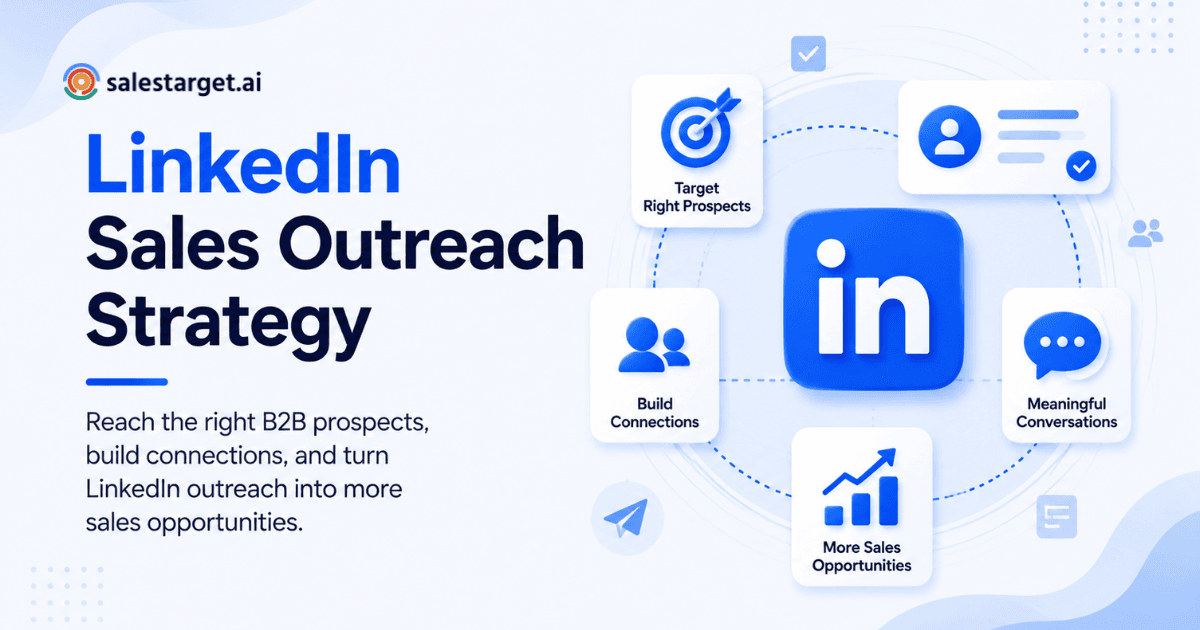
Here's the direct answer: the best LinkedIn outbound strategy for B2B sales teams combines a narrow, well-defined target list with personalized, signal-based messaging and a follow-up sequence that earns a reply instead of demanding one. It means picking accounts that match your ideal customer profile, reaching the right person with a message tied to something real happening at their company, and following up with value, not pressure, until they respond or opt out. Doing this by hand burns hours every week. A platform built for outbound, like SalesTarget.ai, delivers the same personalization at a scale no spreadsheet can match.
LinkedIn Outbound Strategy: What Makes It Work for B2B Sales
A LinkedIn outbound strategy works when three things line up: the list is tight, the message fits the person reading it, and the follow-up rhythm respects their time. Miss one piece and the sequence collapses, no matter how good the copy is. Most teams treat LinkedIn as a volume channel, sending the same note to hundreds of strangers, and buyers notice the pattern fast. A survey of B2B buyers found that 73% actively avoid suppliers who send irrelevant outreach. Relevance, not activity, separates a strategy that books meetings from one that just fills a dashboard.
Common Problems With B2B LinkedIn Outbound
Most LinkedIn outbound programs stall for four repeatable reasons. Spotting which one applies to your team is the fastest way to fix the drop-off in accept rates and replies.
Targeting broad audiences instead of high-fit buyers
Reps chase title matches like "VP" or "Director" without checking company size, industry, or whether the account shows any buying intent. That list looks big on paper but converts far below a tight, account-based one. Lead Explorer lets reps stack filters like industry, seniority, revenue, and tech stack so the list starts narrow and qualified, not wide and cold.
Sending generic connection requests and sales messages
"I'd love to add you to my network" tells the recipient nothing about why they should care. Copy-paste notes get ignored, reported, or filed under "never responding to this person." Reps need one true detail about the prospect in the first line, pulled from their profile, posts, or company news.
Failing to follow up after initial engagement
A prospect accepts, maybe even replies once, and the thread goes quiet: the rep moved on to chase fresh names. Pipeline gets lost in the gap between "sounds interesting" and a booked call, since nobody owns the follow-up cadence.
Managing LinkedIn outreach manually at scale
Copying names into a spreadsheet, tracking replies, and sending each next message by hand does not scale past a handful of prospects a day, and reps end up managing a process instead of talking to buyers. That's the exact problem LinkedIn outreach automation is built to remove.
Building a High-Performing LinkedIn Outbound Strategy
A strategy that holds up over a full quarter starts before the first message goes out. Four steps set the foundation everything else builds on.
Define ICP, accounts, and buyer personas
Write down the company traits (industry, headcount, revenue band, tech stack) and buyer traits (title, seniority, department) that describe your best customers today, not your hoped-for market. A sharp ICP keeps every rep pointed at the same targets, not whoever looks easiest to reach.
Identify high-fit prospects and buying signals
Fit tells you who to target; signals tell you when to reach out. A company that just raised funding, posted five open sales roles, or hired a new VP of Sales is a stronger target this week than one sitting quiet. SalesTarget.ai surfaces these through more than 4,000 intent and business-event signals, layered on top of ICP filters.
Segment prospects by role, industry, and intent
A founder, an ops manager, and an SDR at the same company care about different outcomes from the same product. Grouping prospects by role and intent lets reps write to a specific job to be done, not a one-size-fits-all pitch.
Set outreach goals and campaign KPIs
Decide upfront what a good campaign looks like: connection accept rate, reply rate, meetings booked, or pipeline value. Without a target, teams keep sending messages with no read on whether the strategy is working, or just busy.
B2B LinkedIn Prospecting Strategy for Finding Qualified Buyers
Finding the right buyers matters more than finding a large number of them. A short list of true-fit accounts consistently outperforms a long list built on loose title matches.
Build prospect lists around target accounts
Start from the account, not the person. Pick companies that match your ICP, then map two or three people inside each one who influence or own the buying decision. This keeps outreach concentrated instead of scattered across unrelated companies.
Use job changes, company events, and intent signals
New hires, promotions, funding rounds, and product launches all give a prospect reason to take a conversation they'd have ignored a month earlier. Cold outreach with LinkedIn automation works best tied to a signal like these, not a random touch point on the calendar.
Prioritize prospects by fit and buying readiness
Not every ICP match is ready to talk this week. Rank prospects by fit and signal strength together, then work the list top down instead of alphabetically or by whoever accepted first.
Enrich LinkedIn prospects with verified contact data
A LinkedIn profile alone is not enough to run a campaign. Lead Explorer enriches each match with a verified email, personal email, and phone number at the point you find them, backed by 840M+ professional profiles and 146M+ business records, so reps move straight into outreach with no separate lookup step.
LinkedIn Messaging Strategy for Starting Sales Conversations
Messaging is where most LinkedIn outbound strategies fail. Targeting can be perfect and a message can still land flat if it reads like a template.
Write relevant connection requests
Keep it short, skip the pitch, and reference one true, specific thing about the person or their company. A connection request is a door opener, not a sales pitch, and treating it that way improves accept rates on its own.
Personalize messages around buyer context
Mention the signal that triggered the outreach: a new role, a recent post, a hiring push. That's the difference between a message written for them and one sent to five hundred other people.
Lead with a relevant problem instead of a product pitch
Open with the problem your buyer is likely facing, based on their role and company stage, not a feature list. Prospects respond to being understood before they respond to being sold.
Create different messages for different buyer roles
A founder wants speed and results. A RevOps manager wants process and data. An SDR wants a tool that makes their day shorter. Write separate message tracks for each, rather than one script stretched across every persona.
LinkedIn Outreach Sequence for B2B Sales
A sequence gives structure to what would otherwise be a string of one-off messages. Each step has a job, and skipping steps is what kills reply rates.
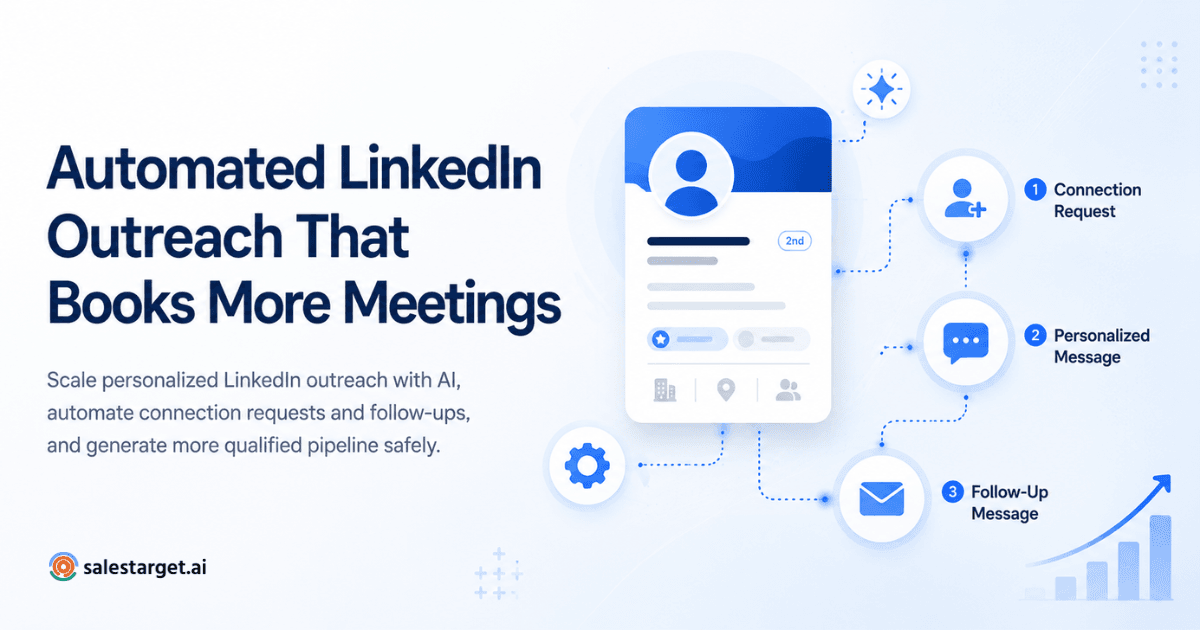
Connection request and first-touch message
Open with a short, personalized connection note. Once accepted, send a first message inside a day or two, when the interaction is still fresh in the prospect's mind.
Value-based follow-up messages
Share something useful: a relevant insight, a short observation about their industry, a resource that fits their role. This builds trust before asking for calendar time.
Meeting-focused follow-up for engaged prospects
Once a prospect replies or engages, shift the message toward a specific, low-friction ask: a 15-minute call, a quick question, a scheduling link. Momentum fades fast if the conversation stalls in small talk.
Final follow-up and sequence exit rules
Set a clear number of touches (five to seven is common) and a final message that gives the prospect an easy way to say "not now" without burning the relationship. Then stop; endless follow-up damages the account for future outreach.
Moving qualified LinkedIn conversations to email or calls
Once a prospect engages, move the conversation to email or a call, where longer detail and scheduling are easier to manage. This is where appointment setting and lead generation support pays off, turning a warm reply into a booked meeting instead of a stalled thread.
LinkedIn Outreach Automation for Sales Teams
Automation is what turns a good strategy into one that survives contact with a real quota. The goal is removing repetitive work, not the human, from the conversation.
Automate repetitive prospecting and follow-up tasks
Connection requests, first messages, and scheduled follow-ups can run on autopilot once the sequence and targeting are set. This is covered step by step in six LinkedIn outreach workflows that generate replies on autopilot.
Personalize automated LinkedIn messages
Automation and personalization are not opposites. SalesTarget.ai's LinkedIn Outreach module adapts message content to each profile, role, and industry, so scale doesn't mean sending the same note to everyone.
Combine LinkedIn and email outreach
Buyers move between channels, and a message that only exists on LinkedIn misses anyone who checks email first. Running both in one coordinated sequence, where a reply on either channel updates the other, keeps the conversation in one place instead of two disconnected threads.
Keep human involvement in active sales conversations
Automation should own the repetitive first-touch work. The moment a prospect replies with a real question, a rep needs to take over. SalesTarget.ai routes live replies into a unified inbox sorted by intent, so reps see who needs a human response first.
Protect outreach quality as volume increases
More volume without guardrails leads to spam flags, restricted accounts, and burned domains. Built-in rate limits, warm-up logic, and auto-pause safeguards keep accounts and sender reputation healthy as volume climbs.
Measuring LinkedIn Outbound Sales Performance
A strategy without measurement is a guess repeated weekly. These five numbers tell you where the sequence is winning and where it's leaking prospects.
Connection acceptance rate
This is the first checkpoint: how many sent requests turn into accepted connections. A low rate points to a targeting problem, or a request that reads as spam rather than a message problem.
Reply and positive response rate
Reply rate shows whether the message lands. Positive response rate, meaning replies that show real interest rather than a polite decline, is what predicts pipeline. HubSpot's 2025 State of Sales Report found that social outreach now delivers a 42% response rate, ahead of email at 26% and phone at 23%, so LinkedIn deserves its own line, not a spot folded into a general "outreach" number.
Meetings booked and opportunities created
This is where LinkedIn activity turns into something a sales leader can forecast against. Track meetings booked per rep, per campaign, and per list segment to see which targeting and messaging combinations produce calendar time with buyers.
Pipeline generated from LinkedIn outreach
Meetings are a leading indicator; pipeline value is the number finance cares about. Attribute deals back to the LinkedIn sequence that started them so the channel gets fair credit next to email and calling.
Campaign performance by audience and messaging
Break results down by audience segment and message variant, not just by campaign name. A sequence that wins with VPs of Sales might fall flat with founders, and averaging the two hides which half is working.
LinkedIn Outbound Strategy Best Practices
These five practices show up across every well-run LinkedIn outbound program, regardless of team size or industry.
Prioritize relevance over outreach volume
A smaller list of well-matched, well-timed messages beats a large list of generic ones. Buyers filter for relevance before they filter for anything else.
Use buyer signals to improve outreach timing
Reach out when something has changed for the prospect: a new hire, a funding round, a product launch. Timing tied to a real event beats a cold, calendar-driven touch point.
Keep messages short and specific
Three or four sentences that reference one real detail beat a long paragraph covering every feature. Busy buyers skim, and a short, specific message respects that.
Test messaging, audiences, and sequences
Run variants against different segments and measure reply and meeting rates, not just opens. What works for a 50-person SaaS company rarely works unchanged at a 2,000-person enterprise.
Coordinate LinkedIn with email and sales calls
Reps who work LinkedIn as an isolated channel leave pipeline on the table. A prospect who ignores a LinkedIn message might open an email the same week, or answer a call after spotting a familiar name.
Why Choose SalesTarget.ai for LinkedIn Outbound Sales?
Most tools handle one piece of this process. SalesTarget.ai handles the full path from finding a buyer to closing them, in one workspace, one bill.
Find and enrich B2B prospects with Lead Explorer
Search 840M+ verified professional profiles and 146M+ business entities in plain English or with stacked filters, then enrich a match with a verified email and phone number in the same click. No CSV exports, no separate enrichment tool, no stale data from a scrape done months earlier.
Combine LinkedIn and email outreach in one workflow
Run connection requests, DMs, and email sequences from the same campaign, with conditional logic that branches on replies or engagement. Context carries across both channels instead of resetting every time a prospect switches from LinkedIn to their inbox.
Verify contact data before starting campaigns
Bad email addresses cost sender reputation and inbox placement before a single reply comes in. Email Validator checks MX and SMTP records and flags disposable addresses before send, and SalesTarget.ai validates roughly 90% of emails before they go out.
Manage conversations and pipeline in the built-in CRM
Every reply, call, and meeting logs to the lead timeline with no manual import. Teams running deals through the built-in CRM see close to 3.2X faster deal cycles and a 91% follow-up completion rate, since tasks get created the moment a lead replies or a meeting ends.
Use AI Copilot for prospect research and sales tasks
Ask a question in plain language and AI Copilot pulls leads, drafts a personalized sequence, or checks which campaign drove a deal. It handles the research and grunt work so reps spend their day on conversations that move a deal forward.
Build a LinkedIn Outbound Strategy That Drives B2B Sales
Go back to that Monday pipeline report from the top of this piece. Twelve accepts and two replies is not a LinkedIn problem, it's a strategy problem: the wrong list, a generic message, or no real follow-up plan. Fix those three things and the same channel that felt dead starts producing meetings on a predictable cadence.
SalesTarget.ai builds the whole loop into one workspace: find high-fit accounts with Lead Explorer, reach them across LinkedIn and email with signal-based messaging, verify every contact before it sends, and track every reply and deal inside a CRM built for outbound teams, not enterprise bloat. Reps stop managing tools and start managing conversations.
Start a free trial of SalesTarget.ai and put a real LinkedIn outbound strategy to work on your next list of target accounts.