Every B2B sales team runs on one thing: the ability to reach the right people at the right companies. That is exactly the problem a sales leads database is built to solve. Instead of scraping LinkedIn one profile at a time or buying stale lists, sales teams use a searchable pool of verified company and contact data to build focused outreach lists in minutes.
This guide breaks down what a sales leads database actually is, what data it should contain, how to evaluate one, and how modern sales teams use it to fill their pipeline. If you are an SDR, BDR, account executive, sales manager, marketer, or founder, this article is written for you.
What Is a Sales Leads Database?
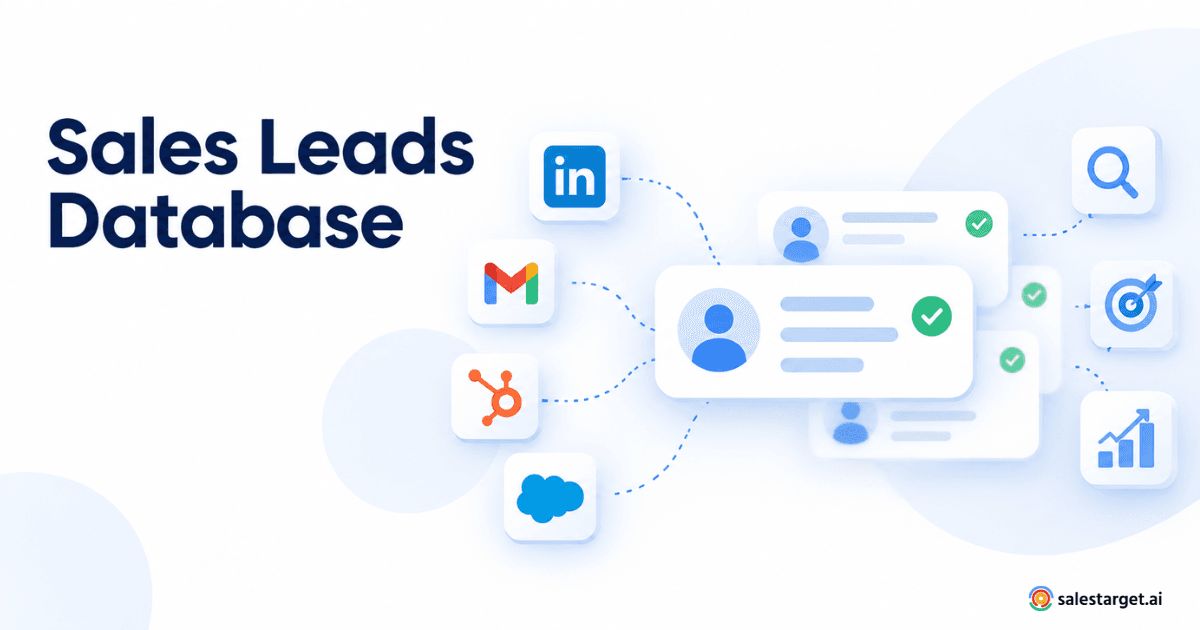
A sales leads database is a structured collection of company and contact information that sales teams use to identify, qualify, and reach potential buyers. It typically includes business details (industry, size, revenue, location, technology stack) and contact-level details (name, job title, work email, phone, LinkedIn profile) that map to real decision-makers.
In practice, most B2B teams use a sales leads database as their prospecting layer. They define who their ideal customer is, filter the database against that definition, and export a working list of accounts and people to reach out to.
What Information Does a Sales Leads Database Include?
A useful B2B contact database goes well beyond a name and an email address. Expect fields across three layers:
Company-level data
- Legal name, website, and headquarters location
- Industry, SIC/NAICS codes, and sub-industry tags
- Employee count and revenue bands
- Funding stage, investors, and growth signals
- Technographics — the tools and platforms a company uses
Contact-level data
- Full name, current job title, and seniority
- Department and reporting function
- Verified work email and direct or mobile phone
- LinkedIn URL and other professional identifiers
- Office location and time zone
Behavioral and intent data
- Hiring signals (new roles being posted)
- Funding, expansion, and leadership-change signals
- Buyer intent — companies actively researching relevant topics
- Website, ad, and content engagement signals (when available)
The more of these fields are populated and verified, the more precise your prospecting can be.
Why Businesses Use Sales Lead Databases
Sales lead databases exist because manual prospecting does not scale. A single SDR can spend hours a day just building lists — time that should be spent on live conversations. A good database changes the math in a few clear ways:
- Speed: Build a targeted list of hundreds or thousands of accounts in minutes instead of days.
- Coverage: Reach markets, regions, and industries you would never discover through referrals alone.
- Precision: Filter by firmographics, technographics, and intent to focus on accounts most likely to convert.
- Consistency: Every rep works from the same standard of data quality instead of personal Rolodexes.
- Pipeline predictability: When top-of-funnel volume is repeatable, forecasting becomes far more reliable.
How to Choose a Reliable Sales Leads Database
Not all databases are created equal. Coverage, freshness, and accuracy vary dramatically between vendors. Before committing, evaluate against these criteria:
- Data accuracy and verification. Ask how often records are re-verified and what percentage of emails are validated. Bounce rates above 5–10% will destroy sender reputation.
- Coverage of your target market. A global database is worthless if it lacks depth in your ICP. Run test searches for your target industries, geographies, and titles.
- Freshness. Job changes, funding events, and title updates should be reflected within weeks, not quarters.
- Filter depth. You need firmographic, technographic, and intent filters — not just industry and company size.
- Compliance. The vendor should be transparent about GDPR, CCPA, and other data-protection standards, and give you the ability to honor removal requests.
- Integrations. Look for native connections to your CRM (Salesforce, HubSpot, Pipedrive) and outreach tools.
- Export and enrichment flexibility. You should be able to push data to your existing stack without CSV gymnastics.
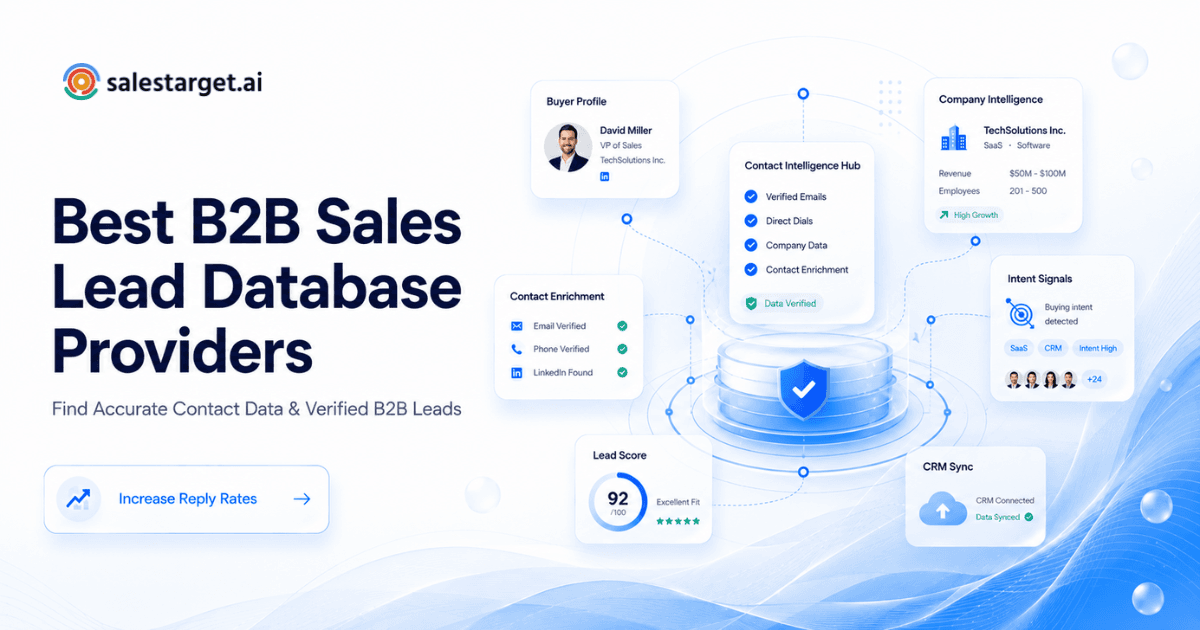
If you are still comparing options, this deeper breakdown of B2B sales lead database providers walks through what separates enterprise-grade platforms from budget tools.
Key Features to Look For
Beyond raw data, the platform layer matters just as much. A modern sales prospect database should offer:
- An Ideal Customer Profile (ICP) builder to translate your best-fit criteria into repeatable searches.
- Smart search with natural filters across industry, headcount, revenue, tech stack, and buying signals.
- Built-in enrichment to fill gaps in your CRM records automatically.
- Intent and trigger signals so reps can prioritize accounts showing active buying behavior.
- Saved lists and alerts for ongoing monitoring of target accounts.
- Team collaboration so multiple reps can share searches, notes, and territories without stepping on each other.
How to Use a Sales Leads Database for B2B Prospecting
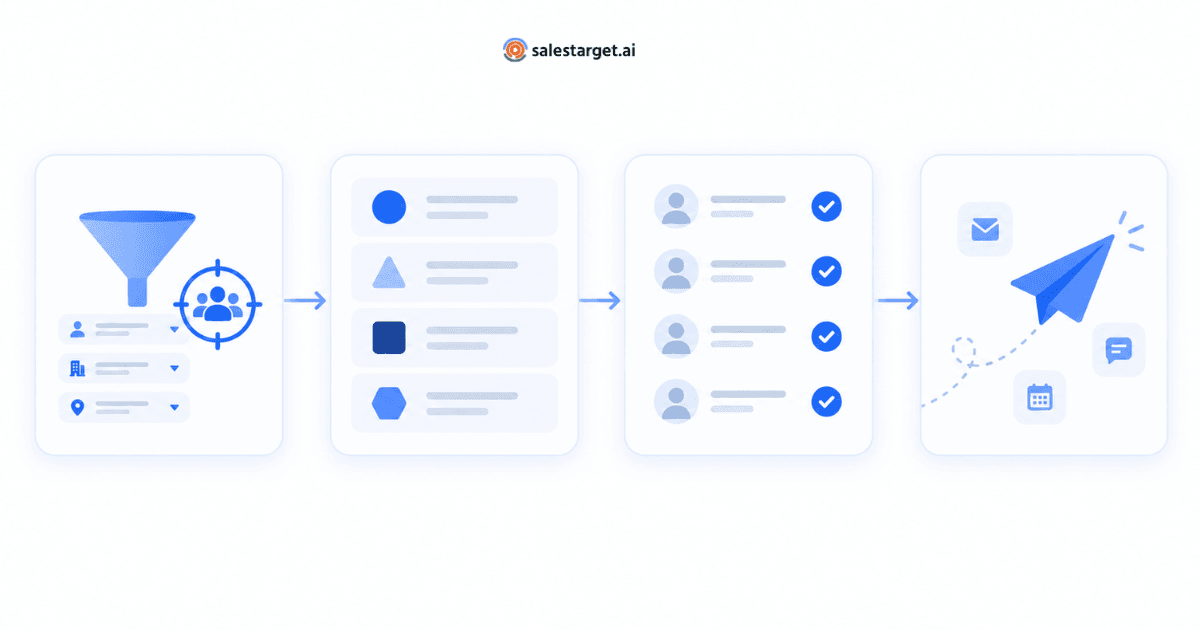
Owning a database is not the same as using it well. High-performing teams follow a repeatable loop:
- Define the ICP. Write down the industry, size, geography, tech stack, and role signals that describe a good-fit account and a good-fit buyer.
- Build a target account list. Filter the database against the ICP. Aim for a working list you can meaningfully cover in the next 30–90 days.
- Identify decision-makers. Pull two to four contacts per account — typically an economic buyer, a technical evaluator, and a champion role.
- Enrich and verify. Confirm emails, phone numbers, and any missing firmographic fields before pushing to your CRM.
- Layer on intent. Prioritize accounts showing hiring, funding, or research signals relevant to your product.
- Sequence outreach. Push the list into your outbound tool and run a multi-channel sequence (email, phone, LinkedIn).
- Measure and refine. Track reply rates, meeting rates, and pipeline by segment. Feed the winners back into the ICP.
Common Problems With Poor-Quality Lead Databases
Cheap or outdated data does not just waste time — it actively damages pipeline. The most common issues:
- High bounce rates that hurt domain reputation and reduce deliverability across every future campaign.
- Wrong-role contacts who cannot buy or influence a decision, wasting SDR capacity.
- Stale titles for people who have already changed roles or companies.
- Duplicate records that clog CRMs and skew reporting.
- Compliance risk from sources that cannot document consent or lawful basis.
- Missing filters that force reps back into manual list building.
Sales Leads Database vs. Building a Lead List Manually
Manual prospecting — LinkedIn searches, Google digs, referrals, event lists — has its place. But at scale, it breaks down.
- Time cost: Reps often spend 40–60% of their day on list building instead of selling.
- Inconsistency: Two reps searching the same market will find very different accounts.
- Limited signals: Manual research rarely surfaces intent, technographics, or funding events at scale.
- No compounding: Every list starts from scratch instead of building on institutional knowledge.
A well-maintained sales leads database gives you speed and repeatability; manual research still adds value for high-touch, strategic accounts. Most successful teams use both — database for volume, manual for depth.
How SalesTarget.ai Helps With B2B Lead Discovery
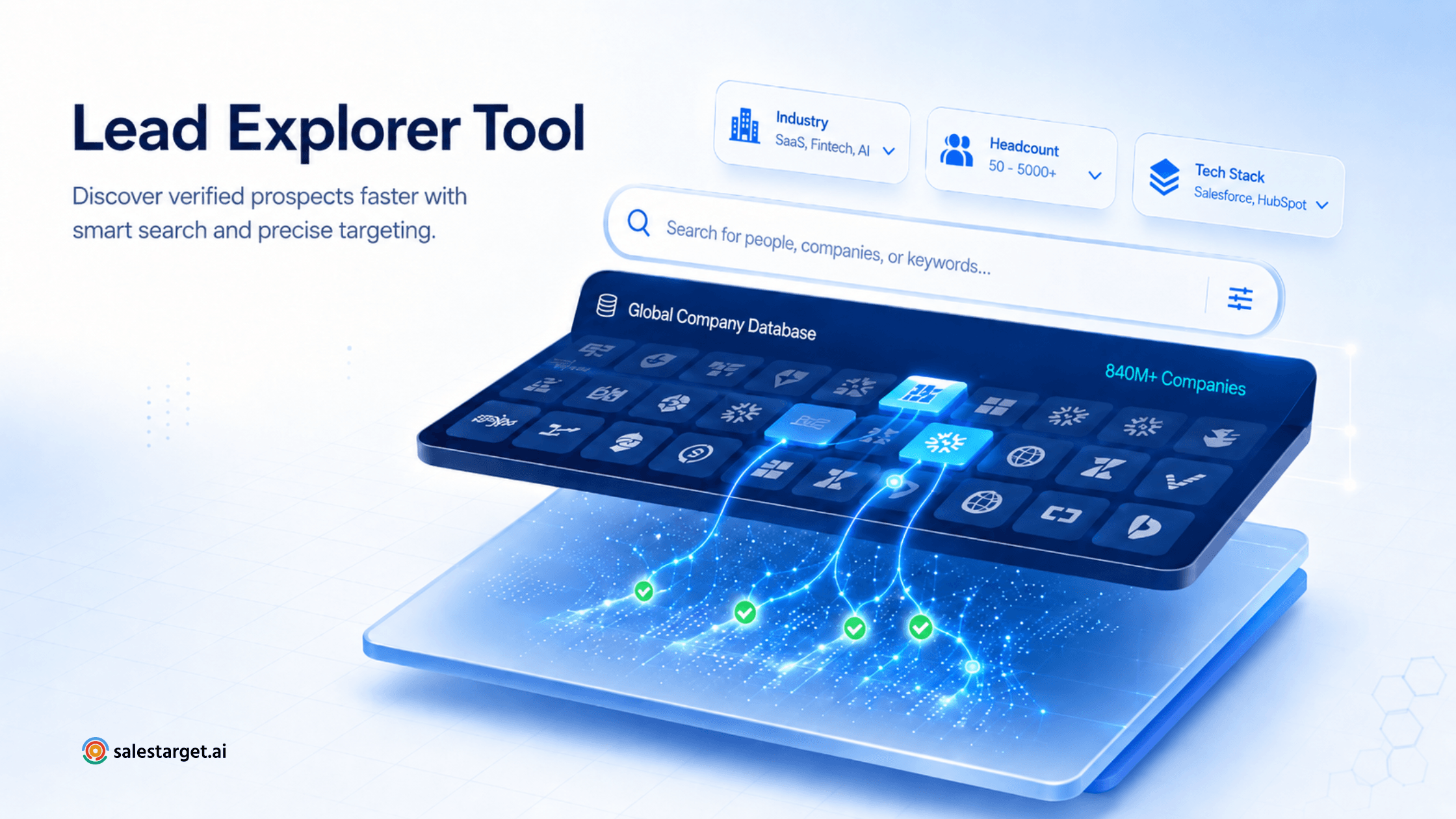
SalesTarget.ai Lead Explorer is built as a discovery layer for B2B sales teams that need reliable data at scale. It combines a broad prospect universe with the filtering and enrichment tools reps actually use day to day.
Highlights include:
- 840M+ B2B profiles across roles, functions, and seniority levels.
- 146M+ businesses with firmographic and technographic detail.
- 4,000+ intent signals to surface accounts actively researching relevant topics.
- 50+ data sources aggregated and cross-checked to reduce blind spots.
- 99% verified data with ongoing verification cycles.
- ICP Builder to translate your ideal customer definition into repeatable searches.
- Smart Prospect Search for granular targeting across firmographics, technographics, and behavior.
- Built-in enrichment to fill gaps in existing CRM records.
For teams building a repeatable outbound engine, this combination reduces the cost of finding qualified prospects and shortens the path from ICP to first meeting. You can explore the platform here: salestarget.ai/lead-explorer.
Best Practices for Using Sales Lead Data
- Verify before you send. Even 99% verified data should be re-validated in bulk before large campaigns.
- Segment aggressively. Different personas, industries, and regions deserve different messaging.
- Refresh continuously. Re-enrich your CRM on a rolling cycle — titles and companies change constantly.
- Respect opt-outs and privacy laws. Honor removal requests immediately and document your lawful basis for outreach.
- Feed results back. Track which segments convert and refine your ICP quarterly.
- Combine data with judgment. The best reps use the database to build the list, then research the top accounts individually before reaching out.