Sales representatives spend roughly 72% of their work week on administrative tasks, list building, and manual research rather than selling. When they send connection requests on LinkedIn, response rates stay stuck under 7% since the messages feel generic and cold.
LinkedIn outreach automation uses software to schedule connection requests, follow-ups, and profile actions on the network. To get more qualified replies, you must connect this software to accurate B2B lead data, customize each message using profile facts, and run multi-touch outreach sequences. This approach helps you scale conversations with active buyers without getting your account restricted or looking like spam.
What Is a LinkedIn Outreach Automation Tool and How Does It Work?
A LinkedIn outreach automation tool is software that performs repetitive social selling actions on your behalf. It sends connection requests, visits profiles, and sends follow-up messages automatically based on a schedule you set.
By mimicking manual actions, the software allows sales development reps to scale their prospecting without spending their entire day clicking buttons. According to the HubSpot State of Sales Report, sales representatives spend roughly 28% of their work week on core selling activities, which highlights the need for automating administrative work.
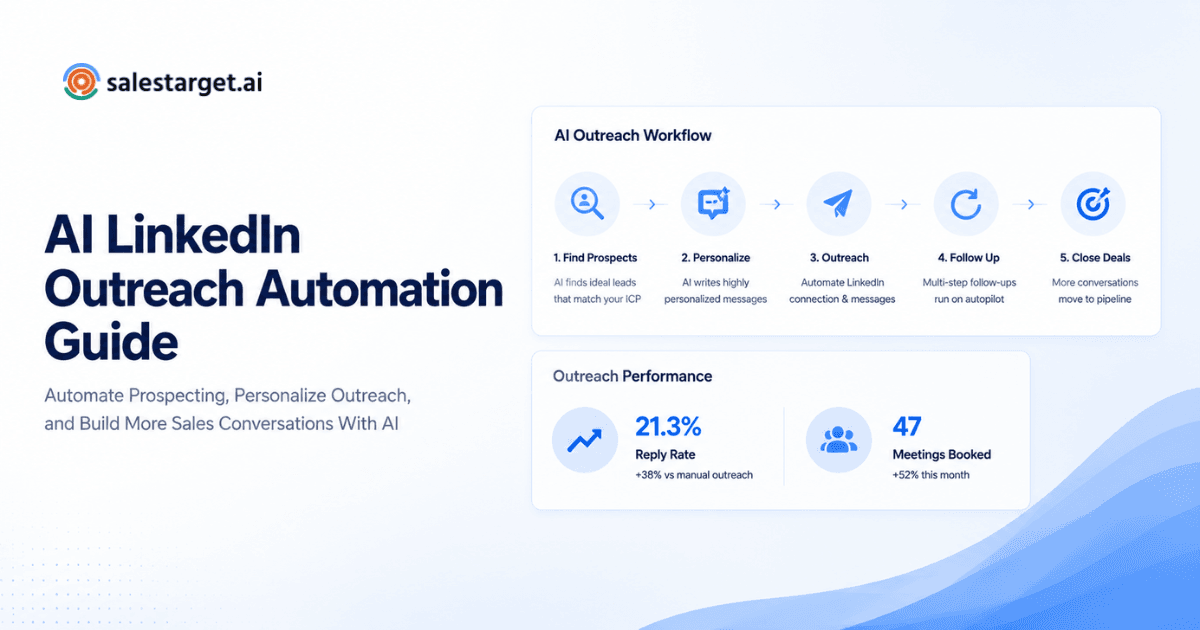
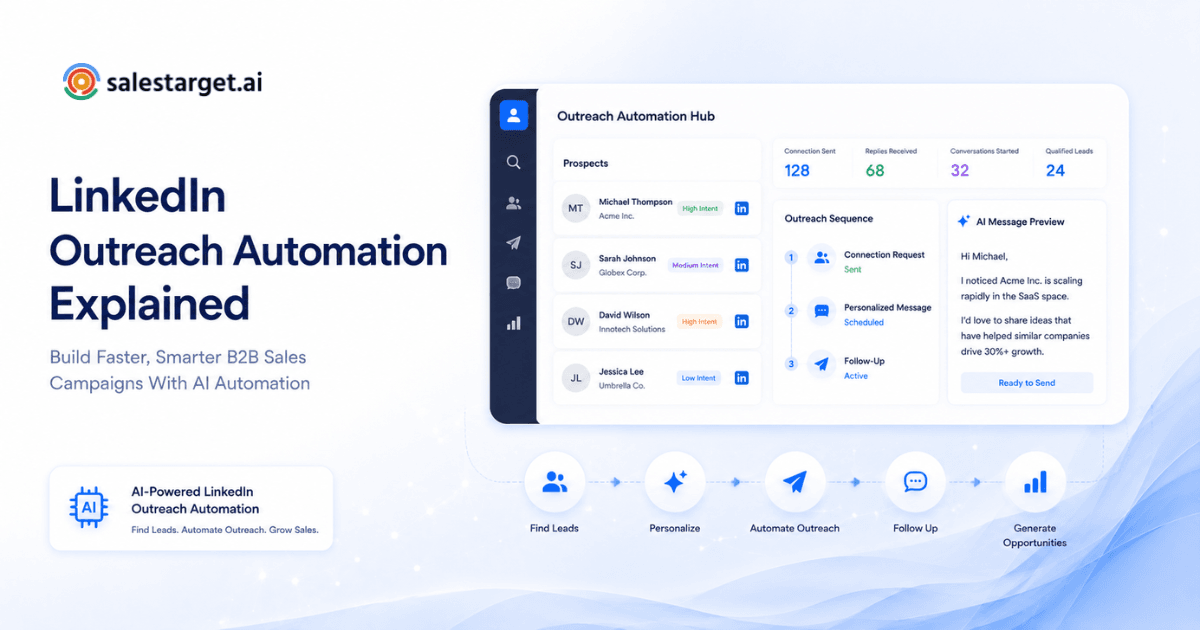
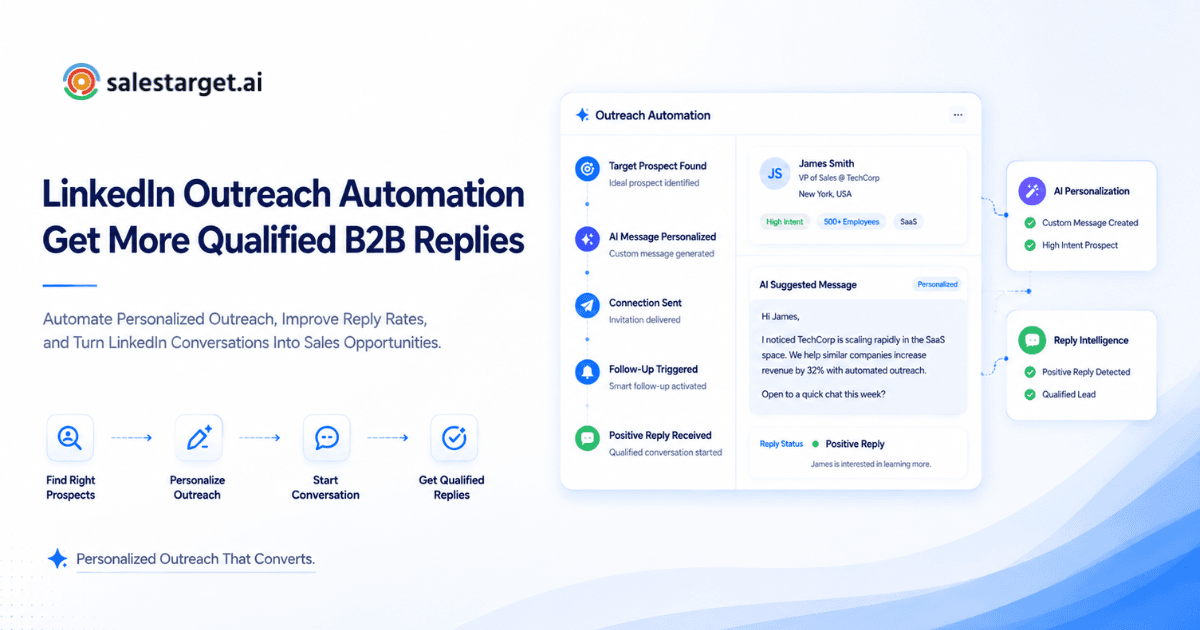
The software runs background tasks that simulate browser behavior. You connect your profile, build your target audience, set up a sequence of events, and let the software carry them out. This process helps you scale your outreach, yet you must maintain account safety by staying under daily limits.
How to Use a LinkedIn Outreach Automation Tool Effectively for B2B Sales?
Using a LinkedIn outreach automation tool effectively requires a strategy built on high-quality lead data, personalized templates, and multi-step sequences. The goal is not to send mass unsolicited messages, but to build genuine business relationships by engaging the right decision-makers in meaningful conversations.
Step 1: Define Your Ideal Customer Profile for Better Targeting
Defining your Ideal Customer Profile (ICP) involves outlining the key traits of the customers who are the best fit for your business, including factors such as their industry, organization size, annual revenue, and decision-making roles.
If you target everyone, you target no one. Before setting up automated actions, you must list your best-fit accounts. Search for companies that experience the exact problems your product solves. Look at their department size, growth signals, and the technology stack they use. This targeting makes sure your messages speak to actual business needs.
Step 2: Build a High-Quality LinkedIn Prospect List
Building a high-quality prospect list involves using advanced search filters to find decision-makers who match your ICP exactly.
Use search criteria to narrow your list to active profiles. Filter by region, job seniority, and current company. A small, refined list of 100 prospects yields far better results than a generic list of 5,000 names. You want to focus on people who post updates, comment on industry news, or have recently taken on new roles.
Step 3: Personalize Outreach Messages Without Losing Efficiency
Personalizing outreach messages at scale means using custom data fields beyond name and company to make every message feel unique.
If your template only inserts the first name, prospects will spot the automation instantly. Instead, insert specific details like a shared group, a mutual contact, or a recent business funding round. You can group prospects by shared traits and write customized copy for each group. This method keeps your operations efficient, yet maintains a personal feel. According to the Salesforce State of the Connected Customer Report, 80% or more of business buyers state that the experience a company provides is as important as its products, which makes personalization a critical factor in outreach.
Step 4: Create Multi-Touch LinkedIn Outreach Sequences
A multi-touch LinkedIn sequence is a series of scheduled touchpoints, such as profile visits, connection requests, and follow-up messages, spaced out over several days.
Do not rely on a single message to get a reply. Start by visiting a prospect's profile to trigger a notification. A day later, send a connection request. If they accept, wait a few days before sending a helpful, non-sales message. A structured sequence builds familiarity over time.
Step 5: Optimize Connection Requests to Increase Acceptance Rates
Optimizing connection requests means sending short, friendly notes that explain why you want to connect without pitching your product.
Most connection notes fail since they ask for a meeting too soon. Keep your note under 150 characters, or send no note at all. A blank request commonly gets accepted at a higher rate, since it looks like a natural peer connection. If you write a note, mention a shared interest or compliment their work.
Step 6: Automate Follow-Ups Without Appearing Spammy
Automating follow-ups without being spammy requires spacing messages out by three to five days and sharing valuable insights rather than asking for a call.
When a prospect accepts your request but does not reply, do not send daily reminders. Wait at least three business days. Share a relevant guide, a case study, or a quick tip that solves a common industry problem. If they do not respond after three follow-ups, stop the sequence.
Step 7: Monitor Key Outreach Metrics and Performance
Monitoring metrics means tracking your connection acceptance rate, response rate, and meetings booked to measure the success of your campaigns.
Keep a close eye on your campaign data. A healthy campaign should see a connection acceptance rate of 30% or higher. Your response rate should hover between 15% and 25%. If your acceptance rate is low, your targeting or profile setup needs adjustment. If your reply rate is low, your message copy needs work.
Step 8: Avoid Common LinkedIn Automation Pitfalls
Avoiding pitfalls means staying within daily platform safety limits, managing your replies, and keeping your profile professional.
LinkedIn monitors account activity for spam patterns. To protect your profile, keep your daily connection requests under 30 and space your actions out with random delays. Avoid sending messages on weekends. Never use tools that scrape data aggressively, since this behavior can lead to account restriction.
How to Create LinkedIn Outreach Messages That Get More Replies?
To create outreach messages that get more replies, focus on the prospect's challenges and goals instead of pitching your company's features.
Write personalized opening messages based on prospect information
Personalized opening messages use specific profile information, such as a recent post, shared group, or job change, to establish a connection.
Avoid opening with a sales pitch. Start by mentioning a specific detail from their LinkedIn profile. You might reference a comment they left on an industry article or a shared professional group. This shows the prospect you took the time to read their profile, which builds trust.
Use AI-assisted messaging without losing the human touch
AI-assisted messaging uses artificial intelligence to generate message ideas, which you then edit to make sure they sound natural and conversational.
AI can write your message templates, but you should review and edit the output. Remove formal phrases like "I hope this finds you well" or "I am reaching out to." Keep the tone casual, friendly, and direct. The goal is to sound like one sales practitioner talking to another, not a marketing brochure.
Avoid sales-heavy messages that reduce response rates
Sales-heavy messages contain pricing, feature lists, and pushy meeting requests, which typically cause prospects to ignore or decline your outreach.
Pitching in your first message is the fastest way to get blocked. Do not talk about your company's history or product features. Focus on the prospect's world. Ask a simple, open-ended question about how they manage a specific workflow or deal with a common industry headache.
Examples of LinkedIn outreach messages for B2B prospects
Effective outreach messages are short, clear, and invite conversation rather than asking for a hard commitment.
Here are two message templates that perform well in outbound campaigns.
Template 1 - Connection Request Note
"Hi {First Name}, I read your post about outbound reply rates. I liked your point on personalization. I would love to connect."
Template 2 - Follow-Up Message
"Hi {First Name}, thanks for connecting. I work with sales teams who struggle to build lists with accurate email data. Are you experiencing data quality issues with your current prospecting stack?"
How LinkedIn Follow-Up Automation Improves Sales Conversations?
LinkedIn follow-up automation keeps your sales conversations active by sending scheduled messages to prospects who have accepted your connection request but have not yet replied.
Why one LinkedIn message is not enough to generate replies
One message is rarely enough since prospects are busy and their inboxes fill up quickly, making follow-ups necessary to get noticed.
Your prospect might read your first message on their phone and intend to reply later, only to forget. A polite, value-driven second message brings your conversation back to the top of their inbox. It shows persistence and keeps your brand top of mind.
Build follow-up sequences based on buyer interest
Building sequences based on interest means tailoring your follow-up messages according to the buyer's actions, such as visiting your profile or clicking a link.
If a prospect engages with your content or views your profile, your follow-up should reflect that interest. Send a message offering more information on the topic they viewed. If they show no signs of interest, keep the follow-ups spaced far apart.
Know when to stop automated follow-ups and start a personal conversation
As soon as a prospect responds, automated messaging should be paused to allow for a personalized, one-on-one conversation that addresses their specific needs and questions.
Continuing an automated sequence after a prospect has replied is a major mistake that ruins credibility. Your automation software must have automatic reply detection that pauses the campaign immediately. At that point, step in and write a personalized reply that addresses their comments directly.
Features to Look for in a LinkedIn Outreach Automation Tool
When selecting a LinkedIn outreach automation tool, look for features that prioritize safety, data quality, personalization, and seamless CRM synchronization.
Prospect search and accurate lead data
The tool should include advanced search filters and real-time data enrichment to ensure you are reaching out to the right contacts.
Outreach is only as good as your data. You need a tool that helps you build lists and verifies contact information at the moment of search. This prevents you from wasting outreach limits on dead profiles or inactive accounts.
AI-powered message personalization
AI personalization features analyze prospect profile details to write customized messages that match their specific role and industry.
Look for a tool that can read a prospect's LinkedIn profile and generate a message based on their background. This saves time on manual research, and keeps your outreach unique and relevant.
Automated connection requests and follow-up sequences
The tool must support multi-step campaigns with conditional logic, allowing you to set up sequences that branch based on prospect actions.
A good tool lets you build a sequence of actions, such as viewing a profile, sending a connection request, and sending follow-ups. The tool should let you customize the delay between each step.
Campaign tracking and reply management
A unified inbox and detailed performance reports are necessary to manage replies and track the success of your campaigns.
You need a central place to view all replies and manage conversations. The tool should show metrics like connection rates, open rates, and reply rates, helping you optimize your campaigns.
CRM integration for managing sales conversations
CRM integration ensures all outreach activities and prospect details sync with your sales pipeline automatically.
Manually logging LinkedIn activities in a CRM is time-consuming. Look for a tool that syncs your LinkedIn outreach, replies, and contact info directly with your CRM, keeping your pipeline updated.
Why Choose SalesTarget.ai for LinkedIn Outreach Automation
SalesTarget.ai is an all-in-one AI sales intelligence and outbound platform that combines verified B2B lead data, LinkedIn automation, cold email, and a built-in CRM in one workspace.
Find ideal prospects with AI lead data and enrichment
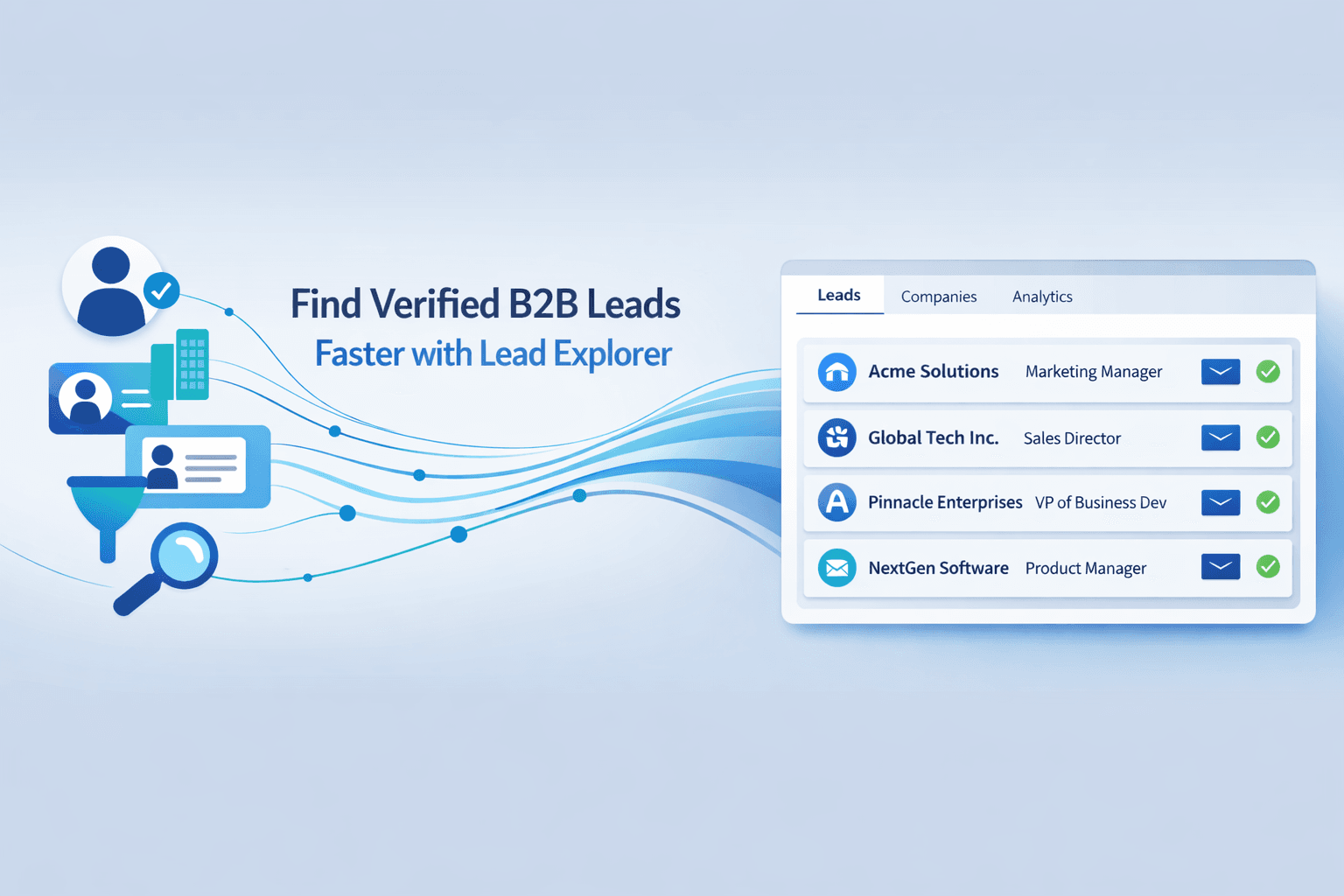
SalesTarget.ai features the Lead Explorer, which lets you search over 840 million verified professional profiles and 146 million business entities using AI and advanced filters.
Instead of buying data from one provider and pushing it to another tool, you can search, enrich, and verify contacts in one platform. Lead Explorer uses over 50 data sources and 4,000 intent signals to find accounts showing active buying interest.
Run LinkedIn and email outreach together in one platform
With SalesTarget.ai, you can run multi-channel outreach campaigns that combine LinkedIn Outreach and Email Outreach in a single sequence.
If a prospect does not accept your connection request on LinkedIn, the sequence can automatically send them a personalized cold email. This multi-channel approach improves response rates and guarantees your messages get seen.
Use verified contact data to support better outbound campaigns
The Email Validator verifies contact details at the moment of enrichment, keeping your bounce rates low and protecting your sender reputation.
SalesTarget.ai checks and confirms contact details instantly, helping users work with up-to-date information instead of data that may have become outdated over time. This guarantees you only reach out to valid emails and active profiles, improving your overall deliverability and campaign performance.
Track replies and sales activity with built-in CRM
The built-in SalesTarget.ai CRM logs every outreach activity, email, phone call, and reply on a single timeline, keeping your sales pipeline organized.
Our lightweight CRM is built for outbound teams. It helps shorten deal cycles by 3.2X and drives a 91% follow-up completion rate, saving reps about 6 hours per week and generating 2.4X more meetings from the same leads.
Improve sales workflows with AI Copilot assistance
The SalesTarget.ai AI Copilot acts as a conversational teammate that helps you find leads, write message sequences, and query CRM data.
Reps can chat with the AI Copilot to find prospects in plain language, write campaign copy, and track revenue. The Copilot flags deals at risk and suggests next steps, keeping your pipeline moving forward.
Common Mistakes When Using LinkedIn Outreach Automation Tools
Common mistakes include using bad lead lists, sending generic messages, violating platform safety limits, and ignoring prospect replies.
Automating outreach before defining the right audience
Automating outreach without a defined target audience leads to low reply rates and wastes your daily sending limits on cold prospects.
If you start sending automated messages before narrowing down your audience, you will reach people who have no need for your product. This can hurt your brand and lead to high spam report rates.
Sending generic messages to every LinkedIn connection
Sending identical templates to every prospect makes your outreach look like spam, which reduces your acceptance and reply rates.
Generic templates that do not reference the prospect's role, industry, or interests are easily ignored. Take the time to customize your templates to make each message feel personal.
Using too many automated actions without personalization
Running a high volume of automated requests without personalization triggers LinkedIn's safety filters, risking account restriction.
LinkedIn restricts profiles that perform too many rapid actions. Keep your outreach volume low and focus on personalizing each message to build genuine connections.
Ignoring reply management after launching campaigns
Failing to follow up quickly on replies allows warm leads to go cold, reducing the ROI of your outreach campaigns.
Getting a reply is only the first step. You must monitor your inbox and respond to interested prospects quickly to keep the conversation moving toward a demo or call.
Measuring activity instead of qualified conversations
Focusing on the number of sent messages or connection requests instead of qualified conversations leads to poor sales outcomes.
High activity numbers do not equal revenue. Track metrics that matter, like positive response rates and booked meetings, to judge the effectiveness of your campaign.
Best Practices for Using LinkedIn Outreach Automation Successfully
Successful LinkedIn outreach automation requires a focus on quality data, personalized messages, A/B testing, and timely human follow-up.
Keep personalization at the center of every campaign
Make personalization the core of your outreach by using real prospect data to write relevant, engaging messages.
Use details like recent job changes, company funding, or shared interests to customize your templates. This shows prospects that you have researched their background.
Focus on quality prospects instead of outreach volume
Targeting a smaller number of high-fit prospects with personalized messages is more effective than sending bulk messages to a large list.
A narrow list of qualified leads who match your ICP will always generate more meetings than a massive list of generic contacts. Focus your efforts on high-value accounts.
Test message variations and improve campaigns over time
A/B testing your connection notes, follow-up messages, and delays helps you find the copy and schedule that generates the most replies.
Run tests on different subject lines, opening hooks, and follow-up sequences. Use the data to refine your messages and improve your campaign performance over time.
Combine automation with human sales conversations
Automation is a tool to start conversations, not finish them. When a prospect replies, write a manual response that addresses their points and keeps the conversation natural.
Strategic Takeaways: Getting the Most ROI from LinkedIn Outreach Automation
LinkedIn outreach automation can scale your sales conversations, but it must be paired with personalization and accurate data. Avoid generic templates and high sending volumes that risk account safety.
SalesTarget.ai unifies lead data, email, LinkedIn, and CRM in one platform to help you book more meetings and shorten deal cycles. Start running multi-channel campaigns today to see the difference.
Ready to scale your outreach without the bloat and build a better outbound pipeline.