Your best rep just spent Monday morning copying contacts from a spreadsheet into an outreach tool, then pasting replies into a CRM half the team ignores. By lunch, three warm leads have gone stale. That is not a people problem. It is a stack problem.
The right sales software for small business puts prospecting, outreach, and pipeline tracking in one workspace, fits how your team already sells, and goes live in days, not months. Choose the tool that removes copy-and-paste work first and adds features second.
The gap is big. Salesforce's State of Sales research reports that reps spend 60% of their time on non-selling tasks. On a five-person team, that equals three full-time people doing admin. This guide shows what to look for, how to test it, and where most small teams go wrong.
Sales Challenges That Slow Down Small Business Growth
Three problems show up on nearly every small sales team: tools that do not talk to each other, weak lead data, and no clear view of the pipeline.
Disconnected tools and manual sales processes
Disconnected tools slow growth: every handoff between them is manual work and a chance to lose a lead. Try this test. Trace one lead from discovery to closed deal and count the exports, imports, and copy-pastes. Each one is where data goes stale. ZoomInfo's stack guidance says most sales teams need four to six tool categories and treats five or more as the sprawl signal.
Poor lead quality and inconsistent follow-ups
Bad contact data wastes the rep's day before outreach even starts. A dead email or a wrong job title costs a send, a follow-up slot, and sender reputation. Speed matters too. The Lead Response Management study, summarized by Voiso, found that leads contacted within five minutes were 21 times more likely to qualify than leads contacted at 30 minutes. Small teams lose that window when replies sit in a shared inbox.
Limited pipeline visibility and sales reporting
If you cannot say how many deals are open, which ones are stuck, and what closed last month without building a spreadsheet, you have a visibility problem. Founders end up forecasting from memory. Reporting should be a by-product of selling, not a Friday chore.
Sales Software for Small Business: Core Functions and Benefits
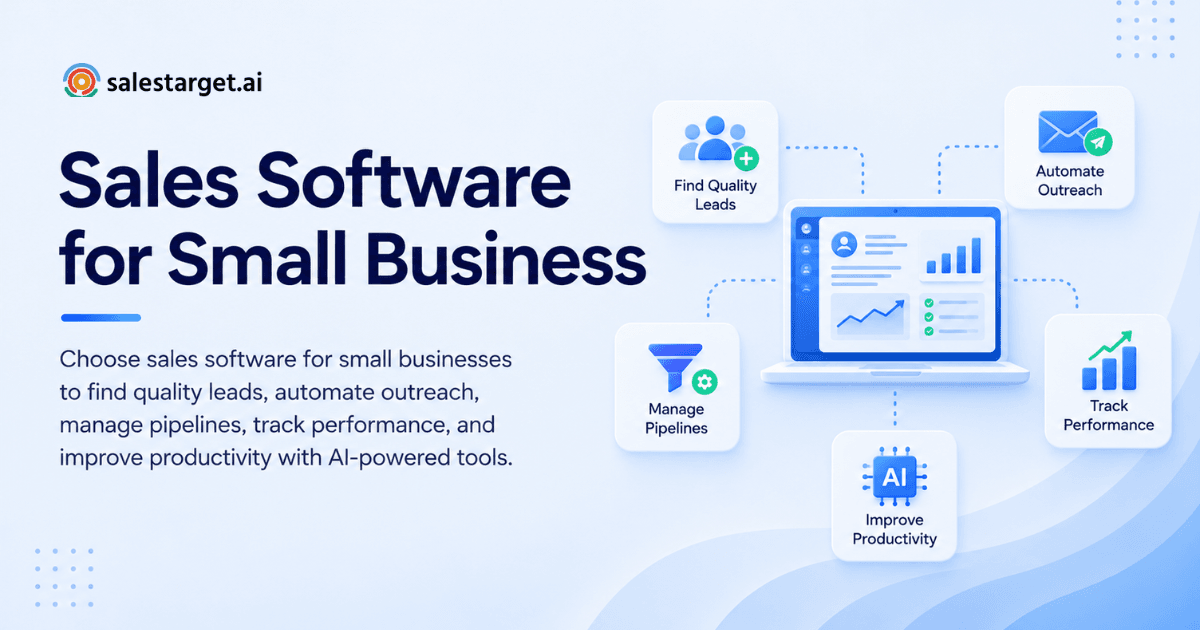
Good sales software does four jobs. Miss one, and your team fills the gap with a spreadsheet.
Lead generation and prospect research
This function finds the companies and people that fit your ideal customer profile and returns verified contact details plus buying signals. The benefit is time: research that took an afternoon becomes a filtered search. It stops reps from chasing accounts with no reason to buy now.
Sales automation and outreach management
Automation runs the repeatable parts of outreach: first touch, follow-ups, pacing, and reply sorting. The benefit is consistency. Every lead gets the same number of touches on schedule, no matter how busy the week gets. Reps step in when a human reply arrives.
CRM and sales pipeline tracking
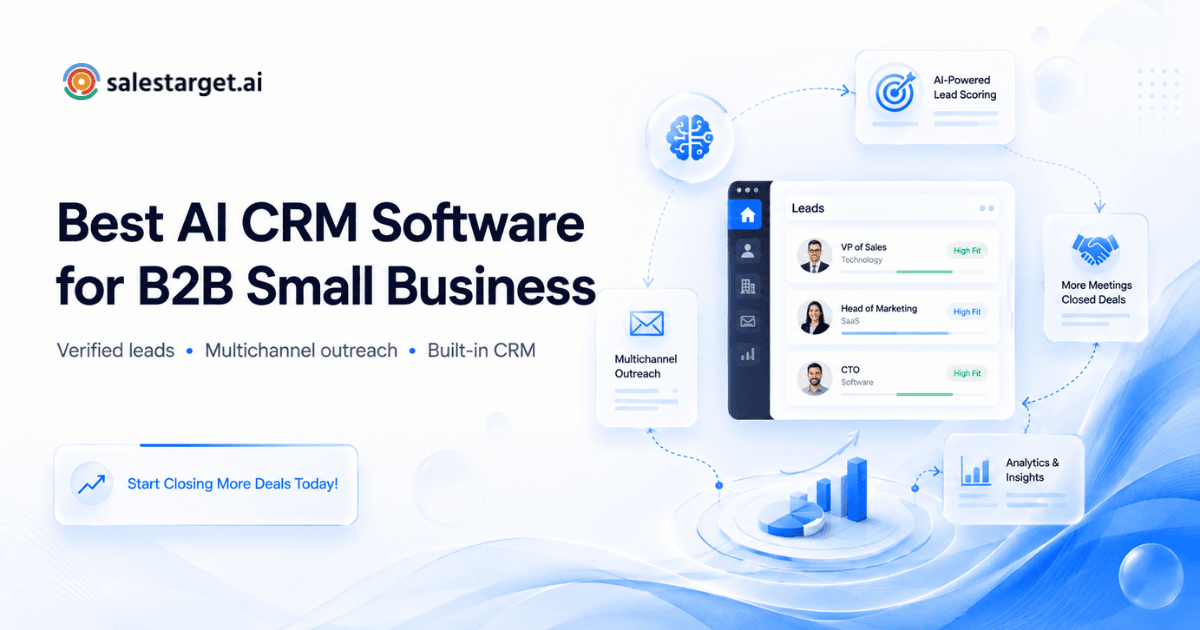
A CRM records every lead, conversation, task, and deal in one place. Lean teams need the lightweight kind, built for daily selling and not for admin. If you want a deeper look at picking one, read our guide on AI CRM software for B2B small business.
Sales performance monitoring
Monitoring shows reply rates, meetings booked, and deal movement by rep and by campaign. The benefit is speed of correction. You spot a weak sequence in week one, not at quarter end.
Key Factors for Choosing Small Business Sales Software
Match the software to your sales motion, your team's habits, and your data flow. Feature lists come last.
Team size, sales goals, and workflow requirements
Start with the motion. A two-founder team booking demos through outbound needs data, sequences, and a simple pipeline. An eight-person SDR team needs shared inboxes, task assignment, and rep-level reporting. Write down your monthly meeting target, then work backward to the volume of leads and touches it takes.
Ease of use and implementation
Run one test: can your least technical rep launch a campaign on day one without a call to support? Setup measured in hours, not weeks, is a fair bar. Tools that need an admin to configure them tend to die in the second month, once the champion gets busy.
Integrations and data management
Check native connections to your calendar, Slack, and any CRM you plan to keep. Then ask a question most buyers skip: when does verification happen? Data verified at the moment of enrichment is fresher than data verified whenever it was first scraped. Confirm you can push leads straight into sequences with no CSV step.
Pricing, scalability, and total cost
Compare how each vendor structures plans: per seat, per usage, or bundled. Look for limits on inboxes, contacts, and sequences, and list every extra tool you would still need to buy to finish the workflow. Then ask what breaks when the team doubles. A tool that fits five reps and stalls at ten is a rebuy waiting to happen.
Essential Features of Modern B2B Sales Software
These five features separate a working outbound stack from a pile of subscriptions.
B2B lead generation and contact enrichment
Look for filters on industry, role, seniority, company size, location, and tech stack, plus intent signals that show who is researching your category right now. Enrichment should happen in the same click as the search, so a found lead arrives with a verified email and phone number.
Email and LinkedIn outreach automation
Most B2B buyers sit on both channels, and replies rise when the two work together. Email tools need inbox warm-up, rotation, and SPF, DKIM, and DMARC checks. LinkedIn tools need rate limits, human-like delays, and auto-pause safeguards. Our guide to a LinkedIn outreach tool for small business covers the safety side in detail.
Email verification and deliverability monitoring
Verification checks MX records, runs SMTP tests, flags disposable addresses, and scores risk before you send. It matters most for small teams: one bad week of bounces can push a new domain toward the spam folder, and a small team has no spare domains.
CRM, lead tracking, and pipeline management
Look for automatic lead capture from campaigns, every email and call logged to the lead timeline, and follow-up tasks created when a lead replies. If reps must log activity by hand, the data will be thin by week three.
AI-powered sales assistance and reporting
Useful AI does grunt work: finding leads, drafting sequences, answering questions about your pipeline in plain language, and flagging deals at risk. Ask to see it produce something real. Strategy and relationships stay with your reps.
Steps to Select and Implement Sales Software
Five steps, run in order, take most teams from a messy stack to a working one in a few weeks.
Audit existing sales tools and processes
List every tool, who owns it, what it does, and who logs in weekly. Mark overlaps. Then run the lead trace from earlier and note every manual handoff. That list becomes your requirements document.
Prioritize features based on sales needs
Sort needs into must-have, useful, and skip. Cap the must-have list at three items, each tied to a specific pain, such as "verified contacts without a separate tool." Long wish lists produce long demos and no decision.
Compare platforms and evaluate workflows
Give each shortlisted tool the same task: find 50 leads that fit your profile, verify them, launch a sequence, simulate a reply, and create a deal. Time every step and count the clicks. The tool that finishes fastest with the fewest exports wins.
Test integrations and team adoption
Pilot with two reps for two weeks, one experienced and one new. Watch where they get stuck. Adoption problems show up in the first ten days. Ready to run that pilot on one workspace? Start free with SalesTarget.ai and test the full workflow on your own leads.
Measure productivity and pipeline results
Record a baseline before you switch: response time, meetings per 100 leads, and days from first touch to close. Compare after 30 and 60 days. Without a baseline, every result is a guess.
Why Choose SalesTarget.ai
SalesTarget.ai is an all-in-one AI sales intelligence and outbound platform. It combines B2B lead data, email and LinkedIn outreach, email validation, a built-in CRM, and an AI Copilot in one workspace. It is built for outbound teams, not enterprise bloat.
Lead Explorer for prospecting and contact enrichment
Lead Explorer is SalesTarget.ai's AI prospecting engine, with 840M+ verified professional profiles, 146M+ business entities, 4,000+ intent signals, and 50+ data sources. Search in plain English or stack filters for industry, role, company size, and tech stack. One click enriches a lead with verified email and phone, and you push it straight to a sequence or the CRM.
Email and LinkedIn outreach in one workflow
Email Outreach builds multi-step sequences from a plain-English audience description, with unlimited inboxes, automatic AI warm-up, and inbox rotation. LinkedIn Outreach automates connection requests, messages, and follow-ups with conditional branching. Both run in one flow, so context carries across channels. SalesTarget.ai reports 35% faster campaign creation on Email Outreach.
Email Validator for contact verification
Email Validator runs MX and SMTP checks, detects disposable addresses, and scores risk before you send. SalesTarget.ai reports that 90% of emails are validated before sending. It works through bulk list cleaning or a real-time API and connects with 60+ platforms.
Built-in CRM for lead and deal management
The SalesTarget.ai CRM takes campaign leads with no imports, logs every email and call, and creates follow-up tasks when a lead replies. Its AI dialer takes call notes for the rep and saves them to the lead timeline. SalesTarget.ai reports 3.2X faster deal cycles, 91% follow-up completion, and about 6 hours saved per rep per week. Set against the Salesforce finding of 60% non-selling time, that hours-saved figure is where the gain shows up.
AI Copilot for everyday sales tasks
AI Copilot is a conversational sales teammate, free inside the platform. Ask it to find leads across the 840M+ profiles, draft a full sequence, or list deals at risk in your CRM. It recommends the next move. Your reps keep the relationships and the strategy.
Common Sales Software Selection Mistakes
Most failed rollouts trace back to one of four choices.
Choosing tools with overlapping features
Buying a sequencer, a CRM with its own sequencer, and a data tool with a third one means paying for the same job three times and splitting your data three ways. Map each tool to one stage of the sales process. Two tools on one stage means one goes.
Automating outreach before improving data quality
Automation multiplies whatever you feed it. A list with a high bounce rate, sent at volume, damages your domain faster than manual sending ever could. Verify first, then automate. Testing a switch from a multi-tool setup? Compare it on our Apollo alternative page.
Ignoring onboarding and team adoption
A tool nobody opens produces no data. Assign one owner, set a start date, and pick the reps who will use it first. Watch logins in week one. Low usage is a signal to fix the workflow, not to blame the team.
Overlooking hidden costs and usage limits
Read the limits before you sign: inbox caps, contact caps, seat rules, and which features sit behind add-ons. Then run your real monthly volume through them. Surprises tend to arrive in month three, right when the team depends on the tool.
Measuring Sales Productivity After Implementation
Track four numbers against the baseline you set before the switch.
Lead response time and follow-up completion
Measure the gap between a reply landing and the first human response, and the share of follow-up tasks finished on time. Aim for minutes on hot replies. The five-minute research above is your target. Automatic task creation makes this number move fast.
Prospect-to-meeting conversion rate
Divide meetings booked by prospects contacted, per campaign. If the rate is low, check data quality and targeting before you rewrite copy. Wrong-person contacts drag this metric down more than weak subject lines do.
Sales pipeline movement and deal cycle time
Track how many days a deal sits in each stage and how many move forward each week. Stuck deals show up as long stage times. Good sales pipeline management makes those stalls visible early enough to save the deal.
Rep activity and time saved
Count hours spent on research, data entry, and logging before and after. Time saved only counts if it moves into selling: more conversations, faster follow-up, more meetings. Assign the recovered hours to a specific behavior or they vanish into meetings.
Conclusion: Building a More Productive Small Business Sales Process
We opened with a rep copying data between tools as leads went cold. The fix is not more software. It is fewer handoffs, and one system of record. Pick one platform that finds the lead, verifies the contact, runs the outreach, and tracks the deal, then measure the result against a baseline.
That is the case for SalesTarget.ai: Lead Explorer, Email and LinkedIn outreach, Email Validator, a built-in CRM, and an AI Copilot in one workspace, built for outbound teams. Test it on your own leads and see how many manual steps disappear. Start free today.