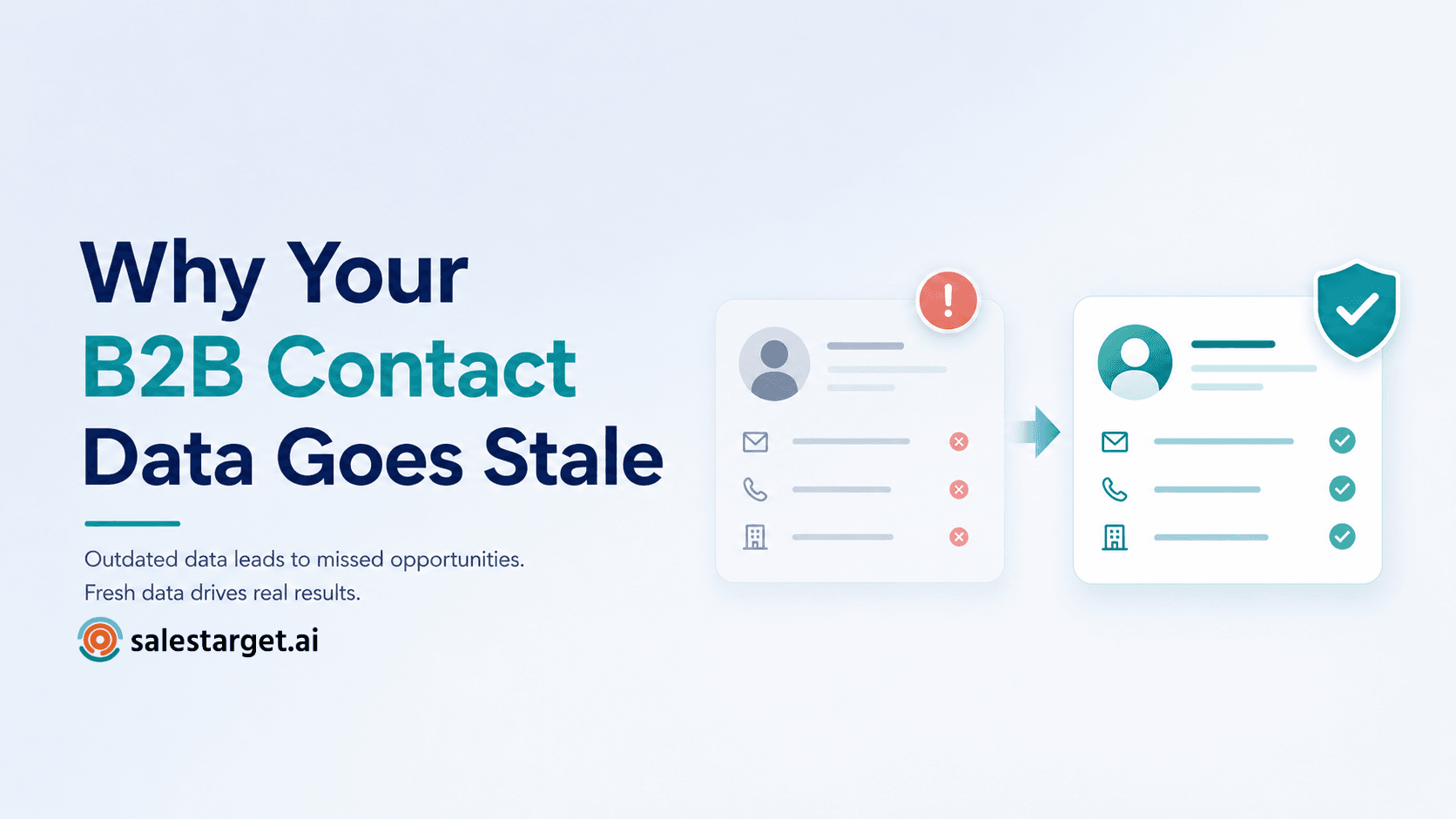
A rep exports 500 contacts on Monday. By Wednesday, 60 emails have bounced, 40 people have changed jobs, and half the remaining titles never sign anything. The list looked full. It was not usable.
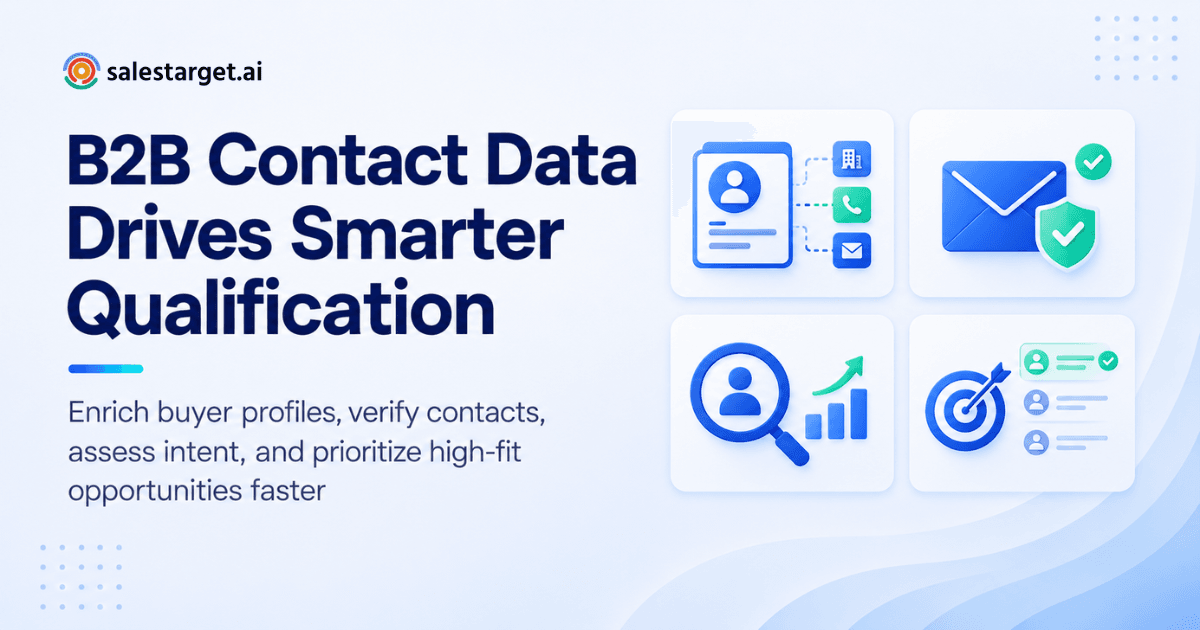
Sales intelligence closes that gap. It turns raw B2B contact data into qualified prospects by adding company and buyer details, checking that each contact is real and reachable, and ranking people by fit and buying interest. Reps then spend their time on accounts that match the ideal customer profile and show signs of active demand.
The cost of skipping this is measurable. Gartner estimates that poor data quality costs organizations an average of $12.9 million a year. Salesforce's State of Sales research found that reps spend only 28% of their week selling, with most of the rest going to tasks like deal management and data entry.
How Sales Intelligence Converts B2B Contact Data Into Prospect Intelligence
Sales intelligence adds context to a bare contact record, so a name and an email become a profile a rep can act on. Four layers do the work.
Enriching contact records with company and decision-maker data
A bare record holds a name and an email. Enrichment adds job title, seniority, department, company size, revenue, and location, so the rep sees who the person is and whether they influence a purchase. On Salestarget.ai, one-click enrichment in Lead Explorer unlocks verified professional email, personal email, phone, and mobile.
Adding firmographic and technographic information
Firmographics (industry, headcount, revenue) show whether a company fits. Technographics show which tools it runs. A company on a competitor's platform needs a switch message, and a company with no tool in the category needs a first-tool message. Lead Explorer filters on both, including tech stack.
Connecting buyer intent data with prospect records
Intent data links a prospect record to research activity on topics tied to your product. Attached to a contact, it shows which accounts are reading about your category right now. By Salestarget.ai's own figures, Lead Explorer carries 4,000+ intent and buyer signals, including Bombora Intent Topics.
Using intent signals to identify active buying interest
A signal matters when it points to action. Funding rounds, hiring spikes, leadership changes, and topic surges on a 30 to 90 day lookback mark accounts in motion. One tip most guides skip: score fit and intent separately. A perfect-fit account with no signal goes to a slow nurture track, not your hottest sequence. A loud signal from an account that fails your ICP wastes a rep's week.
The Role of B2B Contact Data in Modern Sales Prospecting
B2B contact data is the base layer. With wrong names, roles, or channels, no intelligence layer can rescue the result.
Building accurate B2B prospect lists
Accurate lists start from filters, not exports. Stack industry, role, seniority, company size, and location, then enrich. Lead Explorer searches 840M+ professional profiles and 146M+ business entities (Salestarget.ai figures) and accepts plain-English queries. For the database basics, read how a B2B contact database improves sales prospecting. A list built this way is smaller than a scraped one, but every row has a reason to be there.
Identifying decision-makers within target accounts
Pick roles by who signs or influences the deal, not by title alone. At a 20-person startup the founder buys. At a 2,000-person company the buyer sits in a department head, RevOps, or sales enablement seat. Seniority and department filters narrow this fast.
Using verified email addresses and phone numbers
Verified channels decide whether a message lands. An email that passes MX and SMTP checks with a low risk score is safe to send. A confirmed mobile number gets a rep on a call. Salestarget.ai reports 99% verified contact data across its database.
Improving ICP targeting with complete company data
Complete company records let you test any account against your ICP in seconds. Revenue, headcount, industry, and tech stack settle the question. The ICP Builder in Lead Explorer holds your criteria in one place, so every search starts from the same definition.
Turning B2B Contact Data Into Qualified Prospects
Five steps move a raw contact to a qualified prospect. Skip one and quality drops.
Define the ideal customer profile before prospecting
Write the ICP as filters: industry, company size, revenue band, region, tech stack, buyer role. If a criterion cannot be filtered, it is an opinion, not a criterion. Do this before anyone opens a search bar.
Find prospects that match account and buyer criteria
Run the filters and review a sample of 20 before pulling more. If five of them do not fit, tighten the filters. In Lead Explorer you can describe the audience in plain English or stack Business and People filters by hand.
Enrich incomplete prospect records
Fill the gaps at the moment you find the lead. Enrichment run weeks later works on stale records. Salestarget.ai enriches at the point of discovery, so the record a rep sees reflects that moment, not the date someone first scraped it.
Verify contact information before outreach
Check every email before it enters a sequence. Bounces damage sender reputation, and a damaged domain hurts every rep who shares it. A second edge case: catch-all domains accept every address, so a green check proves little, and role-based inboxes like info@ rarely reach a buyer. Flag both and find a second contact.
Prioritize prospects using fit, intent, and engagement signals
Rank on three inputs: fit (ICP match), intent (topic surges and business events), and engagement (opens, replies, clicks). Fit sets the ceiling, intent sets the timing, and engagement confirms interest. Reps work the top tier first.
Want to see this on a live list? Start free with Salestarget.ai and run your ICP through Lead Explorer.
Sales Intelligence Signals That Improve Prospect Qualification
Five signal groups separate a qualified prospect from a name on a list.
Company firmographics and account attributes
Industry, headcount, revenue, location, and growth stage answer one question: should we sell to this company at all? Use them to reject fast. Every rejected account saves a rep research time.
Decision-maker and professional contact information
Title, seniority, department, verified email, and phone make a contact reachable. Title drift is the quiet killer: a valid email can belong to someone who moved roles last quarter. Confirm the role is current at enrichment, not just that the inbox accepts mail.
Technographic data and technology adoption
Installed tools signal fit and timing. A competitor in place calls for a switch message. A gap calls for a first-tool message. Both beat a generic opener sent to the whole list.
Buyer intent data and buying signals
Topic research and business events show timing. Lead Explorer pairs Bombora Intent Topics with funding rounds, hiring spikes, leadership changes, and awards on a 30 to 90 day lookback. A signal older than 90 days is history, not intent.
Lead scoring and prospect prioritization
Scoring turns signals into an order of work. Lead Explorer includes intent-based lead scoring, so reps start with the leads showing the most signal instead of the top of an alphabetical export.
What to Look for in Sales Intelligence Software
Judge sales intelligence software on six points. Each one maps to a step above.
Accurate and verified B2B contact data
Ask when each contact was last verified, and where in the workflow. Verification at the moment of enrichment beats a database checked once at scrape time. Request a sample of 50 and test the bounce rate yourself.
B2B contact database coverage and enrichment
Coverage means profiles in your regions and industries, not a headline number. Check that enrichment runs in the same workflow as search. Salestarget.ai draws on 50+ data sources, with 840M+ profiles and 146M+ business entities.
Advanced prospect and account filters
The tool should combine business and people filters in one search: role, seniority, department, company size, revenue, location, tech stack, and intent topics. If you must export to a spreadsheet to filter, move on.
Intent signals and buyer intelligence
Look for named intent sources and a stated lookback window. Vague "AI signals" cannot be audited. For a side-by-side view of the market, see the guide to the best sales intelligence tools for B2B contact data.
Prospect qualification and lead scoring
Scoring should be visible to reps and built on fit and intent as separate inputs. A black-box score that reps do not trust gets ignored within a month.
Outreach workflows connected to prospect data
Data that needs a CSV to reach a sequence creates delay and errors. Check that leads push straight into email, LinkedIn, and a CRM without re-keying.
Why Choose SalesTarget.ai
Salestarget.ai puts B2B contact data, outreach, validation, and CRM in one workspace, so a prospect never leaves the system between found and closed. Apollo supplies data and engagement but leaves deliverability and CRM to add-ons. Instantly, Smartlead, and lemlist focus on cold email and have no native B2B database, LinkedIn automation, or real CRM. Salestarget.ai keeps it all on one platform.
Find and enrich B2B prospects with Lead Explorer
Lead Explorer is the AI prospecting engine inside Salestarget.ai. It searches 840M+ verified professional profiles in plain English or through stacked filters, and one-click enrichment unlocks verified email, phone, and mobile. Enriched leads go straight to sequences or the CRM with no CSV.
Verify contact data before outreach with Email Validator
Email Validator runs MX and SMTP checks, detects disposable addresses, and assigns risk scores. It offers a real-time verification API and bulk list cleaning, and connects across 60+ platforms. Salestarget.ai reports that 90% of emails in Email Outreach are validated before sending.
Run email and LinkedIn sequences from qualified prospect lists
Email Outreach builds multi-step sequences from a plain-English audience description, with unlimited inboxes, automatic AI warm-up, inbox rotation, and SPF, DKIM, and DMARC checks. LinkedIn Outreach automates connection requests, DMs, and follow-ups with conditional branching, rate limits, and auto-pause safeguards. Both run in one coordinated flow.
Manage replies through a unified outreach inbox
Unibox pulls every reply into one view and sorts by intent: Interested, Follow-Up, or Not a Fit. Reps assign owners without leaving the inbox, and deals sync to the CRM. Nothing sits in a personal mailbox.
Move qualified prospects into the built-in CRM
The built-in CRM receives campaign leads automatically, logs every email and call to the lead timeline, and creates follow-up tasks when a lead replies or a meeting ends. Its AI dialer takes call notes for the rep. Salestarget.ai reports 91% follow-up completion and about 6 hours saved per rep per week, a useful figure against Salesforce's 28% selling-time finding.
Use AI Copilot to work with leads and sales data
AI Copilot is a conversational sales teammate, free inside the platform. Ask it to find leads across 840M+ profiles, draft a personalized sequence, query CRM deals, meetings, and tasks, or flag at-risk deals. It handles the grunt work. Strategy stays with your team.
Common B2B Contact Data Problems That Reduce Lead Quality
Five problems drain lead quality, and each one traces back to a missing step in the process above.
Outdated contact information
People change roles and companies, and records age the day they are saved. The fix is enrichment and verification at the point of use, not an annual database refresh.
Incomplete company and buyer profiles
Missing size, revenue, or role forces guesswork on ICP fit. Reps fill the gap with generic messaging, and replies drop.
Unverified email addresses and phone numbers
Unverified emails bounce and hurt domain reputation. Dead numbers burn call time. Both problems are cheap to prevent and expensive to repair.
Poor ICP matching
A clean list of the wrong companies still fails. Valid contacts are not qualified contacts. Test the ICP on a sample of 20 before scaling.
Ignoring buyer intent and account signals
Treating every account as equally ready wastes the best leads. Fit tells you who to target. Signals tell you when.
Building a Sales Intelligence Workflow Around B2B Contact Data
A workable workflow has six steps, run in one system so nothing gets re-keyed.
Define target accounts and buyer profiles
Set your criteria in the ICP Builder, then name two or three buyer roles per account type. A founder, a head of sales, and a RevOps lead rarely care about the same message.
Find and enrich relevant B2B contact data
Use Smart Prospect Search to describe the audience, then enrich on discovery. Review the first 20 results before scaling the list.
Validate prospect information
Run every list through Email Validator. For top-tier accounts, spot-check titles by hand. Ten minutes here protects the whole campaign.
Score and prioritize qualified prospects
Split leads into tiers by fit and intent. High fit with a live signal goes first. High fit without a signal goes to nurture.
Start personalized outreach based on prospect signals
Use the signal to decide who and when, then write about a public event. Intent topics reflect private research, so quoting them back reads like surveillance. Funding rounds, hires, and leadership changes make natural openers. AI personalization in LinkedIn Outreach and the AI Content Generator in Email Outreach handle the variation at scale.
Track qualified prospects through the CRM
Leads land in the CRM automatically with their full timeline, and the deal pipeline shows what moves. Open AI Copilot inside Salestarget.ai and ask it to surface your stalled deals and pending follow-ups.
Turning Better B2B Contact Data Into Sales-Ready Opportunities
The problem that opened this post, a full list that does not work, comes down to data that was never enriched, verified, or ranked. Sales intelligence fixes each of those gaps in order: enrich at discovery, verify before sending, score on fit and intent, then reach out with a reason.
Salestarget.ai runs that whole sequence in one workspace. Lead Explorer finds and enriches, Email Validator protects deliverability, email and LinkedIn sequences carry the message, Unibox collects replies, and the CRM tracks every deal. Your reps stop stitching tools together and start talking to buyers.
Ready to turn your contact data into sales-ready opportunities? Start with Salestarget.ai today.