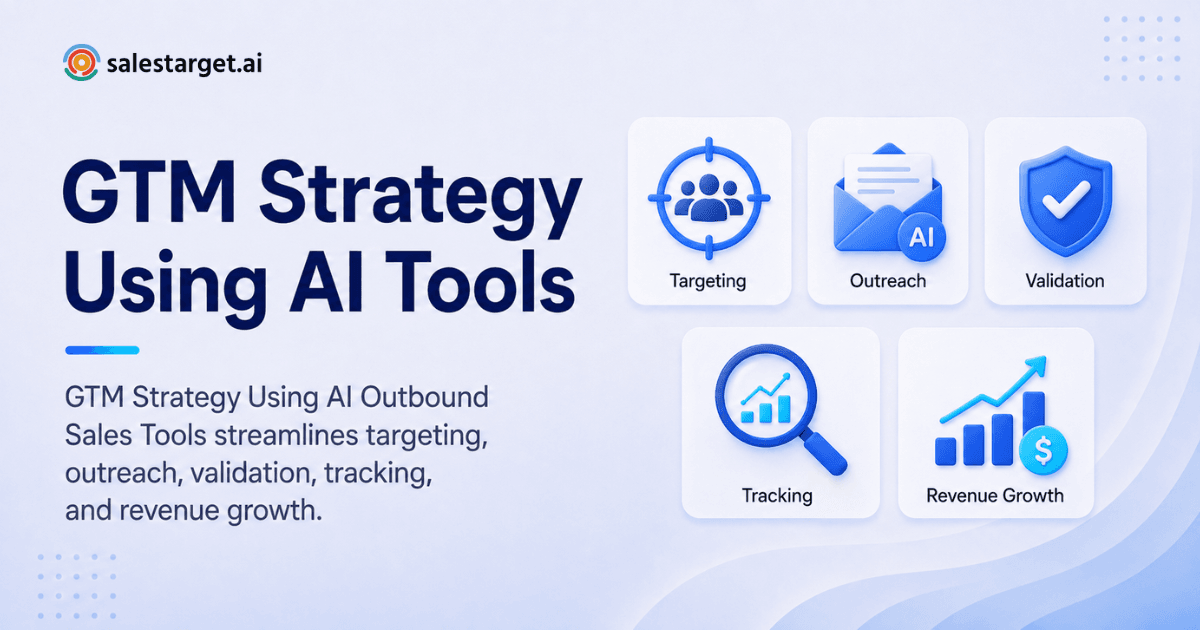
Most B2B go-to-market plans fall apart at the same point: the handoff between "we know who to target" and "we're actually talking to them." Marketing builds a beautiful ICP slide. Sales gets a spreadsheet of names with half the emails bouncing. Three tools later, nobody can say which touch actually booked the meeting.
A modern B2B go-to-market strategy using AI outbound sales tools closes that gap. Instead of stitching together a data vendor, an email tool, a LinkedIn scraper, and a CRM that nobody updates, you build one connected system: find the right accounts, reach them on the channels they actually respond on, and track every interaction in a single pipeline.
This guide walks through the tools and decisions that make that possible, stage by stage, for teams running outbound as a real growth channel rather than a side project.
1. Build Your ICP and Buyer Personas on Real Data, Not Guesses
You cannot run outbound at scale on assumptions about who your buyer is. Before any sequence goes out, you need a defined ideal customer profile (ICP) built from firmographic data such as company size, industry, revenue band, and geography.
What does an accurate B2B ICP require?
An accurate ICP requires verified company and contact data, not a list scraped from LinkedIn search results by hand. That means:
- Filterable firmographic and technographic data (industry, headcount, tech stack, funding stage)
- Intent signals showing which accounts are actively researching solutions like yours
- Verified contact details so your list doesn't decay the moment you export it
This is the layer where most outbound programs quietly fail. A recent report on B2B outbound benchmarks found multi-channel programs with accurate, signal-based targeting outperform single-channel, list-based outreach by 40 to 60 percent on reply rate. The gap isn't creativity. It's data quality.
AI prospecting tools like Lead Explorer solve this by combining a large verified contact database with built-in enrichment, so you can search in plain English, stack business and people filters, and pull verified emails and phone numbers in the same motion instead of exporting a list and enriching it somewhere else. If you want a deeper breakdown of what "verified, intent-based lead data" actually means and why it matters more than list size, this piece on evaluating lead data providers](https://salestarget.ai/blogs/sales-tool-offers-verified-intent-based-lead-data) is worth a read before you commit to a data source.
Once you know which companies to target, you still need to know who inside those companies to talk to. Buyer personas map the pain points, responsibilities, and daily reality of the actual decision-makers, separate from the company-level ICP. Skip this step and your messaging ends up generic enough to fit anyone, which means it resonates with no one.
2. Understand the Competitive Landscape Before You Position Anything
Once you know your audience, you need a clear view of what they're already using or considering. Positioning without competitive context is guesswork dressed up as strategy.
A useful competitive analysis goes past a Google search. You want visibility into competitor pricing structure, feature releases, and how their customers talk about them publicly. Plotting your product against alternatives on a simple two-axis map, such as price versus depth of functionality, is often enough to spot the whitespace a smaller player can credibly own.
Your positioning answer should be specific: are you the fastest to implement, the most complete platform, or the specialist for one narrow use case? Vague positioning ("we're the smart choice") doesn't survive contact with a skeptical buyer.
3. Validate Demand Before You Scale Spend
Even a well-targeted list and sharp positioning won't save a product the market doesn't actually want. Validating demand early, before you scale outbound volume, prevents burning your list and your sender reputation on an offer that isn't landing.
A simple gut check: ask early users how disappointed they'd be if the product disappeared tomorrow. If well under half say "very disappointed," you're likely optimizing messaging around a product-market fit gap that outbound tools can't paper over. Pair that qualitative signal with behavioral data. Flattening retention cohorts or a drop-off pattern at a specific step tells you where the real friction lives.
This matters for outbound specifically because a weak offer shows up fast in reply rates. According to Instantly's 2026 Cold Email Benchmark Report, which analyzed billions of cold emails, the platform-wide average reply rate sits at 3.43 percent, with top-quartile campaigns exceeding 5.5 percent. If your campaigns are landing well under that average even with clean data and solid targeting, the problem usually traces back to the offer, not the send.
4. Standardize Your Messaging Across Every Rep and Channel
With positioning set, the next failure point is inconsistency. If your top rep describes the product one way and a new SDR describes it another, prospects notice, and trust erodes before a deal even starts.
A shared messaging framework documents your core value proposition, three or four benefit pillars, and the proof points behind each one. Housing this in a living document that updates centrally, rather than a slide deck that gets emailed around and goes stale, keeps everyone aligned as the product and market evolve.
How should messaging map to the buyer's journey?
Messaging should shift depending on where a prospect sits: awareness, consideration, or decision. A cold LinkedIn message hitting a prospect who has never heard of your category should sound nothing like your third follow-up to someone who already booked a demo and ghosted. Mapping these touchpoints out, even at a basic level, helps you catch where prospects are dropping off and adjust the sequence rather than just sending more of the same message.
5. Coordinate Outreach Across Email and LinkedIn, Not in Isolation
This is where most outbound stacks fall apart operationally. Email tools don't talk to LinkedIn automation. LinkedIn automation doesn't talk to the CRM. Reps end up manually tracking who got which touch on which channel, and prospects get double-messaged or dropped entirely.
What does a coordinated multichannel outbound sequence look like?
A coordinated sequence treats email and LinkedIn as one flow instead of two separate campaigns:
- Initial outreach goes out on the channel with the highest expected response for that persona
- A reply, connection, or non-response on one channel triggers the next step on either channel
- Timing and pacing account for the prospect's timezone and avoid stacking touches too close together
- Every action, reply, and status change logs to one record instead of living in a separate tool
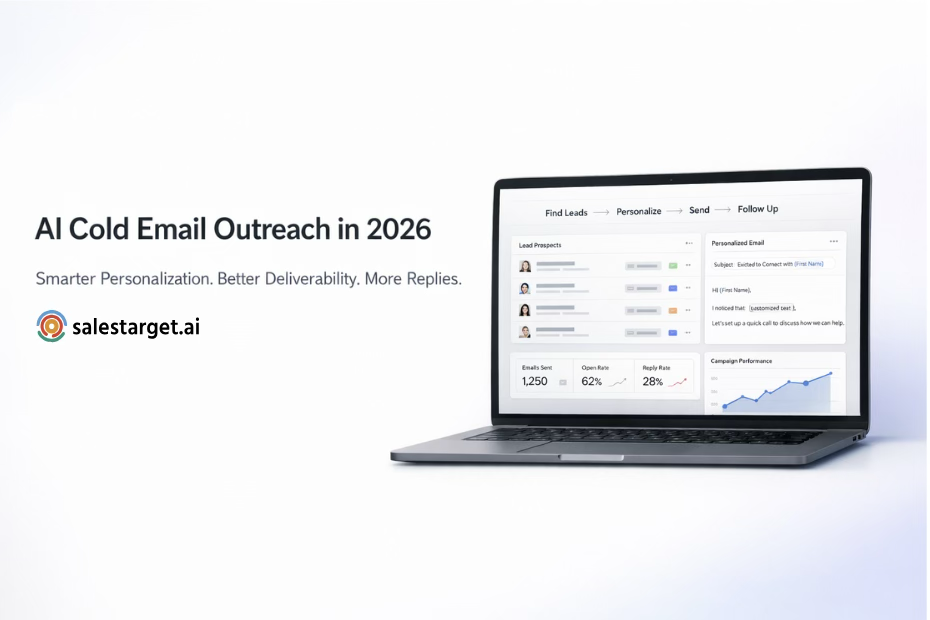
Platforms built for this treat Email Outreach and LinkedIn Outreach as a single coordinated flow rather than bolted-together point tools. On the email side, that means AI-built multi-step sequences, automatic inbox warm-up across unlimited inboxes, and SPF/DKIM/DMARC checks so deliverability doesn't quietly erode. On LinkedIn, it means conditional sequences that branch based on replies or actions, human-like send delays, and built-in rate-limit safeguards so accounts don't get flagged for moving too fast.
Deliverability is the piece teams underestimate most. Sending to invalid or risky addresses tanks your sender reputation and drags every future campaign down with it, which is why validating a list before it ever enters a sequence matters as much as the copy itself.
6. Validate Every Address Before It Enters a Sequence
Bad data compounds. A single sequence blast to an unverified list can spike your bounce rate enough to land future campaigns in spam for weeks, even after you fix the list.
Email and lead validation should happen at two points: in real time as new contacts get added, and in bulk before you launch a campaign against an older list. Checks should include MX and SMTP verification, disposable-address detection, and a risk score rather than a simple valid or invalid flag.
Tools like the Lead / Email Validator run both a real-time verification API for new leads and bulk list cleaning for existing ones, which is why campaigns built on validated data see a meaningfully higher share of emails actually reaching an inbox before send.
7. Centralize Everything in One CRM, Not Three Spreadsheets
If your outbound tools and your CRM are separate systems, someone is manually copying data between them, which means someone is also forgetting to. Deals stall not because reps aren't working them, but because follow-up tasks live in someone's head instead of a system.
An outbound-built CRM should pull campaign leads in automatically, log every email and call to the lead's timeline without manual entry, and generate follow-up tasks the moment a rep needs to act. A built-in dialer that auto-logs call notes removes another manual step that otherwise gets skipped under time pressure.
Why does CRM hygiene matter more for outbound teams specifically?
Outbound generates a higher volume of short-lived touches than inbound, so the cost of manual logging scales faster. A CRM built specifically for outbound teams, rather than a general-purpose CRM retrofitted for it, tends to close this gap because the automatic logging is native to how the leads arrive in the first place. If you're setting one up from scratch, this walkthrough on configuring a CRM for outbound sales teams covers the setup decisions that are easy to get wrong early and expensive to fix later.
8. Build a Sales Enablement Toolkit Your Reps Will Actually Use
Sending reps into outbound without battle cards, objection-handling references, and current messaging is a fast way to depress conversion regardless of how good your targeting is. A working enablement toolkit includes competitor battle cards, proven email templates, and a small library of case studies reps can pull from mid-conversation.
The toolkit only works if it's kept current and if reps can find what they need without digging through old Slack threads. If you're comparing prospecting and enablement tools as part of building this stack, this ranked breakdown of B2B prospecting tools for outbound teams is a useful reference point for what's actually worth adopting versus what adds another login to manage.
An AI assistant that sits inside the workflow rather than in a separate tab reduces a lot of this friction. Being able to ask for a lead list, generate a sequence, or pull campaign performance in plain language, without switching tools or waiting on a report, saves meaningful time across a week. A conversational layer like AI Copilot is built for exactly this: finding leads, drafting sequences, and querying CRM data through chat instead of navigating multiple dashboards.
9. Measure the Metrics That Actually Predict Revenue
Traffic and impressions feel good in a report but don't predict whether the pipeline closes. The metrics that matter for an outbound-led GTM motion are further down the funnel: qualified leads, win rate, sales cycle length, and the reply and meeting-booked rates that show whether your targeting and messaging are actually working.
Reply rate specifically deserves a benchmark, not a vibe check. Industry data puts the average B2B cold email reply rate at roughly 3.43 percent in 2026, with well-targeted, signal-based campaigns reaching 10 to 20 percent on high-fit segments. If your team doesn't know where it sits against that range, you don't actually know if your outbound motion is healthy.
Dashboards that pull directly from your CRM and outreach data, rather than requiring a manual export into a separate BI tool, let leadership see whether a launch is tracking ahead of or behind target without waiting for a weekly report.
Why Choose SalesTarget.ai for AI-Powered B2B Outbound
Most outbound stacks are assembled from point solutions: a data provider, a cold email tool, a separate LinkedIn automation tool, a validator, and a CRM that only half-syncs with the rest. Every integration is a place data gets lost and a place a rep has to remember to check.
SalesTarget.ai keeps the entire outbound motion in one workspace instead. Lead Explorer's database of 840M+ verified professional profiles and 146M+ business entities, built from 50+ data sources and 4,000+ intent signals, means you're finding and enriching a lead in the same click rather than exporting to a separate enrichment tool.
From there, that lead moves straight into an Email Outreach or LinkedIn Outreach sequence, both running from the same platform, so a reply on one channel can trigger a next step on the other without a rep manually reconciling two tools. Every email gets checked against SPF/DKIM/DMARC before it sends, and the validator layer means close to 90 percent of emails are validated before they ever hit send, which directly protects deliverability instead of hoping for the best.
Everything then lands automatically in the built-in CRM: campaign leads populate without manual import, every touch logs to the timeline, and follow-up tasks generate themselves. Teams using this connected structure report roughly 6 hours saved per rep per week and 3.2 times faster deal cycles, largely because the handoffs that used to require manual work now happen automatically. The AI Copilot sits on top of all of it as a free conversational layer, so a rep can ask for a lead list or a campaign summary without leaving the chat window.
For a team evaluating whether to keep stitching together Apollo for data, Instantly or Smartlead for email, and a separate CRM, the honest comparison is total time spent on integration and maintenance versus one platform where the modules were built to work together from the start.
Turning the Strategy Into a Running System
A B2B go-to-market strategy using AI outbound sales tools isn't a document you finish once. It's a system: accurate targeting feeding coordinated multichannel outreach, validated before it sends, logged automatically, and measured against real benchmarks instead of vanity metrics.
The teams that get outbound right aren't necessarily sending more. They're sending to better-qualified accounts, on more coordinated channels, with less manual work lost between tools. Start by tightening whichever stage in this guide is weakest in your current process, and build outward from there.
If you want to see how the pieces described here work together in practice, you can start free and try building your first sequence against your own ICP.