TL;DR
- A generic CRM setup breaks outbound workflows — outbound needs its own pipeline stages, lead fields, and automation logic.
- Five setup steps matter most: pipeline stages, lead status fields, outreach-to-CRM connection, enrichment, and follow-up automation.
- Skipping any one of these is why most founders end up with a CRM that's just an expensive contact list.
Most founders set up their first CRM the same way they'd set up a filing cabinet — a place to dump contacts. Then two months later, nobody knows who's been followed up with, deals go cold in "In Progress," and the CRM becomes something the team avoids opening. Research from Salesforce's State of Sales shows reps spend a disproportionate share of their week just updating and searching for data in tools that weren't built around how they actually sell — and outbound teams feel this hardest, because outbound has a different shape than inbound.
Why CRM Setup for Outbound Teams Is Different
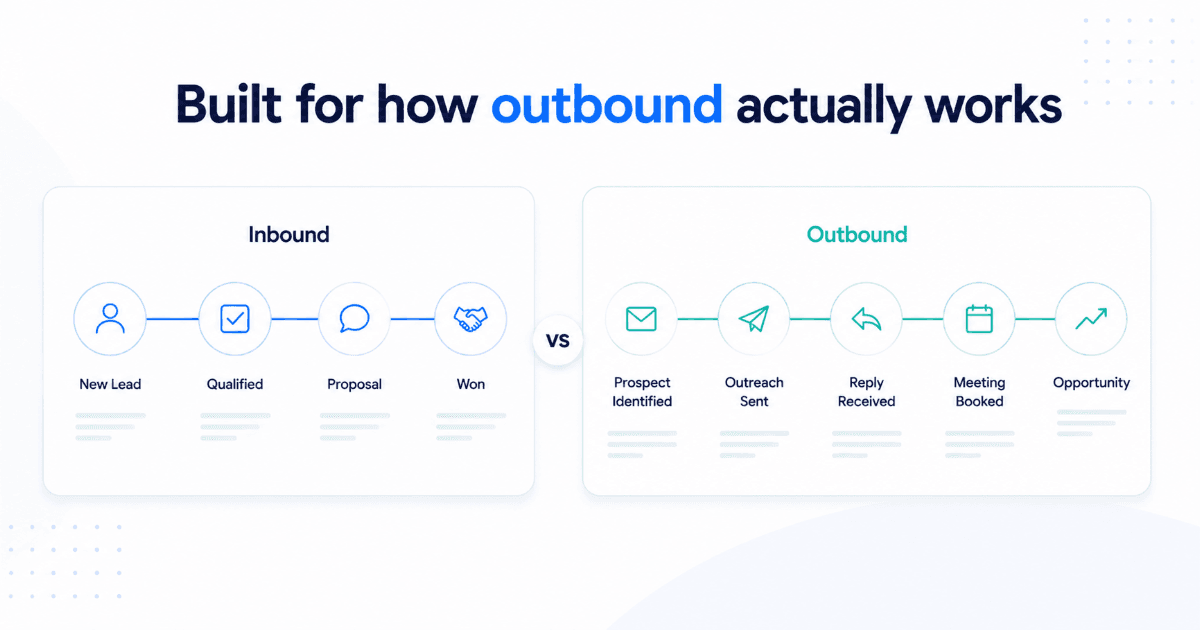
Inbound CRMs are built around a lead who already raised their hand — someone filled a form, booked a demo, or downloaded something. The CRM's job is to route and track intent that already exists.
Outbound flips that. You're creating intent from a cold list — sourcing contacts, reaching out across email and LinkedIn, and trying to convert silence into a reply. That means your CRM needs fields and stages that reflect outreach activity, not just deal value. A contact who's been emailed three times and opened nothing is a very different record than one who replied "not now, check back in Q3" — and most default CRM setups can't tell the two apart.
| CRM Element | Inbound/Marketing CRM | Outbound CRM |
|---|---|---|
| Lead entry point | Form fill, demo request | Cold list, enrichment, intent signal |
| Pipeline stages | MQL → SQL → Opportunity | Sourced → Contacted → Replied → Meeting Booked |
| Key fields | Form source, campaign UTM | Contact status, last touch channel, signal type |
| Automation trigger | Form submission | Reply received, no reply after X touches |
Step 1: Define Your Pipeline Stages for Cold Outreach
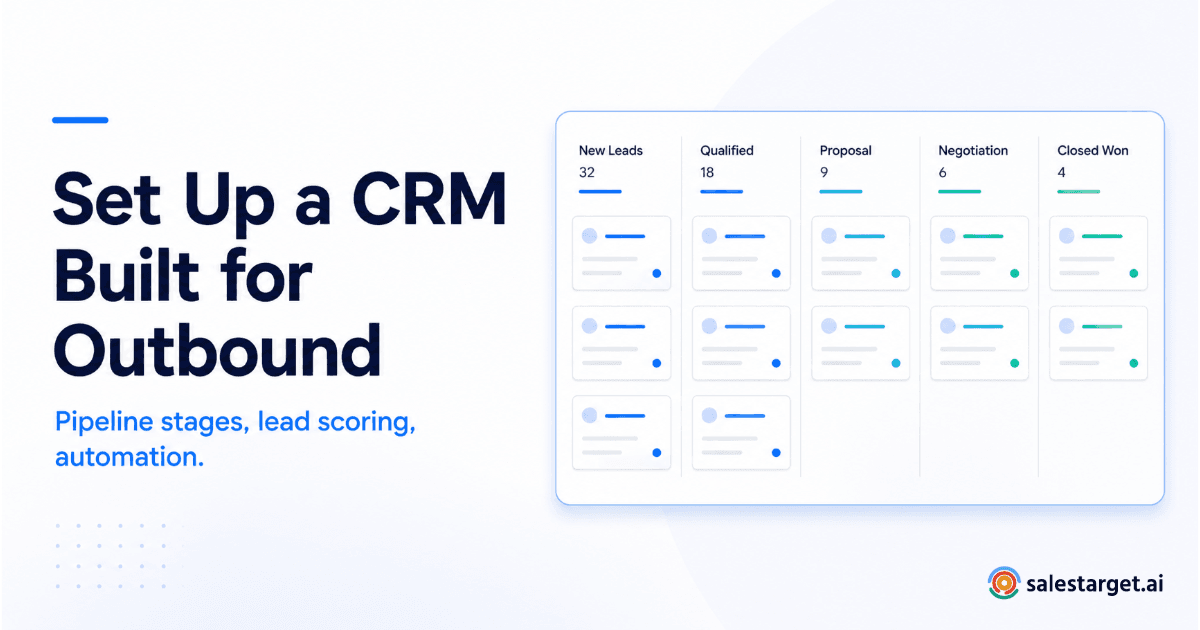
Before you touch any settings, write your pipeline stages down on paper. Most outbound teams do well with something close to this:
- Sourced — contact added, not yet touched
- Contacted — first outreach sent
- Engaged — opened, clicked, or viewed profile
- Replied — any response, positive or not
- Meeting Booked — call or demo scheduled
- Opportunity — qualified, moving toward close
- Closed Won / Closed Lost
Keep it to 6–8 stages. More than that, and reps stop updating it accurately — a pipeline nobody trusts is worse than no pipeline at all.
Step 2: Set Up Lead Status Fields
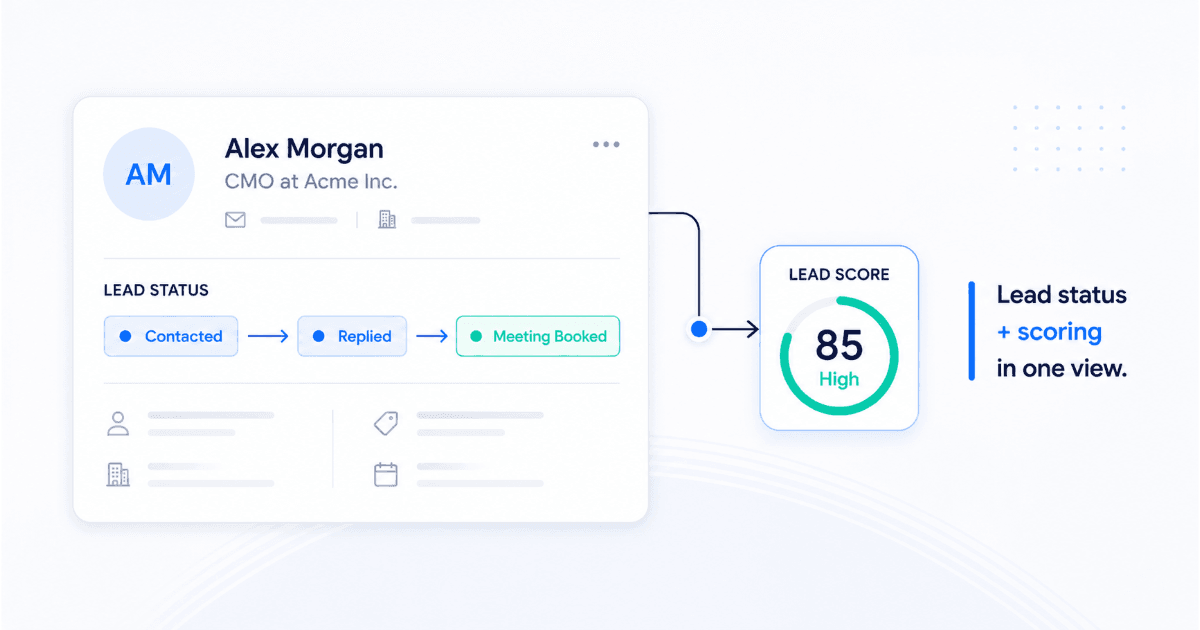
Pipeline stage tells you where a deal is. Lead status tells you what happened at the last touch — and outbound teams need both. Set up a status field with options like: Not Contacted, Contacted, No Response, Replied, Meeting Booked, Not Interested, Nurture.
This is also where a lead scoring tool earns its keep — instead of every SDR guessing who to prioritize, scored fields based on B2B intent data (firmographic fit + buying signals) let the CRM surface who's actually worth a call today.
Step 3: Connect Your Outreach Tool for Automatic Lead Creation
If leads from your sales outreach tool aren't flowing into the CRM automatically, someone is manually exporting and importing CSVs every week — and that's where data goes stale and replies get missed. Set this up once:
- Connect your email and LinkedIn outreach tool to the CRM via native integration or Zapier
- Map campaign fields (name, company, title, LinkedIn URL) to CRM contact fields
- Set new campaign leads to auto-create as CRM records at "Sourced" or "Contacted" stage
- Set replies to automatically move the contact to "Replied" and stop the sequence
Step 4: Set Up Enrichment to Auto-Populate Firmographic Fields
Manually filling in company size, industry, and revenue for every contact doesn't scale past about 50 leads a week. Set enrichment to trigger automatically on contact creation, so every new record arrives with firmographic and technographic data already populated — no rep has to touch it.
Step 5: Configure Follow-Up Automation and Task Triggers
This is the step most setups skip — and it's the one that determines whether deals actually get followed up on. Configure task triggers so that:
- A reply creates an instant "respond within 1 hour" task
- A booked meeting creates a pre-call research task
- No activity on an open deal for 5+ days creates a "follow up" nudge
- A closed-lost deal schedules a "re-engage in 90 days" reminder
Common CRM Setup Mistakes
Watch out for these
Copying an inbound pipeline template as-is, skipping enrichment until the list is already large, leaving follow-up reminders manual, and adding more than 8 pipeline stages "just in case." Each of these is why CRMs get abandoned within the first quarter.
How SalesTarget.ai's CRM Is Pre-Configured for Outbound
SalesTarget's CRM ships with outbound-specific pipeline stages and lead status fields already built in, so this setup takes hours instead of weeks. Campaign leads from email and LinkedIn outreach land automatically — no CSV imports — every reply triggers a follow-up task, and enrichment fills firmographic fields the moment a contact is created. It's built for outbound teams, not enterprise bloat.
Set up a CRM built for outbound, not retrofitted for it.
Pipeline stages, lead scoring, and follow-up automation — configured on day one.
✓ 50 credits ✓ 7-day trial ✓ No credit card required