A bulk email verifier lets you validate thousands of addresses simultaneously by running syntax checks, MX record lookups, and mailbox-level pings in a single batch. The proper workflow involves splitting your list into manageable segments, running batch email checks through a verification API, quarantining risky addresses, and re-verifying before every campaign. Done correctly, you protect your sender score and keep bounce rates below 2 percent.
If you manage outbound for a growing sales team, you have probably stared down a spreadsheet of 50,000 or more prospect addresses and wondered how many of them will actually land in an inbox. According to a 2025 analysis by ZeroBounce, roughly 22.6 percent of an average B2B email database degrades every twelve months through job changes, domain expirations, and abandoned mailboxes. That means sending to an uncleaned list almost guarantees a spike in hard bounces, spam complaints, and eventually, blacklisting.
This guide walks SDR managers, demand-gen leaders, and marketing ops professionals through a complete bulk email verification workflow designed specifically for large list cleaning at scale. By the end, you will have a repeatable process for mass email scrubbing that protects your domain and improves campaign ROI.
Why Large Lists Need a Dedicated Verification Workflow?
Small lists can tolerate a casual approach, but once your database crosses 10,000 records, every percentage point of invalid addresses compounds. A bounce rate above 5 percent on a single campaign can trigger throttling from Google and Microsoft within hours. For teams running multi-step email outreach sequences, that throttling ripples across every follow-up message, cutting reply rates and wasting sender warm-up efforts.
A structured bulk verification workflow solves this by introducing checkpoints between data import and campaign launch. You catch role-based addresses, disposable domains, and stale mailboxes before they ever touch your sending infrastructure.
Step-by-Step Bulk Email Verification Workflow
Step 1 — Prepare and Segment Your List
Before uploading anything to a verification tool, deduplicate your records and strip obvious formatting errors such as trailing spaces, missing TLDs, or double-@ symbols. Split your master file into batches of 5,000 to 10,000 addresses. Smaller segments make it easier to isolate problem sources — for example, if one batch shows 30 percent invalids, you know exactly which lead source is underperforming.
Step 2 — Run Syntax and Domain-Level Checks
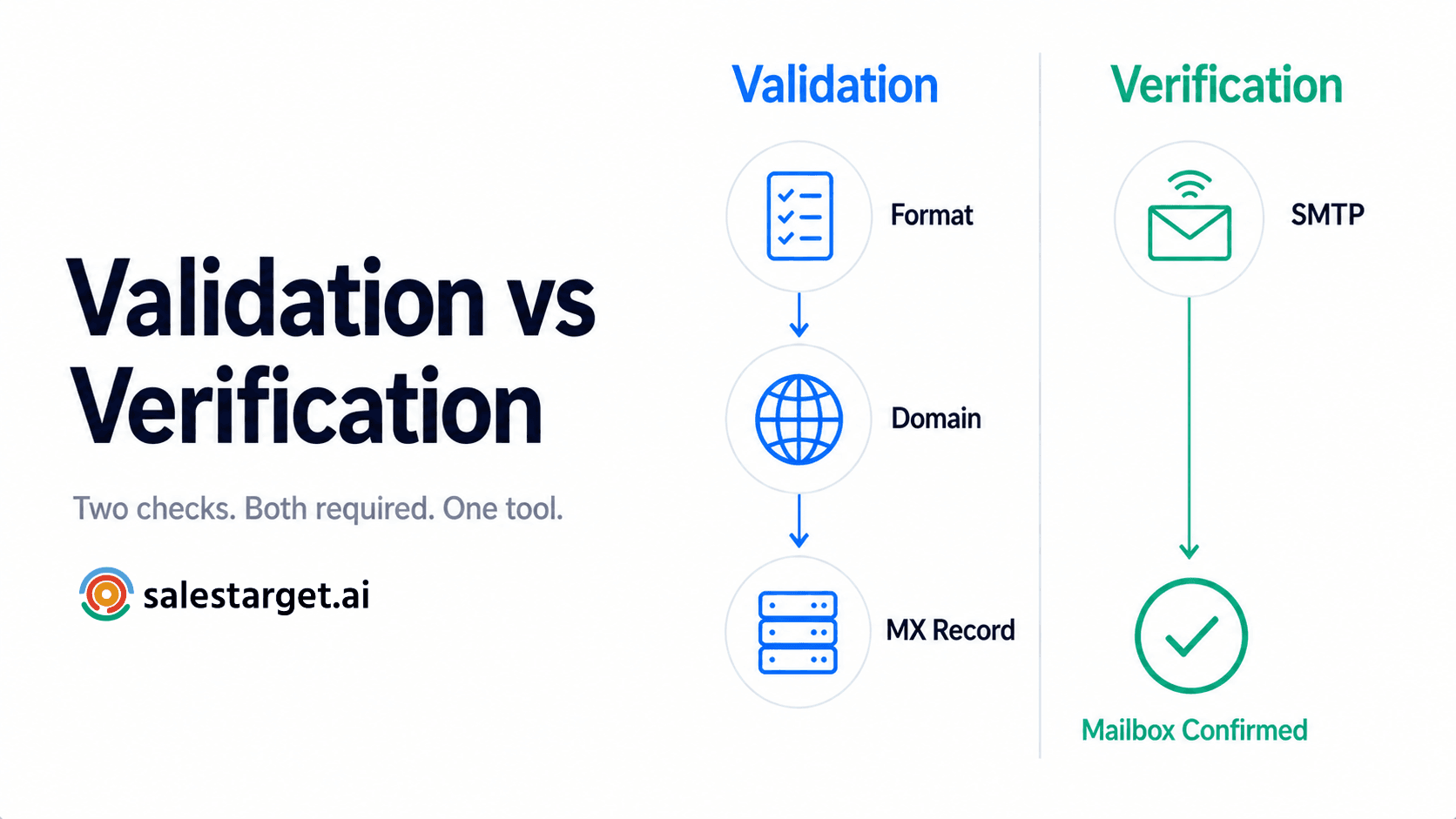
The first verification pass should validate formatting against RFC 5321 standards and perform bulk MX validation to confirm that each domain has active mail exchange records. This step alone typically removes 8 to 12 percent of entries from purchased or scraped lists, because many contain typos such as "gmial.com" or point to parked domains with no mail server configured.
Step 3 — Mailbox-Level Verification Through a Bulk Verification API
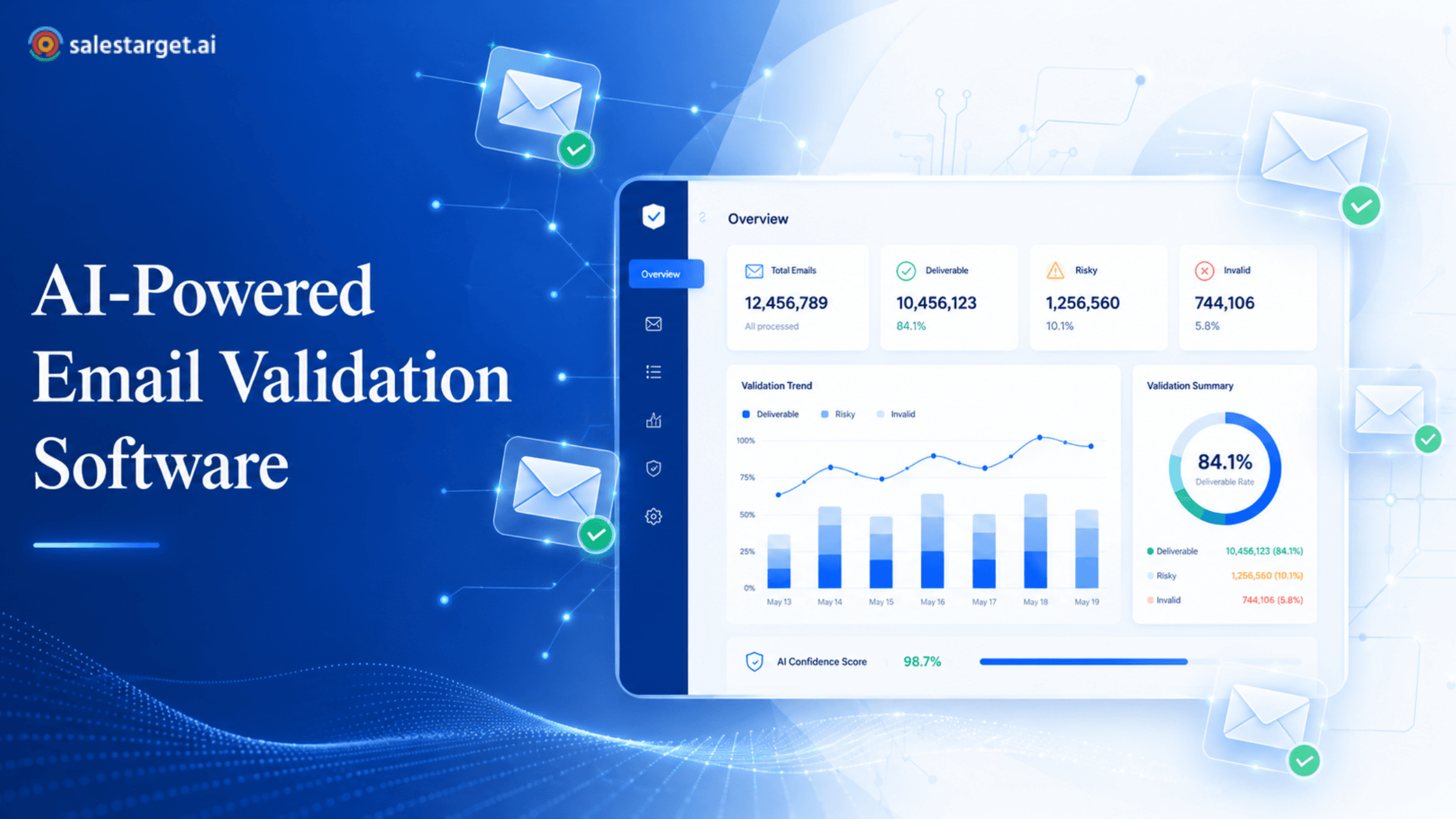
After domain checks pass, the next layer pings each mailbox using SMTP handshake techniques without actually sending a message. A good bulk verification API will return results categorized as valid, invalid, risky, or unknown. The "risky" category usually includes catch-all domains where the server accepts all addresses regardless of whether the mailbox exists. For teams that want to learn the fundamentals before diving into API integration, this complete guide to email validation for B2B sales teams covers the technical foundations in depth.
Step 4 — Quarantine Risky and Unknown Addresses
Never delete risky addresses outright. Move them to a separate segment and run a secondary batch email check after 48 to 72 hours. Catch-all servers sometimes respond differently at various times, and a second pass can reclassify 10 to 15 percent of those unknowns as definitively valid or invalid. This extra step is particularly valuable when you clean large prospect lists sourced from events, webinars, or third-party data providers.
Step 5 — Conduct a Bulk Deliverability Test Before Launch
Verification confirms whether an address exists, but deliverability testing confirms whether your message will reach the inbox or land in spam. After cleaning, send a seed-list test across Gmail, Outlook, and Yahoo using a deliverability monitoring service. If inbox placement drops below 85 percent, investigate your authentication records (SPF, DKIM, DMARC) before scaling the campaign. An often-overlooked benefit is that this bulk deliverability test also reveals whether any of your sending IPs have landed on real-time blacklists since your last campaign.
Common Mistakes That Wreck Deliverability During Large List Cleaning
Even experienced ops teams stumble on a few predictable errors. Sending the entire 50K list through verification in one shot without segmenting often triggers rate limiting from the verification provider itself, which leads to incomplete results. Another frequent mistake is treating every "valid" result as permanently safe. Mailboxes go stale fast — what passed verification six months ago may bounce today. Best practice is to re-verify any segment that has not been mailed in the last 30 days.
Teams also sometimes skip removing role-based addresses like info@, sales@, or support@. These addresses often forward to distribution lists and carry a higher spam-complaint rate. If you read about why pre-campaign bulk verification matters, you will notice that role-based filtering is one of the steps that separates a thorough mass email scrubbing process from a surface-level one.
Building a Repeatable Bulk Email Verification Workflow for Your Team
Treating verification as a one-time project is a mistake. The most effective teams embed it as a recurring operational step. Here is a framework that works well for SDR managers and marketing ops professionals running ongoing outbound programs.
First, establish a verification cadence. Verify every new list import on arrival, re-verify dormant segments monthly, and always run a final batch email check 24 hours before any campaign deployment. Second, centralize your verification data. Tag each contact record with its last verification date and result status inside your CRM so that anyone on the team can see whether a segment is campaign-ready at a glance. Third, set threshold alerts. If any batch returns more than 10 percent invalids, flag the data source for review before those records enter active sequences.
According to data published by Validity's 2025 Email Deliverability Benchmark Report, senders who verify lists before every campaign maintain an average bounce rate of 0.7 percent — compared to 4.8 percent for those who verify only at initial import. That difference translates directly into higher inbox placement and more revenue per send.
How the Right Bulk Email Verifier Makes the Difference?
Not every verification tool handles volume gracefully. When evaluating a bulk email verifier for enterprise-scale use, look for features like concurrent processing (so a 50K list does not take eight hours), granular result categories beyond simple valid/invalid, catch-all detection, and built-in disposable-domain databases. API access is equally important — teams that integrate verification directly into their lead ingestion pipeline eliminate the manual upload-download cycle entirely and reduce the gap between list acquisition and campaign launch.
SalesTarget's Email Validator was built for exactly this scenario. It processes lists of any size through a high-speed bulk verification API, returns detailed result classifications including catch-all and disposable-domain flags, and integrates into existing workflows with a RESTful endpoint. Whether you are cleaning a purchased list or maintaining your existing database, the tool handles both single lookups and full-scale batch processing.
Ready to clean your next prospect list?
Wrapping Up: Verification Is Infrastructure, Not a One-Off Task
A bulk email verifier is not a luxury for teams sending at scale — it is core infrastructure. The difference between a campaign that generates pipeline and one that lands your domain on a blacklist often comes down to whether you ran proper verification before hitting send. By segmenting your list, running multi-layered checks through a reliable bulk verification API, quarantining uncertain addresses, and testing deliverability post-clean, you build a workflow that scales from 5,000 to 500,000 records without sacrificing inbox placement.
Start with your next list. Segment it, verify it, test it, and send with confidence.