Your reps are spending more time updating the CRM than they are selling. Leads drop out of the pipeline without a follow-up. Prospects who replied six weeks ago are sitting in a cold list somewhere, with no activity logged and no next step assigned. This is not a discipline problem. It is a tooling problem.
The CRM you chose was either built for enterprise audit trails or slapped together as an afterthought inside a marketing platform. Neither fits the way a modern outbound team actually works.
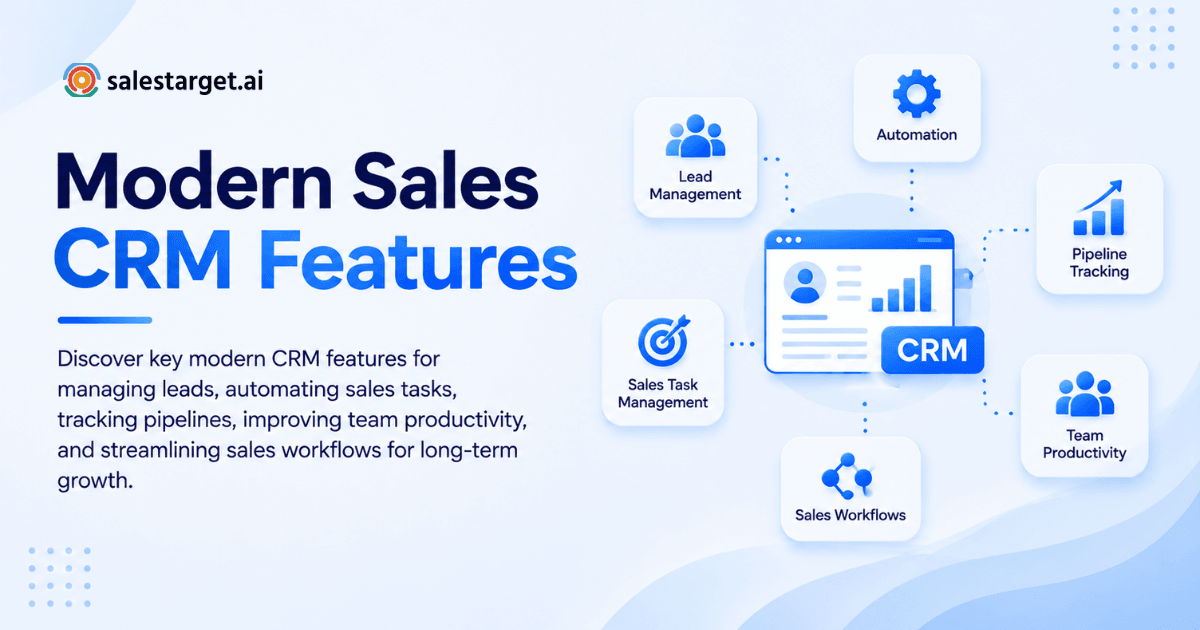
A modern CRM should automatically capture lead data, log every activity without rep input, keep the pipeline visible to the whole team, and trigger follow-up tasks the moment a deal moves or a reply lands. It does not require manual upkeep to stay accurate. It works with your outreach workflow, not around it.
The features that separate a genuinely useful CRM from one that becomes shelfware are covered below.
Modern CRM and Its Role in Sales Management
Customer relationship management software has moved well past storing contact details and deal stages. A modern CRM is the operational layer that connects lead data, outreach activity, pipeline movement, and rep performance into one place teams can actually act on.
For outbound sales teams, that operational layer matters more than it does for account management or inbound-led motions. Every touchpoint, every reply, every meeting needs to be captured and connected to the right deal. When it is not, forecasts are wrong, follow-ups get missed, and reps waste time reconstructing context they should not have to.
Why Sales Teams Are Moving to Modern CRM Software
Reducing Manual Data Entry and Administrative Work
Salesforce's State of Sales 7th edition found that sales reps spend 60% of the workweek on non-selling work, with manual data entry consuming roughly 17% of the week on its own. That is nearly a full day spent logging calls, updating records, and copying notes between tools.
Modern CRM software cuts this by automating capture. Calls are logged on completion. Email replies sync automatically. Lead records update when a deal stage changes. Reps stop being data entry clerks and go back to selling.
Keeping Prospect and Customer Information Organized
Scattered contact data is one of the top reasons deals stall. When reps pull context from memory or search three tools to find the last touchpoint, they slow down. A CRM that centralizes every interaction, note, and document against the lead record solves this without requiring anyone to police it.
Improving Lead Follow-Up and Sales Visibility
Missed follow-ups are the most common reason deals quietly die. A well-structured CRM creates follow-up tasks automatically when a lead replies, a meeting ends, or a deal moves to a new stage. Managers can see at a glance which deals have upcoming tasks and which have gone cold.
Creating a More Consistent Sales Process
When every rep uses the same pipeline stages, the same task cadence, and the same activity log, the process is repeatable. New reps ramp faster. Pipeline reviews stop being guesswork. Sales leaders can spot bottlenecks without interrogating the team.
Core CRM Features Every Sales Team Needs
Lead and Contact Management
The starting point is a clean, searchable record for every lead and contact. This means company details, role, previous outreach, deal history, and any enrichment data attached to the profile. The best CRM for sales teams does not require manual import: leads arrive from your outreach sequences and stay organized without extra steps.
CRM Lead Tracking and Activity History
Every email sent, every call placed, every note written needs to live in a timeline on the lead record. This gives reps instant context when they pick up a deal, and gives managers a clear picture of what has actually happened in the pipeline.
Sales Pipeline and Deal Management
Visual pipeline management lets reps and leaders see where every deal sits, what the next step is, and which opportunities are stuck. Drag-and-drop stage changes, probability weighting, and forecasted close dates are the baseline. Multi-pipeline views become necessary the moment a team runs more than one product or territory.
Task Management and Automated Follow-Ups
Follow-up tasks created manually get skipped. Follow-up tasks created automatically by the CRM get completed. The difference in follow-up completion rates between these two approaches is not small: teams using automated task creation complete follow-ups at significantly higher rates than those relying on reps to create them by hand.
CRM Reporting and Sales Analytics
Reporting needs to answer the questions that matter in a pipeline review: how many deals are in each stage, what the average deal cycle looks like, which reps are hitting activity targets, and where deals are getting stuck. Good reporting does not require a BI tool bolted onto the side. It lives inside the CRM where the data already is.
Workflow Automation and CRM Integrations
Automation that removes steps from the daily rep workflow, whether that is assigning leads, creating tasks, or moving deals, compounds over time. Integrations with calendars, email clients, dialers, and tools like Slack or Zapier keep the CRM connected to the rest of the stack without manual syncing.
Team Collaboration and Sales Activity Management
Sales management is easier when the whole team works from the same pipeline. Shared views, activity feeds, deal notes visible to all, and the ability to assign tasks across reps keeps handoffs clean and stops context from living only in someone's inbox.
Using a Modern CRM Across the Sales Pipeline
Capturing and Organizing New Leads
Leads from outreach sequences, web forms, or prospecting tools should land in the CRM automatically, fully enriched, and assigned to the right rep or sequence. Manual import is a friction point that modern CRM software eliminates.
Qualifying and Prioritizing Sales Opportunities
Not every lead is worth the same attention. CRM lead scoring, buying signals, and deal size let reps focus on the opportunities most likely to convert. Intent data integrated into the CRM surfaces the leads showing active buying behavior right now.
Managing Outreach and Follow-Ups
The CRM should keep a rep on track without micromanagement. Tasks queue up based on deal activity, not based on what a rep remembers to schedule. Outreach history is visible so the next touchpoint lands at the right time with the right message.
Moving Deals Through the Sales Pipeline
Stage progression in a well-configured CRM is tied to real events: a discovery call happened, a proposal was sent, a decision maker responded. This keeps pipeline data accurate and makes forecasting reliable.
Tracking Sales Results and Pipeline Performance
Weekly and monthly review of pipeline velocity, win rates, and activity volume is where CRM data pays off. Teams with clean pipeline data can spot where deals stall and fix the process. Teams with dirty data run on instinct and get inconsistent results.
Key Benefits of Modern CRM Features for B2B Sales
Better Lead Management and Data Accuracy
SuperOffice research shows the average salesperson spends 13 hours per week on admin tasks. A CRM that automates data capture brings that number down and keeps records accurate without requiring rep discipline to maintain them. Learn how CRM software improves lead management and what clean lead data does for conversion rates.
Faster Sales Workflows
When the CRM is connected to outreach, calling, and calendar tools, reps move through their day in fewer clicks. No context-switching between apps. No re-entering data that already exists somewhere else in the stack.
Improved Pipeline Visibility
Leaders stop asking "what's the status on this?" and start making decisions based on what they actually see. Real-time pipeline views, activity feeds, and deal forecasts give the whole team a shared understanding of where things stand.
More Consistent Follow-Up
According to Salesforce's State of Sales, 84% of sales teams without an all-in-one platform plan to consolidate their technology. One reason is consistency: when outreach, follow-up, and pipeline management live in the same tool, nothing falls through because of a sync failure or a missed import.
Better Sales Team Productivity
Nucleus Research puts the average return at $8.71 for every $1 invested in CRM, and Salesforce data shows a 29% average increase in sales revenue following CRM adoption, assuming the CRM is actually used. The practical driver of that adoption is how little the system asks of the rep each day.
How to Select the Right CRM for Your Sales Team
Aligning CRM Features With Your Sales Process
A CRM built for inbound customer service is not the right fit for an outbound prospecting team. Start with your actual sales motion: cold outreach to new accounts, multi-touch sequences, pipeline progression, and rep activity management. The CRM should mirror that motion, not force the team to adapt to its structure.
Choosing the right CRM for your sales team comes down to how well the product fits the way your reps already work, not how impressive the feature list looks in a demo.
Checking Lead Management and Pipeline Capabilities
Evaluate whether leads arrive in the CRM automatically or require import. Check how deal stages are configured, whether multi-pipeline support exists, and how follow-up tasks are created and assigned. These are table-stakes questions that reveal whether the CRM will actually be used or ignored.
Evaluating Automation and Integration Options
The automations that save the most time are the ones that require the least rep involvement: auto-logged calls, auto-created tasks, auto-synced email replies. Evaluate integrations with the tools your team already uses: Google Calendar, Slack, Zapier, and any dialer or email platform.
Reviewing Reporting and Data Management
Ask to see the reports your sales leader would actually use on a Monday morning: pipeline by stage, deals expected to close this month, rep activity by week, and average deal cycle by segment. If the answers require a custom build or a data export, the reporting is not good enough.
Comparing Usability, Pricing, and Scalability
The CRM your reps use daily needs to be fast, clean, and obvious. Setup time, UI complexity, and learning curve all affect adoption. A CRM that takes six months to configure and requires a dedicated admin is not built for a lean outbound team.
Why Choose SalesTarget.ai
Lead Discovery and Enrichment With Lead Explorer
Lead Explorer gives reps a prospecting engine with 840M+ verified profiles and 4,000+ intent signals. Search in plain English or stack filters by industry, role, company size, revenue, tech stack, and intent topics. One-click enrichment attaches verified professional email, phone, and mobile to the lead record. Leads push directly to sequences or the CRM with no CSV in between.
Email and LinkedIn Outreach in One Workflow
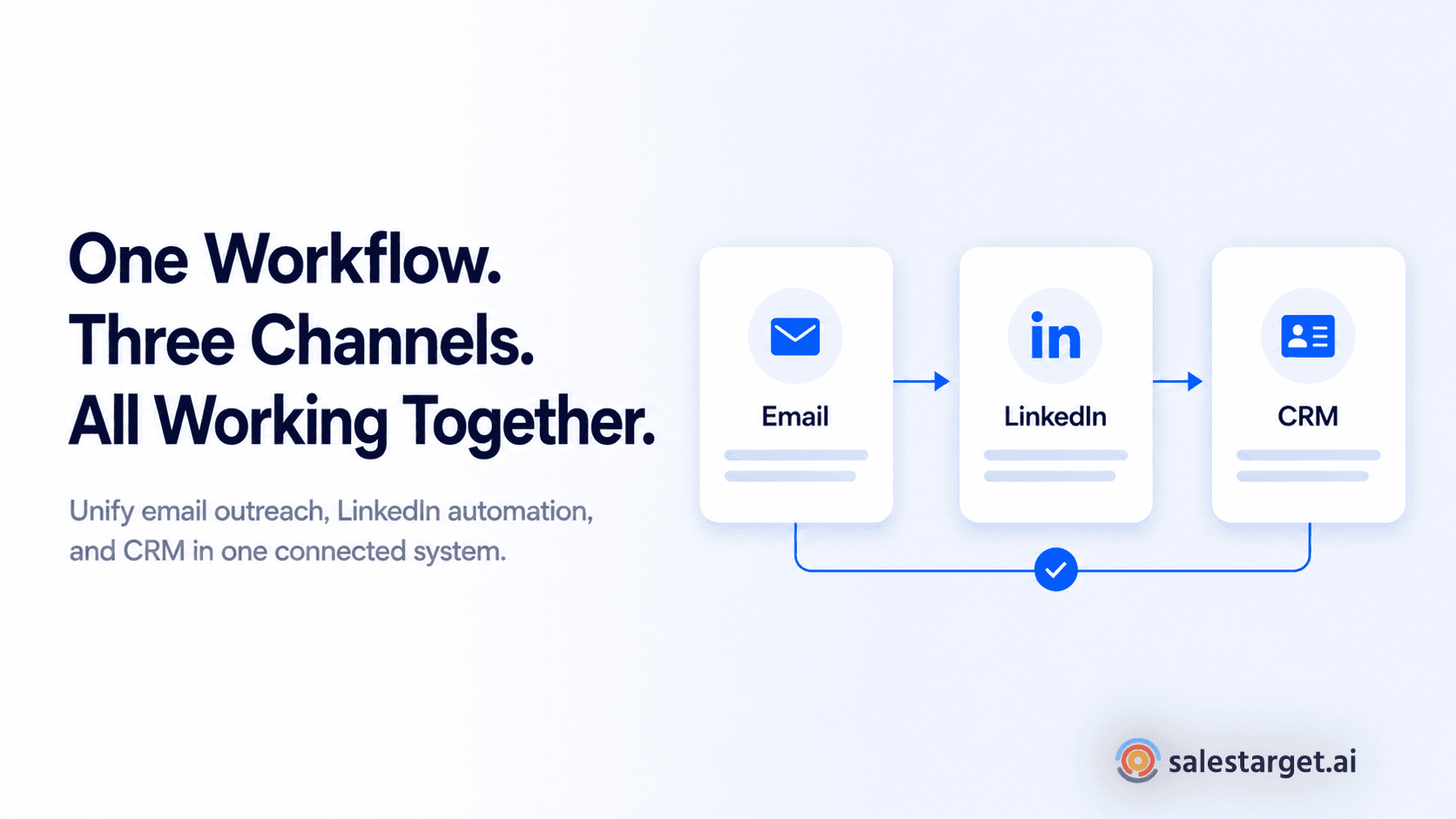
Email Outreach and LinkedIn Outreach run as a coordinated multichannel sequence from the same platform. Replies are sorted by intent in the Unibox, assigned to owners, and synced to deals in the CRM automatically. Campaign leads land in the CRM the moment the sequence starts, no import required.
Email Validation for Cleaner Prospect Data
Email Validator runs MX and SMTP checks, flags disposable addresses, and risk-scores every contact before a message goes out. SalesTarget.ai validates 90% of outreach emails before sending, which keeps bounce rates low and sender domains off blacklists.
Built-In CRM for Managing Sales Activities and Deals
The CRM is built for outbound teams, not enterprise compliance. Campaign leads populate automatically. Every email and call logs to the lead timeline without rep input. Follow-up tasks are created when a lead replies or a meeting ends. The built-in AI dialer captures call notes straight to the lead record so reps do not have to write them up. SalesTarget.ai CRM users report 3.2X faster deal cycles, 91% follow-up completion, and roughly 6 hours saved per rep per week.
AI Copilot for Everyday Sales Work
AI Copilot is a conversational AI teammate built into the platform at no extra charge. Reps can ask it to find leads, generate personalized sequences, check which campaigns are driving revenue, or query open deals and pending tasks in plain language. It flags at-risk deals and recommends next steps, so reps spend their attention on relationships and closing, not on pipeline admin.
Common CRM Challenges Sales Teams Should Avoid
Choosing a CRM With Unused Features
The average employee uses only 62% of available CRM features (Capterra). Buying a platform for its feature list without validating that the team will actually use those features leads to shelfware. Prioritize the handful of capabilities that map to your daily workflow over the longest possible feature grid.
Relying on Manual Data Updates
Any CRM that depends on reps manually logging every activity will have inaccurate data within weeks. When records are wrong, forecasts are wrong. When forecasts are wrong, sales leaders make bad decisions. Build your CRM evaluation around how much it captures automatically, not how much it lets reps fill in.
Working Across Disconnected Sales Tools
Prospecting in one tool, outreach in another, and pipeline management in a third creates data gaps at every handoff. Something always gets lost. Consolidating into a platform where the prospecting tool, outreach engine, and CRM share the same data layer eliminates this problem entirely.
Allowing Duplicate or Outdated Lead Records
Duplicates and stale contacts produce missed opportunities and wasted outreach. A CRM that verifies contact data at the point of enrichment, not months later, keeps records clean. Built-in deduplication catches the problem before it compounds.
Tracking Activities Without Clear Pipeline Metrics
Activity volume is not pipeline health. Logging 50 calls a week does not tell you whether deals are advancing. The CRM reporting that matters connects rep activity to pipeline movement: how many calls led to discovery meetings, how many meetings led to proposals, how many proposals closed. If your CRM cannot show this chain, the reporting is not useful for managing a team.
Conclusion: Building a More Efficient Sales Process With a Modern CRM
The problem this article opened with, reps spending more time updating the CRM than selling, leads dropping without a follow-up, and pipeline data that nobody trusts, does not get fixed by better training or stricter mandates. It gets fixed by choosing a CRM that removes the manual work from the equation entirely.
The features that make a CRM genuinely useful for an outbound team are not complicated: automatic lead capture, activity logging that happens without rep input, follow-up tasks created by deal events, and reporting that tells a sales leader exactly where the pipeline stands. What makes it hard is finding all of those capabilities in a single platform that does not require months to configure.
SalesTarget.ai is built exactly for this. Leads land in the CRM from prospecting and outreach without import. Every call and email is logged automatically. Follow-up tasks appear when they should. The AI dialer captures call notes to the timeline. And the whole thing connects to Lead Explorer, Email Outreach, LinkedIn Outreach, and Email Validator in one workspace, on one bill.
If your current CRM is slowing your team down instead of speeding it up, start with SalesTarget.ai and see what a CRM built for outbound actually looks like.