Your rep sends the first email on Monday. By Thursday, nobody remembers who got step two, three contacts at the same account have received the same pitch, and a bounce spike has pushed your domain toward the spam folder. That is manual B2B email outreach once volume passes a few hundred prospects.
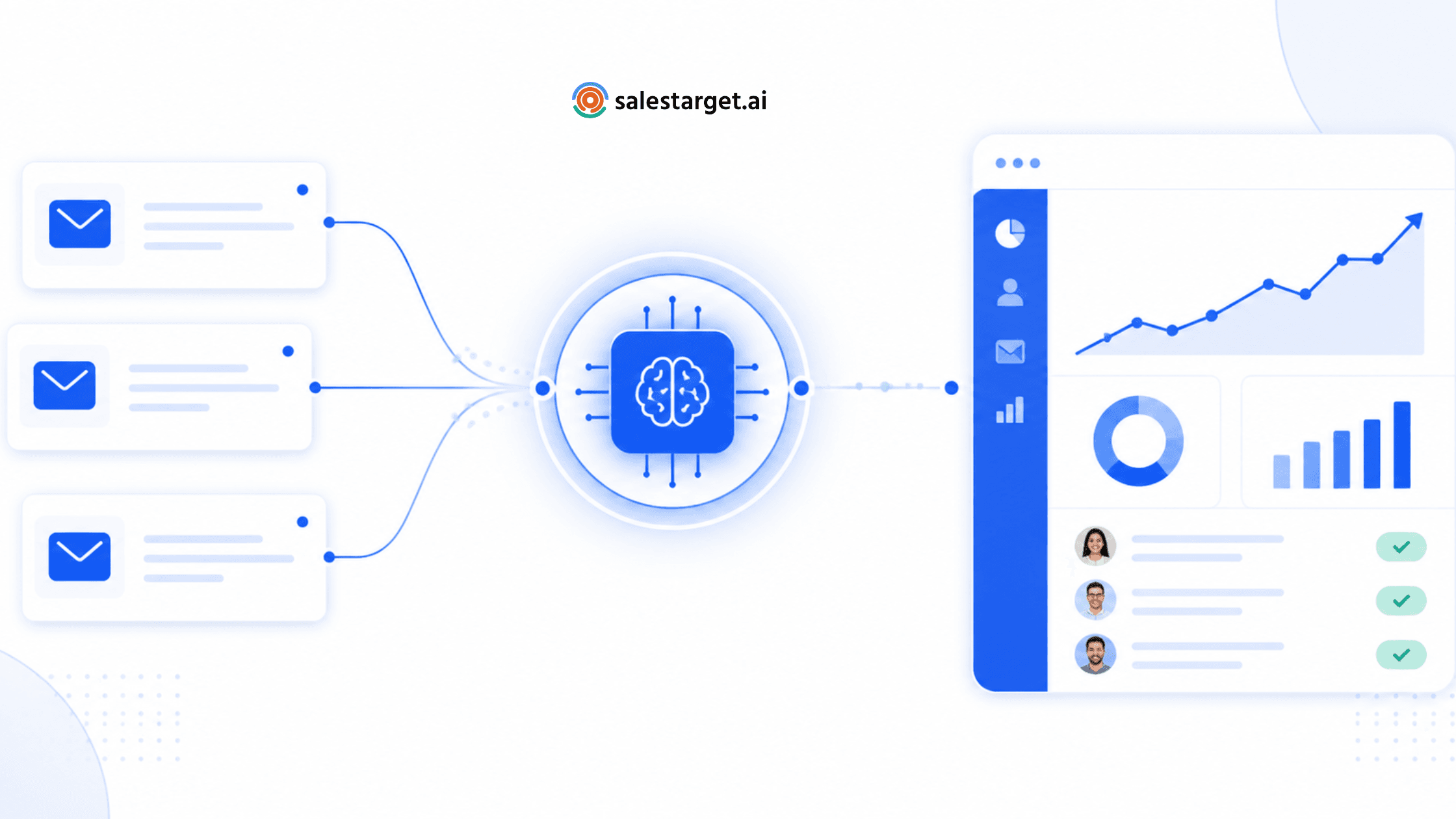
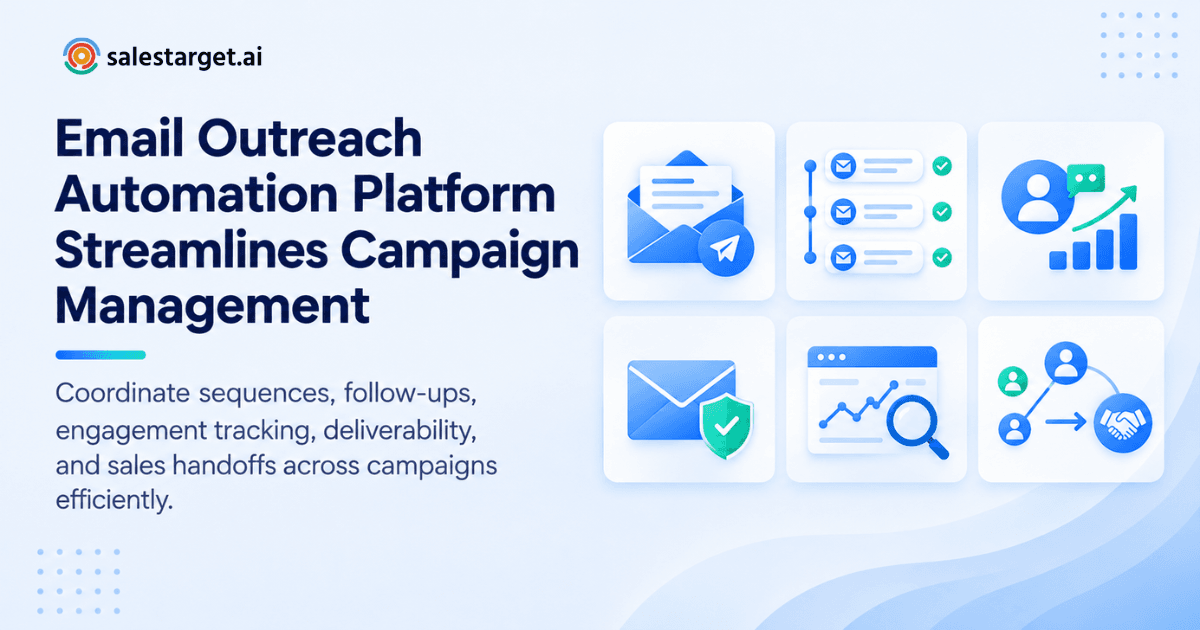
An email outreach automation platform manages B2B email campaigns by handling the repetitive work. It enrolls verified prospects, sends a timed sequence of emails, stops follow-ups when someone replies, tracks replies and bounces, and passes interested prospects into a CRM. Reps set the strategy and join the conversation. The platform does the scheduling, tracking and routing. Salestarget.ai does all of it in one workspace, from lead search to closed deal.
Managing B2B Email Campaigns Without Manual Follow-Up
Manual follow-up breaks at the third touch. Reps forget who got what, spreadsheets drift out of date, and replies pile up in personal inboxes. Buyers tend to answer after several touches [add source], which is exactly where manual outreach loses them.
Automation fixes the process, not the pitch. Every prospect moves through the same timed steps, and every reply gets caught and routed. If your follow-ups still live in a spreadsheet, see how Email Outreach builds a multi-step sequence from a plain-English description of your audience.
How Email Outreach Automation Works Across a B2B Campaign
A campaign runs in five stages, and each one hands off to the next.
From prospect selection to campaign enrollment
Prospects are picked by filters such as industry, role and company size, then enrolled in a sequence. In Salestarget.ai, Lead Explorer pushes enriched leads straight into a campaign, so nobody exports a CSV.
Building targeted email sequences around buyer segments
A sequence is a set of timed emails written for one segment. Describe the audience to Salestarget.ai and it drafts the first touch, the follow-ups and the pacing. You edit before launch.
Scheduling emails and controlling follow-up timing
The platform sends each step after the delay you set, inside the hours you allow. Set those windows in the prospect's timezone, not yours. A 9 a.m. send from your desk can land at 3 a.m. for a buyer abroad.
Responding to prospect activity throughout the sequence
Replies, bounces and unsubscribes change what happens next. A reply stops that contact's sequence. Here is the detail most teams miss: apply the stop at the account level too. Otherwise a second contact at the same company gets step three right after their colleague said "not a fit."
Moving engaged prospects from outreach into the sales pipeline
Interested replies become deals. In Salestarget.ai, the Unibox sorts replies by intent (Interested, Follow-Up, Not a Fit) and syncs the deal to the built-in CRM.
Building the Foundation for Automated B2B Email Campaigns
Automation multiplies whatever you feed it. Weak inputs scale into weak results.
Defining the right audience before launching a campaign
Write the ICP down first: role, industry, company size and the trigger that makes a company buy now. Salestarget.ai's ICP Builder turns that description into a saved search.
Using accurate and verified prospect data
Bad addresses cause bounces, and bounces damage the sending domain. Enrich and verify each contact at the moment you find it, which is how Lead Explorer works.
Segmenting contacts by buyer role, industry, and intent
A CFO and a Head of Sales do not care about the same problem. Split lists by role and industry, then by intent. Salestarget.ai tracks 4,000+ intent topics through Bombora, plus business events such as funding rounds and hiring spikes.
Creating relevant messaging for different prospect groups
Write one message per segment, each naming a problem that segment really has. Three short versions beat one clever version sent to everyone.
Setting campaign goals around replies, meetings, and opportunities
Pick the number that matters before launch: positive replies, meetings booked or opportunities created. Open rate alone says little. Send volume says even less.
Creating Email Sequences That Support the Sales Process
A good sequence reads like a short conversation, not a broadcast.
Structuring first-touch emails and follow-up messages
Keep the first email short with one clear ask. Each follow-up adds something new: a proof point, a question, a different angle. Resending "just bumping this" adds nothing.
Using personalization across automated email sequences
Personalize the problem and the opening line, not just the first name. Salestarget.ai's AI Content Generator and AI Spintax Generator vary the copy so messages read like a person wrote them.
Creating different paths for engaged and unresponsive prospects
Split the paths. Engaged prospects get a sharper, more specific follow-up. Silent ones get a lighter final touch. Anyone who replies leaves the sequence entirely.
Setting campaign delays and sending schedules
Space the first follow-up two to three days after the opener, then widen the gap. Cap daily sends per inbox and spread them across working hours.
Combining email and LinkedIn touches within one outreach strategy
Email and LinkedIn work better as one flow than as two separate campaigns. Salestarget.ai runs both in a single coordinated sequence, so context carries across channels.
Managing Deliverability Across Automated Email Campaigns
Deliverability decides whether anything above gets read. Google and Yahoo have required SPF, DKIM and a DMARC policy from bulk senders since February 2024, and both expect spam complaints to stay under 0.3% Yahoo's announcement.
Why email warm-up matters for outbound campaigns
A new inbox with no history that suddenly sends hundreds of emails looks like spam. Warm-up raises volume in small steps. Salestarget.ai runs automatic AI warm-up on unlimited inboxes.
Email verification before contacts enter a campaign
Verify at enrollment, not at list creation. A list that was clean in spring has dead contacts by autumn as people change jobs. Salestarget.ai's Email Validator runs MX and SMTP checks, flags disposable addresses and scores risk. Salestarget.ai reports that 90% of Email Outreach emails are validated before sending.
Monitoring bounce risks and invalid addresses
Watch the bounce rate per inbox. A spike points to a bad list or a damaged domain, so pause that sender early. If the damage is done, this guide on how to recover sender reputation covers the repair.
SPF, DKIM, and DMARC for B2B email outreach
SPF lists the servers allowed to send for your domain. DKIM signs each message. DMARC tells receivers what to do when those checks fail. Salestarget.ai runs SPF, DKIM and DMARC checks on connected inboxes.
Managing sending volume and inbox health
Spread volume across several inboxes instead of pushing one hard. Intelligent inbox rotation does this automatically and keeps each sender at a safe daily pace.
Tracking Prospect Engagement and Campaign Performance
Numbers only help when they point to a decision.
Monitoring replies, bounces, and campaign activity
One view should show sends, replies, bounces and unsubscribes per campaign. Check bounces first, replies second.
Identifying prospects showing buying interest
Positive replies are the clearest signal. Intent data adds context: a prospect who researches your category and replies jumps the queue.
Comparing campaign and sequence performance
Compare reply rate by segment and by sequence step. Find the step that produces most replies and cut the steps that produce none.
Connecting email engagement with sales opportunities
Replies mean little until they become deals. Salestarget.ai's CRM logs every email to the lead timeline and creates a follow-up task when a lead replies.
Using campaign data to improve future outreach
Carry what worked into the next campaign: the segments, subject lines and steps that earned replies. Salestarget.ai's AI Copilot shows which campaigns drive revenue.
Where AI Fits Into Email Outreach Automation
AI handles the grunt work. Strategy stays with the rep.
Using AI to build audiences and prospect lists
Describe the buyer in plain English and Lead Explorer searches 840M+ professional profiles, applying the Business and People filters for you.
Generating personalized email sequences at scale
Give AI Copilot an audience and it writes a full sequence in seconds, personalized by role, industry and company size, with A/B variations built in. Salestarget.ai reports campaign creation is 35% faster with Email Outreach.
Adjusting follow-ups based on prospect activity
Intent sorting makes the next step match what the prospect said. A "Follow-Up" reply gets a reminder date. A "Not a Fit" reply stops the sequence.
Combining AI email outreach with human sales judgment
People decide the offer, approve the copy and take the live conversation. AI drafts and sorts. Read every draft before it goes out.
Using AI insights to improve campaign decisions
Copilot flags at-risk deals and recommends a next move. Treat it as a second opinion, not an autopilot.
Connecting Email Outreach With the Rest of the Sales Workflow
Outreach that stops at the inbox leaves the real work undone.
Bringing lead data and email outreach into one workflow
When prospecting and outreach share a platform, enrichment, verification and enrollment happen in one click. No exports, no re-imports, no stale copies.
Combining email and LinkedIn outreach for multichannel prospecting
A connection request on Tuesday and an email on Thursday reach the same buyer twice without repeating the message. Salestarget.ai's LinkedIn sequences branch on replies, actions or silence, with rate limits and human-like delays.
Managing replies through a unified inbox
The Unibox pulls every reply into one view, sorts by intent and assigns an owner. Nobody checks five inboxes.
Moving qualified prospects into the CRM
Qualified replies sync into the CRM as deals with the full email history attached. Campaign leads land automatically, with no imports.
Keeping outreach activity connected to pipeline management
Every email and call logs to the lead timeline in Salestarget.ai's CRM. Salestarget.ai reports 91% follow-up completion and 2.4X more meetings from the same leads. Managers see email stats, open deals, meetings and pending tasks on one dashboard.
Key Capabilities of an Email Outreach Automation Platform
Use these six areas as your evaluation checklist.
Prospect data, enrichment, and email verification
Look for a database with enrichment and verification built in. Salestarget.ai covers 840M+ profiles and 146M+ businesses with one-click enrichment.
Automated email sequences and follow-ups
You need multi-step sequences, set delays and automatic stops on reply.
Personalization and campaign scheduling
Look for AI-written copy, spintax variation and timezone-aware sending windows.
Deliverability and inbox management
Warm-up, inbox rotation and authentication checks protect sender reputation.
Campaign analytics and reply tracking
Stats should break down by campaign, segment and step, with replies sorted by intent.
CRM and sales workflow integration
Choose a native CRM or a clean sync. Salestarget.ai connects with HubSpot, Salesforce, Zoho, Google Calendar, Slack and Zapier.
Why Choose SalesTarget.ai
Apollo gives you data and engagement, but you bolt on deliverability and a CRM. Instantly, Smartlead and Lemlist focus on cold email and deliverability, with no native B2B database, LinkedIn automation or CRM. Salestarget.ai keeps all of it in one platform: find a lead, enrich and verify it in the same click, push it into an email and LinkedIn sequence, and close it in the built-in CRM.
Find and enrich B2B prospects with Lead Explorer
Search in plain English or stack filters for industry, role, seniority, company size, location and tech stack. One click reveals verified email, phone and mobile. Intent topics and business events use a 30 to 90 day lookback.
Run email and LinkedIn outreach from one platform
Sequences cover first touch, follow-ups and pacing across both channels. LinkedIn actions follow working-hour limits and auto-pause safeguards to protect the account.
Validate contacts and support email deliverability
Contacts are verified at the point of enrichment, then checked again by the validator before sending. Warm-up, rotation and SPF, DKIM and DMARC checks cover the sending side.
Manage conversations and sales activity in the built-in CRM
The CRM was built for outbound teams, not enterprise bloat. It covers lead management, deal pipeline, tasks, activity tracking and reports, and setup takes under a day.
Use AI Copilot across leads, campaigns, and CRM workflows
Copilot is free inside the platform. Ask it to find leads, draft a sequence, check which campaigns drive revenue, or list this week's pending tasks. Ready to see it run end to end? Start free.
Common Gaps in B2B Email Outreach Automation
Most failed campaigns share the same five gaps.
Automating campaigns before cleaning prospect data
Automation speeds up bad data as fast as good data. Clean and verify first.
Treating every prospect segment with the same messaging
One template for every role gets ignored by every role. Write per segment.
Adding follow-ups without clear stopping conditions
Set a hard cap on steps. Stop on reply, bounce, unsubscribe, booked meeting or a "Not a Fit" tag.
Focusing on email volume instead of qualified engagement
Sending more is easy. Getting more of the right people to reply is the goal.
Running outreach without connecting it to the sales pipeline
Replies that never reach the CRM get lost between tools.
Choosing the Right Email Outreach Platform for B2B Sales
Judge a platform by the work it removes, not by its feature count.
Match campaign automation to your sales process
If your team sells through short cycles, you need fast sequences. Longer cycles need slower pacing and more branching.
Evaluate prospect data and verification capabilities
Ask where the data comes from, how fresh it is and when verification happens.
Review email and multichannel outreach features
Check whether LinkedIn runs inside the same sequence or in a separate tool.
Compare deliverability and inbox management controls
Look for warm-up, rotation, authentication checks and bounce monitoring in one place.
Assess analytics, CRM connectivity, and workflow automation
Confirm that replies create tasks and deals without a manual step.
Measure the amount of manual work the platform removes
Count the exports, imports and tab switches in your current process. The right platform deletes most of them.
Building a Scalable Email Outreach Automation Workflow
Five steps cover the full loop.
Start with verified and well-segmented prospects
Build the list in Lead Explorer, enrich it, verify it and split it by role and intent.
Build campaign-specific messaging and sequences
Write for one segment per campaign. This post on how to launch smarter cold email campaigns with AI shows the setup in more detail.
Automate sending and follow-ups with defined rules
Set delays, daily caps, sending windows and stop conditions before you press launch.
Monitor engagement and adjust campaign performance
Review bounces and replies weekly. Cut weak steps and rewrite weak segments.
Route qualified conversations into the sales pipeline
Send interested replies to the right owner and create the deal in the CRM the same day.
Conclusion: Turning B2B Email Outreach Into a Connected Sales Workflow
The pain in the opening was simple: follow-ups slip, data goes stale, and replies get lost between tools. An email outreach automation platform fixes that by running the sequence, protecting the domain and moving every interested reply into the pipeline.
Salestarget.ai is the practical fix because it does not stop at sending. Lead Explorer finds and verifies the prospect, Email Outreach and LinkedIn Outreach run the sequence, the Unibox catches the reply, and the CRM tracks the deal to close. One workspace, no stitched-together tools.
Build your next B2B email campaign on one connected platform. Start with Salestarget.ai.