TL;DR
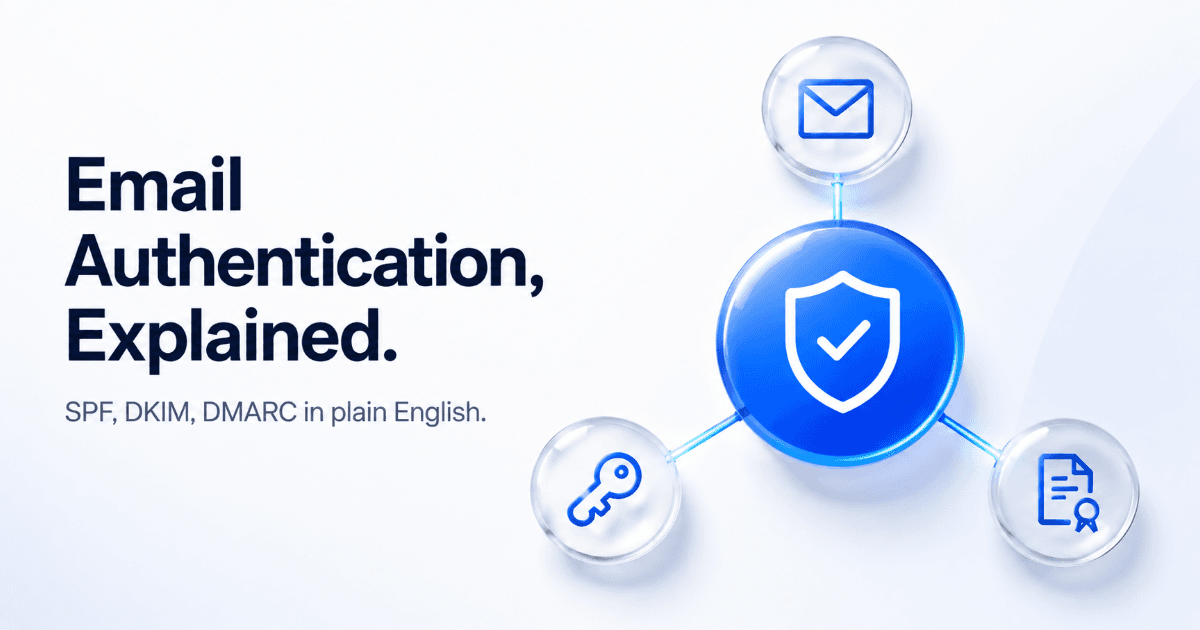
- SPF, DKIM, and DMARC are three DNS records that prove your emails are really from you — without them, inboxes treat you as a suspect.
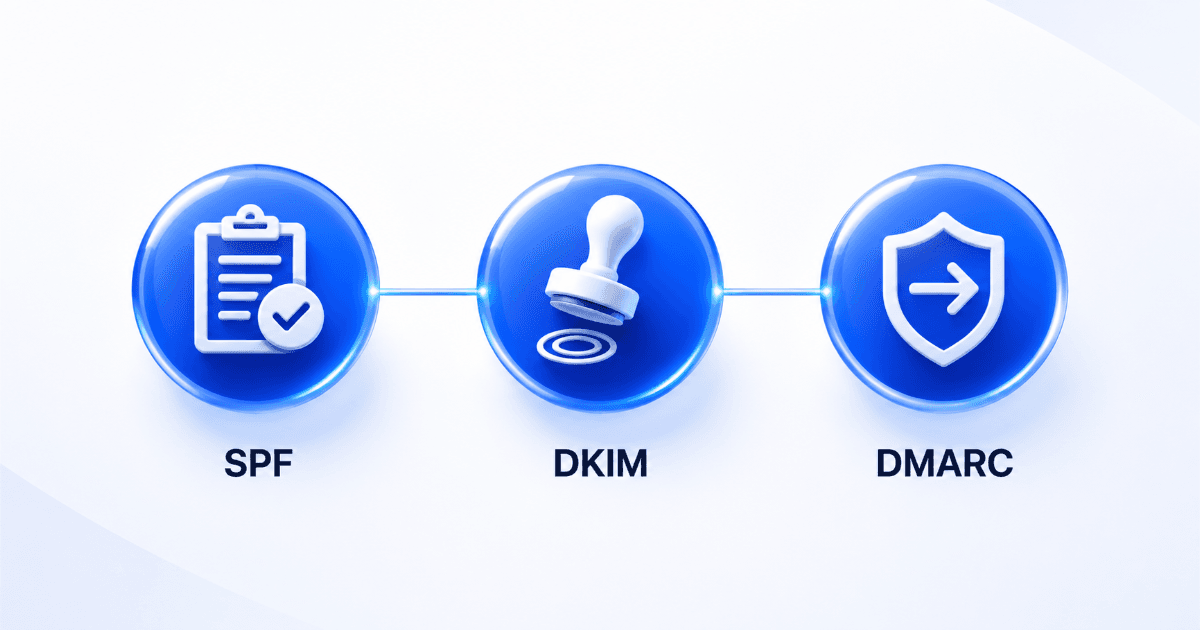
- SPF is a guest list, DKIM is a wax seal, DMARC is the instruction sheet telling inboxes what to do if either check fails.
- You don't need to be technical to own this conversation — you need the right three questions to bring to your IT team.
- SalesTarget's Deliverability Boost shows your domain's SPF, DKIM, and DMARC status in one screen, so you don't have to decode DNS records yourself.
Your last campaign had a 40% open rate. This one is sitting at 4%. Nothing about your subject lines changed, your list is the same quality, and yet half your emails are landing in spam — or never arriving at all. The reason almost always traces back to three acronyms nobody explained to you properly: SPF, DKIM, and DMARC.
Why email authentication exists in the first place
Email was never built with security in mind. The original protocol lets anyone type any "From" address they want and send mail claiming to be that person — no verification required. For decades, that made phishing and spoofing trivially easy: an attacker could send an email that looked exactly like it came from your CEO, your bank, or your own domain.
Inbox providers like Gmail and Microsoft got tired of this. So they built a layer of verification on top of email — a set of DNS records domain owners can publish that essentially say "here is how you can confirm a message claiming to be from my domain is actually from my domain." SPF, DKIM, and DMARC are that layer. Without them, every inbox provider has to guess whether your email is legitimate. And when inbox providers guess, they default to caution — which means your campaign lands in spam, or gets silently dropped before the recipient ever sees it.
This matters more today than it did five years ago. Gmail and Yahoo both tightened bulk sender requirements, and having SPF, DKIM, and DMARC correctly configured is now a baseline requirement for reliable inbox placement — not an advanced technique reserved for enterprise IT teams.
SPF in plain English: the "who's allowed to send" list
Think of SPF — Sender Policy Framework — as a guest list you publish for your own domain. It's a DNS record that says: "Here is the exact list of mail servers allowed to send email on behalf of my domain. If a message claims to be from me but comes from a server that isn't on this list, don't trust it."
When you send a cold email through SalesTarget's outreach platform, the receiving mail server checks: did this message come from an IP address that's on your domain's approved SPF list? If yes, it passes. If no — or if there's no SPF record at all — the receiving server treats the message with suspicion, and every outreach tool you connect to your domain (including ones outside SalesTarget) needs to be added to that list, or its emails will fail this check.
What SPF does not do: it doesn't verify the content of the message hasn't been tampered with, and it breaks easily when email gets forwarded. That's exactly why DKIM exists alongside it.
DKIM in plain English: the digital signature
DKIM — DomainKeys Identified Mail — works differently. Instead of listing which servers can send for you, it attaches an encrypted signature to every outgoing message, like a wax seal on an envelope. The receiving server pulls a public key from your DNS records and uses it to check that signature. If the signature matches, two things are confirmed: the message really came from your domain, and nobody altered it in transit.
This is the piece that survives forwarding — since the signature travels with the message content itself, not the sending server, DKIM still validates even when SPF would fail. That's why inbox providers want to see both: SPF checks the source, DKIM checks the integrity, and together they cover each other's blind spots.
The question your IT team actually needs
Say this, not "set up DKIM"
"Can you add a DKIM TXT record to our domain's DNS with the selector and public key our outreach tool generated?" This gives IT exactly what they need without you having to explain cryptography.
DMARC in plain English: the instruction sheet for failures
SPF and DKIM check whether a message is legitimate. DMARC — Domain-based Message Authentication, Reporting and Conformance — tells inbox providers what to actually do when a message fails those checks. Without DMARC, every receiving server makes its own call, inconsistently. With it, you're giving explicit instructions: quarantine it, reject it outright, or just monitor and report it to me.
DMARC also closes the loop that SPF and DKIM leave open on their own: it requires "alignment" — the domain in your visible "From" address has to match the domain that SPF or DKIM actually authenticated. This is the piece that stops someone from technically passing SPF on a lookalike domain while impersonating your brand in the visible sender field.
| Protocol | What it checks | Plain-English analogy | Weakness alone |
|---|---|---|---|
| SPF | Which servers can send for your domain | The approved guest list | Breaks on forwarding |
| DKIM | Message wasn't altered in transit | The wax seal on the envelope | Doesn't verify the visible "From" address |
| DMARC | What to do when SPF/DKIM fail, and alignment | The instruction sheet for security guards | Useless without SPF or DKIM already in place |
How to check your setup — and what to ask your IT team
You don't need DNS expertise to check where you stand. Here's the process:
| Step | Action |
|---|---|
| 1 | Run your sending domain through a free checker like MXToolbox or Google Postmaster Tools to see current SPF, DKIM, and DMARC status. |
| 2 | If any record is missing, don't try to write the DNS syntax yourself — send your IT team the exact record values your outreach tool provides. |
| 3 | Ask IT to confirm the records are published, then re-check with the same tool 24–48 hours later — DNS changes take time to propagate. |
| 4 | Start your DMARC policy at "monitor only" (p=none), not "reject" — this lets you see what's happening before you risk blocking your own legitimate mail. |
| 5 | If you're on SalesTarget's Deliverability Boost, check your domain's authentication status directly in the dashboard instead of switching tools. |
Mistakes that quietly wreck deliverability
Setting DMARC to "reject" too early
Jumping straight to a strict DMARC policy before you're sure every legitimate sending tool is properly authenticated can block your own outreach and internal mail. Start at monitor-only, review the reports, then tighten.
Having two SPF records
A domain can only have one SPF record. If a second tool adds its own instead of being merged into the existing one, SPF breaks for everyone, silently.
Assuming this is a one-time setup
Every new sending tool you connect needs to be added to your SPF record and given its own DKIM key. Authentication isn't "done" — it's maintained every time your stack changes.
Stop guessing at your domain's authentication status.
See your SPF, DKIM, and DMARC status in one screen with Deliverability Boost.
✓ 50 credits ✓ 7-day trial ✓ No credit card required