Picking between LinkedIn outreach automation tools has become harder, not easier. Dozens of platforms promise similar things: more connections, faster replies, cleaner pipelines. Under the hood, though, their capabilities differ in ways that quietly shape your sales results. Some are stripped-down connection senders. Others are full workflow platforms with sequencing, prospecting, analytics, and CRM sync built in. Price alone will not tell you which one fits your team. This guide walks through the criteria that actually matter, gives you a side-by-side feature view, and helps you weigh personalization, safety, prospecting, and reporting against your real sales process — not a demo script.
What Should You Look for in LinkedIn Outreach Automation Tools?
Before comparing vendors, get clear on the workflows you actually need to automate. Most B2B teams evaluate the same core capabilities, but weight them differently based on team size and outreach style. A useful evaluation covers:
- Connection request automation with pacing and daily limits
- Personalized messaging using dynamic fields and variants
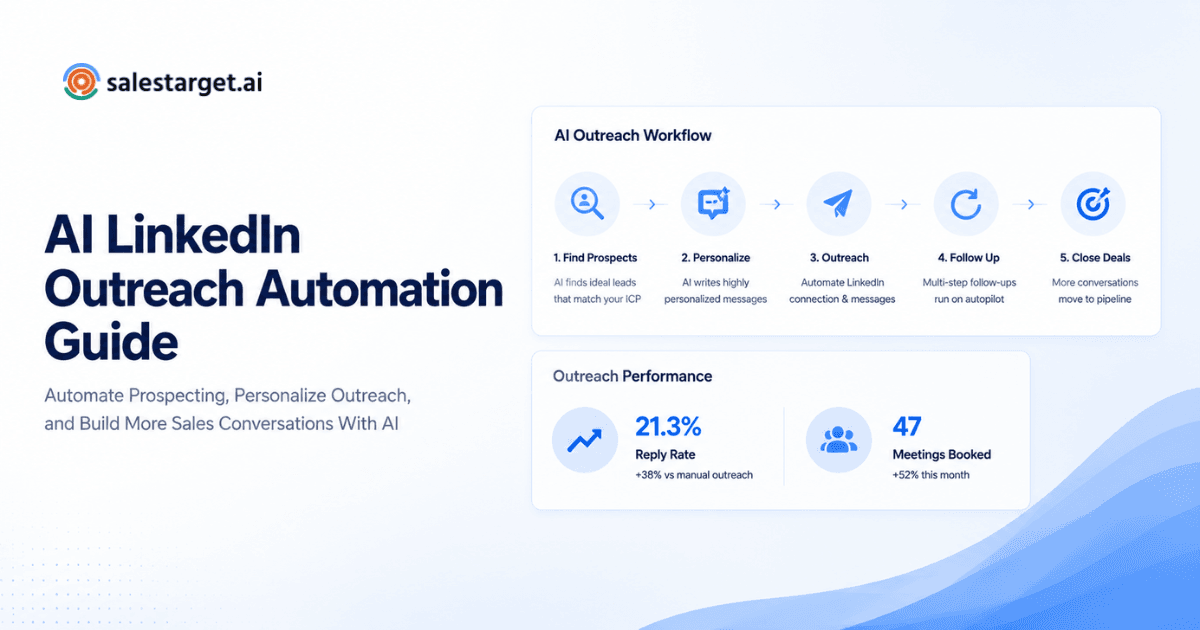
- Follow-up sequences that stop automatically on reply
- Campaign scheduling that respects working hours and time zones
- Prospecting features that plug into Sales Navigator or list uploads
- Analytics covering acceptance, reply, and positive reply rates
- CRM and workflow integration for clean handoffs
- Safety controls that keep activity within sensible ranges
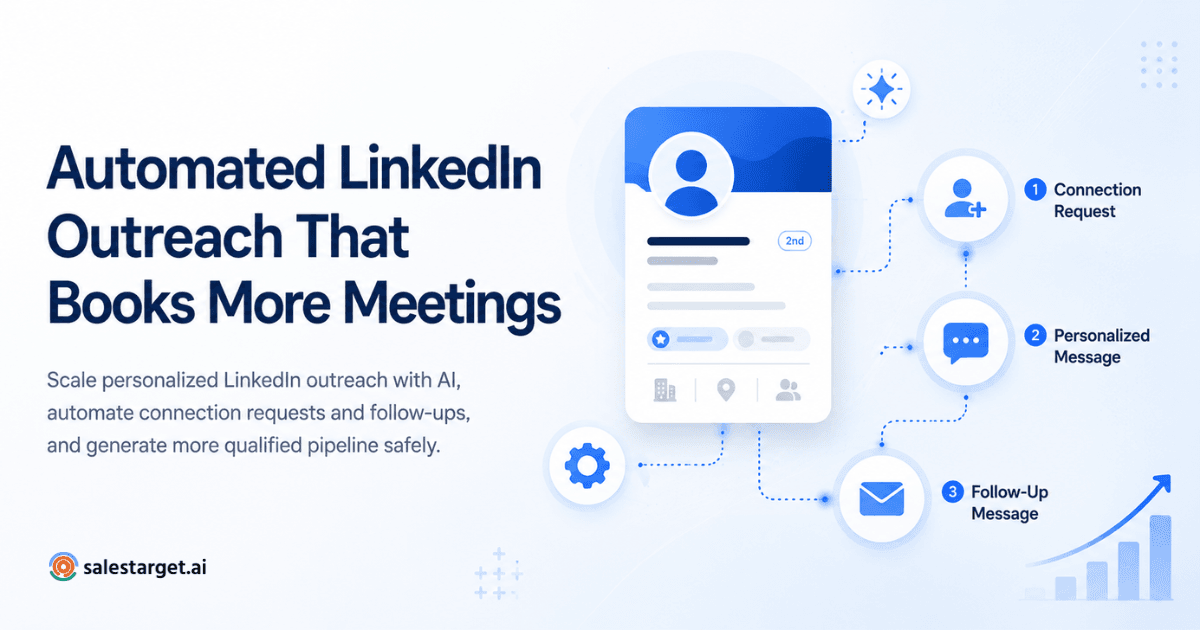
If you are new to sequencing on LinkedIn, this step-by-step guide to automated LinkedIn outreach is a good primer before you start comparing vendors.
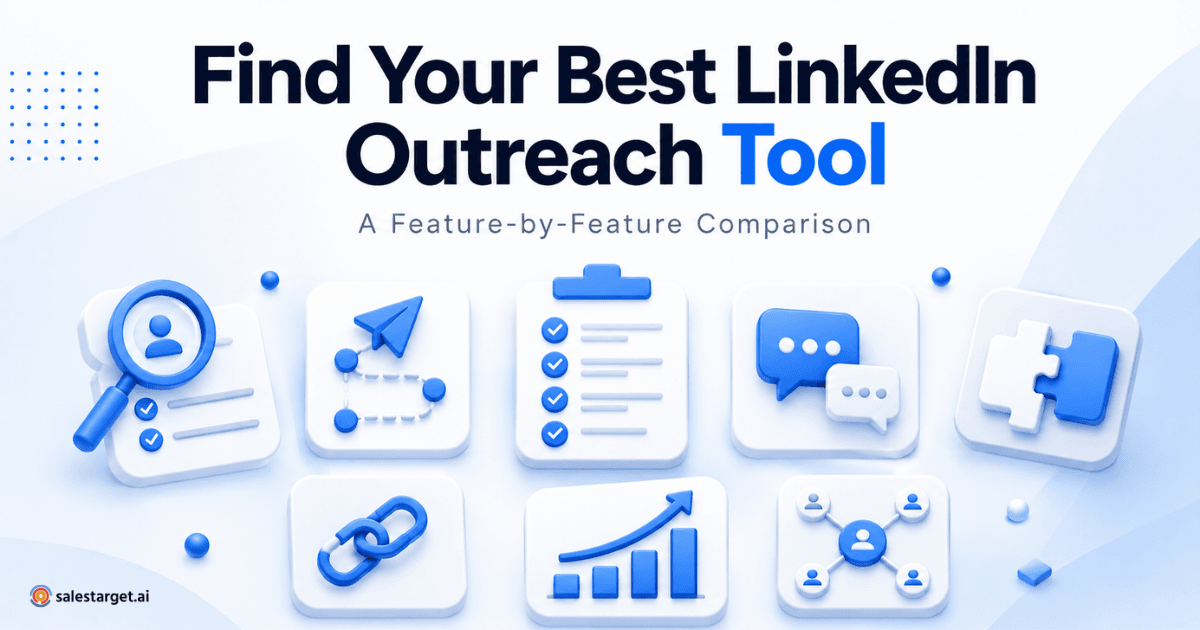
LinkedIn Outreach Automation Tools: Feature-by-Feature Comparison
Rather than pretend to have verified information about every vendor on the market, the table below reflects what buyers should expect from two broad tiers: basic automation tools and advanced outreach platforms. Use it as a checklist while running your own linkedin automation software comparison.
| Feature | Basic Automation Tools | Advanced Outreach Platforms | What to Look For |
|---|---|---|---|
| Connection automation | Sends invites in bulk with limited controls | Paces invites, rotates messaging, and respects daily limits | Sensible daily caps and pacing settings |
| Personalized messaging | Basic first-name and company tokens | Dynamic fields, conditional logic, and templated variants | Multiple variables and message variants per campaign |
| Follow-up sequences | Single message or short cadence | Multi-step sequences with delay rules and branching | Ability to stop sequences on reply automatically |
| Campaign scheduling | Manual start and stop | Timezone-aware schedules and working-hour windows | Working-hour controls that match your audience |
| Prospecting and targeting | Manual list uploads | Sales Navigator search integration and list segmentation | Clean list management and deduplication |
| Analytics and reporting | Basic sent and reply counts | Acceptance, reply, positive reply, and meeting metrics | Campaign-level and rep-level breakdowns |
| CRM integration | CSV export only | Two-way sync with popular CRMs | Field mapping and activity logging |
| Safety controls | Fixed limits, few guardrails | Human-like activity patterns and adjustable limits | Clear controls and warning signals |
| Team management | Single-seat focus | Roles, shared inbox, and workspace management | Permissions and audit visibility |
| Reporting exports | Basic CSV | Scheduled reports and dashboards | Exportable insights that fit your review cadence |
Editorial scorecard: For a B2B sales team choosing between the best LinkedIn outreach tools, we recommend weighting personalization, follow-up automation, prospecting, analytics, and safety controls more heavily than cosmetic features like themes or template libraries. Treat this as an editorial framework, not market research.
Which LinkedIn Tool Features Matter Most for B2B Sales?
Not every feature deserves equal attention. Some linkedin tool features directly shape reply quality; others just make dashboards look busy. These are the four that consistently move outcomes.
Personalization
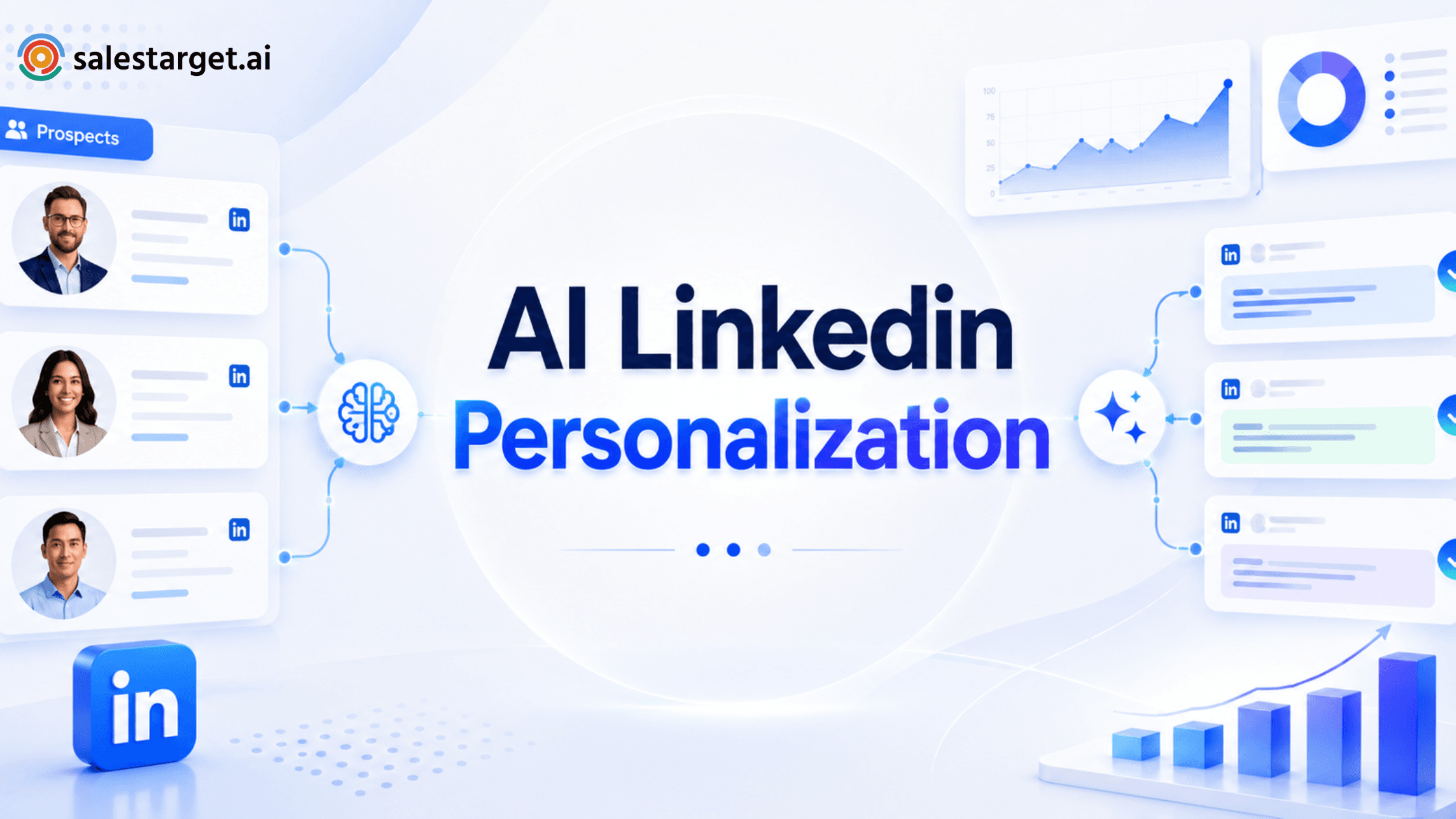
Identical mass messages rarely outperform thoughtful ones. Tokens for first name and company are the floor, not the ceiling. Look for message variants, conditional fields, and the ability to reference something specific — a recent post, a shared group, a role change. If you want ideas for stronger first-touch messages, this piece on automated LinkedIn outreach openers covers common patterns that hold up under volume.
Automated Follow-Ups
Most replies come from follow-ups, not the first message. Sequencing lets you space touches out, change angle, and stop automatically when someone responds. Timing matters — same-day chases feel pushy, and identical follow-ups every two days read as a script. Give yourself room to vary cadence by segment.
Prospecting and Targeting
Strong outreach is built on a strong list. Good tools for linkedin prospecting help you segment by role, seniority, industry, and intent signals, then keep those lists clean as prospects move jobs. If you run account-based campaigns, look for support around automating LinkedIn outreach for target account lists so you can coordinate multi-contact plays without duplicating messages.
Analytics and Reporting
Sent and reply counts are not enough. Track connection acceptance rate, overall reply rate, positive reply rate, and meetings booked per campaign. Rep-level views help you spot who needs coaching. Campaign-level views help you kill weak sequences before they burn a segment.
LinkedIn Safety: What Should You Check Before Automating?
Linkedin safety is a topic to take seriously. Aggressive automation puts accounts at risk and rarely produces better numbers over a full quarter. A responsible setup looks less like a bot and more like a well-organized rep.
- Controlled daily activity that stays within sensible ranges
- Campaign pacing so invites and messages spread across working hours
- Personalized messages that avoid spam patterns
- Monitoring of acceptance and reply patterns for early warning signs
- Clear alignment with LinkedIn's terms and community rules
Before you deploy any platform, read LinkedIn's own guidance on account use and automation in the LinkedIn Professional Community Policies. A tool that quietly encourages you to push past those rules is a liability, not an advantage.
How to Compare the Best LinkedIn Outreach Tools ?
Once you have a shortlist, run each candidate through the same eight questions. Consistent scoring beats gut feel on a sales call.
- Does it automate the repetitive tasks that eat rep time?
- Does it support genuine personalization, not just first-name tokens?
- Can it manage multi-step follow-up sequences with reply detection?
- Does it support prospecting from Sales Navigator or clean list imports?
- Does it report on acceptance, reply, positive reply, and meetings?
- Does it support team workflows, roles, and shared visibility?
- Does it provide appropriate safety controls and pacing?
- Does it fit how your team already runs its sales process?
SalesTarget AI LinkedIn Outreach
SalesTarget.ai is built for teams that want LinkedIn outreach to feel like a structured sales workflow rather than a stack of loose tools. The platform focuses on the areas that shape pipeline: prospecting, personalized messaging, automated follow-ups, and campaign management, tied back to a reporting view your sales leaders will actually use. If your team is scaling from one or two SDRs to a repeatable outbound motion, having sequencing, list management, and analytics in one place tends to cut a lot of coordination work.
Ready to turn LinkedIn outreach into a repeatable sales workflow?
Explore SalesTarget AI LinkedIn Outreach and see how your team can build, manage, and scale more consistent LinkedIn campaigns.
How to Choose the Right LinkedIn Outreach Automation Tool
There is no universally best platform. The right choice depends on team size, outreach volume, personalization requirements, prospecting workflow, reporting needs, CRM setup, safety expectations, and budget. A rough guide:
- Solo SDRs and founders: Prioritize a simple sequencer with strong personalization, clear pacing, and clean analytics. Skip heavyweight team features you will not use.
- Small sales teams (2 to 5 reps): Look for shared inbox visibility, basic role support, and CRM sync so handoffs do not break.
- Growing B2B teams: Prioritize prospecting depth, multi-step sequences, campaign-level analytics, and workspace controls.
- Larger sales organizations: Emphasize governance, safety controls at scale, exportable reporting, and integrations with your existing revenue stack.