Your marketing team hands over 400 leads in a month. Sales calls 60 of them, finds that half the emails bounce, and the rest went cold while someone waited on a spreadsheet. Nobody is lazy here. The systems just don't talk to each other.
Marketing automation is software that runs repeatable marketing tasks, like capturing leads, scoring them, sending follow-ups, and passing ready buyers to sales, without a person doing each step by hand. It connects your contact data, campaigns, and CRM so a lead's action triggers the next step on its own. For B2B teams, that means fewer dropped leads and faster replies. Salestarget.ai applies this to outbound: find a prospect, verify the contact, run email and LinkedIn sequences, and track the deal in one CRM.
Why Are B2B Businesses Struggling to Turn Marketing Activities Into Qualified Leads and Revenue?
Marketing and sales run on separate systems, with manual handoffs and weak contact data between them. Leads arrive, wait, and cool off before anyone acts.
Disconnected Marketing and Sales Systems Create Gaps in the Customer Acquisition Process
Marketing tracks form fills in one tool. Sales logs calls in another. Nobody sees the full history, so reps re-ask questions buyers already answered. Every gap between systems is a place where a lead goes quiet.
Manual Lead Qualification and Follow-Ups Slow Down Sales Opportunities
A rep who reads every form fill by hand answers the loudest lead, not the best one. The first hours after intent shows up matter most. Manual triage turns that window into days.
Poor Contact Data and Generic Campaigns Reduce Marketing Performance
A list scraped months ago carries job changes, dead domains, and catch-all addresses. Send a generic message to it and you get bounces, spam flags, and silence. Bad data and bland copy make each other worse.
Why Businesses Need Connected Marketing and Sales Automation
One connected flow fixes the handoffs. Data gets verified once, campaigns react to buyer behavior, and the CRM records everything without re-entry. That is the problem Salestarget.ai was built around: stop stitching point tools together.
What Is Marketing Automation? Understanding How It Works for Modern Businesses
Marketing automation is software that triggers marketing actions from rules and buyer behavior. A lead downloads a guide, gets scored, receives a follow-up, and reaches sales when the score crosses a threshold. Nobody clicks send each time.
How Marketing Automation Connects Campaigns, Customer Data, and Sales Activities
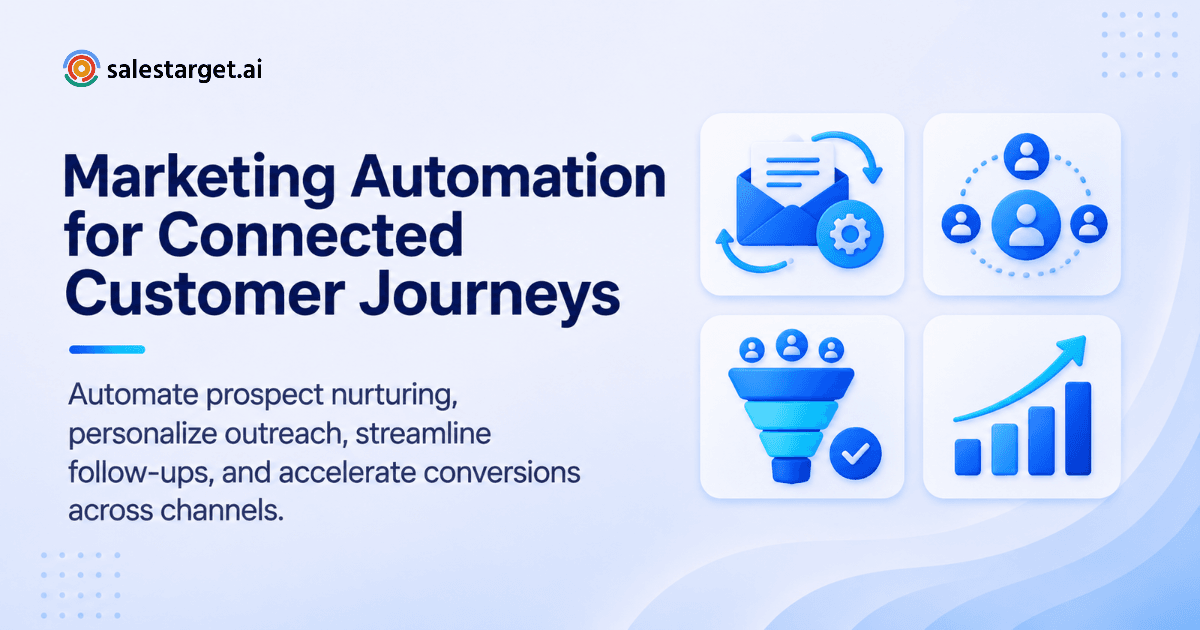
Three inputs feed it: customer data, campaign content, and sales activity. A trigger (a reply, a click, a funding round) moves a contact to the next step. The CRM records the result so the next trigger has context.
The Main Components of a Marketing Automation System
Most systems have five parts: a contact database, a messaging engine, lead scoring, workflow rules, and reporting. A weak part limits the rest. A great sequence on unverified data still bounces.
Marketing Automation vs. CRM Automation vs. Sales Automation
Marketing automation nurtures audiences with campaigns. CRM automation updates records and creates tasks. Sales automation runs outreach and follow-ups for reps. In B2B outbound they overlap, and treating them as three tools means three syncs to maintain.
How Marketing Automation Supports the Complete Customer Lifecycle
It covers acquisition, nurture, conversion, onboarding, and expansion. One contact record follows the buyer through every stage, so a renewal message knows what the original deal was about.
Why Marketing Automation Matters Across the B2B Customer Acquisition Funnel
It removes waiting time at every funnel stage. Targeting, nurture, handoff, and renewal all run on triggers instead of reminders.
Awareness: Automating Audience Targeting and Lead Acquisition
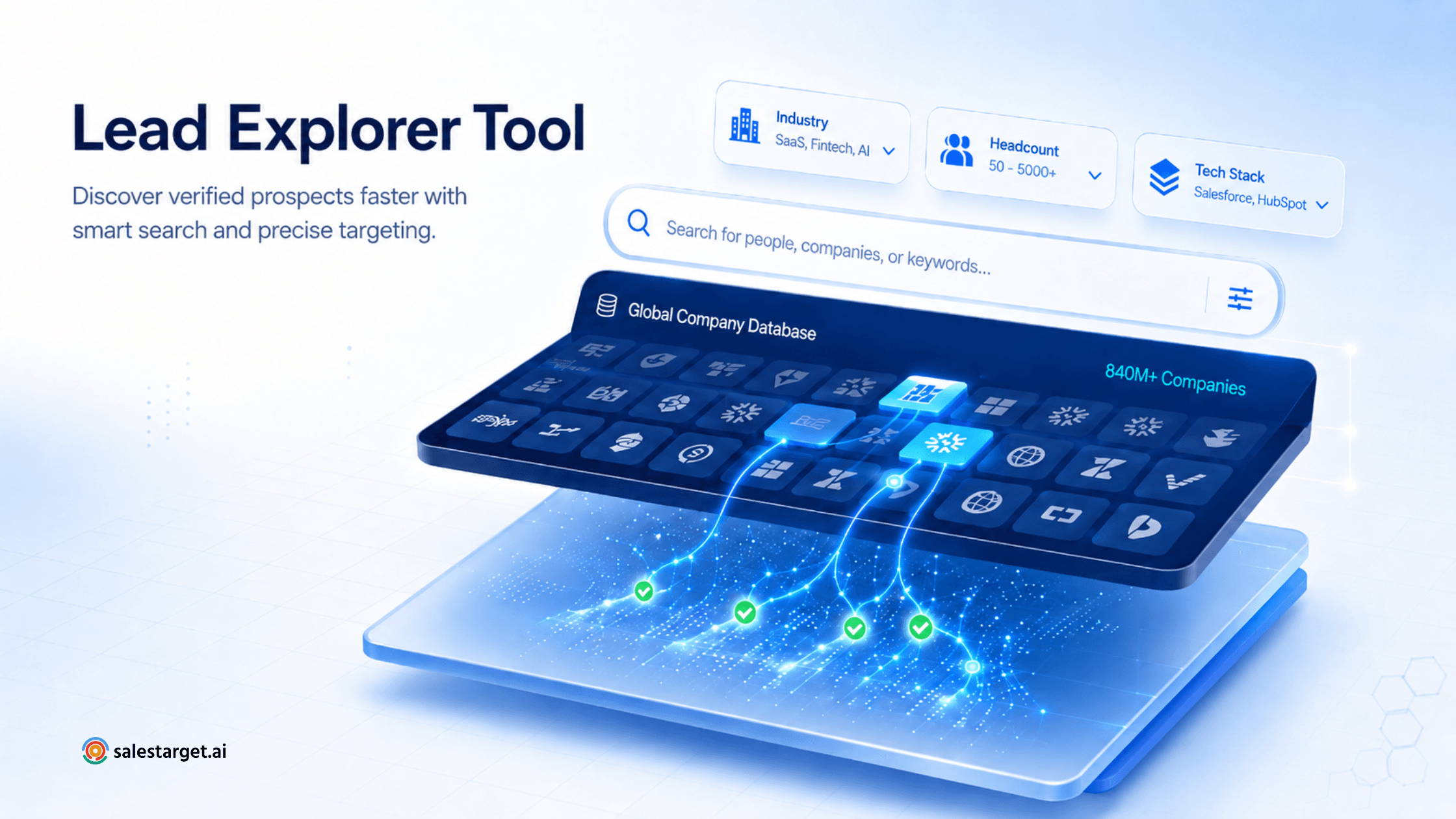
Define the ICP once, then let filters find matching accounts. In Lead Explorer you can search in plain English or stack filters like industry, seniority, company size, and tech stack. New matches arrive without weekly list builds.
Consideration: Automating Lead Nurturing and Prospect Engagement
Prospects who reply or click get follow-ups matched to what they did. Nurture sequences branch on behavior, so an interested prospect gets a specific next step and a silent one gets a lighter touch.
Conversion: Connecting Qualified Leads With Sales Teams
When a lead replies with interest or hits your score threshold, it routes to the right owner with the history attached. The rep opens a record, not a mystery.
Retention: Automating Customer Communication and Expansion Opportunities
Onboarding checks, usage nudges, and renewal reminders run from the same CRM. Customer success can spot expansion signals, like hiring spikes or new funding, without hunting for them.
How Marketing Automation Contributes to Revenue Growth and Pipeline Efficiency
Automation lifts pipeline efficiency by cutting response time and rep admin. Salestarget.ai reports about 6 hours saved per rep per week and 2.4X more meetings from the same leads with its CRM.
Types of Marketing Automation Used by B2B and Growing Businesses
The main types are email, lead generation, CRM, social and multichannel, lifecycle, and AI-driven automation. B2B teams combine several.
Email Marketing Automation for Campaigns and Follow-Ups
Sequences send timed messages and stop when a prospect replies. The stop rule is the detail that breaks programs. A prospect who answered on Tuesday should never receive Thursday's follow-up.
Lead Generation and Prospecting Automation
Prospecting automation finds, enriches, and verifies contacts, then pushes them into sequences. The real gain is removing the CSV export and import step, where data goes stale.
CRM and Sales Process Automation
Replies create tasks, meetings update deal stages, and every email or call lands on the lead timeline. Reps update nothing by hand.
Social Media and Multichannel Marketing Automation
LinkedIn connection requests, messages, and email run on one schedule. Coordination is the point: if a prospect accepts your connection, the next email should reference it or wait.
Customer Engagement and Lifecycle Automation
Triggered messages for onboarding, usage milestones, and renewals keep accounts warm. They run from the same contact record as the original deal.
AI-Powered Marketing Automation
AI drafts sequences, scores intent, and answers questions about your pipeline. It speeds up the work. Strategy and judgment stay with the team.
How to Build a Marketing Automation Strategy That Supports Business Growth
Set goals and an ICP, map the process, pick channels, clean the data, build workflows, connect the CRM, then measure. Seven steps, in that order. Skipping data cleanup is where most programs break.
Step 1: Define Business Goals, Target Audiences, and Ideal Customer Profiles
Write down one revenue goal and one ICP, including role, seniority, company size, industry, and tech stack. The ICP Builder in Lead Explorer turns that definition into saved filters.
Step 2: Map the Customer Journey and Identify Manual Processes
List every stage a lead passes through and mark each manual task: copying data, chasing replies, updating stages. Those tasks form your automation backlog, ranked by hours lost.
Step 3: Select the Right Marketing Automation Channels and Platforms
Pick channels where your buyers respond. B2B outbound runs mostly on email and LinkedIn, with phone for high-value accounts. Choose a platform that runs them in one flow, not three.
Step 4: Organize Customer Data, Segmentation, and Lead Scoring
Verify contacts, then segment by role, company size, and intent. Score on fit (who they are) and signal (what they are doing). Signals fade, so weight recent activity higher. A funding round last month beats one last year.
Step 5: Create Automated Campaigns and Lead Nurturing Workflows
Build sequences with a clear first touch, two or three follow-ups, and branch rules for replies and silence. Write each message for one segment. Vary the copy so inboxes don't see identical text.
Step 6: Connect Marketing Activities With CRM and Sales Operations
Push leads and replies into the CRM with no import step. Define "sales-ready" in writing, agreed by both teams, before routing anything.
Step 7: Measure Results and Improve Campaign Performance
Track replies, meetings, and pipeline, not sends. Review weekly, change one variable at a time, and retire sequences that book nothing.
Marketing Automation Workflow Examples for B2B Companies
A workflow is a trigger plus a chain of actions. These six cover the path from capture to retention.
Lead Capture and Automated Lead Qualification Workflow
Trigger: a form fill or a Lead Explorer match. Actions: enrich, verify, score. Anything above your threshold goes to a rep. Anything below goes to nurture.
Contact Enrichment and Buyer Intent-Based Lead Scoring Workflow
Enrichment adds verified email, phone, and role. Bombora Intent Topics and business events (funding rounds, hiring spikes, leadership changes) raise the score over a 30 to 90 day lookback. Leads that fall outside that window drop back down.
Automated Email Nurturing and Follow-Up Workflow
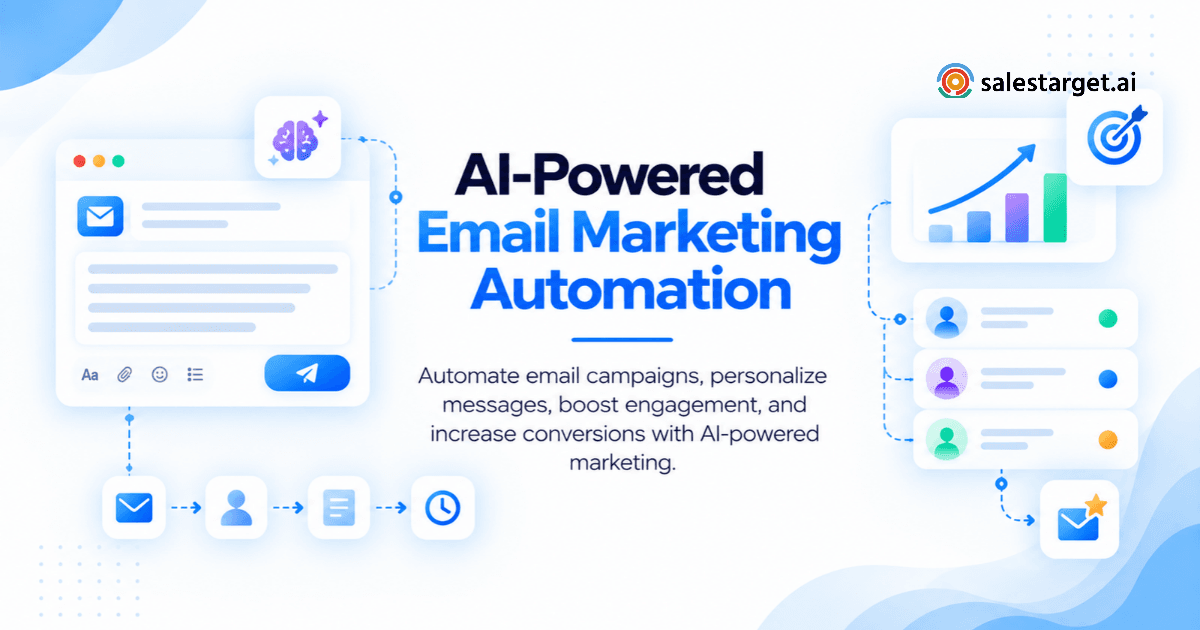
Send a first touch, wait three days, follow up with a different angle, wait longer, then send one short last note. Stop on any reply. Unibox sorts replies into Interested, Follow-Up, and Not a Fit so the right ones reach a person.
Multichannel Email and LinkedIn Outreach Workflow
Send a LinkedIn connection request on day one. If accepted, send a message instead of an email. If ignored, send the email on day three. Conditional branches keep the channels from stepping on each other.
Sales-Ready Lead Routing and CRM Update Workflow
A reply marked Interested creates a deal, assigns an owner, and drops a follow-up task automatically. Calendar links from Google Calendar or Calendly book the meeting. No rep re-enters the lead.
Customer Onboarding, Retention, and Re-Engagement Workflow
After a deal closes, trigger a kickoff task, a day 30 check-in, and a renewal reminder ahead of the term. For quiet accounts, send a re-engagement email tied to a new business event.
Want to see a workflow like this running? Start free with Salestarget.ai and build a first sequence from a plain-English audience description.
How AI Is Changing Marketing Automation and B2B Campaign Management
AI now handles research, scoring, and first drafts. People still own strategy, approvals, and relationships.
AI-Powered Audience Research and Prospect Identification
Describe your buyer in plain English and AI turns it into filters. Smart Prospect Search runs that query across 840M+ professional profiles.
AI-Based Lead Scoring and Buying Intent Analysis
AI weighs fit and signals together. 4,000+ intent signals feed Intent-Based Lead Scoring, so reps start with accounts that show current interest.
Personalized Email Content and Automated Campaign Creation
The AI Content Generator drafts messages by role and industry, and the AI Spintax Generator varies phrasing so campaigns don't read like clones. Email Outreach builds multi-step sequences from an audience description, and teams report 35% faster campaign creation.
AI-Driven Workflow Optimization and Performance Analysis
AI flags which sequences produce replies and which waste volume. Use that to cut weak steps instead of adding more.
AI Copilots for Sales and Marketing Productivity
A copilot answers questions like which campaigns drive revenue and which deals are at risk, then suggests the next move. The AI Copilot is free inside the platform.
Human Oversight, Data Privacy, and Limitations of AI Automation
AI drafts can miss context, repeat claims, or get facts wrong. Review the first sequence in every segment before launch, keep workspace data private, and honor opt-outs under GDPR and similar rules. AI speeds up the work. It doesn't own your brand voice.
What Features Should Businesses Evaluate Before Choosing Marketing Automation Software?
Look for contact data, verified emails, sequences, multichannel reach, scoring, CRM sync, AI, and reporting. A gap in any one pushes work back into spreadsheets.
Lead Generation, Contact Discovery, and Data Enrichment
Check how many sources feed the data, how fresh it is, and whether enrichment happens at the moment you find the lead. Some platforms pull from 50+ sources and enrich in one click, which saves a lot of manual copying.
Campaign Management and Automated Email Sequences
Look for multi-step sequences, pacing controls, reply detection, and a unified inbox. Stop-on-reply is non-negotiable.
Multichannel Marketing and Sales Outreach Capabilities
Email-only tools leave replies on the table. Confirm LinkedIn automation with safety limits and shared context across both channels.
Lead Scoring, Segmentation, and Workflow Customization
You should be able to edit scoring rules and branch workflows on any behavior. Fixed templates age fast.
CRM Integration and Sales Pipeline Management
A native CRM beats a sync. If the tool connects to HubSpot, Salesforce, or Zoho, check field mapping and how duplicates get handled.
Email Verification and Deliverability Management
Look for MX and SMTP checks, disposable-email detection, risk scoring, and SPF, DKIM, and DMARC checks. Gmail and Yahoo's bulk-sender requirements, in force since 2024, expect authenticated domains and low spam complaint rates.
AI Capabilities, Reporting, and Revenue Attribution
Reports should show revenue by campaign, not opens. If you can't trace a closed deal back to a sequence, you can't judge the sequence.
Pricing, Scalability, and Integration Requirements
Check how the platform scales with inboxes, seats, and data volume, and which tools it connects to. Zapier, Slack, and calendar integrations save custom work.
How to Choose the Best Marketing Automation Tools for B2B Businesses
Match the tool to your team size, channels, and sales motion. Small teams need simple and connected. Larger teams need depth and governance.
Marketing Automation Platforms for Small Businesses and Startups
Startups need a platform that finds leads, sends, and tracks without a three-tool setup. Setup in under a day matters when the team is two people.
Enterprise Marketing Automation Software for Complex Campaigns
Large teams run many segments, regions, and approval layers. They need permissions, deep reporting, and strong CRM sync with Salesforce or HubSpot.
Marketing Automation Tools for Lead Generation and Nurturing
Pick tools that tie discovery to sequences. Some platforms cover data, outreach, and CRM together. Apollo offers data and engagement, but you add deliverability and a CRM yourself. Instantly, Smartlead, and Lemlist focus on cold email.
CRM-Based Marketing Automation Solutions for Sales Teams
HubSpot, Salesforce, and Zoho run automation inside the CRM. They suit teams already living there. Outbound data and LinkedIn automation typically need add-ons.
Standalone Tools vs. All-in-One Sales and Marketing Platforms
Standalone tools go deep on one job and add integration work. All-in-one platforms trade some depth for one data model and one login. For outbound teams, the shared data model matters most.
How to Compare Marketing Automation Software Based on Business Requirements
Build a short scorecard from your must-haves: channels, data coverage, verification, CRM, reporting. Then test two finalists on the same 200-contact list and compare bounces, replies, and meetings.
How to Measure Marketing Automation Performance and Return on Investment
Track four layers: leads, campaigns, sales, and customers. Tie spending to closed revenue, not activity.
Lead Generation Metrics: Lead Volume, MQLs, SQLs, and Cost per Lead
Count lead volume, MQLs, SQLs, and cost per lead. Watch MQL to SQL conversion closely. It exposes weak scoring.
Campaign Metrics: Click-Through Rates, Replies, and Conversions
Track click-through, reply rate, positive reply rate, and conversion. Open rates are unreliable, so lean on replies.
Sales Metrics: Meetings, Opportunities, and Pipeline Contribution
Measure meetings booked, opportunities created, and pipeline by campaign. Salestarget.ai's CRM reports 3.2X faster deal cycles and 91% follow-up completion.
Customer Metrics: Retention, Expansion, and Customer Lifetime Value
Retention, expansion revenue, and lifetime value show whether automation brings in good-fit customers, not just more of them.
Marketing Automation ROI: Connecting Campaign Spending With Revenue
ROI is attributed revenue minus program spend, divided by program spend. Ask the Copilot which campaigns drive revenue, then move budget toward the ones that close.
Why Choose SalesTarget.ai to Connect B2B Prospecting, Outreach, and Sales Automation?
Salestarget.ai keeps prospecting, verification, outreach, and CRM in one workspace. You find a lead, enrich and verify it in the same click, push it into a sequence, and close it in the CRM.
Lead Explorer: Find and Enrich B2B Prospects Using 840M+ Professional Profiles
Lead Explorer searches 840M+ professional profiles and 146M+ businesses, with 4,000+ intent signals across 50+ data sources. One-click enrichment returns verified work email, personal email, phone, and mobile, and leads move to sequences with no CSV.
Email and LinkedIn Outreach: Run Personalized Multichannel Prospecting Sequences
Email Outreach builds multi-step sequences, runs unlimited inboxes with automatic AI warm-up and rotation, and checks SPF, DKIM, and DMARC. LinkedIn Outreach adds connection requests, DMs, and conditional branches with rate limits and auto-pause. Both run in one coordinated flow.
Email Validator: Check Contact Emails to Reduce Invalid Addresses and Bounces
The Email Validator runs MX and SMTP checks, flags disposable addresses, and scores risk before you send. It offers a real-time API and bulk list cleaning. The platform reports 90% of emails validated before sending.
Built-In CRM: Manage Sales Activities, Follow-Ups, and Pipeline Progress
The built-in CRM takes campaign leads automatically, logs every email and call, and creates follow-up tasks when a lead replies or a meeting ends. It includes a click-to-call dialer and connects to Google Calendar, Slack, Zapier, HubSpot, and Salesforce.
AI Copilot: Assist With Lead Research, Outreach Content, and Sales Tasks
The AI Copilot finds leads, writes full sequences, queries CRM deals in plain language, and flags at-risk deals. It is free inside the platform, and workspace data stays private.
Connect Prospecting, Contact Verification, Outreach, and CRM Management on One Platform
Apollo gives you data and engagement, but you bolt on deliverability and a CRM. Instantly, Smartlead, and Lemlist focus on cold email, with no native B2B database, LinkedIn automation, or real CRM. Salestarget.ai keeps all of it on one platform. Run one real campaign end to end and see where your current stack loses leads.
Common Marketing Automation Mistakes That Reduce Lead Quality and Campaign Results
Most failures come from skipping strategy, trusting stale data, and automating without review.
Automating Campaigns Without a Defined Marketing Strategy
Automating a vague plan spreads the confusion faster. Set the ICP and the sales-ready definition first.
Using Incomplete or Unverified Contact Data
Contacts verified at scrape time decay. Verify at the point of enrichment, then recheck before big sends.
Sending Generic Automated Messages to Every Prospect
One message to every prospect reads like spam. Write per segment and open with a buying signal.
Over-Automating Customer Communication Without Human Review
Review the first send in each segment and read replies by hand. An auto-reply to a real objection can cost the deal.
Ignoring Sales and Marketing Alignment
If marketing calls a lead qualified and sales disagrees, automation routes noise. Agree on the definition and review rejected leads monthly.
Measuring Campaign Activity Without Tracking Revenue Outcomes
Sends and opens feel productive. Meetings and revenue are the scoreboard.
Build a Marketing Automation Strategy That Connects Lead Generation With Revenue Growth
The 400-lead problem from the start is a handoff problem. Leads stall between tools, contacts decay between scrapes, and follow-ups depend on someone remembering. Marketing automation fixes that only when data, outreach, and CRM share one flow.
Salestarget.ai gives outbound teams that flow: verified prospects from Lead Explorer, email and LinkedIn sequences, validated contacts, a built-in CRM, and a free AI Copilot to handle the grunt work. Strategy stays with your team. The busywork doesn't.
Ready to stop stitching tools together? Start with Salestarget.ai and run your first connected campaign.