TL;DR
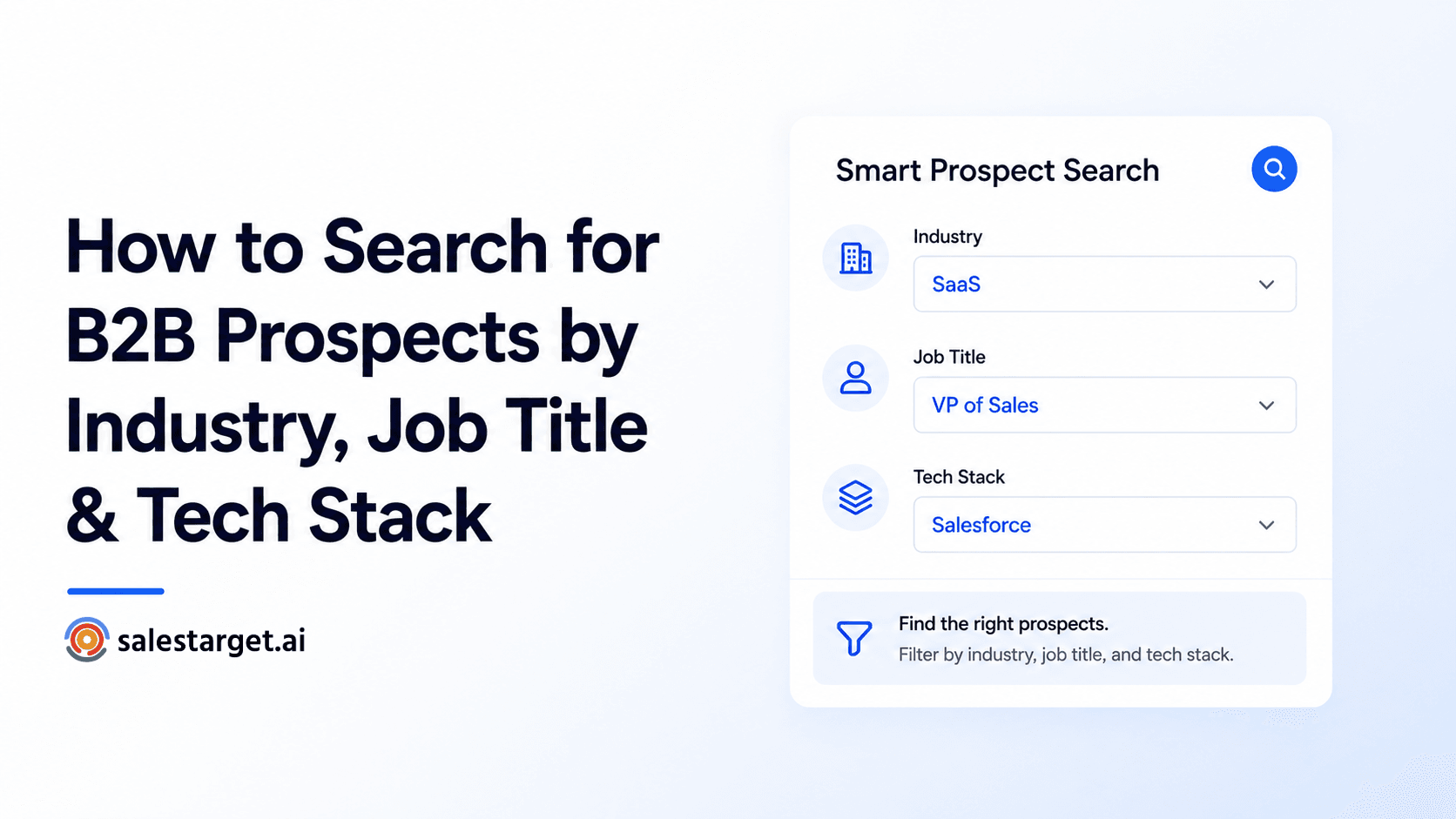
- Use Smart Prospect Search in SalesTarget Lead Explorer to build hyper-targeted lists.
- Filter by Industry, Job Title, Tech Stack, Company Size, Revenue, Funding, and more.
- Works on both Company level and People level searches.
- Save lists and send directly to campaigns.
Finding the right B2B prospects is half the battle in outbound sales. Generic lists waste time and hurt deliverability. In this guide, you’ll learn exactly how to use SalesTarget’s Smart Prospect Search to build precise, high-intent lead lists using industry, job title, tech stack, and many other powerful filters.
Why Targeted Prospecting Beats Generic Lists
Broad lists get low reply rates and high bounce rates. Targeted searches using multiple filters help you reach decision-makers who are far more likely to engage.
Step 1: Accessing Smart Prospect Search
1. Log in to SalesTarget Lead Explorer
2. Click on **Smart Prospect Search** (top navigation)
3. You’ll see two main tabs: **Business** and **People**
Step 2: Using the Business Tab (Company Search)
Use this tab when you want to find companies first, then their decision-makers.
Key Filters Available:
- Industry & Sub-industry
- Company Size (employees & revenue)
- Tech Stack (hundreds of technologies)
- Funding Stage & Amount
- Keywords in company description
- Location & Headquarters
- Recent Funding / Hiring Signals
Step 3: Using the People Tab (Direct Contact Search)
Perfect when you already know the exact persona you want to target.
Powerful People Filters:
- Job Title & Seniority Level
- Department
- Years of Experience
- Skills & Technologies used
- Industry + Company filters combined
Step 4: Mastering Tech Stack Search
One of the most powerful features in SalesTarget.
You can search for companies using:
- Specific tools (e.g., “Salesforce + Outreach”)
- Technology categories
- Competitor technologies
- Intent-based tech signals
Step 5: Building & Saving Targeted Lists
- Apply your filters
- Preview results in real-time
- Use “Has Email” toggle to ensure deliverability
- Save as a named list
- Export or add directly to a campaign
Pro Tips for Better Results
- Combine 4–6 filters for best precision
- Use “OR” logic for job titles
- Layer tech stack with industry for ICP-perfect lists
- Save searches for weekly re-runs
Start Building High-Quality Prospect Lists Today
Powerful, accurate search — completely free to start.
✓ 50 credits ✓ 7-day trial ✓ No credit card required