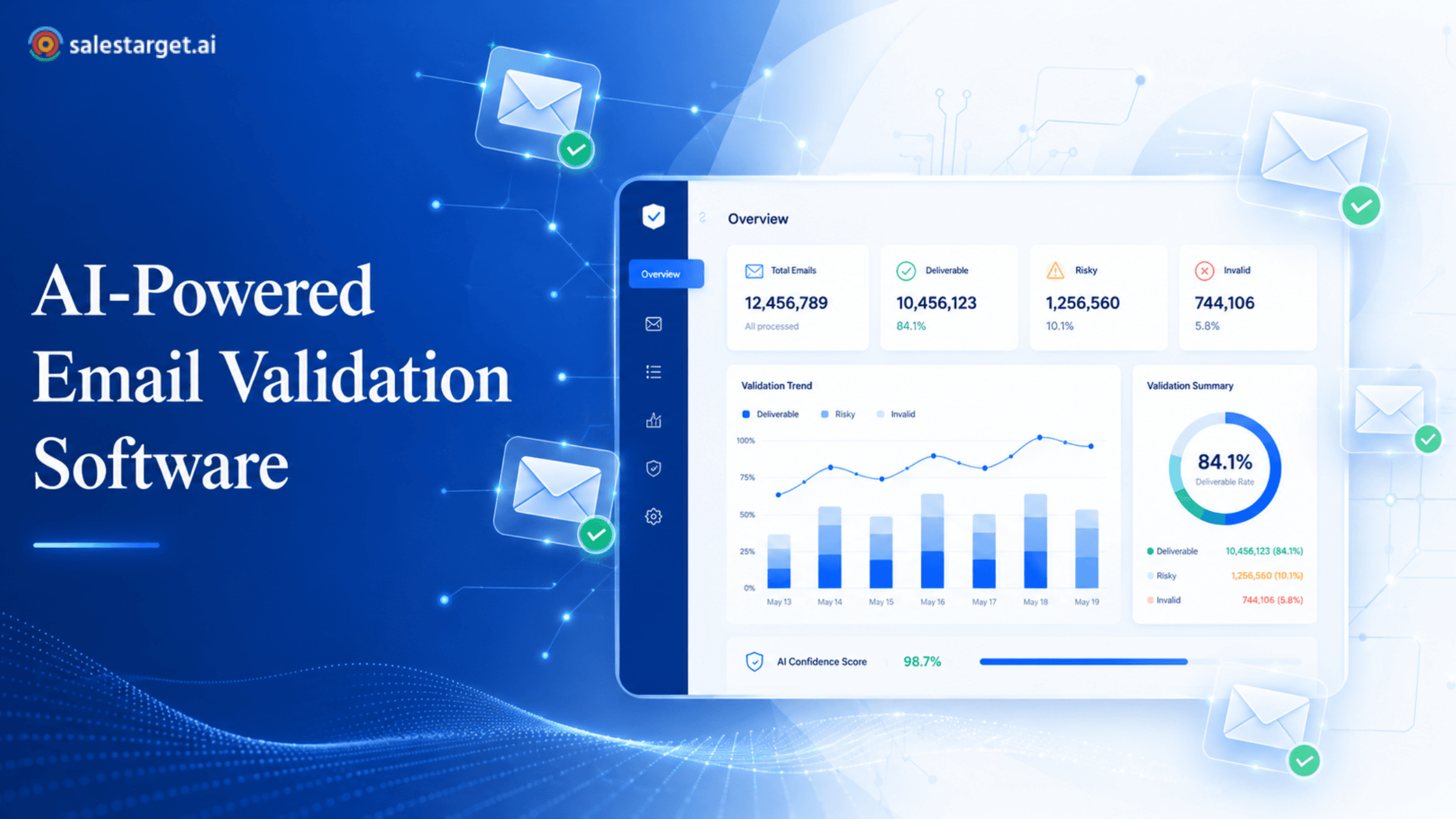
Every prospect list looks promising in a spreadsheet. Thousands of contacts, job titles that match your ICP, company names you recognize. But the moment you import that list into your CRM without checking it, you inherit every bad record, dead domain, and outdated mailbox it contains. That is when deliverability drops, bounce rates climb, and your sales team wastes hours chasing contacts who will never receive an email. Running your list through email verification software before it touches your CRM is the single most cost-effective step you can take to prevent downstream damage.
What should you check before importing a B2B email list?
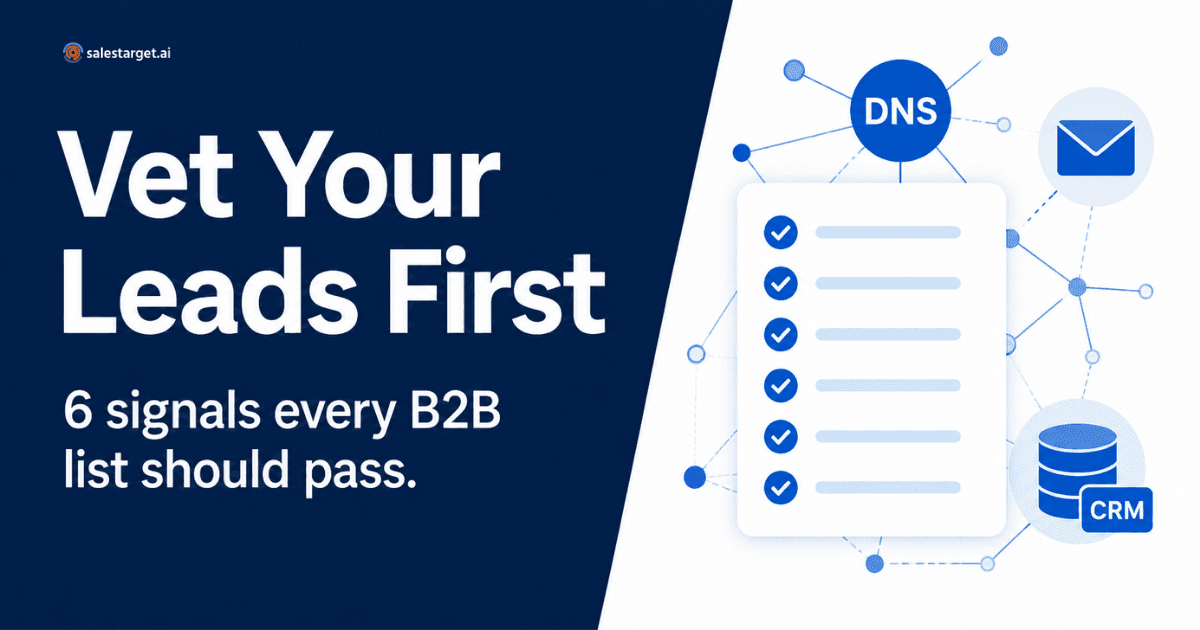
Before importing any B2B prospect list into your CRM, check these six signals:
- Domain resolution: Confirm the domain exists and resolves.
- MX records: Verify the domain has active mail infrastructure.
- Mailbox validity: Check that the specific email address accepts mail.
- Risky addresses: Flag disposable, role-based, or suspicious addresses.
- Catch-all and uncertain results: Separate uncertain results from confirmed valid ones.
- List freshness: Assess how recently the list was compiled and whether contacts may have changed roles.
If a list fails on multiple signals, it needs cleaning before it belongs anywhere near production data. Here is how to evaluate each one.
Why a Pre-Import DNS Check Matters
Your CRM is a production system. It drives outreach sequences, lead scoring, pipeline reporting, and territory assignments. When invalid or outdated records enter that system, every process built on top of it degrades. Bounce rates increase. Sender reputation deteriorates. SDRs spend time on contacts that will never convert. Marketing automation triggers engagement scores on addresses that are not real.
These problems are preventable. The B2B email verification playbook outlines how enterprise teams maintain sub-1% bounce rates, and the foundation is simple: verify before you import, not after. Email validation should happen before enrichment, before syncing to a CRM, and before any outreach tool touches the data. A record that fails basic DNS-level checks has no business consuming an enrichment credit or occupying a CRM seat.
Think of pre-import validation as a quality gate. It is cheaper to reject a bad record at the gate than to find and remove it after it has triggered sequences, skewed reports, or burned sender reputation.
The 6 Signals to Check Before Importing a B2B List
Signal 1: Domain Resolution
The first and fastest check is whether the domain in each email address actually resolves. A DNS lookup confirms that the domain (the part after the @) exists and points to an active server. If a domain does not resolve, every address on that domain is guaranteed to bounce. According to ICANN's documentation on domain name lifecycle, domains can expire, be suspended, or be placed on hold, all of which cause resolution failures.
Domain-level checks catch obvious problems at scale. If you are evaluating a list of 10,000 contacts and 400 sit on domains that do not resolve, you have already identified 4% of the list as unusable without checking a single mailbox. This kind of triage saves time and resources in every subsequent step.
Signal 2: Mail Exchange (MX) Records
A domain may resolve, but that does not mean it can receive email. MX records in DNS tell the sending server which mail server handles delivery for that domain. Without valid MX records, there is no infrastructure to accept inbound email, and any message sent to that domain will fail.
Checking MX records is straightforward. A quick DNS query returns the mail servers associated with a domain, and legitimate business domains almost always have at least one MX entry pointing to a hosted provider such as Google Workspace or Microsoft 365. However, an MX record alone does not confirm that a specific mailbox exists on that server. It only confirms that the domain is set up to receive mail in general. That distinction matters for the next signal.
Signal 3: Mailbox-Level Validity
Passing domain and MX checks means the infrastructure exists. Mailbox-level validation goes further: it checks whether the specific address - john.smith@company.com, not just company.com—is configured to receive mail. An email verification tool sends a lightweight SMTP handshake to determine whether the receiving server acknowledges the mailbox. This step is where you verify that an email address is valid at the individual contact level, not just the domain level.
This matters because companies change their email conventions, employees leave, and mailboxes get deactivated. A domain can have healthy MX records while half the individual addresses on your list no longer exist. Understanding the relationship between email verification and bounce rates makes it clear why mailbox-level validation is essential—not optional—before outreach.
Signal 4: Risky, Disposable, or Role-Based Addresses
Not every technically valid address is a useful sales prospect. An email validation tool should flag addresses that carry elevated risk:
Disposable email domains are temporary addresses created by services like Mailinator or Guerrilla Mail. They exist for minutes or hours. No serious B2B prospect signs up with one, and sending to them wastes resources.
Role-based addresses such as info@, support@, sales@, or admin@ belong to functions, not individuals. They are rarely monitored by a decision-maker and typically route to shared inboxes or ticketing systems. B2B prospecting depends on reaching a specific person, so role-based addresses should be segmented or deprioritized rather than treated as valid personal contacts.
Flagging these categories during email validation lets you make informed decisions about which records deserve CRM space and outreach effort.
Signal 5: Catch-All and Uncertain Mailboxes
Some domains are configured as catch-all, meaning they accept mail sent to any address at that domain, whether or not a specific mailbox exists. A catch-all configuration returns a positive response during SMTP verification for every address, so an email verifier tool cannot definitively confirm or deny whether john.smith@catchall-domain.com is a real person's inbox.
The practical recommendation: do not automatically discard catch-all results, but do not treat them as confirmed valid contacts either. A bulk email verifier will label these as uncertain or accept-all. The right approach is to segment these records separately, treat them as lower-confidence contacts, and consider additional enrichment or manual verification before including them in high-priority outreach sequences.
Signal 6: List Freshness and Reuse Risk
An email address that passed verification six months ago may not pass today. People change jobs. Companies rebrand, merge, or shut down. Domains lapse. The average B2B contact database decays at a measurable rate—industry benchmarks suggest roughly 2–3% of B2B contacts become invalid each month due to employee movement alone.
Repeatedly using the same prospect list compounds this problem. Each reuse increases the proportion of stale records and raises bounce risk. The dynamics of B2B list fatigue and prospect-list reuse show why lists need periodic revalidation, not just a one-time check. As an operational benchmark: if your list is older than 30 days or has been used in a prior campaign, revalidate it before the next send. Run the full six-signal check close to your actual outreach date to minimize the gap between validation and use.
Putting It Together: A Practical Pre-Import Workflow
As defined in Validate Your List Before It Becomes CRM Debt
Every record that enters your CRM without passing these six checks is a liability - consuming enrichment credits, triggering sequences to dead addresses, and eroding sender reputation. SalesTargets email verification and lead validation tool runs domain, MX, mailbox, risk, and catch-all checks on your entire list before a single record touches your CRM. Upload your list, get signal-level results, and import only the contacts that are worth pursuing.