Cold email is still one of the most direct ways to reach a prospect who has never heard of your company. What has changed is the workload behind it. Building lists, researching accounts, writing first lines that do not sound copy-pasted, sequencing follow-ups, protecting sender reputation — these tasks used to consume most of an SDR's week. An AI cold email tool takes on the repetitive parts of that work so sales teams can focus on the conversations that actually move deals forward.
This guide explains what an AI cold email tool is, how it works, which features matter when you evaluate one, and where AI genuinely helps versus where human judgment is still required. If you are researching AI-powered cold email software for the first time, or comparing options for your team, this article is written to give you a clear, practical framework rather than a marketing pitch.
What Is an AI Cold Email Tool?
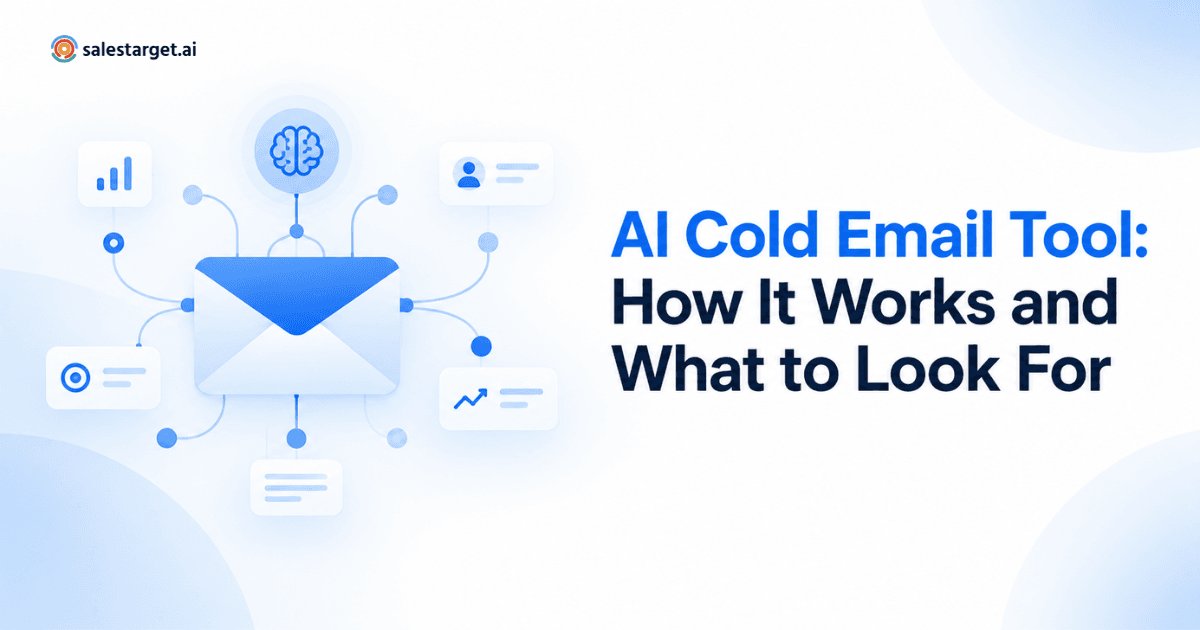
An AI cold email tool is software that uses artificial intelligence to help sales teams plan, personalize, send, and follow up on cold email outreach at scale. It combines cold email automation, AI-driven personalization, sending infrastructure, and campaign analytics in a single workflow so outbound campaigns can run consistently without manual work on every message.
In practical terms, an AI cold email tool typically helps you segment prospects, draft opening lines and variations tailored to each recipient, schedule sends across multiple inboxes, run follow-up sequences based on prospect behavior, and monitor deliverability so messages actually reach the inbox. It is often positioned as a modern replacement for older cold email automation software that focused mainly on merge fields and static templates.
How AI Cold Email Tools Work
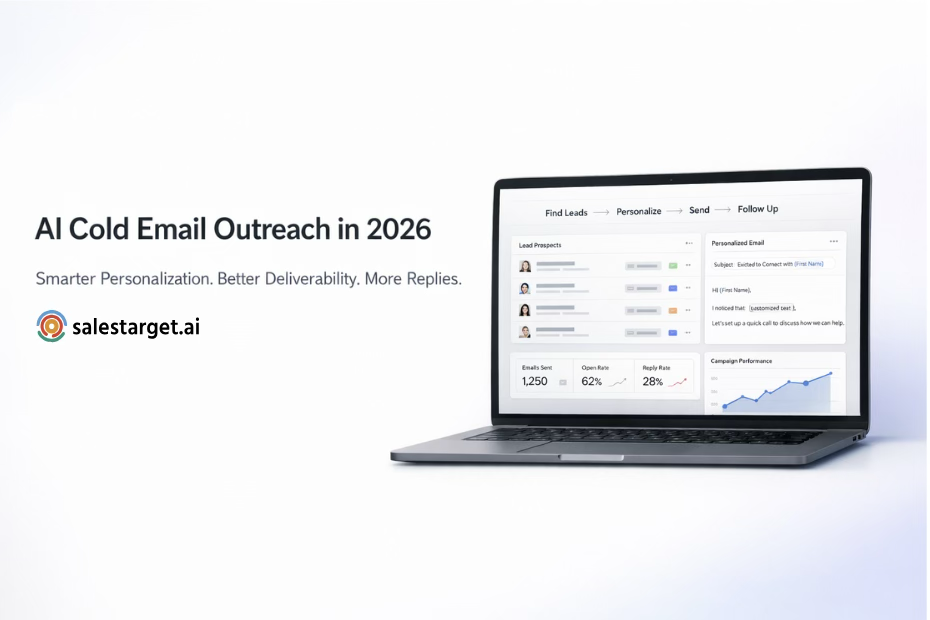
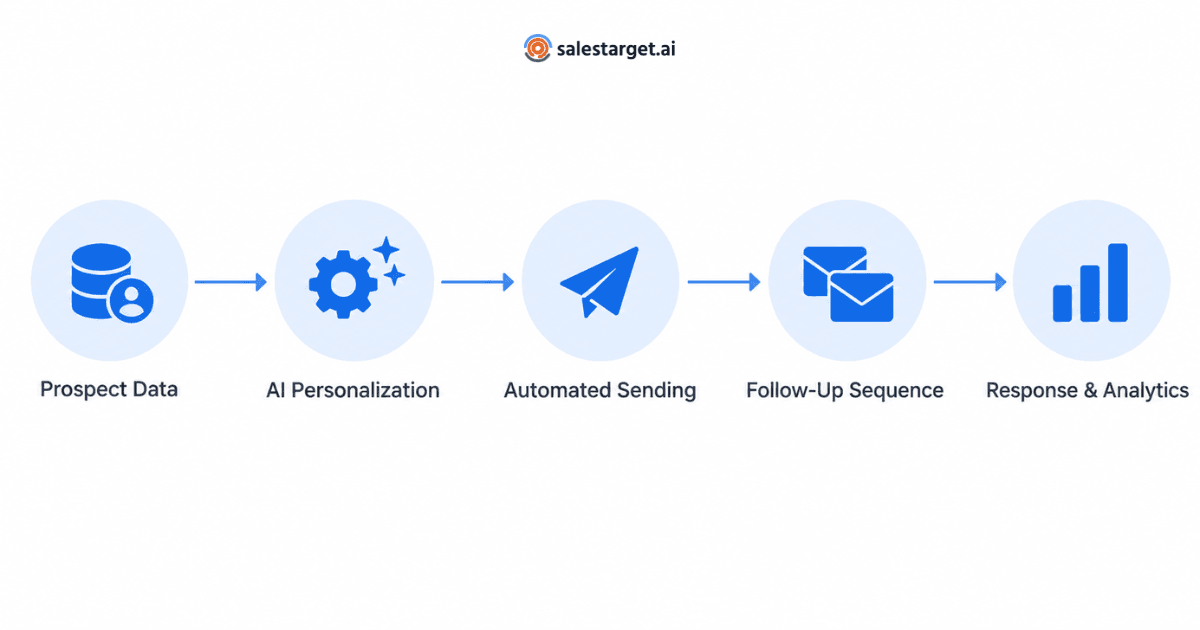
At a high level, an AI cold email tool moves a prospect through a repeatable workflow. The AI layer sits inside that workflow rather than replacing it — it accelerates the parts that scale poorly with humans.
A typical AI-powered cold email workflow looks like this:
- Prospect data is imported or enriched — usually from a CRM, a prospecting list, or an integrated data source.
- The AI analyzes each prospect's attributes (role, industry, company size, recent signals) and generates personalized message components such as opening lines, value framing, or subject lines.
- The tool sends the message from a configured inbox, distributing volume across accounts to protect deliverability.
- If the prospect does not reply, an automated follow-up sequence continues on a defined schedule.
- Replies, opens, and other engagement signals feed campaign analytics so the team can refine targeting, copy, and timing.
Each stage is where AI can meaningfully reduce manual effort — from cleaning prospect data to writing variants to deciding when to stop following up.
Key Features to Look For in AI Cold Email Software
Not every tool labeled "AI" delivers meaningful automation. When evaluating AI cold email software, look for functionality that solves a real bottleneck in outbound rather than features that simply add cosmetic AI on top of a traditional sender.
Core capabilities to evaluate
- AI-powered personalization that produces contextually relevant openers and message variants, not generic merge fields.
- Cold email automation with flexible sequence logic, conditional steps, and clear pause rules on reply.
- Support for multiple sending accounts so volume can be distributed across inboxes.
- Built-in email warmup to help maintain sender reputation on new or reactivated inboxes.
- Campaign management tools for organizing lists, sequences, and reporting in one place.
- Deliverability-focused sending infrastructure with sensible throttling and inbox rotation.
- Analytics that surface reply rate, positive reply rate, and sequence-level drop-off — not just opens.
For a deeper look at how to compare tools on the sending side, this guide on how to evaluate cold email software, sending infrastructure, AI and deliverability walks through the technical checkpoints in more detail.
AI-Powered Personalization
Personalization is the feature most often associated with AI cold email tools, and also the one most misunderstood. Effective AI email personalization is not about inserting a first name or a company name. It is about generating message components that reflect what the AI can infer about the prospect from available data - their role, the problems typical of that role, recent public signals about their company, or the segment they belong to.
Good AI personalization usually shows up in three places:
- The opening line, which acknowledges something specific about the prospect or their company.
- The value framing, which adjusts how the offer is described based on role or industry.
- The subject line, which can be varied per segment to test what resonates.
The important limitation to understand: AI personalization is only as good as the input data. If the underlying prospect record is thin or inaccurate, the AI will produce vague or off-target lines. Personalization quality and data quality are the same problem.
Cold Email Automation and Follow-Ups
Most replies in cold email do not come from the first message. They come from the second, third, or fourth touch. Cold email automation exists so that follow-ups actually happen - consistently, on schedule, and without the SDR having to remember each one.
A well-designed automated cold email tool lets you:
- Build multi-step sequences with different intervals between messages.
- Pause a sequence automatically when a prospect replies or books a meeting.
- Branch based on engagement - for example, sending a different follow-up if a link was clicked.
- Cap the total number of touches so prospects are not over-messaged.
AI adds a layer on top of this by helping generate follow-up variants that do not simply repeat the first message with "just bumping this up." Better sequences use each touch to reframe the offer from a different angle.
Email Sending Infrastructure and Deliverability
The most sophisticated AI personalization is wasted if the message lands in spam. This is why sending infrastructure and deliverability sit at the center of any serious cold email outreach software.
Deliverability-focused features to look for include:
- Email warmup to build and maintain sender reputation gradually.
- Support for multiple or unlimited email accounts so volume per inbox stays within safe limits.
- Sensible sending throttles, randomized intervals, and inbox rotation.
- Clear guidance or built-in checks for SPF, DKIM, and DMARC configuration.
- Bounce handling and automatic suppression of invalid addresses.
Deliverability is not a single setting - it is the sum of domain setup, warmup discipline, list quality, sending volume, and content patterns. An AI cold email tool should make it easier to get these right, not obscure them.
Prospect Data, Enrichment, and Segmentation
AI-driven outreach depends on the quality of prospect data feeding into it. Cold email AI works best when it has enough context per prospect to generate a message that would not sound out of place if a human had written it.
When evaluating a tool, consider:
- How prospect data enters the system - CSV import, CRM sync, integrated enrichment, or a mix.
- Whether you can segment lists by role, industry, seniority, or intent signals.
- How the tool handles duplicates and unsubscribes across campaigns.
- Whether personalization tokens can pull from custom fields, not just defaults.
Strong segmentation is what makes AI email personalization sound relevant instead of generic.
Analytics and Campaign Optimization
Analytics turn cold email from a guessing game into an iterative process. A modern AI cold email tool should expose the metrics that actually correlate with pipeline, not vanity numbers.
Metrics worth tracking:
- Reply rate — total replies over messages delivered.
- Positive reply rate — replies that indicate genuine interest.
- Bounce rate — a leading indicator of list quality and deliverability risk.
- Sequence drop-off — where prospects stop engaging within a sequence.
- Per-inbox performance — which sending accounts are performing well or degrading.
Some AI cold email software uses these metrics to recommend adjustments to copy, timing, or targeting. Even without automated recommendations, having the right dashboards makes optimization far faster.
AI Cold Email Tool vs. Traditional Cold Email Software
The difference between an AI cold email tool and traditional cold email automation software is less about a single feature and more about how the workflow is shaped. The table below summarizes the practical differences.
| Area | Traditional Cold Email Software | AI Cold Email Tool |
|---|---|---|
| Personalization | Merge fields and static templates | AI-generated openers and per-prospect variants |
| Follow-ups | Fixed sequences repeated across prospects | Sequences with AI-assisted variant generation |
| Sending infrastructure | Single or few inboxes, basic throttling | Multi-inbox rotation with warmup and volume controls |
| Optimization | Manual A/B tests and spreadsheets | Built-in analytics and campaign-level insights |
| SDR time saved | Low — most drafting is manual | Higher — repetitive drafting and setup are automated |
Both categories still require good targeting, real messaging, and human judgment. AI does not remove the strategy — it removes the friction of executing it.
How to Choose the Right AI Cold Email Tool
Choosing an AI cold email tool is less about picking the flashiest AI feature and more about matching the tool to how your team actually runs outbound. A short evaluation framework:
- Define the volume you plan to send and how many inboxes you can realistically manage.
- List the personalization inputs you already have - job title, industry, custom fields, intent data - because these determine what AI can work with.
- Test the tool against a small live campaign before rolling it out across the team. Look at reply quality, not just open rates.
- Check sending infrastructure and warmup behavior on a fresh inbox. Deliverability quality is the single biggest driver of results.
- Review the analytics — can you see what is working per sequence, per inbox, per segment?
- Confirm that the tool integrates with the systems your team already uses, especially your CRM.
If any of these steps expose a gap, that is more useful than any feature checklist.
Why SalesTarget.ai Is Relevant for AI-Powered Email Outreach
SalesTarget's Email Outreach product brings the capabilities discussed above into a single workflow - AI-powered personalization, cold email automation, campaign management, automated follow-ups, and email warmup, along with sending infrastructure designed with deliverability in mind. For teams that want to consolidate their cold email stack rather than stitch together separate tools for sending, warmup, and personalization, it is a reasonable option to evaluate against your requirements.
As with any tool, the right way to judge fit is to test it against your own targeting, list quality, and messaging - not against a feature list in isolation.