TL;DR
- Email deliverability is whether your cold email reaches the inbox at all — not whether someone replies.
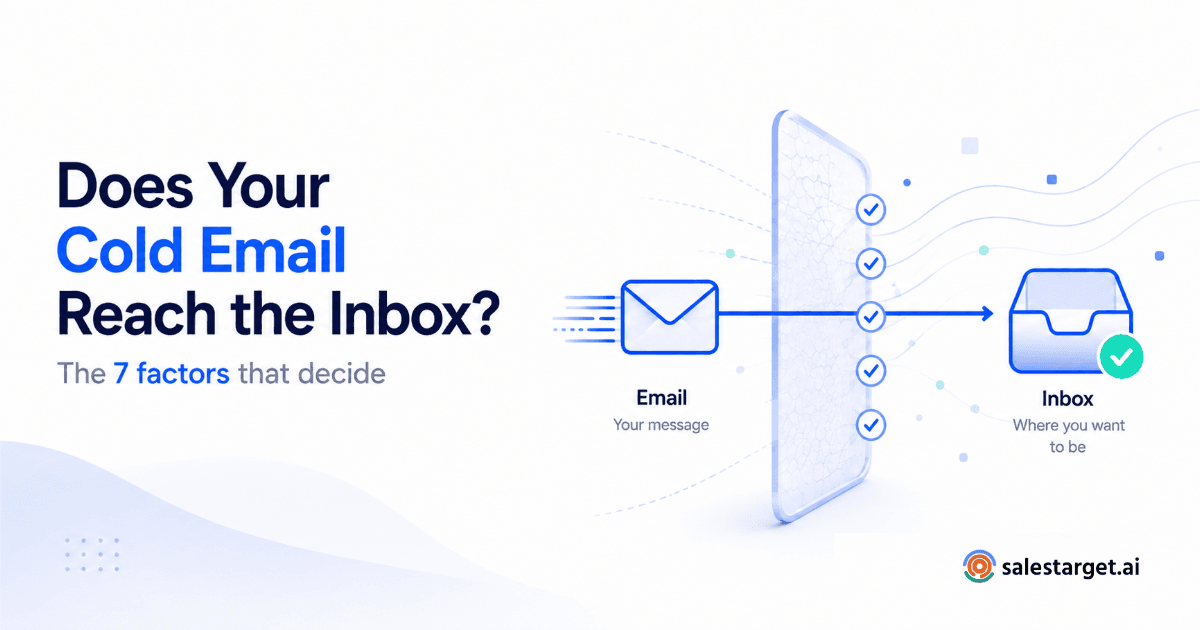
- Seven factors decide inbox placement: domain reputation, IP reputation, authentication (SPF/DKIM/DMARC), warm-up status, list quality, sending patterns, and content.
- These factors are connected — one weak link (like a cold domain or a dirty list) drags the rest down with it.
- Cold outbound deliverability is a different discipline than newsletter deliverability — the rules, risks, and fixes aren't the same.
- This guide is the hub — every factor below links to a deeper breakdown if you want to go further on any one of them.
Your sequence is perfect. The subject line is sharp, the personalization is tight, the offer is relevant. And it's sitting in a spam folder nobody will ever open. That's not a copywriting problem — it's a deliverability problem, and it's quietly killing more outbound pipelines than bad messaging ever will.
What Is Email Deliverability, Actually?
Email deliverability is the measure of whether your email reaches the recipient's inbox — as opposed to the spam folder, the promotions tab, or nowhere at all. It's separate from "open rate" or "reply rate." Those measure what happens after the email arrives. Deliverability measures whether it arrives in the first place.
For cold outbound specifically, deliverability is the foundation everything else sits on. A brilliant sequence sent to a spam folder gets a 0% reply rate every single time. Before you optimize subject lines or follow-up timing, the email has to land.
Mailbox providers like Gmail and Outlook decide inbox placement using automated systems that score your sending domain, your IP, and your behavior in real time, on every send. There's no single "deliverability score" you can check and fix once — it's a continuous signal made up of seven interacting factors.
The 7 Factors That Decide Inbox Placement
Mailbox providers don't evaluate a single thing — they evaluate a combination of signals every time you hit send. Here's what they're actually looking at.
| Factor | What It Measures | Why It Matters for Cold Email |
|---|---|---|
| Domain reputation | How mailbox providers score your sending domain over time | A new or damaged domain gets throttled or filtered before content is even read |
| IP reputation | Trust score of the sending server's IP address | Shared IPs inherit the sending behavior of everyone else on them |
| Authentication (SPF/DKIM/DMARC) | Cryptographic proof you are who you say you are | Missing or misconfigured records are an instant spam signal |
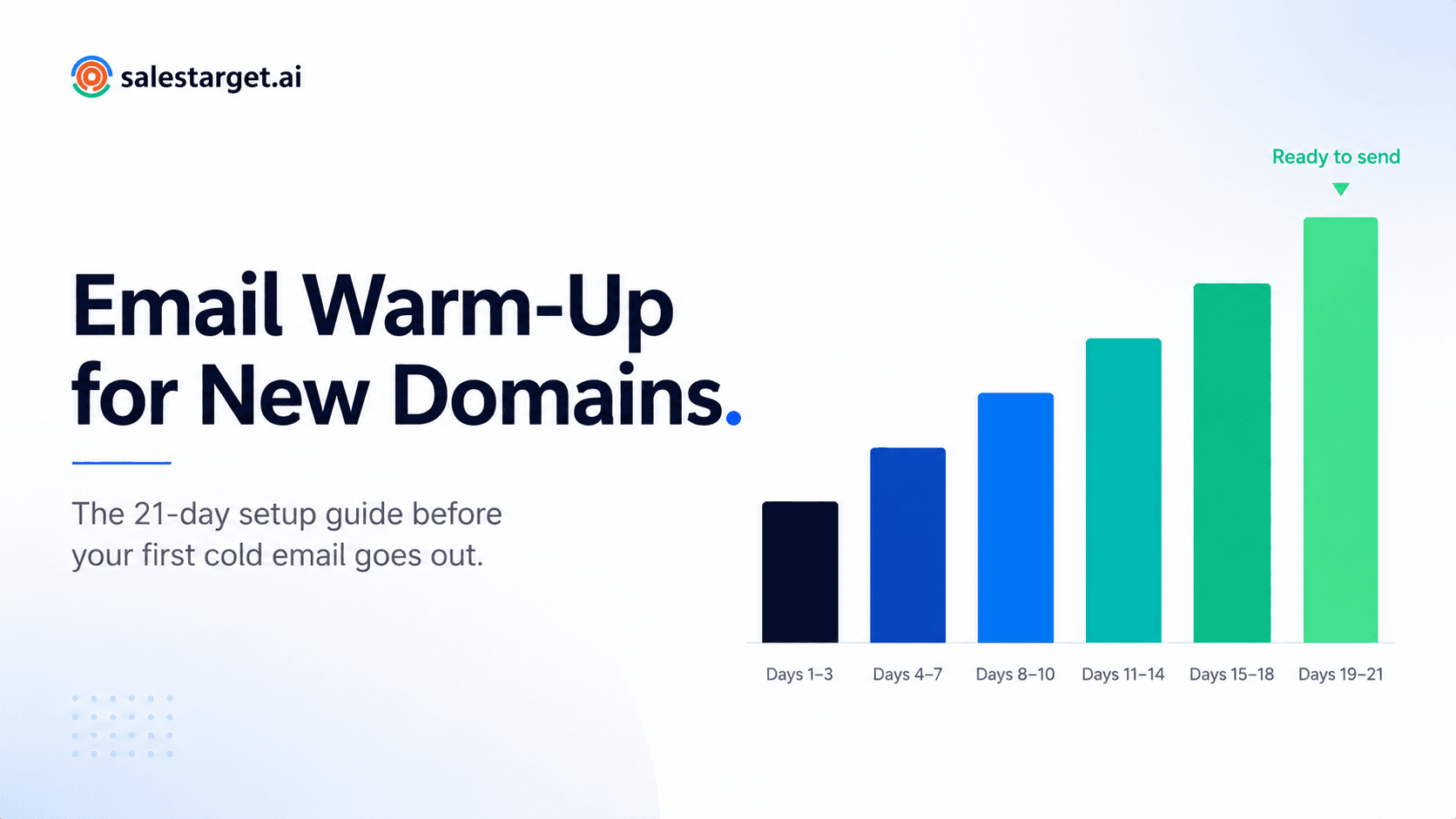
| Warm-up status | Sending history and volume ramp on a given inbox | Brand-new inboxes sending high volume on day one get flagged immediately |
| List quality | Percentage of valid, deliverable, real addresses on your list | Bounces and spam traps are the fastest way to torch a domain's reputation |
| Sending patterns | Volume, timing, and consistency of sends from an inbox | Sudden spikes look identical to spam behavior to a filter |
| Content | Spam-trigger language, link density, formatting, image-to-text ratio | Even a perfectly warmed-up domain can get filtered by bad content |
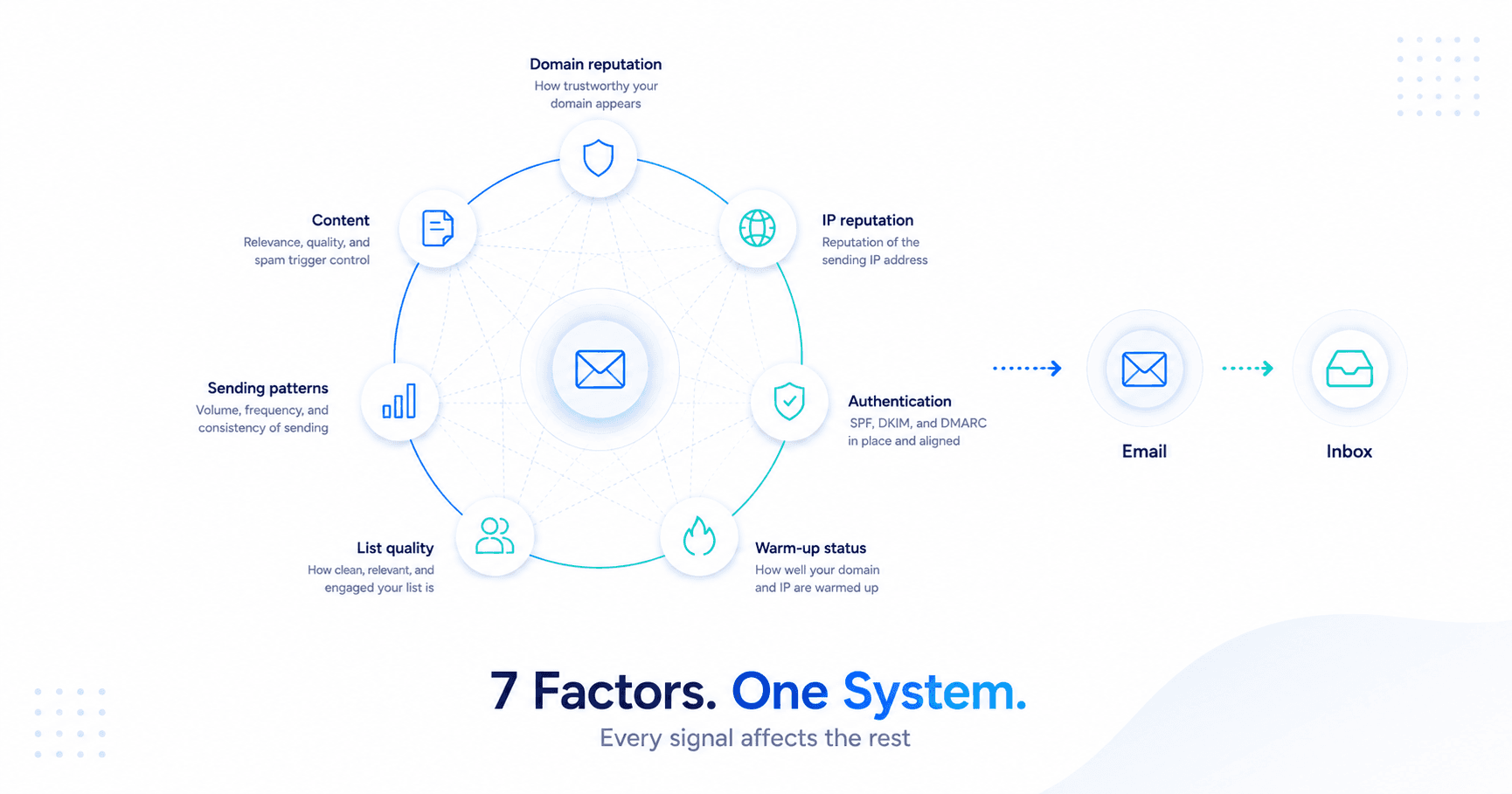
How These Factors Interact (And Why One Weak Link Sinks Everything)
These seven factors aren't independent checkboxes — they're a system. A domain with strong authentication and clean content can still get filtered if the list behind it is full of stale, invalid addresses generating bounces. A perfectly warmed-up inbox can still tank if sending volume spikes overnight.
This is the part most teams miss: deliverability problems are rarely caused by one catastrophic mistake. They're caused by one weak factor quietly dragging the other six down. A 3% bounce rate from an unverified list doesn't just lose you those contacts — it signals carelessness to the mailbox provider, which lowers trust on every other email from that domain too, including the ones sent to perfectly valid addresses.
The compounding effect
Why one bad week can haunt you for months
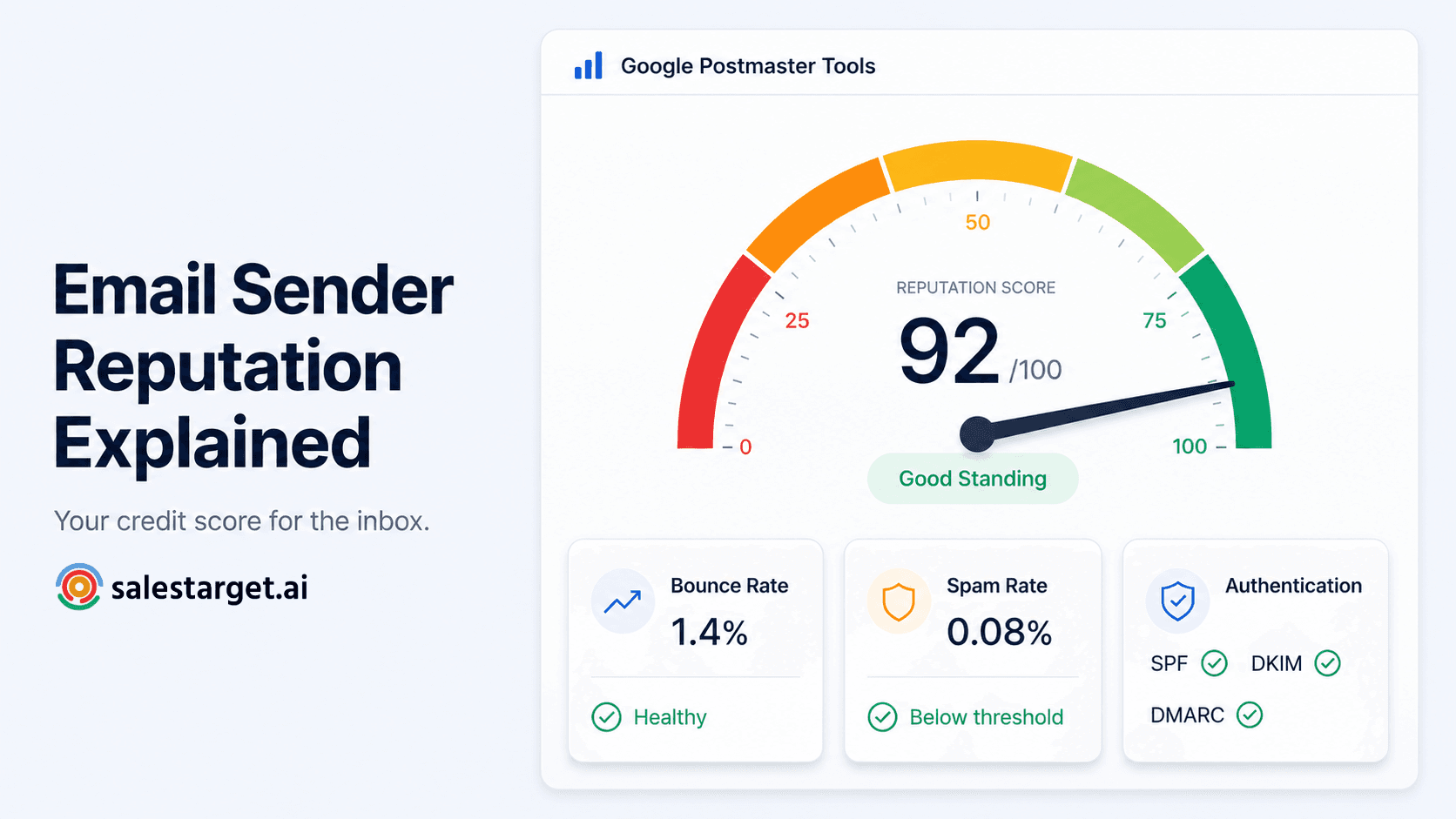
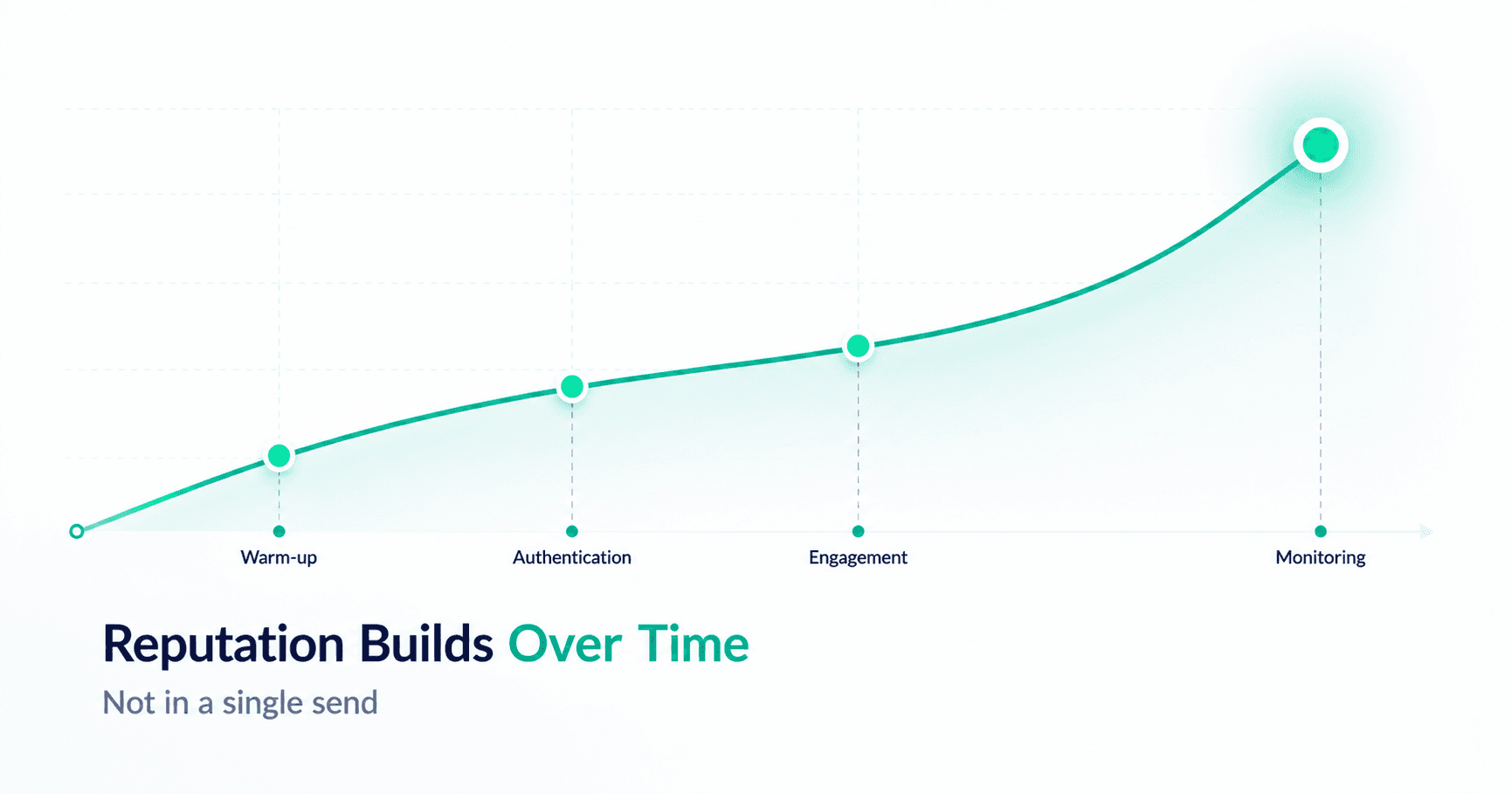
Domain and sender reputation are built — and damaged — over time, not on a single send. A spike in spam complaints or bounces can suppress deliverability for weeks after the underlying issue is fixed, because mailbox providers weight recent history heavily before trust recovers.
Cold Email Deliverability vs. Marketing Email Deliverability
Most deliverability advice online is written for newsletter and marketing teams sending to opted-in lists from established ESP infrastructure. Cold outbound deliverability is a different game with different rules.
| Dimension | Marketing Email | Cold Outbound Email |
|---|---|---|
| Recipient relationship | Opted in, expects your email | No prior relationship — higher spam-report risk |
| Sending infrastructure | Dedicated ESP (Mailchimp, Klaviyo, etc.) | Personal or business inboxes (Gmail, Outlook) |
| Volume per send | High volume, single blast | Low volume per inbox, spread across many inboxes |
| Primary risk | Unsubscribe and complaint rate | Spam reports and inbox-level reputation damage |
| Recovery if flagged | Domain-level reputation repair | Often requires rotating or re-warming individual inboxes |
This is why generic deliverability advice built for email marketers — list segmentation, unsubscribe link placement, send-time optimization — only solves part of the problem for outbound teams. Cold email deliverability lives or dies on domain health, inbox warm-up, and list hygiene, not subscriber engagement scores.
How SalesTarget Covers All 7 Factors
Rather than treating deliverability as one feature, SalesTarget builds protection into every layer of the outbound workflow, because that's how the underlying problem actually behaves.
| Factor | How SalesTarget Handles It |
|---|---|
| Domain & IP reputation | Continuous monitoring with alerts before reputation drops affect sending — see Deliverability Boost |
| Warm-up status | Automated warm-up across unlimited inboxes before they ever touch a live campaign |
| Sending patterns | Inbox rotation spreads volume so no single sender account spikes — read the full breakdown: how inbox rotation protects deliverability |
| List quality | Built-in validation flags risky addresses before send, not after the bounce |
| Full platform context | All of this runs inside Email Outreach as one connected system, not separate bolt-ons |
Want to go deeper on any single factor? These cover the mechanics in detail:
- How email warm-up improves cold email deliverability
- How domain reputation impacts inbox placement
- A closer look at inbox placement in cold outreach
Mistakes That Quietly Kill Deliverability
Skipping warm-up on new domains
The mistake
Sending full campaign volume from a brand-new domain on day one looks identical to spam behavior — there's no sending history to build trust against.
Never validating the list before sending
The mistake
A single high-volume bounce spike — from an unverified, purchased, or stale list — can damage domain reputation for weeks, long after the bad send is over.
Sending everything from one inbox
The mistake
Concentrating volume in a single sender account means a reputation hit hits 100% of your pipeline. Distributing volume across rotated inboxes isolates the risk.
Ignoring authentication records
The mistake
Missing or misconfigured SPF, DKIM, or DMARC records are one of the clearest spam signals mailbox providers check — and one of the easiest fixes once you know to look.
A Quick Pre-Campaign Deliverability Checklist
| Step | Action |
|---|---|
| 1 | Verify SPF, DKIM, and DMARC are correctly configured for every sending domain |
| 2 | Warm up every new inbox gradually before adding it to a live sequence |
| 3 | Validate the contact list and remove invalid, disposable, or risky addresses |
| 4 | Spread sending volume across multiple inboxes instead of one |
| 5 | Monitor domain reputation continuously, not just after a problem appears |
Deliverability isn't a setting you configure once. It's a discipline you maintain every time you send — and the teams who treat it that way are the ones whose pipeline actually depends on replies, not luck.
Stop losing pipeline to the spam folder.
SalesTarget covers warm-up, rotation, validation, and reputation monitoring in one connected platform.
✓ 50 credits ✓ 7-day trial ✓ No credit card required