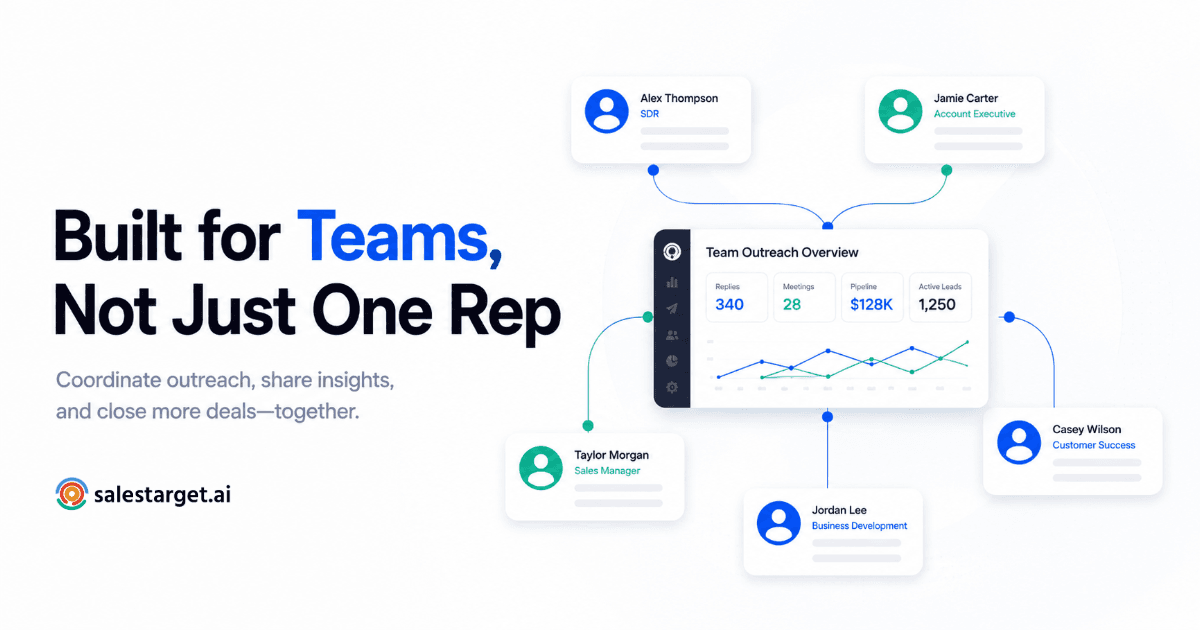
TL;DR
- Solo-rep LinkedIn habits break the moment a second or third rep joins — duplicate connection requests and zero rolled-up reporting are the first symptoms.
- Team setup comes down to four moves: assign reps to ICPs or territories, build in duplicate-prevention, centralize reporting, and give the team shared inbox visibility.
- LinkedIn's own per-account weekly invite cap means a 5-rep team that isn't coordinated is sitting on five separate, uncoordinated risk surfaces — not one.
- This is an operational/admin setup problem, not a messaging or copywriting one — fix the structure first, tactics second.
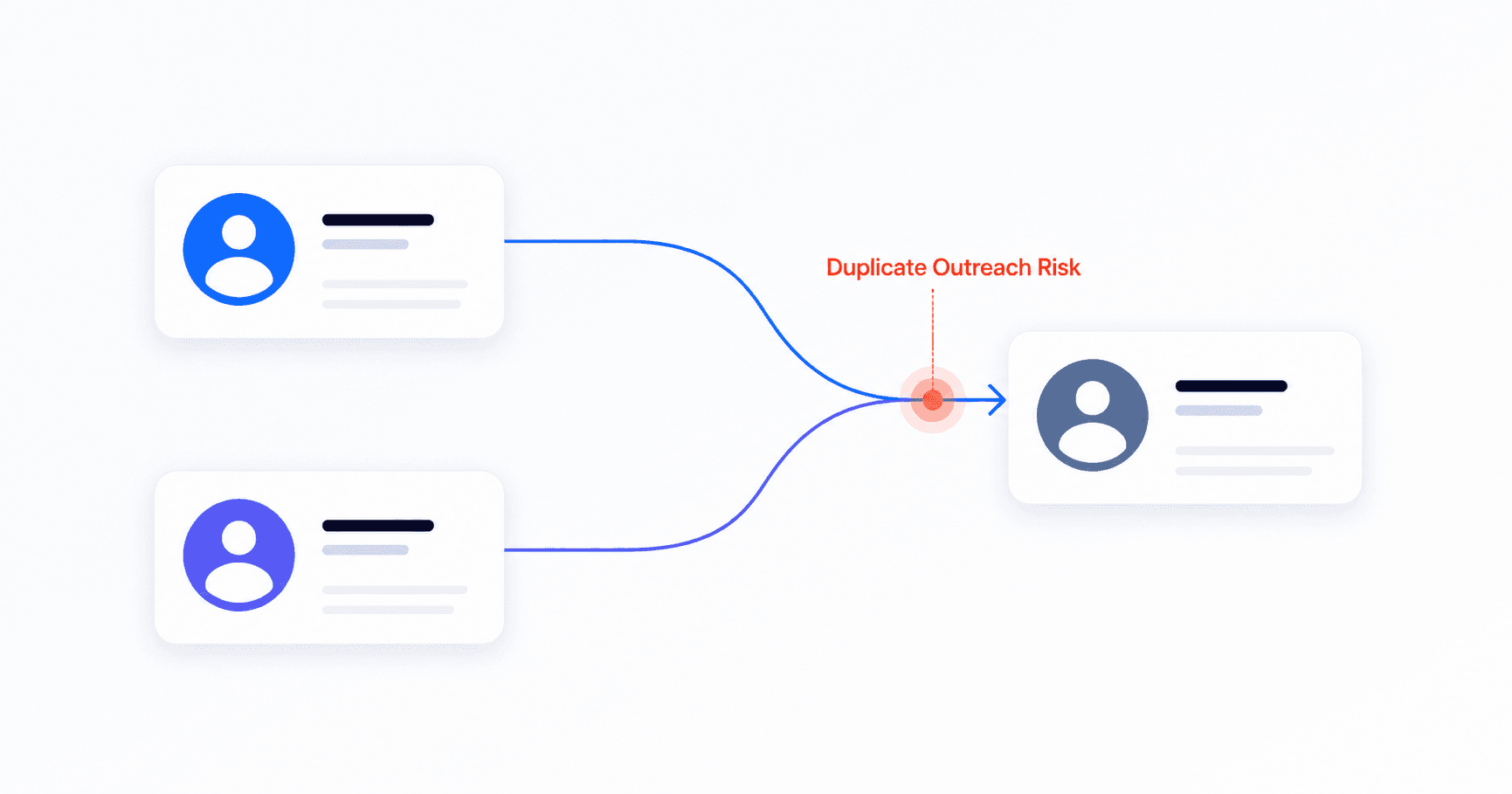
Two reps. Same target account. Same week. One sends a connection request on Monday, the other messages the same VP of Ops on Wednesday with a completely different pitch. The prospect now thinks your company doesn't talk to itself — and honestly, it doesn't. This is what happens when LinkedIn outreach that worked fine for one rep gets handed to a team without anyone redesigning how it runs.
Why Team LinkedIn Outreach Breaks the Moment You Add a Second Rep
A single rep doing linkedin sales automation doesn't need much structure. They know who they messaged, they remember which accounts replied, and their pipeline view is just their own head. The moment you add a second rep, that informal system collapses — not because the reps got worse at their jobs, but because the coordination problem changes shape entirely.
Three things go wrong almost immediately when teams skip setup and just hand out logins:
Duplicate outreach. Without a shared system, two reps targeting the same industry or company list will eventually hit the same prospect. Best case, it looks sloppy. Worst case, the prospect flags both messages as spam, which damages two accounts instead of one. Multiply that across a 10-person team running overlapping lists for even a single quarter, and the number of duplicated touches stops being a rare embarrassment and becomes a predictable, recurring leak in your pipeline data.
Invisible reporting. A manager asking "how many qualified conversations did the team start this week?" gets five different half-answers instead of one number, because activity lives in five separate sessions with no rollup. Forecasting off that kind of patchwork data means every pipeline review starts with twenty minutes of reconciling numbers instead of discussing strategy.
Account-level risk that multiplies, not divides. This is the one teams underestimate most.
📊 The math teams miss
- LinkedIn caps each individual account at roughly 100 connection requests per rolling 7-day window — and exceeding it triggers a restriction that LinkedIn itself confirms can't be lifted early, even by contacting support. Source: LinkedIn Help.
- That limit is per-account, not per-team — which sounds like good news (5 reps = 5x the weekly volume) until those 5 accounts start sending uncoordinated requests to the same people, each one individually accumulating low acceptance rates and individually risking throttling.
In other words: more reps without coordination doesn't multiply your safe sending capacity. It multiplies the number of accounts that can independently get flagged for the same underlying mistake — targeting the same list with no memory of who already touched it. This is the exact failure mode that separates genuine multi account linkedin automation from five people who happen to be using the same software without talking to each other.
Most teams try to patch this with a shared spreadsheet or a "post here before you message someone" Slack channel. It works for about two weeks. Then someone forgets to update the sheet during a busy stretch, a new rep joins without knowing the unwritten rule, or two people post in Slack at the same time and both assume the other will back off. Manual coordination scales fine for two people. It quietly fails somewhere between rep three and rep five — right around the point where most teams actually decide to scale up their linkedin outreach automation in the first place. Picking the right LinkedIn automation tool matters here, but it's a downstream decision — the team structure underneath it matters more than which software sends the requests.
Solo Rep Workflow vs. Team Workflow: What Actually Changes
Before fixing anything, it helps to see exactly what breaks down when you go from one rep to a team running linkedin automation for teams. The workflow doesn't just get bigger — it needs different infrastructure entirely.
| Workflow element | Solo rep | Team (3–15 reps) |
|---|---|---|
| Who gets contacted | Mental tracking, one person's memory | Needs a shared, enforced rule — territory or ICP split |
| Avoiding duplicate sends | Not an issue — one sender | Requires system-level duplicate-prevention logic |
| Reporting | Personal dashboard is enough | Needs rollup by rep, by campaign, and team-wide |
| Reply visibility | One inbox, one person checking it | Needs a shared view so replies don't sit unanswered |
| Account risk | Contained to one account | Compounds across every rep if targeting overlaps |
None of this means team LinkedIn outreach is harder — it just runs on different rules. The good news is all four gaps in that table are solvable with one setup pass, done once, not re-solved every week by every rep individually.
This setup work matters most for the teams in the messiest middle zone — past the point where one person can hold everything in their head, but not yet at the size where a dedicated RevOps hire exists to babysit the process. That's typically a 3 to 15-rep SDR pod, a small B2B sales org scaling its first outbound motion, or an agency running parallel LinkedIn campaigns for multiple clients out of the same workspace. Larger organizations usually layer in more formal approval chains and compliance review on top of everything below — but the four fixes themselves don't change based on team size, only the rigor with which they're enforced.
The 4-Step Setup: How to Run LinkedIn Outreach Across a Sales Team
This is the order that actually works. Skipping a step and jumping straight to "centralize reporting" without first assigning territories just means you'll have a clean dashboard showing a mess.
Step 1: Assign Reps to ICPs or Territories Before Anyone Sends a Single Request
The single highest-leverage fix for team-based automated linkedin outreach is also the simplest: decide who owns what, before the first message goes out. Split your target list by one (or a combination) of:
Territory — geography, region, or named account list. Industry vertical — each rep owns specific sectors so messaging stays specialized. Account tier or ICP segment — senior reps work top-tier accounts, newer reps work volume segments. Job function or seniority band — useful when multiple stakeholders exist inside the same target company and you want one rep, one relationship.
Whichever split you choose, write it down somewhere the whole team can see — a shared doc, a CRM field, or a setting inside your outreach platform. The rule only works if it's enforced systematically, not remembered informally. This is the step most teams skip, and it's the one that makes every other step in this guide actually hold.
Which split makes sense depends on what your team actually sells. Territory splits work best when buying behavior genuinely differs by region — different compliance norms, different business hours, different cultural expectations around how outreach gets opened. Industry or vertical splits work best when your messaging itself needs to flex significantly between sectors, since a rep who's fluent in one industry's pain points will out-convert a generalist every time. Tier-based splits make the most sense once you have a small number of strategic accounts that justify a slower, higher-touch motion sitting alongside a larger volume motion run by other reps. Most teams end up combining two of these — territory plus tier, for example — rather than picking one in isolation.
Here's what that looks like in practice for a 5-rep team selling into mid-market SaaS:
| Rep | Assigned segment | Weekly send cap |
|---|---|---|
| Rep A | East Coast, 50–200 employees | 60 requests |
| Rep B | West Coast, 50–200 employees | 60 requests |
| Rep C | Enterprise accounts, 1,000+ employees | 40 requests (higher-touch) |
| Rep D | EMEA region, all sizes | 60 requests |
| Rep E | Inbound-qualified leads, all regions | 50 requests |
Notice the caps aren't identical across reps — Rep C works fewer, higher-value accounts and sends fewer requests at a slower, more personalized pace, while volume-segment reps send closer to the safe weekly ceiling. The split itself matters more than the exact numbers: the point is that no two rows can ever target the same company at the same time.
Step 2: Build Duplicate-Prevention Into Every Campaign, Not Just Into Memory
Territory assignment handles intentional overlap. Duplicate-prevention handles the accidental kind — a prospect who changed companies, a list import that crosses two reps' segments, or a campaign that gets re-launched months later without anyone checking who was already touched.
At minimum, your setup needs: a check that runs before a campaign launches, not after a prospect complains; visibility across every rep's active and past campaigns, not just the one being built; and a rule for what happens when a contact is found in two lists — does the first-touch rep keep it, or does it route by ICP fit? Decide that rule once, in writing, so reps aren't negotiating it contact-by-contact.
A common real-world trigger: a prospect changes jobs and moves from Rep A's old target company into Rep B's enterprise segment. Without a cross-campaign check, both reps' lists still technically "own" that person under the old and new assignment. The fix isn't more vigilance from either rep — it's a system that flags the overlap automatically the moment a new list is uploaded, before a single connection request goes out.
Step 3: Centralize Reporting Across Every Rep — Not Five Separate Dashboards
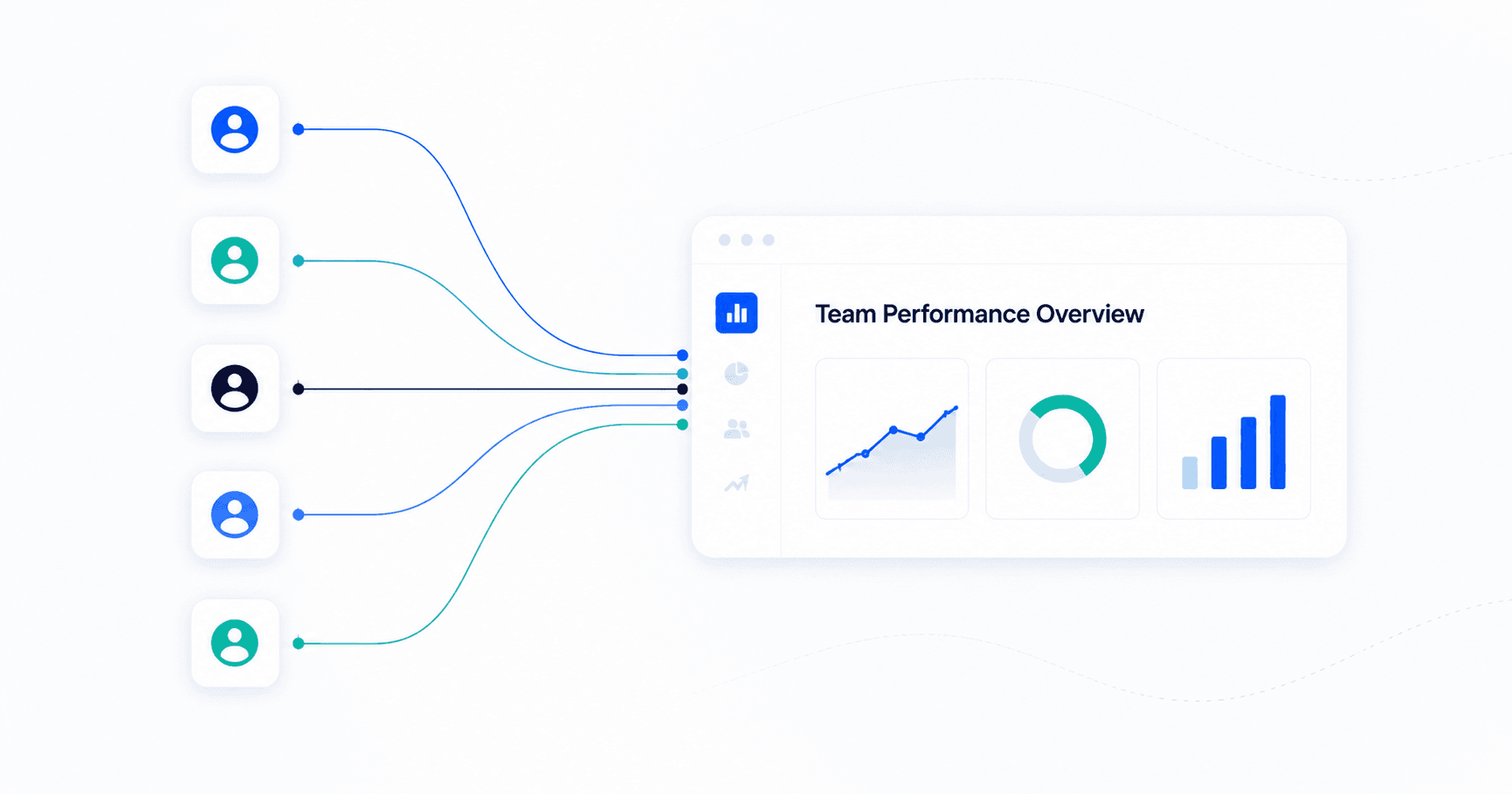
Once territories and duplicate rules are set, reporting stops being a research project. The team-wide view should answer three questions without anyone exporting a CSV: How many connection requests, messages, and replies happened this week, broken down by rep? Which campaigns are converting, and which need a message rewrite? Is any individual rep's account showing early signs of restriction (falling acceptance rate, slowing send velocity) before it becomes a hard block?
This is where linkedin campaign management tooling earns its keep — a manager should be able to see team-wide performance in one screen, then drill into any single rep's campaign without switching logins or asking that rep to send a screenshot.
In practice, the rollup view needs to break down at least four layers: team-wide totals (connection requests sent, messages sent, replies received, meetings booked), per-rep performance (so coaching conversations are based on numbers, not impressions), per-campaign conversion (which messaging angle is actually working, independent of who's running it), and account health signals (acceptance rate trending down is an early warning, not just a vanity metric). Most teams only track the first layer until something breaks — by then, the rep whose account got restricted has usually shown declining acceptance rates for two or three weeks beforehand.
Step 4: Set Up Shared Inbox Visibility So Replies Don't Go Cold
The last gap is the one that costs the most pipeline silently: a prospect replies, the rep is out sick or slow to check LinkedIn that day, and a warm reply sits untouched for 48 hours. On a team, replies need to be visible to more than one person — either through shared inbox access, a manager-level view across all rep inboxes, or an alert that flags replies needing response within a set window.
This doesn't mean every rep reads every inbox. It means a manager or backup rep can see and act on a reply if the primary owner is unavailable — without needing that rep's personal login.
Think about the timing math: a prospect who replies on a Friday afternoon and doesn't hear back until Monday morning has had an entire weekend to lose momentum, get pulled into another vendor's pipeline, or simply forget why they replied in the first place. Shared visibility isn't about surveillance — it's about making sure a 64-hour gap between "interested" and "follow-up" never happens just because one person happened to be the only one watching.
Mistakes to Avoid When Rolling Out Team LinkedIn Outreach
Even teams that follow the four steps above can undercut their own setup with a handful of recurring mistakes. These are the ones that show up most often once a team moves from "everyone has a login" to "everyone has a system" — usually because the system was built once and never revisited as the team grew.
Mistake: Treating it as a tooling problem, not a process problem
Why it fails
Buying a multi-seat platform without first deciding territory splits and duplicate rules just gives the same chaos a nicer dashboard. Settle the rules first, then configure the tool around them.
Mistake: Letting every rep set their own sending velocity
Why it fails
Five reps independently deciding "I'll send 20 today" looks identical to a coordinated spike from the outside — and from LinkedIn's detection systems. Set a team-wide pacing guideline, then let individual limits roll up under it.
Mistake: No backup owner for replies
Why it fails
A single point of failure on reply handling means PTO, sick days, or a busy week directly costs the team pipeline. Build shared visibility in from day one, not after the first missed reply.
Mistake: Re-running old campaigns without re-checking ownership
Why it fails
Territory assignments shift as reps join, leave, or get promoted. A campaign built six months ago under an old territory map can quietly start duplicating today's assignments. Review ownership before relaunching anything.
Mistake: Onboarding new reps without walking them through the rules
Why it fails
A new rep who isn't shown the territory map, the duplicate-prevention logic, or the reporting dashboard on day one will quietly build their own informal version of all three within a week — usually the same spreadsheet-and-Slack approach that already failed once. Make the system part of onboarding, not something reps discover by asking around.
How SalesTarget Handles Team LinkedIn Campaigns
SalesTarget was built around the assumption that outreach is a team sport, not a solo workflow — which changes how the underlying linkedin automation platform is structured from the ground up.
For territory and ICP assignment, SalesTarget's LinkedIn Campaigns & Sequence Builder lets you build campaigns scoped to a specific segment, so reps work inside their assigned lane by design rather than by trust.
For reporting, LinkedIn Analytics & CRM Visibility rolls up activity, replies, and campaign performance across every rep into one view — so a manager isn't stitching together five exports to answer one question.
And because this is fundamentally a team-coordination problem rather than a single-feature one, the broader LinkedIn Outreach suite ties campaign building, duplicate-aware sending, and shared reporting together, so the setup steps in this guide map directly onto features you configure once — not workarounds you maintain forever.
The practical effect for a growing sales team: reply visibility, send pacing, and campaign ownership all live in the same workspace instead of three disconnected tools — which means the four-step setup in this guide takes an afternoon to configure rather than a quarter to duct-tape together across spreadsheets, Slack channels, and individual logins.
None of these four fixes are complicated on their own. Assigning territories is a planning conversation. Duplicate-prevention is a setting. Centralized reporting is a dashboard. Shared inbox visibility is a permission level. What actually breaks teams isn't the difficulty of any single step — it's trying to run all four informally, indefinitely, as the team keeps growing past the point where memory and goodwill can hold the system together. Set it up once, properly, and the coordination problem stops being something your team manages every week and becomes something the system just handles.
Stop coordinating your team's LinkedIn outreach by Slack message.
Assign territories, prevent duplicate sends, and see every rep's performance in one dashboard.
✓ 50 credits ✓ 7-day trial ✓ No credit card required





