You get a phone number on an inbound form, a business card, or a referral. No name. No title. No company. You know someone is there, but you don't know who. That's a dead end for a rep trying to qualify fast and move.
Or flip it: a prospect called in, left a voicemail, and now you're dialing back into what might be a direct line, a gatekept switchboard, or an outdated number from two job changes ago. Any of these scenarios costs time. And in outbound sales, wasted time is wasted pipeline.
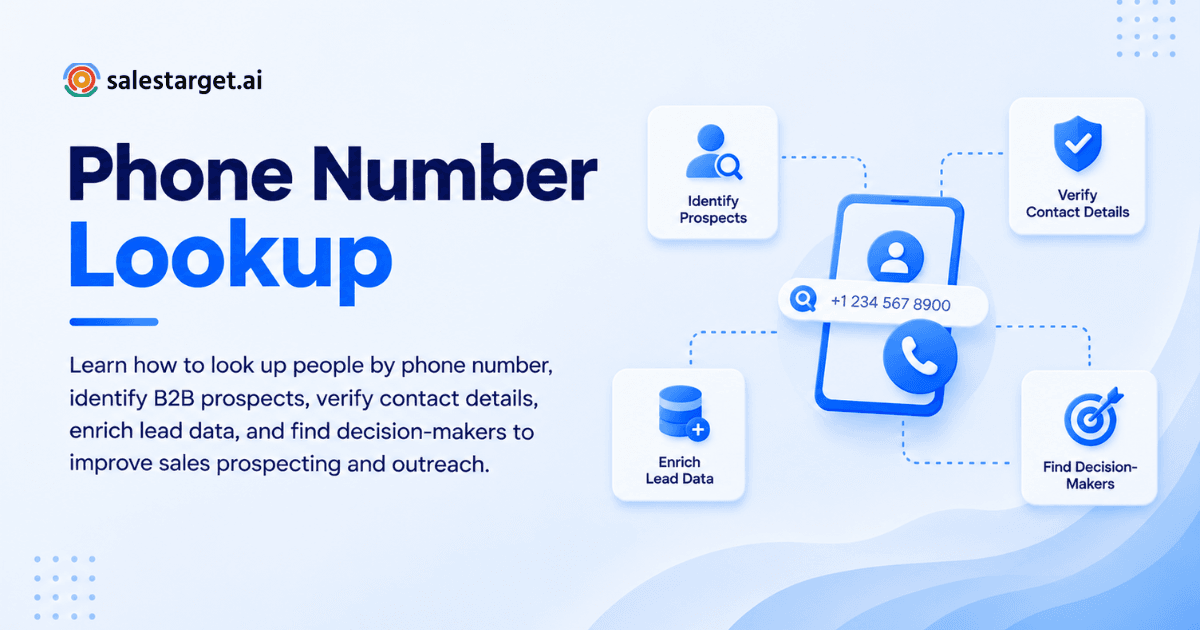
Looking up people by phone number solves a specific problem: turning an unidentified contact into a qualified B2B lead with a name, title, company, and a reason to reach out. This guide walks through exactly how that process works, what tools make it efficient at scale, and where most sales teams get it wrong.
Understanding Phone Number Lookup for B2B Sales
Phone number lookup in a B2B context is not the same as a consumer people-search. Consumer tools return names and home addresses. B2B lookup returns job titles, company names, business emails, and professional context.
There are two directions this lookup can run. Reverse lookup starts with a number and returns the person behind it. Forward lookup starts with a person's name or company and returns their direct dial or mobile. In B2B prospecting, you often use both: verifying who a number belongs to, then enriching that contact with the company and role data you need before making the call.
The key distinction is accuracy. Consumer reverse-lookup databases pull from public directories and data aggregators that may not have been refreshed in months or years. B2B-grade tools verify contact records in real time, cross-reference against professional profiles, and flag stale records before they reach your dialer.
Why Phone Number Lookup Matters for B2B Prospecting
Identifying Decision-Makers Before Sales Calls
Cold calling a generic company line and asking the receptionist to transfer you to "whoever handles sales tools" is not a strategy. It's guesswork. Decision-maker identification before the call is what separates a rep with a 3% connect-to-meeting rate from one running at 8% or higher.
When you can match a phone number to a verified name and title, you know exactly who you're reaching before you dial. That means your opener is specific, your pitch is relevant, and you're not explaining yourself to the wrong person three minutes into the call.
Reducing Wasted Calls and Improving Lead Quality
B2B contact data decays at roughly 2.1% per month, which adds up to more than 22% of your phone list becoming outdated every year. That's not a minor data hygiene issue. It's a structural problem that silently drains connect rates, wastes rep time, and inflates your dial-to-meeting ratio.
According to Cognism's State of Cold Calling analysis of over 200,000 outbound calls, reps dialing verified mobile direct-dials see connect rates of 18–22%, compared to 8–12% on generic list data. The difference is not the rep's talk track. It's the quality of the number before the call happens.
Supporting Outbound Sales and Lead Generation
Phone lookup fits into a broader outbound workflow. Reps use it to qualify inbound leads who left only a phone number, to verify contacts before adding them to a call sequence, and to re-engage dormant accounts where the old contact has moved on. In each case, the lookup step is what turns an unverified record into something worth calling.
How to Look Up People by Phone Number
Start With the Phone Number and Available Business Details
Begin with whatever context you already have around the number: the source it came from, any company name associated with it, a domain, or a LinkedIn URL. The more anchoring information you pair with the phone number, the more accurate the match you get from a B2B lookup tool.
If the number came from a form submission, check whether the form also captured a company email or domain. That pairing alone narrows the field significantly, especially when matching against a professional contact database.
Use Reverse Phone Lookup to Identify the Contact
Run the number through a B2B reverse lookup tool. Unlike consumer-grade apps, B2B platforms cross-reference the number against professional profile databases, company directories, and verified records. The output you're looking for at this stage is a name, job title, and current employer, not just a name and city.
For finding verified cell phone numbers for B2B sales, the lookup needs to distinguish between a personal mobile, a business direct dial, and a company main line. Each has different reach rates and should be treated differently in your outreach cadence.
Match the Number With Company and Professional Profiles
Once you have a name from the reverse lookup, cross-reference it with LinkedIn and company websites. This step confirms the match is current, not a stale record from a previous employer. A person who changed jobs six months ago will often still appear in phone databases under their old company. Verifying the current employer before calling prevents the awkward conversation that starts with "I haven't worked there in almost a year."
Verify the Prospect's Name, Job Title, and Company
Verification is not optional. An unverified phone match is a guess. In B2B outreach, guesses have a cost: missed context in the opener, misdirected pitches, and calls that end in 30 seconds because you're talking to the wrong department.
Confirm the prospect's name, current title, and company against at least one live source, whether that's their LinkedIn profile, the company's team page, or a B2B contact database with a recent verification timestamp. If the record hasn't been verified within the last 90 days, treat it as unconfirmed.
Enrich and Organize Verified B2B Contact Data
After confirming the match, enrich the record with everything you need for outreach: business email, company size, industry, tech stack, and any buying signals that indicate the prospect is in-market. This is where the lookup becomes usable in a sales workflow rather than just a data exercise.
According to Gartner, poor data quality costs the average organization $12.9 million per year in wasted effort, misdirected outreach, and missed pipeline. Enriching at the point of verification, not weeks later, keeps that cost down.
Key Features of B2B Phone Number Lookup Tools
Accurate Business Contact Matching
The core function of any B2B phone lookup tool is matching a number to a verified professional identity. Match accuracy depends on how the underlying database was built, how often it's refreshed, and whether the tool distinguishes personal from business numbers. Look for platforms that source from multiple data providers and flag records where the match confidence is low.
Contact Enrichment and Company Information
A phone match alone is not enough for outbound. You need the prospect's role, company, industry, and enough firmographic context to decide whether they're worth calling. B2B lookup tools that pair phone matching with built-in enrichment eliminate the step of manually researching each contact after the match.
Phone Number Verification and Data Freshness
Verification quality varies widely between tools. The strongest platforms check whether a number is currently assigned, whether it's a mobile or landline, and whether it routes to the person the record says it does. Data freshness matters as much as coverage: a database with 90% match rates but year-old records will still produce high call failure rates.
CRM Integration and Prospect Management
A lookup result that stays outside your CRM is a data liability. Verified contacts need to land directly in your pipeline, tagged with their source, enrichment date, and any notes from the lookup process. CRM-integrated lookup tools close the gap between research and outreach.
Privacy and Responsible Contact Data Use
B2B phone prospecting sits inside a regulatory framework. GDPR, CCPA, and national do-not-call registries apply depending on where your prospect is based. Legitimate B2B contact databases source from opt-in and publicly available professional data, and they support suppression list management. Using a tool that handles compliance at the data layer removes that risk from your reps.
Why Choose SalesTarget.ai
For teams that need phone lookup to connect to a full outbound workflow, rather than just return a name, SalesTarget.ai is built for exactly that. It combines B2B contact discovery, enrichment, multichannel outreach, and CRM in one platform, so the lookup result flows straight into a live campaign without manual handoffs.
Find and Enrich Prospects With Lead Explorer
Lead Explorer searches across 840 million verified professional profiles and 146 million business entities. You can search by name, company, role, or filter by industry, seniority, tech stack, location, and company size. One-click enrichment unlocks verified professional email, personal email, phone, and mobile. Real-time buying signals via Bombora Intent Topics, plus business events like funding rounds, hiring spikes, and leadership changes, appear on a 30 to 90 day lookback so you're reaching prospects when they're actually likely to engage.
Run Email and LinkedIn Outreach in One Workflow
After identifying and enriching a phone contact, the next step is multichannel follow-up. Email Outreach builds multi-step sequences automatically, with AI-generated copy, inbox rotation, and SPF/DKIM/DMARC checks to protect deliverability. LinkedIn Outreach runs connection requests, DMs, and follow-ups in a coordinated flow alongside email, with human-like timing delays and built-in account safety limits. Both channels run from the same workspace.
Validate Emails Before Starting Sales Campaigns
Phone lookup often surfaces a contact's business email alongside their number. Before that email goes into a sequence, Email Validator runs MX and SMTP checks, detects disposable addresses, and assigns a risk score. SalesTarget.ai validates 90% of emails before sending, keeping bounce rates low and domains off blacklists.
Manage Contacts and Calls With the Built-In CRM
Enriched and verified contacts land directly in the CRM with no CSV import. Every call is auto-logged to the lead timeline via the built-in AI dialer, which also takes notes on the call and saves them straight to the record. Follow-up tasks are created automatically when a lead replies or a meeting is booked. Teams using SalesTarget.ai's CRM report 3.2 times faster deal cycles and 2.4 times more meetings from the same leads.
If you want to start building verified B2B contact lists today, start free at SalesTarget.ai.
Support Prospect Research With AI Copilot
AI Copilot lets reps query the 840 million profile database in plain English, generate personalized email sequences in seconds, and track which campaigns are producing pipeline. It flags at-risk deals, recommends next actions, and handles the research workload so reps spend their time on calls and relationships rather than CRM data entry.
Common Mistakes to Avoid When Looking Up People by Phone Number
Relying on an Unverified Number Match
A reverse lookup that returns a name is not the same as a verified match. Consumer-grade tools often pull from aggregated data that hasn't been updated in a year or more. Treat any match from a non-B2B tool as unconfirmed until you've cross-referenced it against a live professional profile or a verified B2B database.
Using Outdated Contact and Job Information
Job change rates in B2B are high, particularly in tech, SaaS, and growth-stage companies. A phone number that was verified six months ago may still reach the same line, but the person who picks up may no longer hold the title you're pitching to. Always check the prospect's current role before calling, not just their name.
Confusing Personal Numbers With Business Contacts
Mobile numbers obtained through consumer lookup tools are often personal lines, not business direct-dials. Calling someone's personal mobile for a cold outreach is a fast way to start the conversation on the wrong foot, especially in markets with strong privacy expectations. B2B-grade tools flag the distinction between personal mobile and verified business direct-dial.
Adding Unverified Contacts to Outreach Campaigns
Pushing a lookup result straight into a sequence without verification is a pipeline hygiene problem. The combination of email and phone number lookup for B2B contact discovery works best when verification is a hard gate, not an optional step. One bad batch of unverified contacts can spike bounce rates and trigger deliverability issues that affect your entire sending domain.
Overlooking Privacy Rules and Contact Preferences
Do-not-call registrations, GDPR consent requirements, and CCPA opt-out rights apply to phone outreach just as they do to email. A B2B contact database that sources from professional, publicly available data and maintains suppression lists handles much of this at the data layer. Manual list-building from consumer lookup tools puts that compliance burden entirely on your team.
Turning Phone Number Lookup Results Into Qualified B2B Leads
Prioritize Prospects by Role and Company Fit
Not every verified phone match is worth a call. After enrichment, score the contact against your ICP: does the company size, industry, revenue band, and tech stack match your target buyer? Does the person's role align with the decision-making level you need? Filtering on these criteria before dialing keeps rep time focused on accounts that are actually in play.
Combine Phone Data With Email and LinkedIn Research
A single-channel approach to outreach underperforms. Prospects who receive a coordinated sequence across phone, email, and LinkedIn are significantly more likely to respond than those contacted through only one channel. Use the phone lookup result as the anchor, then layer in verified business email and LinkedIn profile data to build a full multi-touch sequence.
Track Calls, Contact Accuracy, and Lead Progress in Your CRM
Every call made from a phone lookup result should be logged with the outcome, the data source, and whether the match was confirmed or incorrect. That feedback loop is what improves your lookup process over time. Teams that track match accuracy by data source can identify which providers are returning stale records before those records accumulate across the pipeline.
Conclusion: Turn Phone Number Lookup Into More Effective B2B Prospecting
A phone number with no name attached is a dead lead. A verified contact with a name, title, company, and enriched profile is the start of a real conversation. The gap between those two outcomes comes down to the quality of your lookup process and whether that process connects to a workflow that can act on the result.
Most teams treat phone lookup as a one-off research task handled manually, outside their main stack. That's where the time goes. SalesTarget.ai closes the loop: identify the contact, verify the number, enrich the record, push it into a multichannel sequence, and close the deal inside one CRM, all without switching tools or importing CSVs.
If your reps are spending time on unverified numbers and stale contacts, that's fixable. Start with SalesTarget.ai and see how fast verified B2B contact data changes the math on your outbound pipeline.