A rep pulls up a call log full of numbers with no names attached. Half the mobile numbers on the list turn out to belong to people who left the company two years ago. Every wasted dial is a missed conversation with someone who might have actually bought.
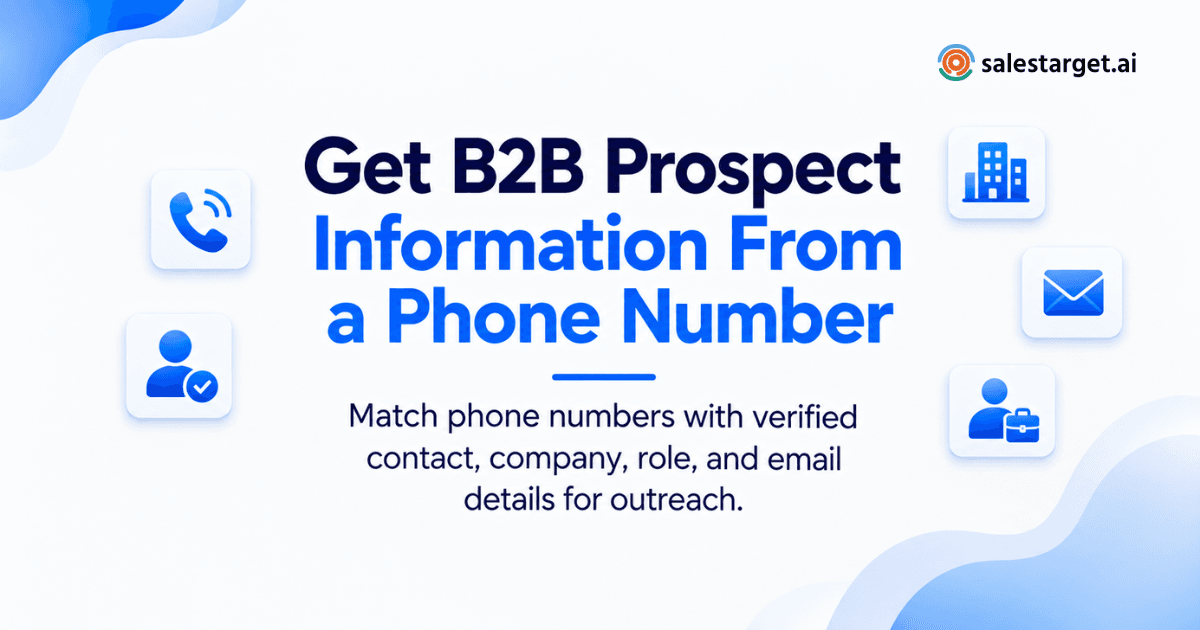
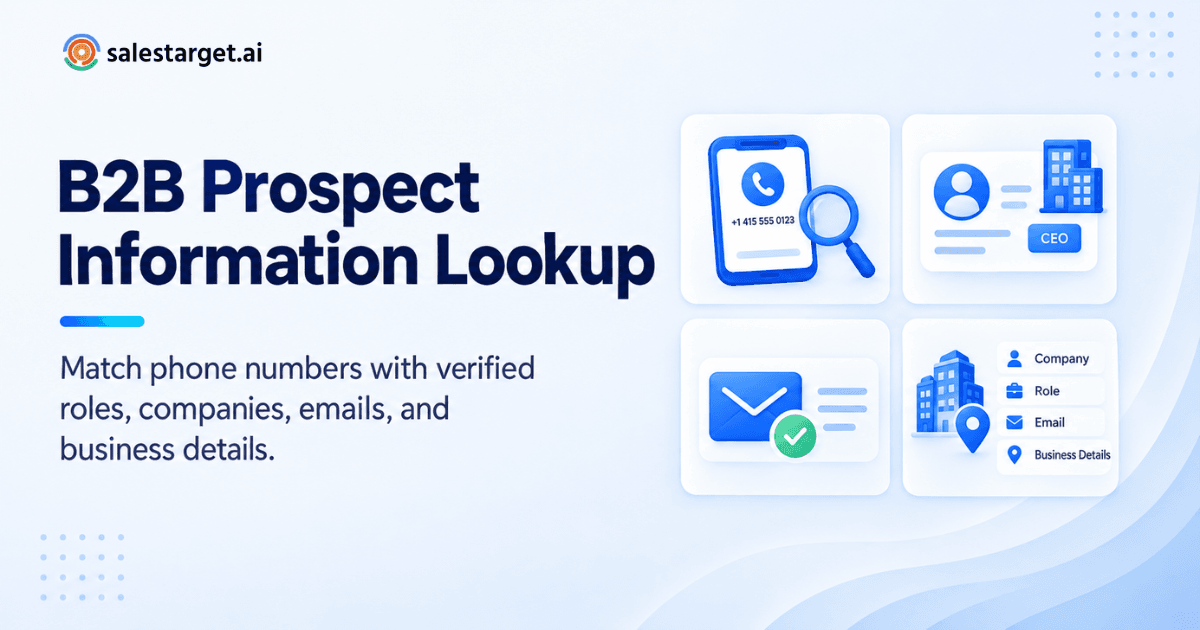
You get B2B prospect information from a phone number by running it through a B2B contact database that matches numbers to verified professional records, then pulling the company, job title, and email tied to that record. Tools like SalesTarget.ai's Lead Explorer do this matching automatically, turning a bare number into a full prospect profile with a verified professional email, job role, and company details in one click.
Getting B2B Prospect Information From a Phone Number
A phone number by itself tells a rep almost nothing. Attach it to a verified contact record and it becomes a starting point for a real conversation.
The process works by cross-referencing the number against a database of business contacts, then returning the person, their company, and confirmation that the record is current. Skip that verification step and outreach turns into guesswork.
Teams that pair phone-based research with a real B2B database close the gap between "we have a number" and "we know who to call and why it matters."
What a Phone Number Can Reveal About a B2B Prospect
A single business phone number, once matched to a verified record, opens up several layers of useful context for a rep building a case for outreach.
Business and Company Information
A matched number typically returns the company name, industry, headcount, and sometimes revenue band. That context tells a rep whether the account fits the ideal customer profile before a single message goes out.
Professional Contact Information
Beyond the phone number itself, a full match often surfaces a verified business email and, in some cases, a personal email. Having both channels ready means a rep isn't stuck waiting on a callback.
Job Role and Professional Profile
Title, seniority, and department show up in a strong match. Knowing whether the contact is a director or an individual contributor changes the entire pitch, not just the greeting.
Verified B2B Contact Data
The difference between a stale number and a usable one comes down to verification. A record checked recently against multiple sources is worth far more than one scraped once and never updated.
Why Phone-Based Prospect Research Matters for B2B Sales
Phone numbers carry weight buyers don't always give to other channels. Research from HubSpot and RAIN Group found that 57% of C-suite buyers prefer phone outreach, even though only 37% of reps report closing most deals through cold calls. That gap between preference and rep confidence is exactly where phone-based prospect research earns its place.
Faster Prospect Identification
Matching a number to a full record in seconds beats a rep manually searching LinkedIn and guessing at a company website. Speed compounds when a rep is working a list of fifty or more numbers in a day.
Better Lead Qualification
A phone match that includes company size, industry, and role lets a rep filter out poor fits before dialing. That filtering step protects call time for accounts worth pursuing.
More Context for Sales Outreach
A rep who knows the prospect's title and company can open a call with something specific instead of a generic script. That context shows up in reply rates and call outcomes alike.
Improved Decision-Maker Research
Phone-based lookups often confirm whether the number belongs to an actual decision-maker or a shared line. Confirming that early saves a rep from pitching the wrong person twice.
How to Find B2B Prospect Information Using a Phone Number
The lookup itself follows a repeatable sequence. Skipping a step here is usually where bad data creeps back in.
Collect the Available Business Phone Number
Start with whatever number you have, whether it came from a form fill, an event badge scan, or a referral. Even a partial or unformatted number is enough to begin the search.
Run a B2B Prospect Lookup
Feed the number into a B2B contact database built for prospect matching. Lead Explorer searches across 840M+ verified professional profiles and 146M+ business entities to return a match, when one exists.
Match Contact and Company Records
A strong match ties the number to both a person and a company record, not just one or the other. A number tied only to a generic company switchboard is far less useful than one tied to a named contact.
Review the Prospect's Business Details
Check the title, department, and company size against your target account list before moving forward. A match that looks right on paper still needs a quick human review.
Verify the Contact Before Outreach
Confirm the phone number and any linked email are current before a rep spends time on a message. A Email Validator check on the paired email catches bounced or disposable addresses before they cost a rep a wasted send.
Using B2B Lead Enrichment to Add More Prospect Details
A phone number is a single data point. Lead enrichment builds a full picture around it, so outreach lands with more than a name and a guess.
Enrich Phone Numbers With Company Information
Enrichment pulls in industry, headcount, and funding stage alongside the contact match. That layer helps a rep decide whether the account is worth prioritizing this week or next quarter.
Connect Phone Numbers With Professional Profiles
A full enrichment pass links the number to the contact's professional history, current role, and tenure. Knowing how long someone has held their title changes how a rep frames the opening pitch.
Add Relevant B2B Contact Data
Verified email, mobile number, and social profile links round out a record that started as one raw phone number. That record then feeds directly into a sequence without a rep copying data by hand.
Build More Complete Prospect Records
The goal isn't collecting data for its own sake. It's building a record complete enough that a rep can open a first conversation with real specifics instead of filler questions.
Key Checks Before Using B2B Prospect Data
Data that looks complete on the surface can still fail a rep at the moment it matters most. A short set of checks before outreach catches most of the common failures.
Phone Number Verification
Confirm the number is active and tied to the business, not a personal line that's since changed hands. A quick format and carrier check flags dead numbers before a rep wastes a dial.
Contact and Company Matching
Make sure the person's current employer matches the company tied to the phone record. Job changes happen fast, and a stale match sends a rep chasing the wrong org chart.
Buyer Role and Account Fit
A verified contact who sits outside the buying committee still wastes a rep's time. Checking role against your ICP before outreach filters that out early.
Email Verification Before Outreach
Gartner-cited research found that 89.9% of companies now use two or more data tools to research a prospect before making contact, and email verification is usually one of them. Running the paired email through a validator before sending protects sender reputation on every campaign that follows.
Prospect Data Accuracy and Freshness
Records decay fast. People switch roles, companies merge, and numbers get reassigned within months. A database that re-verifies data at the point of enrichment, rather than relying on a scrape from a year ago, stays useful longer.
Why Choose SalesTarget.ai
Finding a number is one step. Turning that number into a closed deal takes a full workflow, and that's where most point tools stop short.
Find and Enrich Prospects With Lead Explorer
Lead Explorer searches in plain English or through stacked filters across industry, role, seniority, and company size, then enriches a match with a verified phone, mobile, and email in the same click. Real-time buying signals from funding rounds, hiring spikes, and leadership changes add timing on top of the contact data.
Verify Contact Data With Email Validator
Every enriched email can run through the Email Validator for MX and SMTP checks before it enters a sequence. That step keeps bounce rates down and protects domain reputation across every campaign a team runs.
Connect Prospecting With Email and LinkedIn Outreach
Once a prospect record is built, Email Outreach and LinkedIn Outreach run in one coordinated sequence, so a contact who doesn't answer a call still gets a personalized email and a LinkedIn touch without a rep manually switching tools.
Manage Prospect Activity in the Built-In CRM
Every call, reply, and note lands automatically in the CRM, including notes from the built-in AI dialer, which listens to a call and logs what was said without a rep typing anything up after hanging up.
Use AI Copilot With Prospect and CRM Data
AI Copilot can search across the full contact database in a chat window, draft a personalized sequence for a matched prospect, and flag deals that have gone quiet, all inside the same workspace where the phone lookup started.
Teams weighing SalesTarget.ai against a database-only tool like Apollo, or a cold-email specialist like Instantly or Smartlead, usually land on the same trade-off: those tools cover one piece of the workflow well, but leave enrichment, verification, multichannel sequencing, and CRM tracking as separate subscriptions to stitch together.
Common Phone Number Prospect Lookup Mistakes
A few recurring mistakes account for most of the wasted call time teams run into.
Relying on an Unverified Phone Number Match
Treating a raw match as gospel without a verification pass invites bad dials. A number that hasn't been re-checked recently is a guess dressed up as data.
Using Incomplete B2B Contact Information
A match with a name but no title or company still leaves a rep guessing at fit. Push for enrichment before the record goes into a call queue.
Skipping Contact Verification
Bad email data attached to a good phone match still hurts deliverability the moment a rep sends a follow-up. Verify both channels, not just the one you plan to use first.
Ignoring Company and Buyer Fit
A verified contact at the wrong company or the wrong seniority level still wastes a call slot. Fit checks belong before outreach, not after a rep gets a "wrong department" response.
Sending Outreach Before Completing Prospect Research
Reaching out on a partial match, before company and role are confirmed, tends to produce generic messaging that reads as a mass blast. A complete record supports a specific opening line instead.
Turning Phone-Based Prospect Research Into Sales Outreach
A verified match is only useful once it moves into an actual sequence. Salesforce's 2026 State of Sales Report found 69% of sales professionals now say measurable ROI matters more to buyers than it did a year earlier, with buyers expecting deeper personalization before they commit. A complete prospect record, built from a verified number, is what makes that personalization possible.
Create a Verified Prospect Record
Start with the matched number, run enrichment, and confirm the paired email before the record moves anywhere near a sequence.
Add Company and Contact Details
Fill in title, department, and firmographic details so the record supports a specific pitch rather than a generic one.
Start Email and LinkedIn Outreach
Push the record into a coordinated sequence across Email Outreach and LinkedIn, so the prospect gets a consistent message no matter which channel they engage on first. Teams ready to move past manual list-building can start with a free trial and build a first sequence from an enriched list the same day.
Track Calls, Replies, and Follow-Ups in CRM
Every touch, call, and reply logs automatically, so a rep working fifty prospects a week isn't relying on memory to know who's due for a follow-up.
Turning a Phone Number Into Useful B2B Prospect Information
A phone number on its own is a dead end more often than not. Matched, enriched, and verified against a real B2B database, that same number becomes a full prospect record: a name, a title, a company, a verified email, and a reason to reach out.
SalesTarget.ai builds that entire path into one workspace. B2B lead finder workflows help teams discover and qualify relevant prospects, while Lead Explorer finds and enriches the match, the Email Validator confirms it, and Email Outreach, LinkedIn Outreach, and the CRM carry the conversation from first dial to closed deal, all without a rep switching tools or rebuilding a sales leads database by hand. Start finding verified prospects with SalesTarget.ai.