Your rep pulls 300 "VPs of Sales," loads them into a sequence, and by Thursday a quarter of the emails have bounced and a dozen contacts have changed jobs. The rest work at companies that were never a fit. The list looked full. The pipeline stays empty.
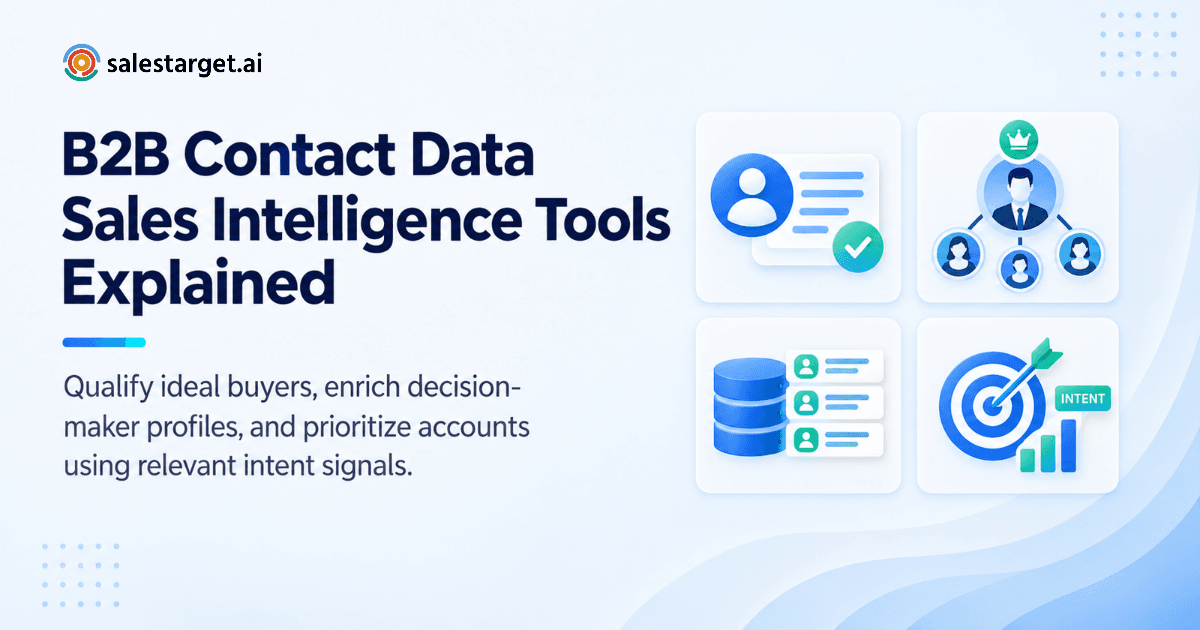
B2B contact data sales intelligence tools fix this by doing three jobs in one place. They find companies that match your ideal customer profile (ICP), name the decision-makers inside them, and check that each email address and phone number is real before anyone hits send. Intent signals add a fourth job: showing which accounts are researching what you sell. You get a short list of reachable, relevant buyers instead of a long list of guesses. SalesTarget.ai runs this whole flow in one workspace, from search to verified contact to outreach to CRM.
The Challenges of Finding Qualified B2B Prospects With Accurate Contact Data
Contact data goes stale faster than teams use it, and a name plus a job title says almost nothing about whether an account will buy.
Gartner has estimated that poor data quality costs organizations an average of $12.9 million a year. Sales teams feel a small slice of that every week. Salesforce's State of Sales research has reported that reps spend only about 28% of their week actually selling. The rest goes to research, data entry, and admin.
Three problems show up again and again.
Fit. Lists get built on volume, so reps contact people who were never going to buy.
Reachability. Emails bounce and phone numbers ring out. A bad batch also hurts your sending domain, which makes the good emails in the next campaign harder to deliver.
Timing. A perfect-fit account that is not researching anything looks identical on a spreadsheet to one that is mid-evaluation.
Sales intelligence tools exist to close these three gaps.
Understanding B2B Contact Data and Sales Intelligence
Contact data tells you who to reach. Sales intelligence tells you which accounts to reach first and why. Strong tools give you both.
The role of B2B contact databases in modern prospecting
A B2B contact database is a searchable store of professional profiles: name, title, company, work email, phone, and location. Its job is to turn "we sell to mid-size fintechs" into named people.
Size matters less than structure. A database with 840M+ profiles only helps if you can filter it by industry, seniority, department, and company size in a few clicks, and if the contact fields were checked recently.
How company data, contact details, and buyer intent signals work together
Each data type answers one question.
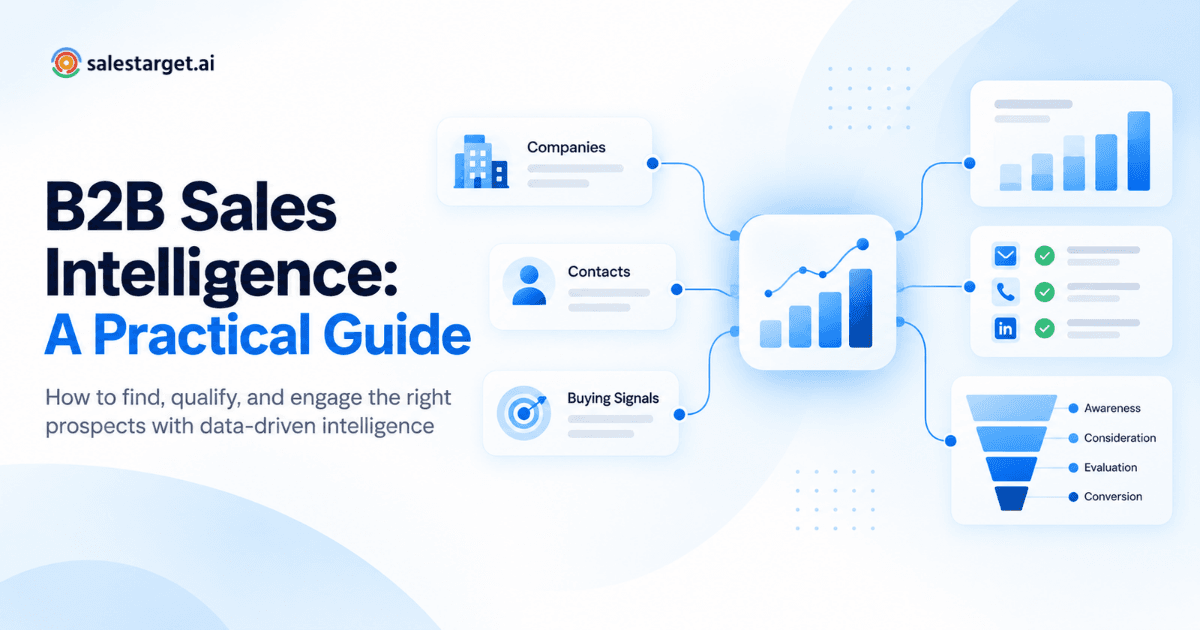
Company data (industry, headcount, revenue, tech stack) answers "does this account fit?" Contact details answer "can I reach the right person?" Intent signals answer "is now a good time?"
Each one alone leaves a hole. Fit without a contact is a dead end. A contact without fit is spam. Intent without a verified contact is a missed window. Business events such as funding rounds, hiring spikes, and leadership changes add timing context on top.
The difference between contact data providers and sales intelligence software
A contact data provider sells records. Sales intelligence software helps you decide what to do with them: filter, score, enrich, and route.
Providers hand you a file. Intelligence platforms keep the data attached to your workflow, so nothing gets stranded in a CSV. Our guide to the GTM and sales intelligence tools B2B companies use shows how teams combine the two in practice.
Key Ways Sales Intelligence Tools Improve B2B Prospecting
They shrink the market to accounts that fit, name the people who decide, flag who is in motion, and fill in the contact fields reps would otherwise hunt for by hand.
Identifying companies that match your ideal customer profile
Good ICP matching starts with filters on industry, company size, revenue, location, and tech stack. SalesTarget.ai's Lead Explorer adds two shortcuts: plain-English AI search and an ICP Builder that saves your criteria for reuse.
Most teams skip one step: write your exclusions down. List the company sizes, industries, and tech stacks you have closed-lost or churned from. Filtering those out often removes more bad leads than adding another positive filter.
Finding decision-makers using job titles, departments, and company filters
Title searches miss buyers. The person who owns outbound at a 40-person company might be called "Head of Growth," "Founder," or "RevOps Lead." If you search only "VP of Sales," you skip them.
Filter by department and seniority first, then use titles to sort. That catches the buyer whatever the company decided to call the role.
Using buyer intent signals to prioritize high-potential accounts
Intent data shows which accounts are researching topics tied to your product. SalesTarget.ai pulls Bombora Intent Topics and business events across a 30 to 90 day lookback.
Treat intent as a ranking input, not a filter. An account with strong fit and one weak signal still beats a poor-fit account with a loud one. Stacking works best: a funding round plus a hiring spike plus a relevant intent topic is a much stronger reason to reach out than any single signal.
Enriching prospect records with verified business contact information
Enrichment fills the gaps on a record: verified professional email, personal email, phone, and mobile. In Lead Explorer, one click does this at the moment you find the lead, so the data is current when you use it, not when it was first scraped.
Building a Verified B2B Prospect List From Discovery to Qualification
Define your ICP, find accounts and people, enrich them, verify before sending, segment, then push the list straight into outreach and your CRM.
Define your ideal customer profile and target market
Pick three to five firmographic filters, one technographic filter, and one or two intent topics. Add your exclusions. If your ICP fits on one screen, it is specific enough to search.
Identify relevant companies and decision-makers
Run the account search first, then the people search inside those accounts. Searching people first gives you great titles at wrong-fit companies. Account-first gives you fewer records and better ones.
Enrich contact records with professional email addresses and phone numbers
Enrich only the shortlist, not the whole market. Reps get usable records faster, and you skip spending effort on contacts you will never email.
Ready to try this on your own market? Build your ICP and enrich a first batch in Lead Explorer, then check how many records come back with a verified email and phone.
Verify contact details before launching sales outreach
Ask any data vendor one question: when was this contact verified? A database-wide accuracy figure says little if the check ran months ago. Verification at the point of enrichment is the standard to look for, and SalesTarget.ai works that way. Run a final email check before each send as well.
Segment prospects by industry, role, company fit, and buying signals
Split the list into two or three groups that deserve different messages. A fintech CFO with a funding signal and an ops manager at a logistics firm should not receive the same first line. Fit tier plus signal strength is a simple grid that works.
Connect qualified prospects to outreach campaigns and CRM workflows
The weakest point in most stacks is the handoff. Someone exports a CSV, someone else imports it, and half the fields break. SalesTarget.ai pushes enriched leads straight into email and LinkedIn sequences or the CRM, with no CSV in between.
Essential Features of B2B Contact Data Sales Intelligence Tools
Look for a large searchable database, strong filters, built-in enrichment and verification, intent data, multichannel outreach, and a CRM that logs everything.
Large contact databases with company and professional profiles
Coverage decides whether your niche exists in the tool at all. SalesTarget.ai covers 840M+ professional profiles and 146M+ business entities, built from 50+ data sources.
Advanced search filters and ideal customer profile matching
Check that you can stack business filters and people filters in the same search. If you can't filter by department, seniority, and tech stack together, you will end up filtering in a spreadsheet. For a side-by-side view, see our roundup of the best sales intelligence tools for B2B sales teams.
Contact enrichment and email verification capabilities
Enrichment should return email, phone, and mobile in one action. Verification should run on every address using MX and SMTP checks, disposable-email detection, and risk scoring.
Buyer intent data and prospect prioritization
Ask the vendor where intent comes from, how far back it looks, and whether it scores accounts or only individuals. Account-level scoring matches how buying committees work.
Email and LinkedIn outreach integration
A tool that finds leads but cannot send to them leaves the export problem in place. Native email and LinkedIn sequences keep context in one thread.
CRM tracking and sales activity management
Replies, calls, and meetings should land on the lead timeline automatically. If reps have to log activity by hand, they won't, and your reporting breaks.
Why Choose SalesTarget.ai
SalesTarget.ai is an all-in-one AI sales intelligence and outbound platform. It combines B2B lead data, email and LinkedIn outreach, email validation, a built-in CRM, and an AI Copilot in one workspace.
That differs from the usual mix of tools. Apollo gives you data and engagement, but you still bolt on deliverability and a CRM. Instantly, Smartlead, and Lemlist focus on cold email and deliverability, with no native B2B database, no LinkedIn automation, and no real CRM. SalesTarget.ai keeps it all on one platform: find a lead, enrich and verify it in the same click, push it into a sequence, and close it in the CRM.
Find and enrich prospects with Lead Explorer's 840M+ profiles
Lead Explorer is SalesTarget.ai's AI prospecting engine with built-in enrichment. Search in plain English or stack business and people filters, then enrich with one click. Contact data is reported at 99% verified.
Identify potential buyers using company filters and 4,000+ intent signals
Lead Explorer tracks 4,000+ intent signals, plus business events such as funding rounds, hiring spikes, leadership changes, and awards. Intent-based lead scoring ranks accounts so reps start with the warmest ones.
Coordinate email and LinkedIn outreach in one workflow
Email Outreach builds multi-step sequences from a plain-English audience description, with unlimited inboxes, automatic AI warm-up, and inbox rotation. LinkedIn Outreach handles connection requests, DMs, and follow-ups with conditional branching and built-in safety limits. Both run as one coordinated flow.
Reduce email bounces with Email Validator's MX/SMTP checks
The Email Validator checks every address with MX and SMTP checks, disposable-email detection, and risk scoring. It supports real-time API checks and bulk list cleaning, and Email Outreach reports 90% of emails validated before sending. Run your next list through the Email Validator before it touches a sequence.
Manage replies, follow-ups, and sales activities in the built-in CRM
Campaign leads land in the built-in CRM automatically, with every email and call logged to the timeline. Follow-up tasks are created when a lead replies or a meeting ends. The Unibox sorts replies by intent: Interested, Follow-Up, Not a Fit.
Prepare prospect searches and outreach with the free AI Copilot
The AI Copilot is free inside the platform. Ask it in chat to find leads, draft personalized sequences, or pull CRM deals, meetings, and tasks. It handles the grunt work so reps spend time on conversations.
Common Contact Data Mistakes That Weaken Sales Prospecting
Most prospecting problems trace back to a few repeated errors in how lists are built, checked, and tracked.
Prioritizing contact volume over ideal customer profile fit
A list of 5,000 loose-fit contacts loses to 500 tight ones. Volume raises send count, bounce risk, and spam complaints, and replies stay flat.
Using unverified email addresses in outbound campaigns
One bad batch lowers sender reputation, and that drag stays on your domain for later campaigns. Verify before the first send, not after the first bounce report.
Treating intent signals as guaranteed buying decisions
An intent signal means an account is researching a topic. It does not mean a budget exists. Use it to order your outreach, then qualify through conversation.
Ignoring data freshness, duplicate records, and changing job roles
People change jobs constantly. Duplicates make two reps email the same person. Re-enrich records before every new campaign, and merge duplicates at import.
Failing to connect prospecting results with CRM and pipeline metrics
If you can't trace a deal back to the list it came from, you can't tell which segments to keep. Tag every list at the source.
Measuring Contact Data Quality and Prospecting Performance
Track data quality first (accuracy, bounces), then sales results (replies, meetings, pipeline), then time saved.
Contact accuracy, verification rates, and email bounce rates
Measure the share of records verified at enrichment and your bounce rate per campaign. Compare bounce rates by data source. If one segment bounces twice as much as the rest, fix that source first.
Positive replies, meetings booked, and qualified lead conversion
Count positive replies, not total replies. Then track the share that become meetings and sales-qualified leads. SalesTarget.ai's CRM reports 2.4X more meetings from the same leads.
Pipeline contribution from verified prospect lists
Tag each list and report pipeline created per list. This tells you which ICP slice and which signal combination deserves more effort. The CRM also reports 3.2X faster deal cycles.
Prospecting time saved through enrichment and automation
Track hours per rep spent on research and data entry before and after. SalesTarget.ai's CRM reports about 6 hours saved per rep per week, and 91% follow-up completion.
The Future of Data-Driven B2B Prospecting
Prospecting is heading toward one connected workflow where verified data, signals, outreach, and CRM share the same record.
Combining verified contact data with buyer intent signals
Verified contacts get you into the inbox. Intent tells you when to show up. Teams that join the two stop treating timing as luck.
Connecting prospect discovery, outreach, and CRM management
Every handoff between tools loses data and time. Fewer handoffs means cleaner reporting and faster follow-up.
Using AI-powered prospecting to support more focused sales workflows
AI is most useful on the grunt work: searching, drafting, summarizing, and flagging at-risk deals. Strategy and relationships stay with the rep.
Conclusion: Building a More Reliable B2B Prospecting Process
The opening problem was a full list and an empty pipeline. The fix is a tighter process: a specific ICP, decision-makers found by function, contacts verified at the moment of enrichment, intent used for timing, and every result tracked in a CRM.
SalesTarget.ai covers all of it in one platform, so your team stops stitching tools together and spends its week talking to buyers. Build your first verified prospect list in SalesTarget.ai and see how many contacts clear verification.