It's 4 PM on a Thursday and you've got 40 open LinkedIn conversations sitting in your inbox. Some replied yesterday. Some replied three weeks ago and you never got back to them. A few connection requests are still pending from last month. You know at least one of those threads has a real buyer in it, but you can't tell which one without scrolling through all 40, and by the time you find it, the moment has passed.
That's the actual problem. Not "LinkedIn is hard," but that manual follow-up doesn't scale past a handful of active conversations before something falls through.
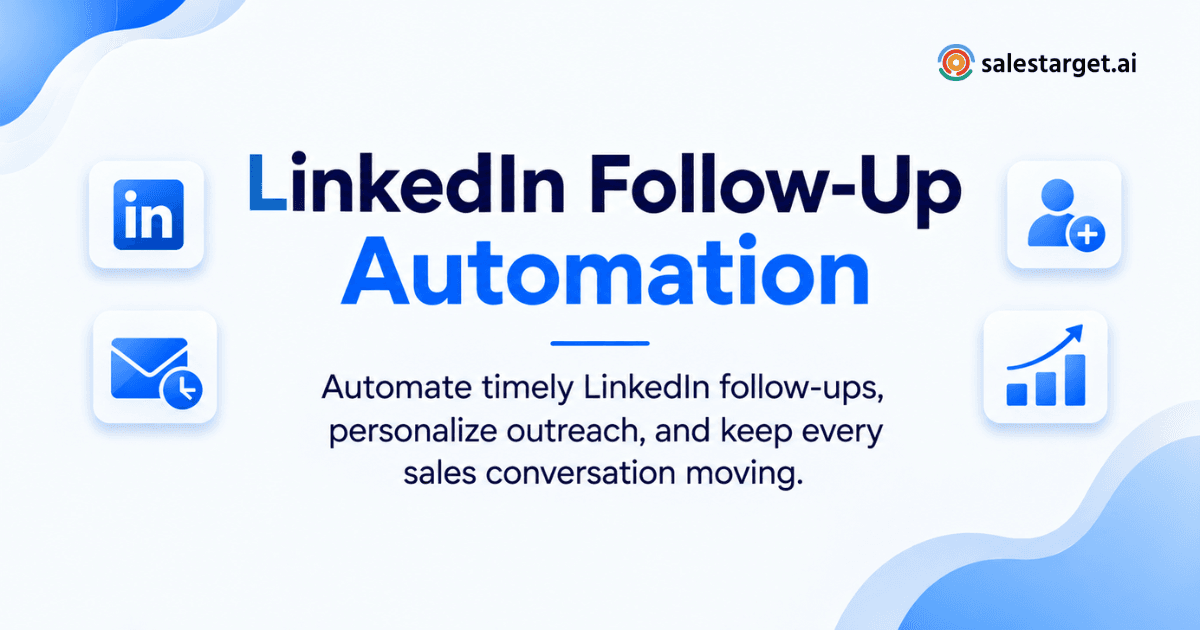
LinkedIn follow-up automation means using software to send scheduled, personalized follow-up messages to prospects on LinkedIn after a connection request or first touch, and to pause automatically the moment a prospect replies. The system tracks who has responded, who hasn't, and when the next message should go out, so reps stop guessing and stop double-messaging people who already answered. Tools like SalesTarget.ai run this on a set schedule with human-like delays, then hand any live reply straight to a rep so the conversation stays personal from that point on.
The Sales Conversation Gaps Caused by Manual LinkedIn Follow-Ups
Manual follow-up fails in three predictable spots. First, volume: a rep juggling 60 or 70 active LinkedIn threads cannot mentally track who's due for touch three versus touch one. Second, timing: the best follow-up window is often within a day or two of the last message, and manual tracking almost never hits that window consistently. Third, memory: reps forget which prospects already replied and send a scripted follow-up on top of a live conversation, which reads as tone-deaf and kills trust immediately.
HubSpot's research puts a number on the cost of this: 60% of customers say no four times before saying yes, yet nearly half of sales reps never make a second attempt at all.1 On LinkedIn specifically, the gap is worse because the channel feels more casual, so follow-up gets deprioritized behind "real" tasks like calls and demos, even though it's often where the deal actually gets moved forward.
Multi-step LinkedIn sequences close this gap by making follow-up a scheduled system instead of a mental checklist.
LinkedIn Follow-Up Automation: How the Workflow Works
Starting with LinkedIn connection requests
The sequence begins with a connection request, usually with a short personalized note referencing the prospect's role, company, or a specific trigger event. Automation tools queue these at a controlled daily volume so the account doesn't trip LinkedIn's spam detection.
Building LinkedIn outreach sequences
Once connected, the platform moves the prospect into a sequence: an opening message, then a series of follow-ups spaced days apart. Each step is pre-written but pulls in variables like first name, company, or job title so it doesn't read as a mail merge.
Scheduling LinkedIn follow-up messages
Messages go out on a timezone-aware schedule during normal working hours, with randomized delays between sends. This is what separates a workflow that looks human from one that gets flagged.
Using conditional follow-ups based on prospect responses
Good automation branches. If a prospect clicks a link but doesn't reply, the next message can reference that. If they reply with a question, the sequence should stop and route to a human, not keep pushing scripted content.
Stopping automated messages when a prospect replies
This is the step most tools get wrong, and it's the one that damages trust fastest. The moment a prospect sends any reply, the automated sequence needs to pause completely. SalesTarget.ai's LinkedIn Outreach detects replies and halts the sequence automatically so no one gets a scripted message three days after they already responded.
The Role of LinkedIn Follow-Ups in B2B Sales Outreach
Keeping prospects engaged across multiple touchpoints
A single message rarely gets a response. Multiple, spaced touchpoints keep the prospect's attention without demanding it all at once.
B2B buyers are busy and a message they saw once, three weeks ago, is functionally forgotten. Repeated, relevant touches keep the door open until timing lines up on their end.
Maintaining consistent follow-up activity across the pipeline
Consistency matters more than any single clever message.
A pipeline where 200 leads get three follow-ups each will outperform one where 50 leads get five follow-ups and 150 get none, purely because coverage compounds. Automation is what makes that consistency possible across a large list.
Connecting LinkedIn outreach with lead nurturing
LinkedIn touches work best paired with email, not run in isolation.
A prospect who ignores a LinkedIn message might open an email the same week, and vice versa. Running both channels off the same lead record means every touch informs the next one instead of duplicating effort. Email + LinkedIn multichannel sequencing keeps that context shared across channels automatically.
Tracking prospect responses throughout the sales process
Every reply needs to land somewhere a rep can act on it, not sit buried in LinkedIn's native inbox.
Without a central view, replies get missed simply because no one was looking at that specific thread that day.
How to Build an Automated LinkedIn Follow-Up Workflow
Define the target audience and outreach goal
Start narrow. A sequence built for VP-level buyers at 200+ employee SaaS companies should read differently than one built for founders at 10-person startups. Trying to write one message that works for both usually works for neither.
Create personalized LinkedIn follow-up messages
Personalization beyond first-name tokens actually moves reply rates. Reference a recent funding round, a job change, or a specific pain tied to their industry. SalesTarget.ai's AI personalization pulls from enriched prospect data, including recent business events, so each message adapts to the person rather than reading off a fixed template.
Set timing and delays for each follow-up
A common starting cadence is day 0, day 3, day 7, day 14, then a final breakup message around day 21. Adjust based on how fast your sales cycle actually moves; enterprise deals can tolerate longer gaps than transactional ones.
Add response-based conditions to the sequence
Build in branches for "no response," "replied with interest," and "replied with objection." Each path should lead somewhere different, not funnel back into the same generic next message.
Monitor active conversations and prospect replies
Someone needs to own reviewing incoming replies daily, even with automation running. A reply flagged as "interested" that sits unread for four days is a wasted response.
Move qualified prospects into the next sales stage
Once a prospect engages, pull them out of automated sequencing and into a live, tracked conversation. SalesTarget.ai's CRM creates a follow-up task automatically the moment a lead replies, so that handoff doesn't depend on someone remembering to do it manually.
Key Features of LinkedIn Messaging Automation for Sales
Multi-step LinkedIn outreach sequences
Sequences that chain connection requests, opening messages, and follow-ups into one continuous flow instead of one-off sends.
Personalized automated LinkedIn messages
AI-generated variable insertion based on role, industry, and company size, so messages don't read as obviously templated.
Response detection and follow-up controls
Automatic pause on reply, which is the single feature that prevents the most damage to a sales conversation if it's missing.
Timezone-aware scheduling and human-like delays
Messages sent within the prospect's working hours, with randomized gaps between sends to mimic natural behavior and protect the account from platform restrictions.
LinkedIn and email outreach in one workflow
Running both channels from the same lead record means a reply on one channel updates the plan for the other, instead of two disconnected tools working against each other.
Conversation tracking for active prospects
A unified view of who replied, what they said, and what stage they're at, without digging through LinkedIn's native message list.
Why Choose SalesTarget.ai
Most LinkedIn automation tools do exactly one thing: send messages on a schedule. SalesTarget.ai is built to handle the whole loop, from finding the right prospect to closing the deal, inside one platform.
Find and enrich B2B prospects with Lead Explorer
Lead Explorer searches across 840M+ verified professional profiles and 146M+ business entities, with enrichment happening the moment you find a lead. That means the contact data feeding your LinkedIn sequence is verified at the point of use, not scraped months earlier and gone stale.
Run LinkedIn and email sequences in one outreach flow
LinkedIn Outreach and Email Outreach share the same lead record and sequence logic, so a prospect who replies on LinkedIn doesn't also get an unrelated cold email the next morning.
Maintain contact quality with email validation and deliverability checks
Paired Email Validator checks catch invalid or risky addresses before they ever enter a sequence, which matters when LinkedIn and email are running together as one motion.
Track sales conversations in a built-in CRM
Every reply, every stage change, and every task lands in the built-in CRM automatically. No CSV exports, no separate tool to keep in sync.
Use AI Copilot across leads, sequences, and CRM data
AI Copilot can be asked in plain language which LinkedIn threads went quiet, which prospects replied but haven't been followed up on, and which sequences are underperforming, without building a report first.
If your current setup is a spreadsheet tracking who you messaged last, SalesTarget.ai replaces that with a system that remembers for you.
Common LinkedIn Follow-Up Automation Mistakes
Sending automated follow-ups after a prospect responds
The most damaging mistake on this list. A scripted message landing after a real reply signals nobody's actually paying attention, and prospects notice immediately.
Repeating the same message at every follow-up stage
If touch two reads identically to touch one, you're not following up, you're spamming. Each message needs a different angle or new information.
Using rigid timing for every prospect
A single fixed cadence applied to every industry and role ignores that some buying cycles move in days and others in months.
Adding too many steps to a LinkedIn sequence
Past five or six touches without a reply, the return drops sharply and the risk of annoying the prospect goes up. Know when to stop.
Automating messages without reviewing conversations
Automation handles the sending, not the judgment. Sequences left completely unattended will eventually send something wrong to the wrong person.
Keeping LinkedIn follow-ups disconnected from CRM activity
If LinkedIn activity doesn't sync to the CRM, a rep working a deal has no idea a prospect was already messaged twice this week on a different channel.
Managing LinkedIn Follow-Ups Without Losing Personalization
Using prospect data to personalize every message
Pull from enriched fields (role, recent company news, tech stack) rather than just first name. The difference in reply rate between a generic template and a message referencing something specific to the prospect is significant and consistent across campaigns.
Matching follow-up content to the conversation stage
A first-touch message and a fourth-touch breakup message should not sound the same. Early messages introduce value; later ones acknowledge the silence directly and offer a clean exit.
Combining LinkedIn sales outreach with email follow-ups
A prospect who's gone quiet on LinkedIn might respond to a shorter, more direct email the same week. Running both from one sequence engine keeps the messaging coordinated instead of contradictory.
Moving active replies from automation into direct sales conversations
The instant a prospect replies with genuine interest, that thread belongs to a human rep, not a script. Automation's job ends the second real conversation starts.
Conclusion: Keep LinkedIn Follow-Ups Consistent Without Losing Sales Conversations
The 40 open threads from the start of this post aren't a personal failing, they're what happens when follow-up depends entirely on memory. Salesforce research puts sales reps spending 60% of their time on non-selling admin work, and manual follow-up tracking is a large piece of that.2 Automating the schedule while keeping replies routed to a real person fixes both problems at once: consistency goes up, and no live conversation gets buried under a scripted message.
SalesTarget.ai handles that exact handoff, running the sequence, detecting the reply, pausing automatically, and logging everything to the CRM so nothing depends on a rep remembering to check a thread. Start with SalesTarget.ai and see how the workflow runs on your own pipeline.