You've sent 500 cold emails this week. Open rates look decent. Reply rates? Barely 3%. Meanwhile, your LinkedIn connection requests sit at "pending" with no follow-up plan and no tie-in to your email sequences. Two channels running in parallel, talking to the same prospects, saying different things, at different times, with zero coordination. That's not multichannel outreach. That's two single-channel campaigns pretending to work together.
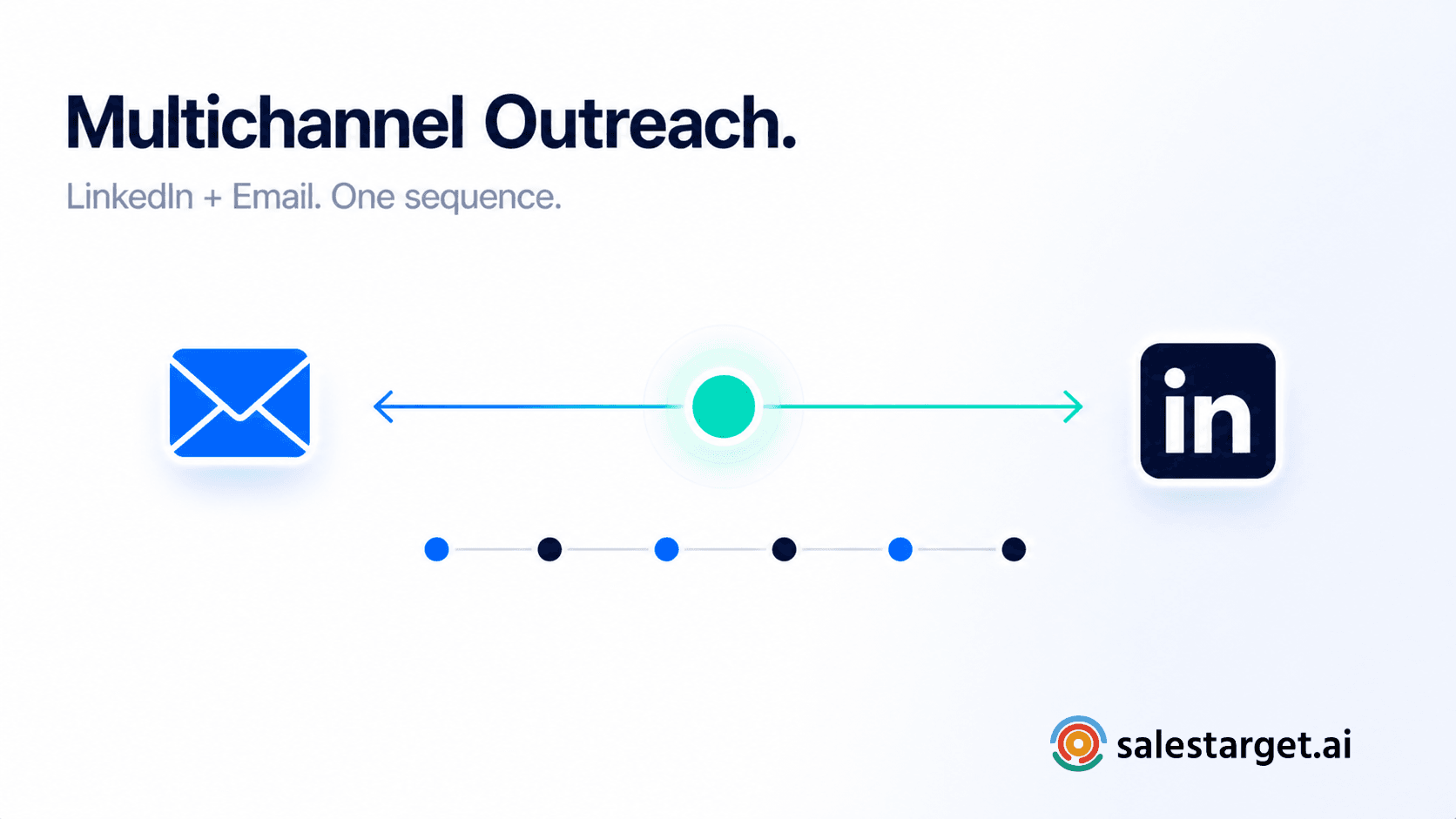
Here's the short answer: you combine LinkedIn outreach automation with email outreach by running both channels inside a single, sequenced workflow where each touchpoint builds on the last. Start with a LinkedIn connection request to build familiarity. Follow up with a personalized email that references that interaction. Then alternate between channels based on prospect engagement signals, all managed from one platform with shared contact data and unified reporting.
The rest of this post breaks down exactly how to structure that workflow, set up automated campaigns, and pick the right tools to pull it off.
Why Single-Channel Outreach Leaves Deals Unfound?
Relying on one channel is a volume trap. Cold email alone averages a 3 to 5% reply rate. LinkedIn messages alone hover around 8 to 12%. Neither number is catastrophic on its own, but both leave a massive gap between "contacted" and "converted."
The real cost isn't just low reply rates. It's invisible deals: prospects who saw your email but needed a second signal to respond. Prospects who accepted your LinkedIn request but never got a reason to engage further. According to Gartner, B2B buyers now use 10 or more digital touchpoints before engaging with a sales rep. If you're only showing up in one of those touchpoints, you're simply not in the conversation.
Single-channel also creates a false negative problem. A prospect who ignores your cold email isn't necessarily uninterested. They might be buried in inbox noise. A LinkedIn DM from the same person, referencing the same pain point, changes the context entirely. Without that second touchpoint, your SDRs log the lead as "unresponsive" and move on. That's a pipeline leak, not a data point.
There's a compounding issue most teams miss: channel fatigue is channel-specific. A buyer drowning in cold emails may still read LinkedIn messages carefully. A buyer who ignores LinkedIn DMs might respond to a well-timed email. Running a single channel means you're betting your pipeline on the one channel your prospect happens to be least fatigued on. That's a coin flip dressed up as a strategy.
Why Combine LinkedIn Outreach Automation with Email Outreach?
Coordinated multichannel outreach produces 2x to 3x higher response rates than single-channel campaigns. That's not a marketing claim. It's the math of repeated, varied exposure across channels where your prospects actually spend time.
Here's what the combination gives you that neither channel delivers alone:
Familiarity before the ask. When a prospect sees your LinkedIn profile before your email lands, your name isn't cold anymore. That connection request acts as a warm-up. The email that follows gets opened by someone who already has context on who you are and why you're reaching out.
Multiple signal paths. LinkedIn tells you when someone views your profile, engages with your content, or accepts a connection. Email tells you about opens, clicks, and replies. Together, these signals build a real-time picture of buying intent that a single channel can't provide.
Higher deliverability, lower risk. Splitting your outreach across two channels means you're not hammering one inbox or one platform with all your volume. Your sender reputation stays healthier. Your LinkedIn account stays within safe activity limits. Each channel carries less load, and both perform better as a result.
The "surround sound" effect. A prospect who sees your name on LinkedIn, reads your email, and notices your comment on their post in the same week starts to see you as part of their professional world. That's a fundamentally different dynamic than a single cold email from a stranger.
How to Structure a Unified LinkedIn and Email Outreach Sequence?
Define Your Outreach Goals and Target Audience
Before building any sequence, get specific about what you're solving for. "Book more meetings" is a goal. "Book 15 discovery calls per month with VP-level buyers at Series B SaaS companies using HubSpot" is a target you can build a sequence around.
Use your ICP to determine which prospects get the multichannel treatment and which get email-only. Not every lead justifies the effort of a coordinated sequence. High-value accounts with strong buying signals (recent funding, leadership changes, tech stack matches) warrant the full LinkedIn-plus-email sequence. Lower-priority leads can start with email and graduate to multichannel based on engagement.
Start with a Personalized LinkedIn Connection Request
Lead with LinkedIn. The connection request is your lowest-friction first touch. It doesn't require an email address, it doesn't hit a spam filter, and it puts your face and headline in front of the prospect.
Keep the connection note under 300 characters. Reference something specific: a recent post they wrote, a mutual connection, their company's latest product launch. Generic "I'd love to connect" messages get ignored at the same rate as templated cold emails.
One detail most teams overlook: your LinkedIn profile IS your landing page for this first touch. Before launching any outreach, audit your headline, about section, and recent activity. If your profile reads like a resume instead of a value proposition, you're burning the connection request.
Follow Up with a Value-Driven Email
Wait 24 to 48 hours after the connection request (accepted or not) before sending the first email. This gap is intentional. It lets the prospect register your name on LinkedIn before your email arrives.
The email should NOT repeat your connection request message. It should build on it. If your LinkedIn note mentioned their recent Series B funding, your email could share a specific insight about how similar companies scaled outbound after raising. Lead with value. The ask (a meeting, a demo, a reply) comes at the end, and it should be small.
Coordinate LinkedIn and Email Touchpoints
This is where most teams break down. They run LinkedIn and email as separate campaigns with separate timelines, separate messaging, and no shared logic. The prospect gets hit with conflicting asks on the same day, or goes a week without hearing anything.
A coordinated sequence looks like this:
- Day 1: LinkedIn connection request (personalized note)
- Day 2-3: Email #1 (value-driven, references LinkedIn interaction)
- Day 5: LinkedIn follow-up message or profile engagement (comment, like)
- Day 7: Email #2 (different angle, new value prop)
- Day 10: LinkedIn voice note or InMail (if no response)
- Day 12: Email #3 (soft breakup, clear CTA)
The key: each touchpoint references or builds on the previous one. The prospect should feel like they're having an ongoing conversation, not receiving disconnected blasts.
Schedule Follow-Ups Without Overwhelming Prospects
The line between persistent and annoying is thinner than most reps think. A good rule: no more than one touchpoint per channel per 48 hours, and no more than three total touchpoints in any 7-day period.
Timezone-aware delivery matters. Sending a LinkedIn DM at 11 PM in your prospect's local time signals automation, not attention. Use working-hour limits and human-like delays between actions. LinkedIn actively penalizes accounts that fire off connection requests and messages in rapid, bot-like patterns. Built-in safety features like rate limits, warm-up logic, and auto-pause safeguards protect your account while keeping your sequences on schedule.
Track Engagement and Optimize Your Sequence
Treat your combined sequence as a living system, not a set-and-forget campaign. Track these metrics across both channels:
- Acceptance rate (LinkedIn connections accepted)
- Reply rate (by channel and by sequence step)
- Positive reply rate (interested responses vs. total replies)
- Conversion rate (replies to meetings booked)
If LinkedIn connection requests are accepted at 40% but nobody replies to DMs, your DM copy is the problem, not your targeting. If emails get opened but not replied to, your CTA or value prop needs work. Cross-channel data tells a more honest story than any single-channel metric.
Setting Up Automated Outreach Campaigns Across Platforms
Choose the Right Outreach Automation Tools
Most teams cobble together a LinkedIn automation tool, a cold email platform, and a CRM, then spend hours keeping them synchronized. That fragmentation is where leads slip through, messaging gets inconsistent, and reps waste time switching tabs.
The better approach: pick a platform that handles LinkedIn outreach automation and email outreach natively, in one workflow. You need shared contact records, unified analytics, and sequence logic that branches based on engagement across both channels. Automating LinkedIn outreach isn't about adding another tool to your stack. It's about removing the gap between your tools.
Segment Your Audience for Targeted Campaigns
Don't run the same sequence for every prospect. Segment by:
- Seniority level: C-suite prospects get shorter, more direct sequences. Individual contributors get more educational content.
- Buying signal strength: Prospects showing intent signals (hiring for relevant roles, evaluating competitors, recently funded) get multichannel immediately. Cold prospects start with email only.
- Industry vertical: Messaging that resonates with fintech buyers falls flat with healthcare buyers. Segment and customize.
Create Consistent Messaging Across Platforms
Consistent doesn't mean identical. Your LinkedIn message and your email should feel like they come from the same person with the same point of view, but each should be written for the format it lives in.
LinkedIn messages: conversational, short, reference something visible on their profile or feed. Emails: slightly more structured, can include links and resources, deliver specific data or case-relevant insights.
The thread that ties them together is your core value proposition and the specific problem you're solving for that prospect.
Set Up Multi-Channel Workflow Automation
Build sequences where LinkedIn and email actions share the same logic tree. The sequence should branch based on what happens:
- Prospect accepts LinkedIn connection → send email #1 within 24 hours.
- Prospect opens email but doesn't reply → send LinkedIn follow-up.
- Prospect replies on any channel → pause all automated touchpoints and alert the rep.
Conditional sequences that handle this branching natively, without requiring Zapier chains or manual intervention, are what separate real multichannel outreach platforms from tools duct-taped together.
Schedule Follow-Ups and Trigger-Based Actions
Static schedules work for the first touch. After that, your sequence should respond to what the prospect does. A prospect who views your LinkedIn profile after receiving your email is signaling interest. That's a trigger for an immediate, personalized follow-up, not a reason to wait three more days for the next scheduled step.
Monitor Campaign Performance and Optimize Results
Review campaign data weekly, not monthly. Look for patterns:
- Which sequence step generates the most positive replies?
- Where do prospects drop off?
- Are LinkedIn touchpoints lifting email reply rates, or are they redundant?
Kill underperforming steps. Double down on what's working. A/B test message variants across both channels. According to HubSpot's State of Sales report, organizations that align their multichannel sales strategies see up to 208% higher revenue attribution from marketing-assisted deals. That alignment starts with looking at cross-channel data as one picture, not two separate dashboards.
Best Practices for Combined LinkedIn and Email Outreach
Keep Your Messaging Consistent Across LinkedIn and Email
Inconsistency kills trust fast. If your LinkedIn message talks about "scaling outbound pipeline" and your email talks about "cutting costs with AI," the prospect doesn't see two touchpoints. They see two strangers.
Define your core narrative before writing any copy. Every message across both channels should orbit the same pain point and the same solution angle. Vary the language, not the story.
Personalize Outreach Based on Prospect Activity
True personalization isn't "Hi {first_name}, I see you work at {company}." That's mail merge. Real personalization references something the prospect did: a LinkedIn post they published, a job posting their company listed, a conference they spoke at, a product launch they announced.
AI-powered personalization tools can adapt messages based on each prospect's profile, role, and industry, pulling contextual data so your outreach references real activity, not generic merge fields.
Use the Right Timing Between LinkedIn and Email Touchpoints
Research consistently shows that 20 to 58% of replies come from follow-up messages, not the initial touch. But timing those follow-ups matters more than volume.
The sweet spot: 24 to 48 hours between a LinkedIn touch and the corresponding email. Same-day is too aggressive (it feels coordinated in a creepy way). More than 72 hours apart, and the familiarity effect fades.
Avoid Sending Duplicate Messages Across Channels
This sounds obvious, but it happens constantly when teams run LinkedIn and email from separate tools. The prospect gets a LinkedIn DM on Tuesday and an email on Wednesday with nearly identical copy. That's not multichannel. That's spam on two channels.
Each channel should deliver unique value. LinkedIn carries the conversational, relationship-building touchpoints. Email carries the structured, resource-rich touchpoints. Neither should make the other feel redundant.
Balance Automation with Authentic Engagement
Automate the sequence logic: timing, triggers, and follow-up scheduling. Don't automate the thinking. When a prospect replies, a human should respond. When a prospect engages meaningfully on LinkedIn, a real person should comment back.
The most effective teams automate 80% of the sequence mechanics and keep 20% manual for moments that require genuine human judgment. A unified inbox that pulls every reply across channels into one view and sorts by intent (Interested, Follow-Up, Not a Fit) helps reps spend their manual time on the replies that matter most.
Monitor Cross-Channel Engagement to Improve Results
Track attribution across channels, not within them. If a prospect accepted your LinkedIn connection on Day 1 and replied to your email on Day 4, that's a multichannel win, not an email win. Your reporting should reflect the sequence as a whole.
Tools That Actually Unite LinkedIn and Email Outreach
Key Features to Look for in Unified Outreach Tools
Not every tool that claims "multichannel" actually connects the channels. Here's what to look for:
- Shared contact timeline: Every LinkedIn action and email action logged on the same contact record.
- Conditional branching: Sequence steps that change based on cross-channel engagement.
- Unified inbox: All replies (LinkedIn DMs, emails) in one place.
- Built-in contact data: So you're not exporting CSVs between your data provider and your outreach tool.
- Account safety: LinkedIn rate limits, warm-up, and auto-pause to protect your account.
How Multi-Channel Outreach Platforms Synchronize LinkedIn and Email
A true multichannel platform runs LinkedIn actions (connection requests, DMs, profile visits, post engagement) and email actions (sends, follow-ups, A/B variants) inside the same sequence builder. The logic is shared: a reply on LinkedIn pauses email follow-ups. An email bounce triggers a LinkedIn-only path. Both channels feed the same engagement score.
CRM Integrations That Streamline Outreach Workflows
Your outreach data is useless if it lives in a silo. The CRM should receive every touchpoint automatically: emails sent, LinkedIn connections made, replies received, meetings booked. Campaign leads should land in the CRM without manual imports. Every interaction should be logged to the lead timeline, and follow-up tasks should be created automatically when a lead replies or a meeting ends.
Automation Capabilities for Cross-Channel Campaigns
Look for these specific capabilities:
- AI-generated copy per channel: Messages written for LinkedIn tone vs. email tone, not one template pasted into both.
- Trigger-based branching: "If they opened email but didn't reply, send LinkedIn DM" logic.
- Smart scheduling: Timezone-aware, with human-like delays between actions.
- Email validation pre-send: Verifying addresses before they enter the sequence to protect deliverability.
Analytics and Reporting Across LinkedIn and Email
You need one dashboard that shows both channels side by side: reply rates by channel, engagement by sequence step, conversion rates from first touch to meeting. Separate dashboards for LinkedIn and email make it impossible to understand which channel is contributing what.
Choosing the Right Tool for Your Sales Team
A tool that handles LinkedIn sales automation and cold email outreach in one workspace eliminates the integration tax. That's the hidden cost of stitching point tools: the Zapier subscriptions, the CSV exports, the "why didn't this lead sync?" troubleshooting, the duplicate records across systems. For outbound teams, consolidation isn't about convenience. It's about pipeline integrity.
Why Choose SalesTarget.ai?
One Platform for LinkedIn, Email, and Replies
SalesTarget.ai runs LinkedIn outreach automation and email outreach inside the same sequence builder. Connection requests, DMs, emails, and follow-ups all live in one workflow. Replies from both channels flow into a single Unibox, sorted by intent, with owner assignments and CRM deal sync. No tab-switching. No missed replies.
840M+ Verified Profiles Eliminate Manual Prospecting
Stop spending the first hour of every day building lists. SalesTarget.ai's Lead Explorer gives you access to 840M+ verified professional profiles and 146M+ business entities with real-time enrichment. One click unlocks verified email, phone, and mobile. Push enriched contacts straight into your sequences with no CSV step in between.
AI Personalization Adapts Messages Per Channel
SalesTarget.ai's AI Content Generator writes LinkedIn messages and emails that feel native to each channel. LinkedIn copy stays conversational and short. Email copy includes structure, data, and resources. AI Spintax generates human-like variations so no two prospects receive identical messages, keeping deliverability high and engagement genuine.
Single Unified Inbox for All Outreach
Every reply, from LinkedIn DMs and email threads alike, lands in Unibox. Replies are automatically sorted by intent: Interested, Follow-Up, or Not a Fit. Reps see exactly which conversations need attention without checking two platforms.
Lightweight CRM Syncs with Your Sequences
SalesTarget.ai's CRM is built for outbound teams. Leads from campaigns land automatically. Every interaction is logged. Follow-up tasks are created when a lead replies. The built-in AI dialer logs calls and captures notes to the lead timeline. A live shared pipeline and dashboard show email stats, open deals, meetings, and pending tasks, with connections to Google Calendar, Slack, HubSpot, Salesforce, Zapier, and more. Teams using SalesTarget.ai's CRM report 3.2X faster deal cycles and about 6 hours saved per rep per week.
Start Your Combined Outreach Campaign
Single-channel outreach leaves too many deals on the table. The math is simple: prospects who see your name across LinkedIn and email reply at 2 to 3x the rate of those who only see it in one place.
But running two channels only works when they're coordinated. Same contact data. Same sequence logic. Same inbox for replies. Same analytics. Anything less creates more work, not more pipeline.
SalesTarget.ai brings LinkedIn outreach automation, cold email outreach, verified B2B data, and a built-in CRM into one platform, on one bill. No more stitching together point tools. No more leads slipping between systems. launch your first coordinated LinkedIn and email outreach sequence today.