TL;DR
- Expansion signals flag existing customers ready to buy more — not new prospects.
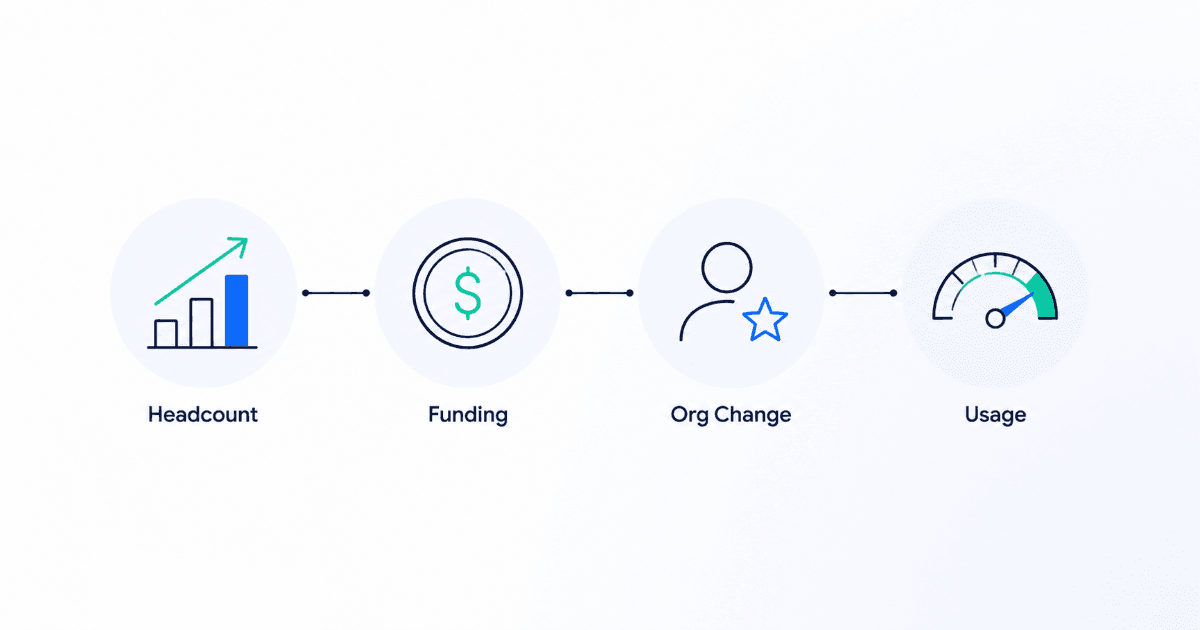
- The 4 core types: headcount growth, new funding, org changes, usage patterns.
- Most teams only watch signals for net-new deals and leave expansion revenue on the table.
- Expansion signals need a handoff process to CS/AM, not a cold outbound sequence.
Your team is probably watching signals for companies that have never bought from you — while a current customer just tripled headcount, closed a funding round, and hired a new VP who has no idea you exist. That's a warmer deal than anything in your prospecting list, and most teams never see it.
New-Logo Signals vs. Expansion Signals: The Key Difference
New-logo signals tell you a company you've never sold to might be ready to buy — a job posting, a tech stack change, a new executive hire. Expansion signals ask a different question entirely: is a company that already pays you now positioned to pay you more?
The distinction matters because the signals themselves overlap — headcount growth looks the same whether the company is a prospect or a customer — but the play that follows is completely different. A new-logo signal triggers outbound. An expansion signal triggers a conversation with an account that already trusts you.
The 4 Expansion Signal Types
| Signal Type | What It Looks Like | Expansion Angle |
|---|---|---|
| Headcount growth | Customer's team using your product doubles in size | More seats, higher tier |
| New funding | Customer closes a funding round post-purchase | Budget expansion, new initiatives |
| Org changes | New department head or VP hired | Cross-sell into a new team |
| Usage patterns | Customer nears plan limits or adopts a feature heavily | Upgrade before they hit the ceiling |
How to Set Up Expansion Signal Alerts for Your Customer Base
The setup is different from prospecting signals in one key way: your signal source list is your existing customer base, not the open market. Instead of scanning for new companies matching an ICP, you're monitoring a fixed, known list of accounts for change.
- Build a segment of current customers inside your CRM.
- Layer real-time signal discovery on top of that segment instead of your prospect list.
- Set alert thresholds — for example, 20%+ headcount growth in the last 90 days, or a funding event in the last 60 days.
- Score and prioritize using intent-based lead scoring, weighted toward expansion-relevant signals.
Common mistake
Treating expansion signals like cold signals
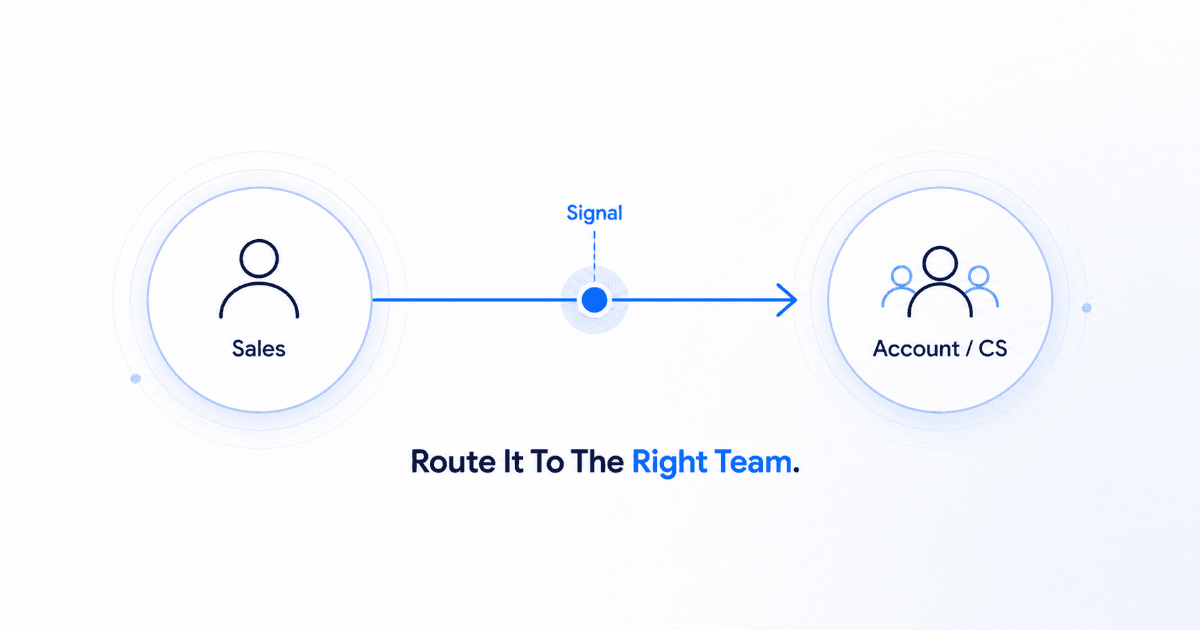
An expansion signal doesn't call for a cold outbound sequence. It calls for a warm check-in from the account owner or CS lead — the relationship already exists.
Handing Off Expansion Signals to CS/AM Teams
Expansion signals are only useful if they reach the right person fast. Sales development reps typically own new-logo signals; customer success or account management should own expansion signals, since they already hold the relationship. Route these alerts directly into the account owner's queue inside your CRM rather than a shared prospecting inbox — a signal that sits unread for two weeks is a missed renewal conversation, not a missed cold email.
How SalesTarget's Signal Discovery Applies to Existing Accounts
The same signal infrastructure that surfaces net-new prospects works on your current customer list — you're just pointing it at a different segment. Once your customer base is tagged in your CRM, signal discovery tracks headcount, funding, and org changes on those accounts the same way it does for prospects, so expansion opportunities surface automatically instead of depending on an account manager remembering to check LinkedIn.
Stop losing expansion revenue to inbox silence.
Turn on signal discovery for your existing accounts.
✓ 50 credits ✓ 7-day trial ✓ No credit card required

See It In Action: Book Your Free Demo
Get a personalized walkthrough and see how it works for your team.
Book My Demo →