TL;DR
- B2B deals involve 6 to 10 stakeholders on average, per Gartner's buying research — single-threaded outreach only ever talks to one of them.
- Multi-threading means deliberately identifying, finding, and sequencing outreach to every role on the buying committee, not just whoever replied first.
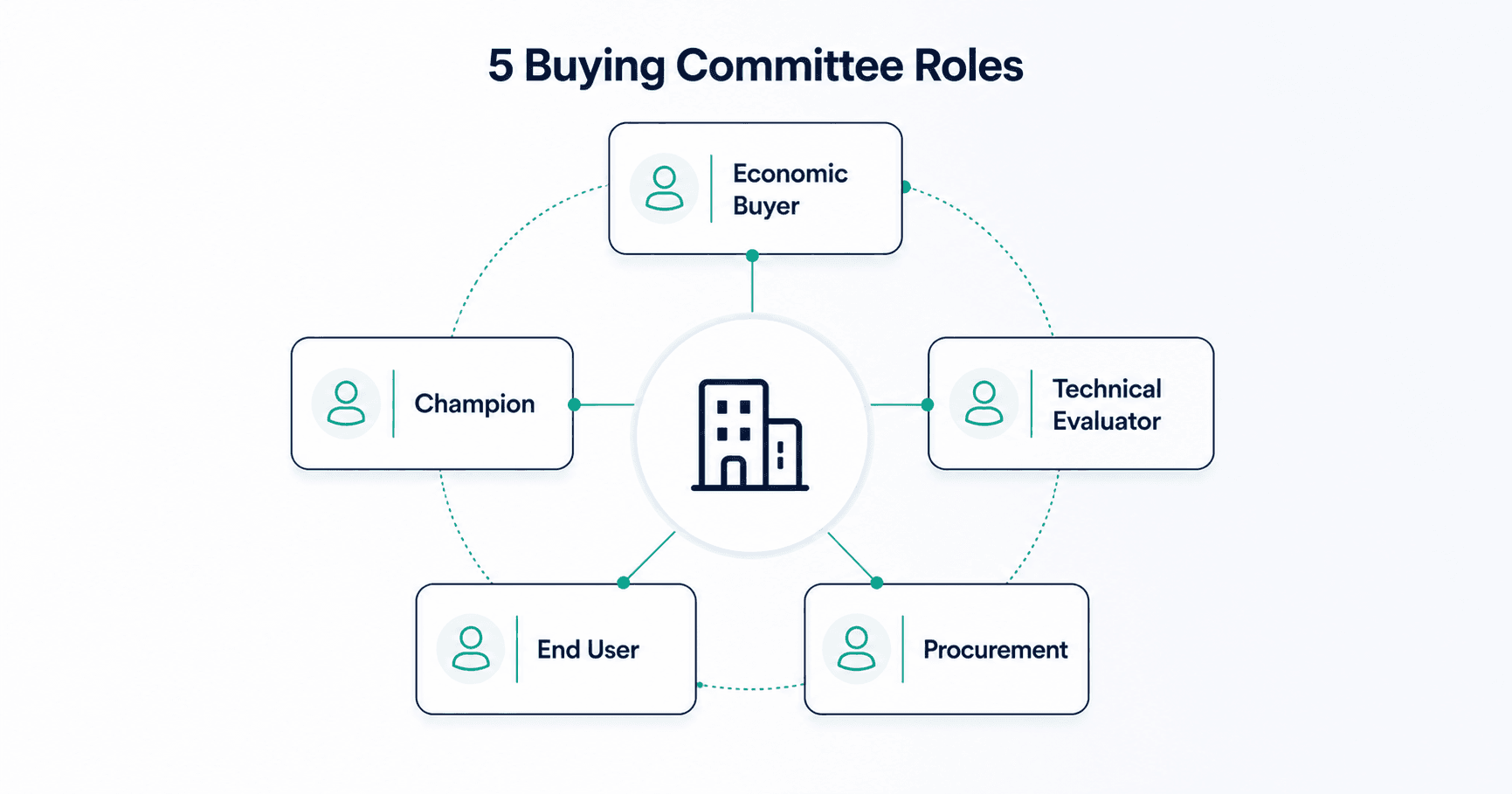
- There are 5 common committee roles — economic buyer, champion, technical evaluator, end user, and procurement/compliance — and each needs different messaging.
- Tracking engagement at the account level, not just the contact level, is what tells you whether the deal is actually moving.
Your champion went quiet for three weeks. You assumed the deal died. It didn't — procurement was reviewing the contract the whole time, and nobody on your side even knew procurement existed. That's what single-threaded outreach looks like from the inside: a deal that's actually moving, while you're staring at one silent inbox.
Why Single-Threaded Outreach Fails in B2B Deals
Most outbound sequences are built around one contact: find a name, run a cadence, hope they reply and carry the deal internally on their own. That model assumes a buying process that doesn't exist anymore. Gartner's B2B buying research puts the average buying group at 6 to 10 stakeholders, spanning roles that rarely all sit in the same department, let alone reply to the same email thread. Forrester's research on multi-stakeholder buying backs this up — deals with more engaged stakeholders consistently move faster and close at higher rates than deals carried by a single internal advocate.
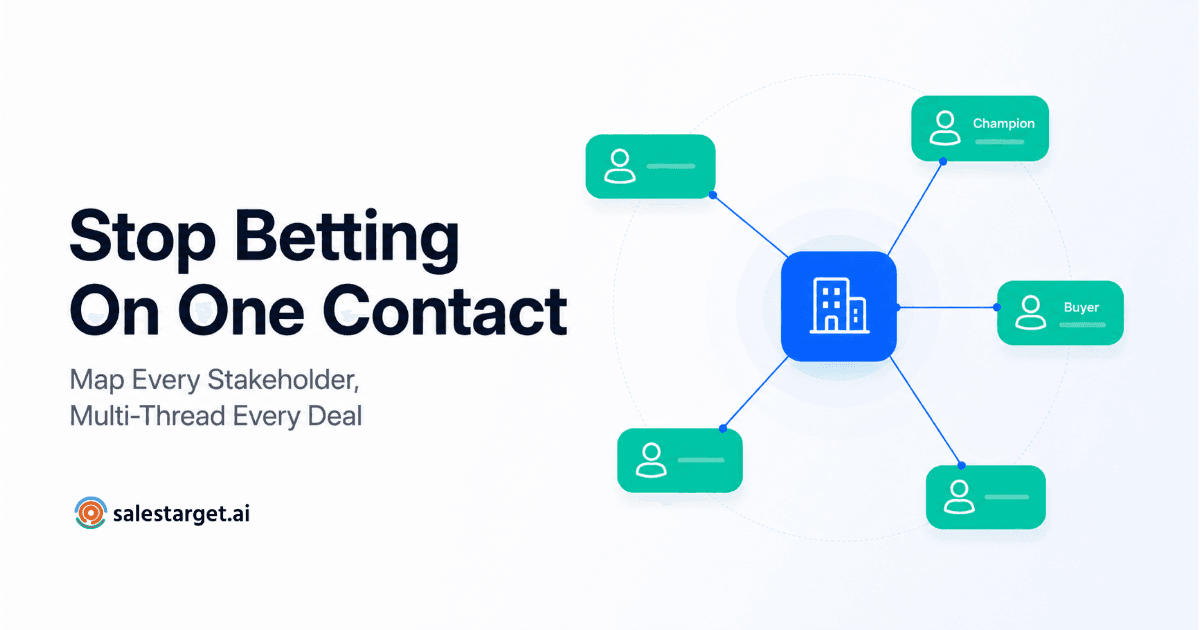
"Multi-threading" is the fix: reaching multiple stakeholders at one account in parallel, instead of betting the entire deal on whoever answered first. It's not about spamming more people — it's about making sure the deal doesn't stall the moment your one contact goes on leave, changes roles, or simply can't sell internally on your behalf.
| Dimension | Single-Threaded | Multi-Threaded |
|---|---|---|
| Contacts engaged per account | 1 | 4–6+ |
| Risk if main contact goes quiet | Deal stalls entirely | Other threads keep it moving |
| Visibility into objections | Filtered through one person | Direct, per stakeholder |
| Messaging | One generic asset | Role-specific per stakeholder |
Step 1: Identify the 5 Common Buying Committee Roles
Before you can multi-thread, you need to know who you're actually looking for. Most B2B buying committees, regardless of industry, break down into the same five functional roles:
| Role | What they care about | Typical titles |
|---|---|---|
| Economic buyer | Budget, ROI, total cost | VP, CFO, department head |
| Champion | A win they can defend internally | Manager, senior IC |
| Technical evaluator | Integration, security, fit | IT lead, ops manager |
| End user | Day-to-day usability | Individual contributor |
| Procurement / compliance | Risk, contract terms, vendor process | Procurement lead, legal |
Not every deal will surface all five up front. Some roles — procurement especially — only appear once a deal is already moving. The goal at this stage isn't to find every name; it's to know which roles you're missing so you can go looking. SalesTarget's ICP Builder lets you define these roles once, by seniority and function, so every account search starts from the same committee template instead of a single job title.
Step 2: Find Each Role at the Target Account
Once you know the roles, the next problem is finding the actual people behind them at a specific account — and titles alone won't get you there. A "VP of Operations" at one company might be the economic buyer; at another, they're the technical evaluator. Filter by function and seniority within the target account, not by title pattern-matching across your whole list.
This is where advanced targeting filters earn their place: search within a single account for every contact matching each of your five committee roles, rather than running five separate searches across your entire database and trying to map results back to one company. Aim to surface at least 4 to 6 stakeholders per target account before you start sequencing — fewer than that, and you're still effectively single-threading.
Step 3: Sequence Outreach by Role
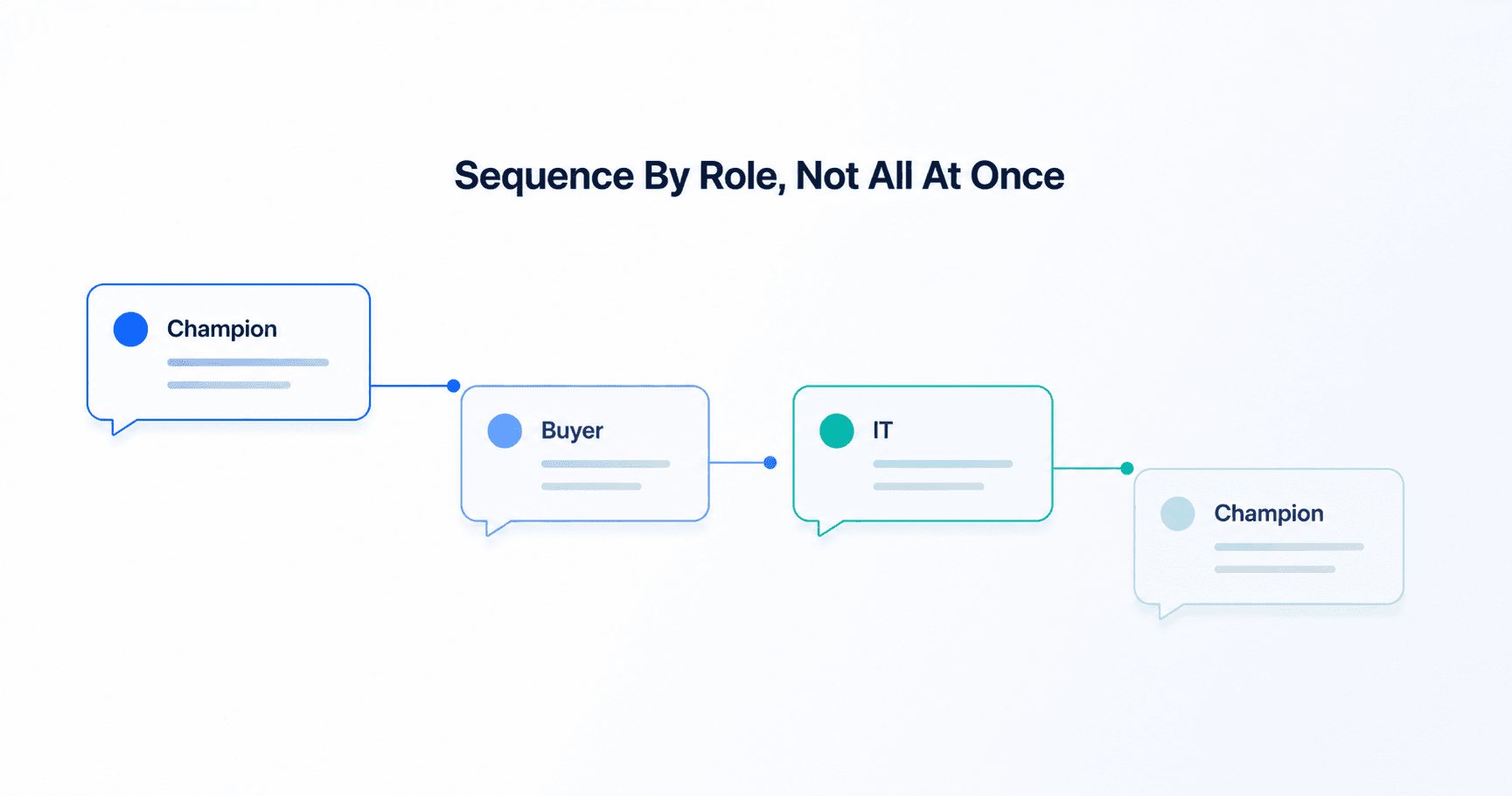
Multi-threading isn't sending the same email to five people at once — that reads as a mail merge, not a coordinated outreach effort. Each role needs its own angle, timed against what they actually need to decide.
| Role | Message angle | When to reach out |
|---|---|---|
| Champion | Problem-first, low-commitment ask | First touch |
| Economic buyer | ROI, peer benchmark | Once champion engages |
| Technical evaluator | Integration, security specifics | After initial interest confirmed |
| Procurement | Process, terms, documentation | Once a deal is forming |
Stagger the touches by a few days rather than firing all of them the same morning — a buying committee that receives five emails referencing the same vendor on the same day looks coordinated in a way that can feel like pressure instead of thoroughness.
Step 4: Track Engagement at the Account Level
A multi-threaded deal can look quiet at the contact level and still be moving fast at the account level — your champion stopped replying because they're now in an internal meeting about your proposal, not because they lost interest. Tracking each contact separately hides that. Tracking the account as one unit shows it.
Roll engagement up by account inside your CRM: opens, replies, and meeting activity across every stakeholder you've identified, in one view tied to the deal — not five separate contact records that never talk to each other. That's the difference between "one person went quiet" and "the account is still warm, just in a different stage."
Mistakes to Avoid When Multi-Threading
Mistake #1: Reaching everyone with the same message
Sending one generic asset to all five roles is single-threading with extra recipients. Each stakeholder should get a message built around what they're actually evaluating.
Mistake #2: Contacting the whole committee on day one
Multi-threading too aggressively, too early, reads as pressure rather than thoroughness. Lead with the champion, then expand once there's a real reason to involve the rest of the committee.
Mistake #3: Stopping at the first reply
One engaged contact still isn't a multi-threaded deal. Keep identifying and reaching the remaining roles even after someone replies — that first reply is the start of the thread, not the whole committee.
How salestarget.ai Supports Multi-Threading
Multi-threading breaks down in most teams not because reps don't understand the concept, but because doing it manually — five contacts, five message angles, five separate threads to track per account — doesn't scale past a handful of deals.
SalesTarget closes that gap end to end: define your five committee roles once in the ICP Builder, pull every matching contact at a target account with advanced targeting filters, sequence role-specific messaging with staggered timing, and watch engagement roll up by account — not by contact — inside the CRM. The result is a buying committee you can see and manage as one deal, instead of five disconnected conversations you're tracking from memory.
Stop betting deals on one contact.
Map the committee, find every stakeholder, and track the whole account in one place.
✓ 50 credits ✓ 7-day trial ✓ No credit card required