Your SDR finds a good-fit account on Monday, pastes the contact into a spreadsheet on Tuesday, sends one email on Wednesday, and never gets to the LinkedIn touch. By Friday, a reply is sitting in an inbox nobody owns.
That is not a rep problem. It is a stack problem. Salesforce's State of Sales research, as summarized by CloudTalk, puts non-selling work at about 60% of a rep's week, and disconnected tools are a big part of that number.
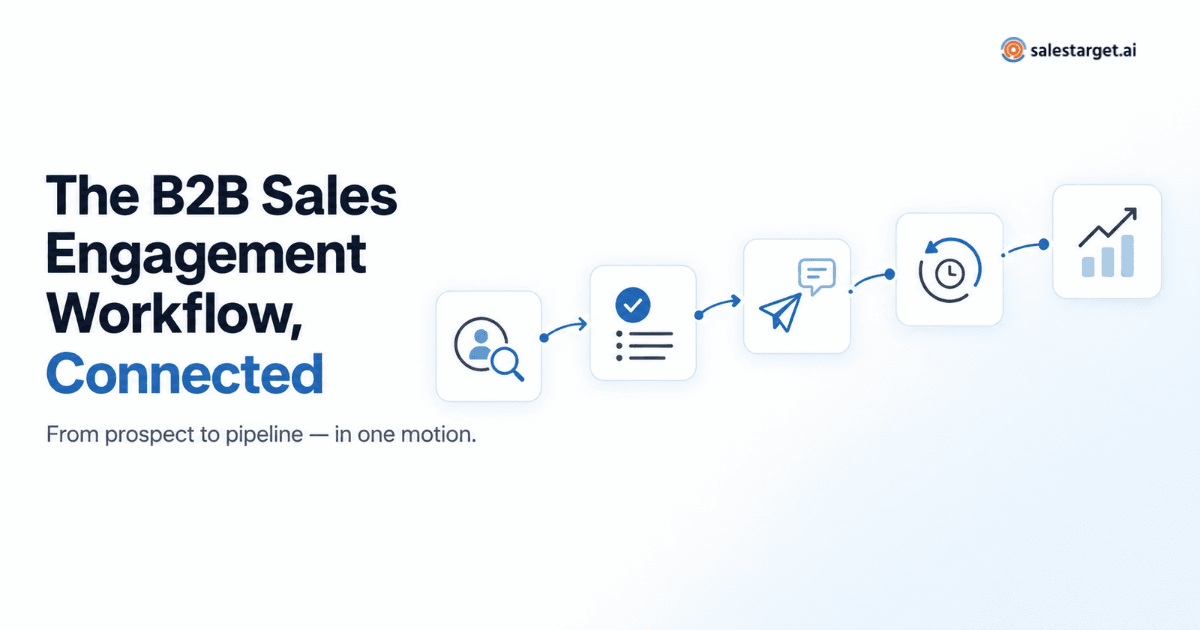
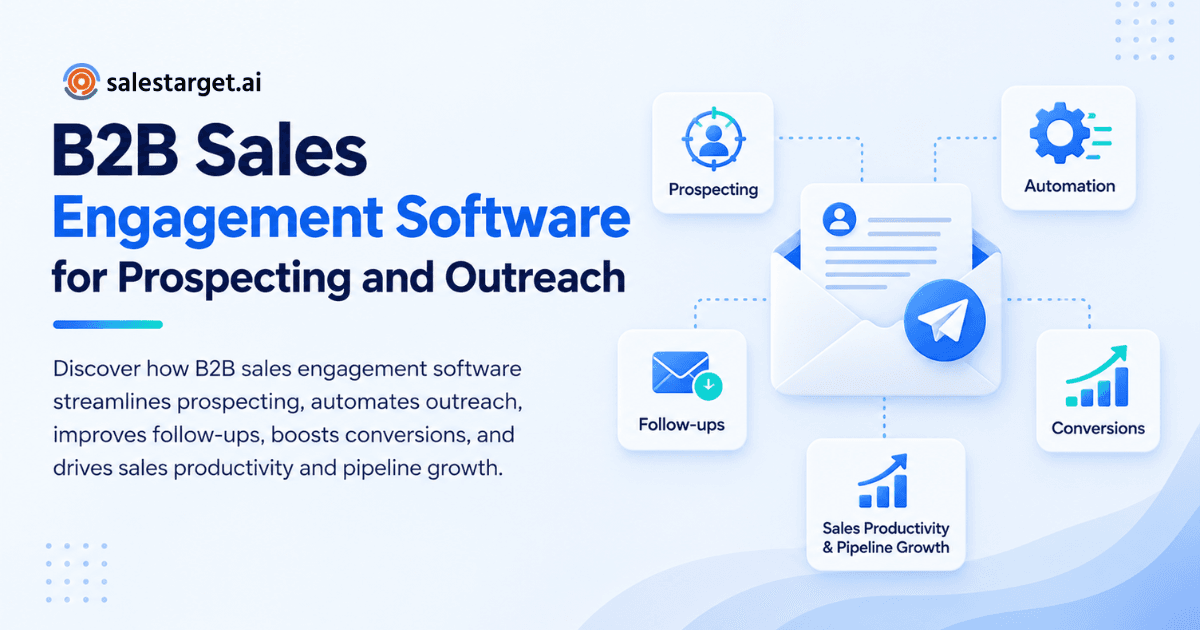
B2B sales engagement software streamlines prospecting, outreach, and conversions by putting contact data, email and LinkedIn sequences, follow-ups, and CRM tracking into one workflow. Reps find a lead, verify it, contact it across channels, and log every reply without switching tools. The result is less manual work, cleaner data, and more conversations with real buyers. SalesTarget.ai does this in one workspace, so a lead moves from search to sequence to closed deal without a CSV in between.
Common Sales Workflow Gaps That Cost B2B Teams Qualified Leads
Qualified leads leak at the seams between tools, not inside any single tool.
Most outbound teams run a data source in one tab, a sequencer in a second, a LinkedIn tool in a third, and a CRM that reps update when they remember. Every handoff loses something. Four gaps cost the most.
Unverified contacts. A list exported three weeks ago has already started to decay. Sending to it damages sender reputation before the campaign gets a fair test.
Early drop-off. Belkins analyzed 7.5M+ cold emails and found the first email has the highest per-step reply rate at 0.59%, yet follow-ups account for 58.6% of all replies. Teams that stop after one or two touches leave most of their replies unclaimed.
Channels that do not talk. A prospect opts out by email and still gets a LinkedIn connection request two days later. Neither tool knows what the other did.
Slow reply handling. A positive reply lands, and the follow-up task is created hours later, or never. Interest cools fast.
Core Components of B2B Sales Engagement Software
A sales engagement platform has five working parts: data, outreach, follow-up, CRM tracking, and reporting. Weakness in any one of them shows up in the others.
Prospecting and lead enrichment
Prospecting and enrichment find target accounts and fill in the verified contact details reps need to reach them. Good tools filter by industry, role, seniority, company size, revenue, tech stack, and intent topics, then attach email and phone data at the moment a lead is found. Enrichment done later, from a stale export, defeats the purpose.
Email and LinkedIn outreach automation
Outreach automation sends personalized email and LinkedIn messages on a schedule, so reps stop copying and pasting. On email, that means multi-step sequences, inbox rotation, and warm-up. On LinkedIn, it means connection requests, DMs, and follow-ups paced with human-like delays and daily limits.
Automated follow-up sequences and task management
Follow-up sequences schedule the next touch and branch based on what the prospect does. Task management covers what automation should not: a call, a custom note, a manual research step. The best setups stop a sequence on any reply, across every channel.
CRM integration and sales activity tracking
CRM integration logs every email, call, and LinkedIn action to the lead record automatically. Reps stop doing data entry, and managers stop guessing. A lightweight CRM built for outbound beats an enterprise system that reps avoid updating.
Campaign analytics and conversion reporting
Campaign analytics show which segments, messages, and channels produce replies, meetings, and opportunities. Opens are a weak signal. Reports that connect outreach activity to pipeline tell you where to spend the next hour.
Business Benefits of a Connected Sales Engagement Workflow
A connected workflow saves rep time, improves message relevance, speeds up handoffs, and gives leaders a live view of pipeline. Each benefit compounds the others.
Higher prospecting productivity for SDRs and BDRs
SDRs and BDRs spend less time on research and list building when search, enrichment, and sequencing sit in one place. Salesforce's figure on non-selling time shows how much capacity is up for grabs. Even a modest cut in admin work adds selling hours to every rep's week.
More relevant communication across multiple channels
Relevance comes from context, and context carries across channels only when one system holds it. Learn how a B2B sales engagement platform personalizes outreach with role, industry, and trigger data. A LinkedIn note that references the earlier email gets a warmer reception than a cold request.
Faster lead qualification and opportunity handoffs
When a reply creates a task and a deal record automatically, qualification starts in minutes. Reps sort replies by intent (interested, follow-up, not a fit) and pass qualified leads to AEs with the full history attached.
Better pipeline visibility for sales leaders and RevOps teams
Leaders see email stats, open deals, booked meetings, and pending tasks in one dashboard. Solid sales pipeline management depends on that shared view, since forecasts built on half-logged activity are guesses.
Lower software overhead through connected sales operations
Fewer tools mean fewer logins, fewer integrations to babysit, and fewer places for data to go stale. One platform on one bill also removes the quiet cost of syncing and reconciling.
Steps to Streamline Prospecting, Outreach, and Conversions
Streamlining works best in order: define the target, build and verify the list, personalize, coordinate channels, track, and refine. Skipping a step moves the problem downstream.
Define the ideal customer profile and target account criteria
Write down the firmographics and buyer roles of your best customers before you search. Pick three to five traits that predict a deal, such as industry, headcount band, and tech stack. A tight ICP beats a large list.
Build accurate prospect lists using firmographic and intent data
Stack firmographic filters with intent signals to find accounts that are active now. Funding rounds, hiring spikes, and leadership changes point to budget and urgency. A prospect researching your category this month is worth more than a perfect-fit account that is asleep.
Enrich and verify contact information before launching campaigns
Enrich and verify in the same step, then check again before sending. Contacts verified at the point of enrichment are fresher than records scraped months ago. A catch-all domain or disposable address caught now saves a bounce later. To see this step in action, start free on SalesTarget.ai and enrich a small test list.
Segment prospects and personalize outreach messages
Split the list by role and trigger, not just by industry. A VP of Sales cares about forecast accuracy, while an SDR manager cares about ramp time. One personalized opener tied to a real company event does more than five generic lines.
Coordinate email and LinkedIn sequences with relevant follow-ups
Here is a tactic most guides skip: when an email sequence runs dry, switch channels instead of adding a fourth email. Belkins reports that LinkedIn delivers reply rates above 7% when email sequences go quiet. A connection request that mentions the earlier email bridges the two touches.
Track engagement and manage responses through the CRM
Route every reply into one inbox, label it by intent, and assign an owner within the hour. The CRM should log the activity and create the follow-up task without a rep lifting a finger.
Refine campaigns using conversion and pipeline performance data
Review results by segment weekly, and judge them on meetings and opportunities, not opens. Cut the segments that bounce or never reply. Double down on the message and channel mix that books calls.
Essential Features to Evaluate in B2B Sales Engagement Software
Evaluate data quality, multichannel sequencing, deliverability controls, a native CRM, AI assistance, and reporting. Weakness in any one of these brings the old tool-stitching back.
Accurate B2B contact data and lead enrichment
Ask where the data comes from, how often it refreshes, and whether enrichment runs at search time. Look for verified email, phone, and mobile numbers, plus intent signals. Coverage means nothing if half the emails bounce.
Personalized multichannel outreach and sequence automation
Check that email and LinkedIn run in one coordinated flow with conditional branching. If a reply on one channel does not pause the other, you will annoy people who already answered.
Email verification, inbox warm-up, and deliverability monitoring
Look for built-in verification (MX and SMTP checks, disposable-address detection), automatic warm-up, inbox rotation, and SPF, DKIM, and DMARC checks. Deliverability tools bolted on from a third vendor add cost and sync work.
Built-in CRM with automatic activity logging
A native CRM removes imports and manual logging. Campaign leads should land in it automatically, with every email and call on the timeline.
AI-assisted prospect research and sales communication
AI should handle the grunt work: finding leads, drafting sequences, summarizing calls, flagging at-risk deals. Strategy and relationships stay with the rep.
Reporting, integrations, and workflow controls
Reports should tie outreach to pipeline. Integrations with calendar, Slack, HubSpot, Salesforce, and Zapier keep the tool inside your existing workflow. For a side-by-side view, read this guide to the best B2B sales engagement platform, or check how SalesTarget.ai compares with Apollo.
SalesTarget.ai for Connected Prospecting and Sales Engagement
SalesTarget.ai is an all-in-one AI sales intelligence and outbound platform. It combines B2B lead data, email and LinkedIn outreach, email validation, a built-in CRM, and an AI Copilot in one workspace on one bill.
Lead Explorer for B2B prospecting and enrichment
Lead Explorer is the prospecting engine. SalesTarget.ai reports 840M+ professional profiles, 146M+ business entities, 4,000+ intent signals, and 50+ data sources. Search in plain English or stack business and people filters, then enrich in one click for verified email and phone. Enriched leads go straight to a sequence or the CRM with no CSV.
Email Outreach and LinkedIn Outreach for coordinated campaigns
Email Outreach builds multi-step sequences from a plain-English audience description, with unlimited inboxes, automatic warm-up, and inbox rotation. SalesTarget.ai reports campaigns get built 35% faster. LinkedIn Outreach automates connection requests, DMs, and follow-ups with rate limits and auto-pause safeguards. Both run in one flow, so context carries across channels.
Email Validator for contact verification and bounce reduction
Email Validator checks addresses with MX and SMTP tests, disposable-email detection, and risk scoring before you send. SalesTarget.ai reports 90% of emails are validated before sending. It also offers a real-time API and bulk list cleaning.
Built-in CRM for contact management, calls, and deals
The built-in CRM covers lead management, deal pipeline, tasks, activity tracking, and reports. Campaign leads arrive automatically, and follow-up tasks are created when a lead replies or a meeting ends. The AI dialer logs calls and writes the notes for you. SalesTarget.ai reports about 6 hours saved per rep per week and 91% follow-up completion.
AI Copilot for everyday sales tasks
The AI Copilot is a conversational teammate, free inside the platform. Ask it to find leads, draft a full sequence, query deals and tasks in plain language, or flag at-risk deals. Workspace data stays private.
One connected platform for prospecting through conversion
SalesTarget.ai positions itself as an alternative to Apollo, Instantly, and Woodpecker for teams tired of stitching tools together. Find the lead, enrich and verify it, push it into an email and LinkedIn sequence, and close it in the CRM. SalesTarget.ai reports 3.2X faster deal cycles and 2.4X more meetings from the same leads using the CRM.
Common Implementation Mistakes and Ways to Avoid Them
Most failures come from rushing: scaling before cleaning, writing for everyone, and measuring the wrong thing. Each has a simple fix.
Scaling campaigns before validating contact data
Validate first, then send a small batch, then scale. Bounces on day one can hurt a domain for weeks.
Using generic messaging across different buyer segments
One template for all roles reads like spam. Write at least one variant per buyer role and refer to a trigger that applies to that segment.
Overloading prospects with repetitive follow-ups
Follow-ups work, as the Belkins data shows, but only when each touch adds something new. Change the angle, the proof point, or the channel. Never send "just bumping this" four times.
Tracking activity volume instead of qualified opportunities
Emails sent and connection requests are inputs. Rank reps and campaigns by qualified meetings and opportunities created.
Running disconnected campaigns across email and LinkedIn
When channels run in separate tools, prospects get double-touched and opt-outs get missed. Run both in one flow with shared status. You can see the difference in the SalesTarget.ai vs Instantly comparison.
Ignoring consent, opt-outs, and email sending limits
Honor opt-outs across every channel, include a clear unsubscribe path, and respect inbox sending limits. Check the rules in each region you target. Auto-pause and rate-limit settings protect both your domain and your LinkedIn account.
Key Metrics for Measuring Sales Engagement Performance
Track five numbers: data accuracy, positive replies and meetings, lead-to-opportunity conversion, cycle length, and cost per qualified opportunity. Together they show whether the workflow works.
Contact data accuracy and email bounce rate
Bounce rate is your early warning for data quality. Keep it low, and treat a sudden spike as a list problem before you blame the copy.
Positive reply rate and qualified meetings booked
Count positive replies, not all replies. An "unsubscribe" is a reply, but it is not a win. Meetings booked from those positive replies is the number that matters.
Lead-to-opportunity conversion rate
This shows whether you are reaching the right people. A high reply rate with low conversion usually means the ICP or the offer is off.
Sales cycle length and pipeline velocity
Measure how long it takes a lead to move from first touch to closed deal. Faster follow-up and clean handoffs should shorten it.
Rep productivity and cost per qualified opportunity
Divide total outbound effort by qualified opportunities created. If the number falls as you add automation, the workflow is doing its job.
Conclusion: Build a Connected Sales Workflow From Prospecting to Conversion
The opening problem was a rep who found the right account and lost it somewhere between a spreadsheet and an unowned inbox. The fix is not more effort. It is a workflow where verified data, coordinated outreach, automatic logging, and fast follow-up all live in one place.
B2B sales engagement software does that job, and SalesTarget.ai does it without the extra tools: Lead Explorer finds and enriches, Email Outreach and LinkedIn Outreach contact, Email Validator protects deliverability, the CRM tracks, and the AI Copilot handles the grunt work. Build the connected workflow, and your team spends its week on conversations that close.
Ready to run prospecting, outreach, and conversions from one workspace? Start with SalesTarget.ai.