Your SDR sends 200 emails on Monday. Every one opens with "I noticed your company is growing." The reply rate lands near zero. The copy was not the problem. Those prospects were not in a buying cycle, and the message had nothing real to say.
A B2B sales engagement platform uses buyer intent by reading signals, such as topics a company is researching, funding rounds, hiring spikes, and leadership changes. It ranks accounts by signal strength, then feeds that signal into the email copy, the LinkedIn message, and the sequence timing. In plain terms, it shows you who is looking to buy, why now, and what to say. SalesTarget.ai does this in one workspace, from finding the account to tracking the deal.
Understanding Buyer Intent in B2B Sales Engagement
Buyer intent is evidence that a company is researching or preparing to buy something like your product. B2B sales engagement is how your team acts on that evidence across email, LinkedIn, and calls.
First-party and third-party buyer intent data
First-party intent comes from your own channels: site visits, pricing page views, email clicks. Third-party intent comes from outside: research activity across other publishers. Lead Explorer covers the third-party side with Bombora Intent Topics, so you can reach accounts that have never visited your site.
Website activity, content research, product interest, and business events as buying signals
Website activity shows interest in you. Content research shows interest in the problem. Product interest shows interest in a category or tech stack. Business events (funding rounds, hiring spikes, leadership changes, awards) show a reason to act. Lead Explorer tracks business events on a 30 to 90 day lookback.
Account-level intent, contact-level activity, and firmographic data
Topic intent is reported at the account level. You know the company is researching, not which person is. Contact-level activity, like a reply, an email click, or an accepted connection, points to one individual. Firmographic data (industry, size, revenue, location) and technographic data tell you whether the account is worth chasing at all. Treat the three as layers, not substitutes.
Combining buyer intent signals with an ideal customer profile
An intent signal on a bad-fit account is noise. Build the ideal customer profile first in Lead Explorer's ICP Builder, then filter by Intent Topics inside it. You end up with a list that fits and is active.
The Role of Buyer Intent in Modern B2B Sales Pipelines
Buyer intent decides where reps spend their first hour. Gartner research found that B2B buyers spend only about 17% of their purchase time meeting with potential suppliers, and a fraction of that per vendor when they compare several. Most of the decision happens before anyone replies, so timing matters more than volume.
Prioritizing accounts with stronger purchase signals
Rank accounts by signal strength and recency. A company with three related topic surges and a new VP hire beats one with a single stale signal. Intent-Based Lead Scoring in Lead Explorer does this ranking, so reps start at the top of a scored list instead of working alphabetically.
Aligning SDR, BDR, and account executive outreach with buyer readiness
SDRs and BDRs take the first touch on fresh signals. Account executives step in once engagement shows up: a reply, repeat clicks, a meeting request. Shared signal tags in the CRM keep every role working from the same context, so a prospect never gets a cold pitch from an AE who ignores what the SDR already said.
Improving prospect qualification and lead prioritization
Intent gives you a first filter before any call: fit, activity, timing. Reps still qualify on need and authority, but they do it on warm accounts. Fewer discovery calls end with "not a priority right now."
Connecting intent-based prospecting with pipeline growth
Pipeline grows when the same number of touches reaches more in-market accounts. SalesTarget.ai reports 2.4X more meetings from the same leads and 3.2X faster deal cycles for teams running outreach and follow-ups through its CRM.
Building an Intent-Based Personalized Sales Outreach Strategy
Seven steps, in this order.
Define target accounts using ICP, industry, company size, and buyer roles
Write down industry, company size, buyer roles, and tech stack before you touch a signal. In Lead Explorer, type the audience in plain English or stack Business and People filters, then save it as your ICP.
Identify high-intent prospects through relevant buying signals
Add Intent Topics that match the problem your product solves, plus business events. Pick topics by pain, not by product name. Someone shopping for cold email software researches "email deliverability," not your brand.
Enrich prospect records with verified business contact data
One-click enrichment reveals verified professional email, personal email, phone, and mobile at the moment you find the lead. Contacts are verified at enrichment, not whenever the data was first scraped. SalesTarget.ai reports 99% verified contact data across 840M+ profiles.
Segment prospects by intent strength, business needs, and buying stage
Use three tiers. Hot means multiple fresh signals. Warm means one signal plus ICP fit. Cold means fit only. Add a need tag such as "deliverability" or "hiring SDRs" so the message maps to the reason the account surfaced.
Create personalized messages based on prospect activity and business context
Write to the business problem the signal implies. A funding round suggests hiring pressure. A leadership change suggests priorities are being reset. The AI Content Generator in Email Outreach drafts the variants. You choose the angle.
Coordinate email and LinkedIn sequences around relevant buying signals
Run both channels in one flow so context carries across. Start with email for hot accounts. Start with a LinkedIn connection for senior roles that ignore cold email. Both channels reference the same signal in different words.
Adapt follow-ups using replies, engagement, and changing intent
A reply, a click, or silence should change the next step. Conditional sequences branch on exactly those events. Re-check the signal around day 14. If intent has cooled, slow the cadence. If it has grown, add a call task.
Ready to build the first list? Start with a saved ICP in Lead Explorer and layer two or three Intent Topics on top.
Personalizing Email and LinkedIn Outreach With Buyer Intent Data
Using buying signals to write relevant cold emails
Lead with the business situation, not the surveillance. "I saw you researching deliverability" reads as tracking. Try: "Teams hiring their first SDRs after a funding round tend to hit deliverability problems within weeks." One line of context, one question, one ask, under 100 words.
Matching LinkedIn connection requests and follow-ups to prospect interests
Match the note to the role's version of the problem. A VP of Sales cares about pipeline coverage. A RevOps lead cares about data quality. Keep the pitch out of the connection request and bring the signal into the follow-up DM after acceptance. LinkedIn Outreach adapts its AI personalization to each profile, role, and industry.
Creating conditional sequences for different intent levels
Build three paths. Hot: three touches in seven days across both channels, with a call task after any click. Warm: five touches over three weeks. Cold: one light touch every two weeks until a new signal appears. Each path branches on replies, actions, or no response.
Balancing automation with human review and relevant messaging
Automate sending, scheduling, and variant drafting. Read the first line of every hot-tier message yourself, since the top slice of accounts produces most of the pipeline. Spot-check a sample of the warm tier. Timezone-aware scheduling and human-like delays keep LinkedIn activity safe.
Want to see how the sequences are built? Email Outreach generates multi-step sequences from a plain-English audience description.
Key Features of a B2B Sales Engagement Platform for Intent-Based Outreach
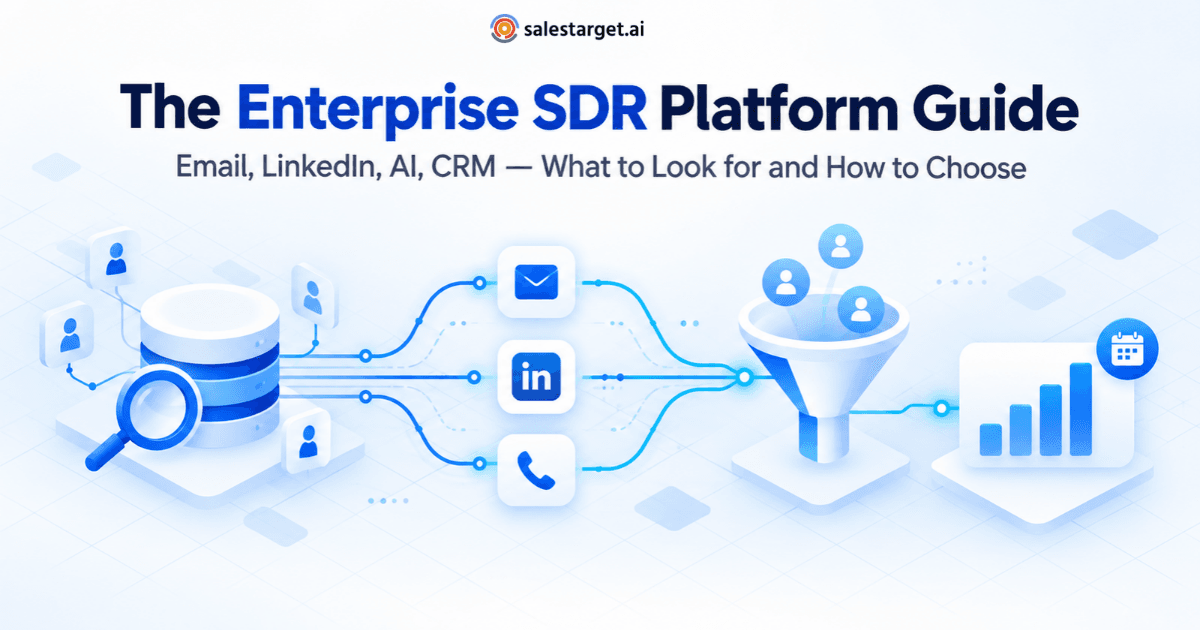
Buyers comparing tools can start with this breakdown of the best B2B sales engagement platform options. Whatever you pick, check for these seven capabilities.
AI prospecting and intent-based lead generation
The platform should find accounts by signal, not just by filter, and score them. Ask to see the intent topics, event types, and lookback window.
Contact enrichment and email verification
Intent is worthless if the email bounces. Enrichment and verification should happen in the same step as the search, not in a separate tool after a CSV export.
AI-powered email outreach and inbox warm-up
Look for auto-built sequences, spintax variation so messages do not read as copies, automatic warm-up, and inbox rotation. SalesTarget.ai supports unlimited inboxes with these built in.
Coordinated LinkedIn outreach and multichannel sales sequences
One sequence, two channels, shared context. If email and LinkedIn run as separate tools, the signal gets lost between them.
Deliverability monitoring and unified inbox management
SPF, DKIM, and DMARC checks protect sender reputation. A unified inbox pulls every reply into one view. Unibox sorts replies into Interested, Follow-Up, and Not a Fit.
CRM activity tracking, call notes, and sales follow-up management
Every email, call, and reply should land on the lead timeline without manual logging. Follow-up tasks should create themselves when a lead replies or a meeting ends. The SalesTarget.ai CRM includes a built-in dialer with auto-logged calls.
Campaign analytics and intent-based performance measurement
Ask one test question: can the tool split results by signal tier? Campaign-level averages hide whether intent is doing any work.
Why Choose SalesTarget.ai for Buyer Intent-Based Sales Engagement?
Apollo pairs data with engagement, but deliverability and CRM tend to live in other tools. Instantly, Smartlead, and lemlist center on cold email and deliverability, without a native B2B database, LinkedIn automation, or a full CRM. SalesTarget.ai keeps the whole chain in one platform: find, enrich, verify, sequence, and close.
Find prospects using Lead Explorer's 840M+ professional profiles and 4,000+ intent signals
Lead Explorer searches 840M+ professional profiles and 146M+ business entities across 50+ data sources. It surfaces 4,000+ intent and buyer signals, including Bombora Intent Topics and business events. Search in plain English or stack filters for industry, role, seniority, company size, revenue, tech stack, and Intent Topics.
Enrich and verify contacts before launching campaigns
Enrichment happens when you find the lead, and the contact is verified at that point. The Email Validator adds MX and SMTP checks, disposable-email detection, and risk scoring. SalesTarget.ai reports that 90% of emails are validated before sending.
Run AI-powered email and LinkedIn outreach in one workflow
Push enriched leads straight into sequences with no CSV. Email and LinkedIn run in one coordinated flow, with conditional branches on replies and no-response. The same signal carries across both channels.
Manage email deliverability and conversations through Email Outreach
Automatic AI warm-up, intelligent inbox rotation, and authentication checks protect your domains. Unibox collects every reply, sorts it by intent, assigns owners, and syncs deals to the CRM.
Track leads, calls, and deals in the built-in CRM
Campaign leads land in the CRM automatically. Lead Management, Deal Pipeline, Tasks and Follow-Ups, Activity Tracking, and Reports are included. SalesTarget.ai reports 91% follow-up completion and about 6 hours saved per rep per week. It connects with Google Calendar, Calendly, Slack, Zapier, HubSpot, Salesforce, and Zoho.
Use the free AI Copilot for prospect research and sales workflow support
AI Copilot is a conversational teammate inside the platform. Ask it to find leads, draft personalized sequences with A/B variations, query deals and tasks in plain language, and flag at-risk deals. Strategy stays with your team. The grunt work does not.
Common Buyer Intent Personalization Mistakes to Avoid
Treating every buying signal as immediate purchase intent
Research is not purchase. One topic surge often means curiosity. Respond with something useful, such as a short insight or a relevant question, and save the demo ask for accounts with several signals.
Using outdated intent data to personalize current outreach
Intent has a shelf life, and most guides skip this. A 90-day-old signal needs different wording than one from last week. Tag signal age on every record and soften the language once a signal passes 30 days.
Confusing account-level interest with an individual decision-maker's needs
A topic surge says the company is reading. It does not say your contact is. Multi-thread two or three roles at the account and write each one's version of the problem.
Sending automated messages that reveal little understanding of the prospect
If the personalization line could go to any company in the segment, it is filler. Cut it, or replace it with a business event that only this account has.
Ignoring contact verification, deliverability, and follow-up timing
A hot account with a bounced email is a wasted signal. Verify before sending, warm the inboxes, and send during the contact's working hours.
Measuring campaign activity instead of qualified opportunities and revenue
Sends and opens measure activity. Qualified opportunities and closed revenue measure results. Report on those two.
Measuring the Impact of Buyer Intent on Sales Engagement
Positive reply rates and qualified meetings by intent segment
Count positive replies, since "remove me" is also a reply. Compare hot, warm, and cold tiers. Hot should beat cold by a wide margin. If it does not, your topics do not match the problem your product solves.
Conversion rates across personalized and non-personalized campaigns
Run a split on the same list. Half gets a signal-based first line, half gets a generic one. Give each arm at least 100 contacts and four weeks before judging.
Time from first touch to qualified opportunity
Intent should shorten this number. Track it in days, by tier. The CRM timeline logs the first touch and the qualification date, so no spreadsheet is needed.
Pipeline contribution and revenue by source of buyer intent
Tag each opportunity with its signal source: a topic, a funding round, a hiring spike. After one quarter you can see which signals produce revenue and drop the ones that only produce replies.
Bringing Buyer Intent, Outreach, and CRM Into One Sales Workflow
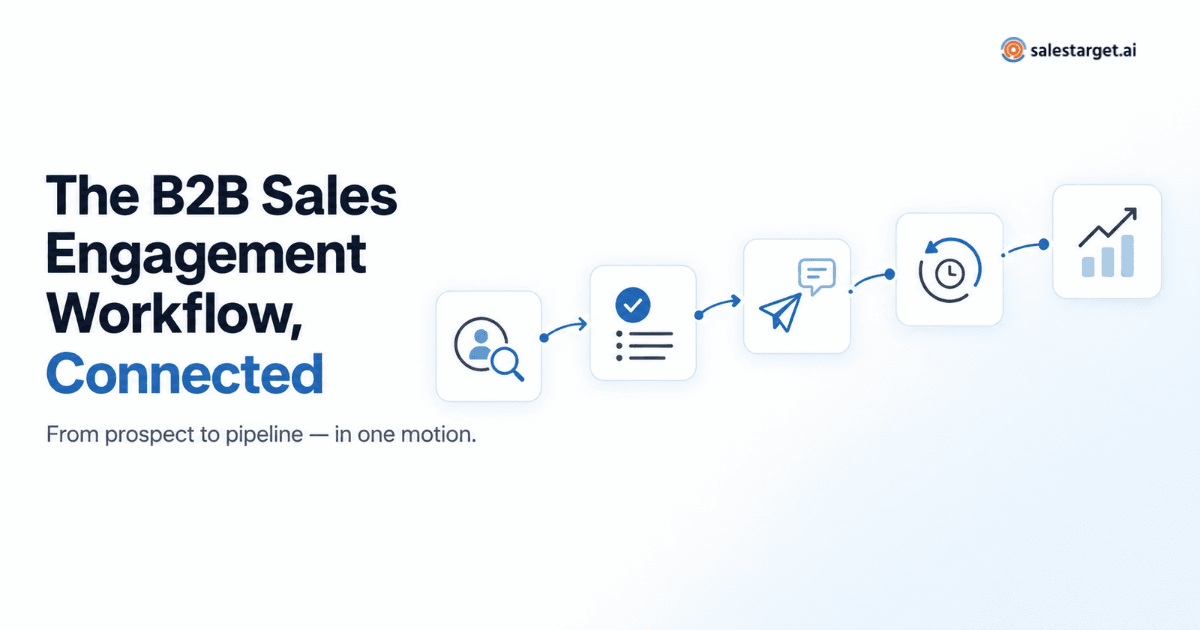
The Monday email blast fails because it ignores timing and context. Buyer intent fixes both, but only if the signal survives every handoff, from search to enrichment, to the message, to the follow-up, to the deal.
That is the practical case for SalesTarget.ai. Lead Explorer finds accounts with live signals. Enrichment and verification make sure the contact is real. Email and LinkedIn sequences carry the signal into every message. The built-in CRM logs what happens and creates the next task. There are no CSV exports and no stitched-together tools.
If your outbound still runs on stale lists and generic first lines, start with one saved ICP and three Intent Topics. Then start free with SalesTarget.ai and see how much better the first 100 messages land. For a wider comparison of tools, this guide to the best sales engagement platform is a good next read.