Your rep builds a list on Monday. By Wednesday a fifth of it has bounced, and by Friday the sending domain is flagged. The pipeline has three replies and one spam complaint to show for it.
Automated outreach is software that finds prospects, verifies their contact data, and sends timed email and LinkedIn messages for you, then stops when someone replies. The best automated outreach tools combine accurate data, deliverability protection, multichannel sequences, and a CRM, so one rep can run what used to take a small team. SalesTarget.ai puts all four in one workspace.
This guide covers how the system works, which tools compete, the methods that lift lead quality, and the numbers worth tracking.
Understanding Automated Outreach for B2B Sales
Core Components of an Automated Outreach System
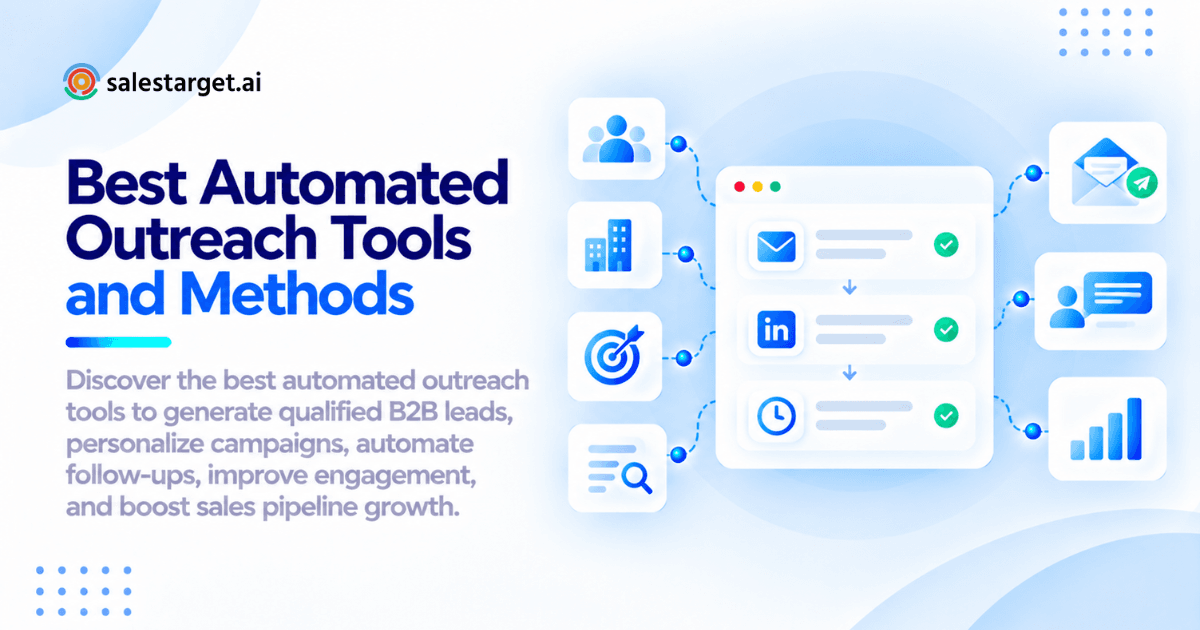
An automated outreach system has five parts: contact data, verification, sequences, sending infrastructure, and a CRM. Data tells you whom to contact. Verification keeps dead addresses out. Sequences set the steps and pacing. Authenticated domains and warmed inboxes get messages delivered. The CRM records what happened.
Most teams own three of the five and patch the rest with CSV exports. That is where leads go missing. SalesTarget.ai covers all five in one workspace.
Email, LinkedIn, and Multichannel Outreach Workflows
Email gives you volume. LinkedIn gives you familiarity with decision-makers. Multichannel runs both in one flow, so context carries across. Belkins analyzed 16.5 million cold emails and 20 million-plus LinkedIn outreach attempts and treats them as one combined motion.
Order matters too. In a case study reported by Something Inc., ColdIQ moved LinkedIn ahead of email instead of running both in parallel, and reply rate rose from 1.8% to 4.3%. Treat that as one case, not a law, and test the order on your own list. For a step-by-step build, read this guide to LinkedIn automated outreach.
Automated Outreach Across the B2B Sales Funnel
At the top of the funnel, automation handles prospecting and the first touch. In the middle, it runs follow-ups and signal-triggered nurture. At the bottom, it creates tasks after meetings and flags stalled deals.
Most tools stop at the first reply, and that is where deals quietly die. SalesTarget.ai's CRM creates follow-up tasks automatically when a lead replies or a meeting ends.
Building a Scalable Automated Outreach Strategy
Define the Ideal Customer Profile and Target Accounts
Write the ICP down: industry, company size, revenue, tech stack, buyer role. Then narrow it to named accounts.
Build it from your last ten closed-won deals, not from the market you wish you had. The traits those buyers share are your filter set. SalesTarget.ai's ICP Builder turns those traits into reusable searches.
Source and Verify Accurate B2B Contact Data
A list is only as good as its age. Data scraped last year and sold today is already decaying.
SalesTarget.ai enriches a lead at the moment you find it and verifies the contact at that point, not whenever the record was first collected. It reports 99% verified contact data across 840M+ profiles. Want to test that on your own ICP? Start a free trial and run a real search.
Segment Prospects by Industry, Role, and Buying Intent
Three cuts matter: industry, role, and intent. A VP of Sales at a company with a hiring spike needs different copy than a RevOps manager researching tools.
Intent comes from Bombora Intent Topics plus business events (funding rounds, hiring spikes, leadership changes) on a 30 to 90 day lookback. Anything older than that is history, not intent.
Create Personalized Email and LinkedIn Sequences
One specific opening line beats five merge tags. Reference the signal that put the prospect on your list, then ask one small question.
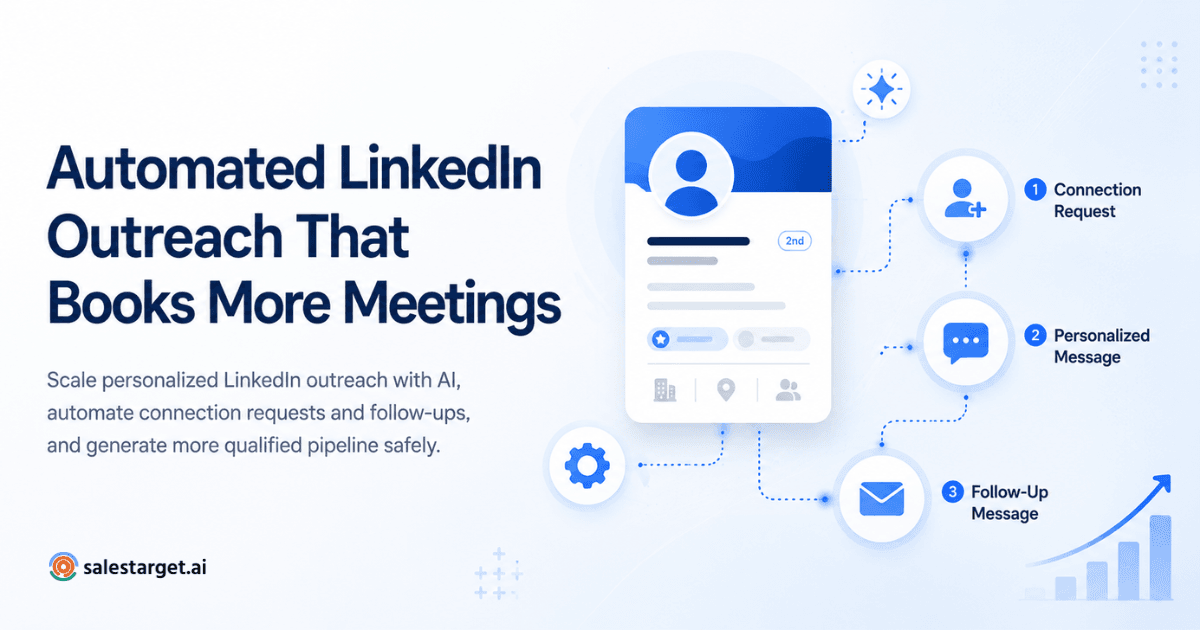
Keep the first email short. Use spintax so inbox-level copy varies, and let LinkedIn do the warm-up: profile view, connection request, then email a day or two later.
Set Up Automated Follow-Ups and Lead Response Workflows
Follow-ups carry the load, so build them to branch on replies, clicks, and silence.
Here is the friction most guides skip. In stitched stacks, a prospect replies on LinkedIn and email step three still fires the next morning. A unified inbox fixes that. SalesTarget.ai's Unibox pulls every reply into one view, sorts by intent (Interested, Follow-Up, Not a Fit), and assigns an owner.
Connect Outreach Activities With CRM and Sales Pipelines
Every send, reply, and call should land on the lead timeline without a manual import. Campaign leads in SalesTarget.ai arrive in the CRM automatically, and deal stages update as replies come in. Map which events should create tasks before you launch, and your pipeline will stay current without manual updates.
Best Automated Outreach Tools for B2B Lead Generation
Nine tools cover most B2B outbound stacks. The right pick depends on whether you want one platform or are happy to assemble point tools.
1. SalesTarget.ai
SalesTarget.ai is an all-in-one outbound platform: B2B data, email and LinkedIn outreach, phone, email validation, a built-in CRM, and an AI Copilot. Best for teams that want to stop stitching tools together. It is positioned as an alternative to Apollo, Instantly, and Woodpecker.
2. Apollo.io
Apollo pairs a large contact database with sales engagement. Most teams still add deliverability tooling and a CRM on top. A solid fit if data is your main gap and you already run a CRM.
3. Instantly
Instantly is built around cold email sending and deliverability. It has no native B2B database, LinkedIn automation, or CRM, so you source data and track deals elsewhere. Good for email-only senders.
4. Smartlead
Smartlead focuses on cold email at scale with inbox rotation and deliverability controls. Like Instantly, it needs a separate data source, LinkedIn tool, and CRM. A fit for high-volume email teams and agencies.
5. Lemlist
Lemlist centers on personalized cold email, including image and video personalization. Prospect data and pipeline tracking come from other tools. Best when creative personalization is your edge.
6. Reply.io
Reply.io is a sales engagement platform that sequences email, LinkedIn, and calls for SDR teams. Most buyers still source data separately. Consider it if you want multichannel cadences with a dedicated engagement layer.
7. Outreach
Outreach is an enterprise sales execution platform with deep workflow controls and forecasting. It suits large teams with RevOps support. For a small outbound team, the admin load can outweigh the benefit.
8. Salesloft
Salesloft is another enterprise engagement platform, strong on cadences, conversation insight, and analytics. The fit is similar to Outreach: large organizations with process owners.
9. Woodpecker
Woodpecker is straightforward cold email automation with a deliverability focus. It works well for small teams and agencies running email-only campaigns. It does not bring its own database or LinkedIn automation.
Key Features of Effective Automated Outreach Software
Contact Data Accuracy and Email Verification
Look for MX and SMTP checks, disposable-email detection, and risk scoring before any message leaves your inbox. SalesTarget.ai reports that 90% of emails are validated before sending in Email Outreach. A bad address costs you a bounce and a slice of sender reputation.
AI-Powered Personalization and Sequence Management
The useful version builds the sequence from a plain-English audience description, including first touch, follow-ups, and pacing. SalesTarget.ai reports 35% faster campaign creation. Check that you can still edit every step by hand.
Email Deliverability and Inbox Warm-Up
Warm-up, inbox rotation, and SPF, DKIM, and DMARC checks protect your domain. The ceiling is tight: Google and Yahoo enforce a 0.3% spam-complaint limit for bulk senders, and Bounteous advises aiming below 0.1%. Before your first send, run your list through a validator. The free trial lets you test that on a real file.
Multichannel Campaign Coordination
Conditional sequences should branch on replies, actions, or silence, and one channel's reply must pause the other. Timezone-aware scheduling and working-hour limits keep LinkedIn activity human-paced.
CRM Integration and Automated Lead Tracking
Native CRM beats a Zapier chain. Check for two-way sync with HubSpot, Salesforce, or Zoho if you keep an existing CRM, plus calendar links to Google Calendar and Calendly.
Campaign Analytics and Performance Reporting
Opens are noise. You want replies by intent, meetings booked, and pipeline created, by campaign and by data source. A shared dashboard with email stats, open deals, meetings, and pending tasks saves a weekly spreadsheet exercise.
Methods to Improve Lead Quality and Outreach Conversions
Prioritize Prospects Using Buying Signals
Score leads on fresh signals and contact them first. A funding round last month beats a perfect-fit account with no trigger. Intent-based lead scoring in SalesTarget.ai ranks prospects so reps start with the warmest names.
Personalize Messages for Different Buyer Segments
Write one message per segment, not per person. A founder cares about pipeline without hiring. An SDR manager cares about ramp time. Same product, different first line and different proof point.
Optimize Follow-Up Timing and Sequence Length
Four to five touches across about two weeks is a workable default. Space them out, vary the angle (a question, a short case, a breakup), and stop the sequence on any reply from any channel. Test sequence length against your own reply data, not a blog's average.
Qualify Leads Before Sales Handoff
Agree on what "positive reply" means before you launch. Tag replies by intent, drop out-of-office and unsubscribes from the count, and hand off only leads with a stated need, a timeline, or a meeting request. Reps trust the queue when it is clean.
Test and Improve Outreach Campaigns
Change one variable at a time: subject line, opener, or call to action. Run each variant on enough sends to see a real gap. Built-in A/B variations in the AI Copilot make this a two-minute setup.
Measuring Automated Outreach Performance
Email Delivery, Bounce, and Reply Rates
Track bounces by list source, not just by campaign. A single bad source can drag down a good campaign. Watch spam complaints too, against the sub-0.1% target above.
Positive Replies and Meetings Booked
Total replies flatter you. Positive replies and booked meetings tell you whether the message worked. SalesTarget.ai reports 2.4X more meetings from the same leads with its CRM follow-up workflows, which shows that follow-up discipline moves this number as much as copy does.
Lead-to-Opportunity Conversion Rates
Cut conversion by data source, segment, and channel order. If LinkedIn-first leads convert better than email-first leads, you have a sequencing decision to make.
Cost per Qualified Lead and Pipeline Contribution
Divide total outreach spend (tools, data, rep time) by qualified leads, then compare it to pipeline created. SalesTarget.ai reports about six hours saved per rep per week, and that time belongs in the calculation.
Campaign Reporting and Performance Optimization
Review weekly. Pause the bottom performer, clone the top one, and fix the largest leak in the funnel first. Lead status, deal stage, and campaign data in one place makes that a ten-minute meeting.
Why Choose SalesTarget.ai
Find and Enrich Prospects With Lead Explorer
Lead Explorer searches 840M+ profiles and 146M+ businesses in plain English or with stacked filters, and unlocks verified email, phone, and mobile in one click. Leads go straight to a sequence or the CRM with no CSV in between.
Coordinate Email and LinkedIn Outreach
Email Outreach handles sequences, unlimited inboxes with AI warm-up, and rotation. LinkedIn Outreach automates connection requests and DMs with rate limits and auto-pause safeguards. Both run in one flow, so a reply on either channel stops the other.
Improve Email Deliverability With Email Validator
Email Validator checks MX and SMTP records, flags disposable addresses, and scores risk before you send. It offers a real-time API and bulk list cleaning, and connects across 60+ platforms.
Manage Leads and Deals in the Built-In CRM
The CRM is built for outbound teams, not enterprise sprawl. Leads arrive automatically, every email and call logs to the timeline, and the AI dialer takes call notes for you and saves them to the lead.
Support Sales Workflows With AI Copilot
AI Copilot finds leads, drafts personalized sequences, queries CRM deals in plain language, and flags at-risk deals. It handles grunt work. Strategy stays with your reps.
Manage Prospecting and Outreach in One Platform
Apollo needs deliverability tools and a CRM added. Instantly and Smartlead need data, LinkedIn automation, and a CRM added. SalesTarget.ai keeps data, outreach, validation, and pipeline in one workspace on one bill.
Common Automated Outreach Mistakes and Best Practices
Avoid Generic Messaging and Excessive Automation
If a message could go to any company in your list, it will be ignored by all of them. Automate the sending, not the thinking. Write the opener around a real signal.
Prevent Contact Data and Email Deliverability Issues
Verify before you send, warm new inboxes, and authenticate every domain. Do not scale volume until the bounce and complaint numbers are stable.
Set Relevant Follow-Up Limits and Timing
Five follow-ups to a cold prospect who never opened is a spam signal, not persistence. Cap the sequence, space the touches, and respect time zones.
Use Sales Feedback to Improve Lead Quality
Reps know which leads were junk. Ask them weekly, then feed that back into your filters and scoring. Closed-lost reasons are free targeting data.
Follow Email Regulations and LinkedIn Automation Policies
Include a working unsubscribe, honor opt-outs fast, and document your lawful basis for contacting people in regions with consent rules. LinkedIn restricts third-party automation in its terms, so keep daily limits conservative and use safety controls. This automated LinkedIn outreach operating playbook covers safe daily limits and account protection in more detail. Check your own legal requirements, since rules vary by region.
Conclusion: Scale B2B Lead Generation With Automated Outreach
The opening problem was simple: bad data, burned domains, and replies that go nowhere. The fix is a system where verified contacts flow into coordinated email and LinkedIn sequences, replies land in one inbox, and every deal moves through a CRM that fills itself in.
You can assemble that from five tools, or you can run it from one workspace. SalesTarget.ai is the practical fix for teams that want fewer logins and cleaner data. Start at SalesTarget.ai and run your first campaign this week.