Automated LinkedIn outreach is the use of software to carry out the repetitive parts of LinkedIn prospecting - finding the right people, sending connection requests, scheduling follow-ups, tracking replies - so your sales team can focus their time on the conversations that actually move revenue. Done well, it compounds a rep's reach without turning their profile into a spam cannon. Done badly, it burns the account, the brand, and the pipeline all at once.
What separates the two is almost never the sequence itself. It's the operating model around it: who you target, how you personalize, how fast you move, how replies are handled, and how you measure whether any of it is working. This guide walks through that operating model in the order you actually have to build it.
→ Ready to see how it comes together in one place? Explore LinkedIn Outreach Automation on SalesTarget.ai.
The short answer: what good automated LinkedIn outreach looks like
Good automated LinkedIn outreach is narrow before it is broad. It targets a tightly defined audience, sends a small number of highly relevant touchpoints per prospect, uses real signals to personalize at the opening and the follow-up, respects LinkedIn's activity norms, and hands any reply — positive, negative, or ambiguous — to a human within the day. The automation is the delivery mechanism; the strategy is still human.
If you remember nothing else: automation multiplies whatever is already true about your outbound. If your messaging is clear and your list is sharp, it multiplies pipeline. If either is weak, it multiplies the damage.
How automated LinkedIn outreach actually works
[INTERNAL IMAGE PLACEMENT: insert the five-stage workflow diagram here.]
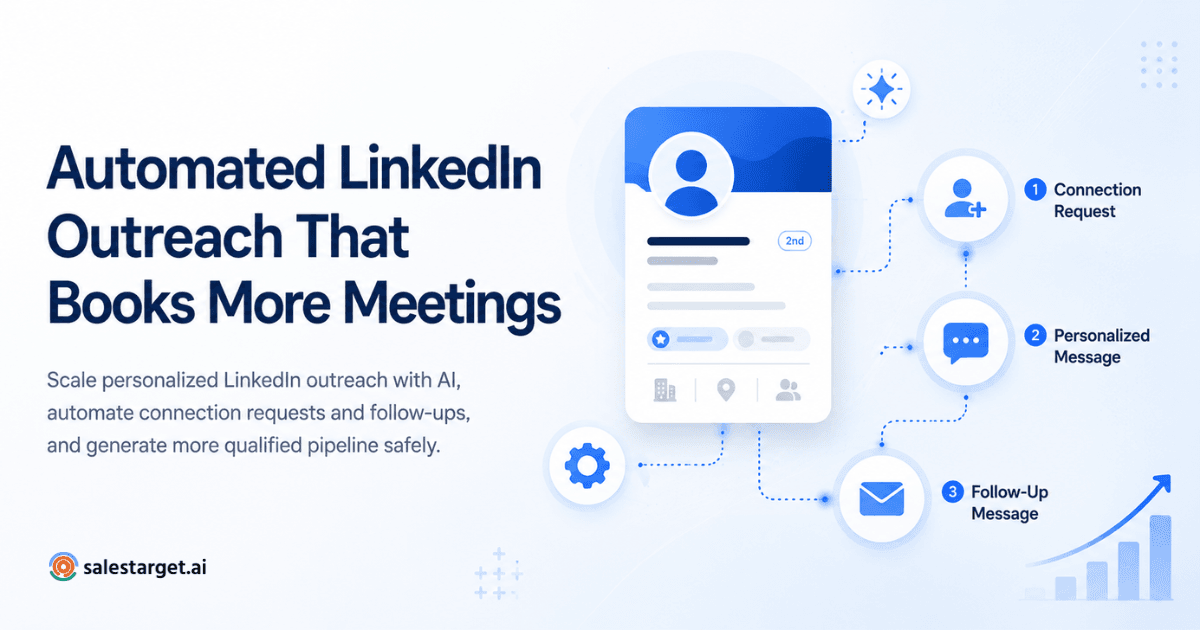
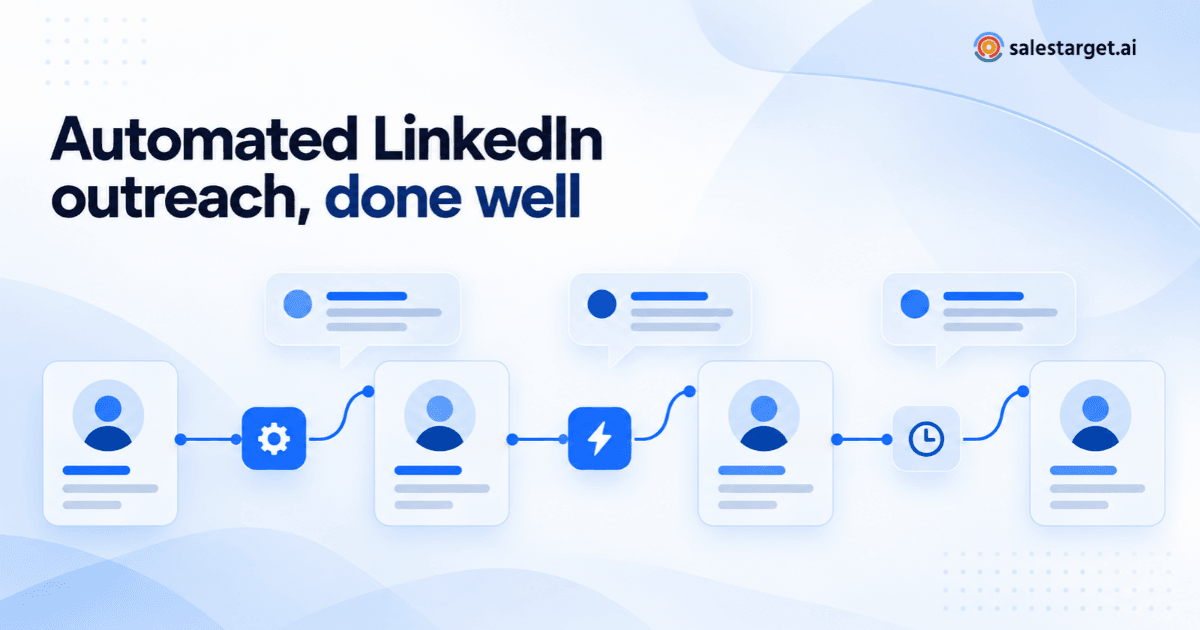
Most modern tools, including SalesTarget.ai, operate through a cloud-based layer that acts on behalf of your LinkedIn account using human-like timing patterns. The flow has five stages, and the quality of each one determines the quality of the result.
1. Prospect targeting
You define who to reach — usually from a Sales Navigator search, a CSV import, a group member list, an event attendee list, or people who recently engaged with a specific post. Narrow filters (job title, seniority, company size, region, recent job change) consistently outperform broad ones.
2. Personalized connection messaging
The tool sends a connection request, typically with a short note. The note should reference something specific the person could have written themselves — their role, their market, a recent post, a company event. Generic "I'd love to connect" notes still work for volume, but they come at the cost of reply quality.
3. Scheduled follow-ups
Once the connection is accepted, the tool queues follow-up messages with human-like delays — usually two to five days between touches, often with an InMail or email as an alternative channel. Sequences of three to four messages consistently outperform longer ones; by message five, response rates typically collapse and unsubscribes rise.
4. Reply tracking
The moment a prospect replies, the automated sequence should stop. Every modern tool handles this, but the way the reply is surfaced to the rep varies widely — a shared inbox view, a CRM sync, an email alert, or a Slack notification. Fast, visible routing is the difference between a replied-to lead and a lost one.
5. Human handoff
The last stage is the one most teams underinvest in. The rep writes the next message themselves, pulls in context from the CRM, and runs the conversation like any other outbound reply. Automation that keeps writing after a human has engaged is where trust gets broken.
Setting up automated LinkedIn outreach without burning the account
LinkedIn does not publish exact automation thresholds, but it does act on patterns that look non-human: large volume spikes, round-number daily sends, logins from unusual locations, and identical message bodies at scale. A safe setup looks like this:
- Warm the account up. If the profile has been dormant, start with 10–15 connection requests per day and ramp slowly over three to four weeks. New or low-activity accounts get restricted faster than established ones.
- Keep daily volume modest and varied. Most teams land in the range of 15–25 connection requests and a few dozen follow-up messages per day per seat. Vary the numbers day to day; identical daily counts are themselves a pattern.
- Mind the login location. A cloud tool that logs in from a different country than the rep normally uses can trigger a restriction within hours. Reputable tools let you pin a dedicated residential IP region per seat.
- Pause on signal. If acceptance rates fall off a cliff or you start seeing restriction notices, stop the campaign the same day and diagnose. Pushing through is where accounts get suspended.
None of this makes automation risk-free. It makes it responsibly risky — which is the honest frame.
Personalization at scale: the layer that decides reply rates
The single biggest predictor of whether a campaign performs is how personal the opening feels on the receiving end. Three layers of personalization, used together, outperform any single one.
Layer 1: Segment-level relevance
The message is written for a narrow segment — e.g. "Series B SaaS founders in the UK with 20–50 employees" — not for "founders." The whole message, not just the first line, should feel like it couldn't have been sent to someone outside that segment.
Layer 2: Dynamic fields that reference something real
Beyond {FirstName} and {Company}, pull in a field the recipient will recognise as true: their city, their job function, a recent funding round, the name of a product their company sells. The field has to be accurate; a wrong field is worse than no field.
Layer 3: Signal-based openers
The highest-performing opener references a trigger: a job change, a company announcement, a specific post the prospect wrote, or an event they attended. Modern tools can detect these signals and route prospects into dedicated sequences built around them. This is where AI-assisted personalization earns its keep — generating a plausible, specific first line that still sounds like the rep.
A useful test: read your opening line aloud and ask whether it could have been sent to any of the next 500 people in your list. If yes, it isn't personal; it's a mail merge wearing a costume.
If you want ready-made sequence patterns to adapt — welcome, event-triggered, warm-engagement — our breakdown of six proven automated LinkedIn outreach workflows gives you a tactical companion to the operating model in this guide.
Follow-up timing and reply handling
Follow-ups should feel like a continuation, not a nag. A pattern that works across most B2B segments:
- Touch 1 (connection + note): short, specific, no ask.
- Touch 2 (day 2–3 after acceptance): the real reason you reached out, framed as a short, concrete observation about their world.
- Touch 3 (day 5–7): a soft ask - a question, a resource, a 15-minute conversation.
- Touch 4 (day 10–14): a graceful close that opens the door for later.
On the reply side, treat every response as a signal, not a status. A "not right now" is a date to recontact. A "send me info" is a qualification call waiting to be booked. An unsubscribe is a signal to clean the list, not an insult. The tool should remove the prospect from automation immediately in every one of those cases.
Measuring whether automated LinkedIn outreach is actually working
Most teams track the wrong metrics. Connection acceptance rate is a vanity figure; reply rate without reply quality is almost as weak. The metrics that correlate with pipeline:
- Positive reply rate: replies that express interest, ask a question, or agree to a next step — as a percentage of accepted connections.
- Meetings booked per 100 connections sent: the end-to-end efficiency of the whole motion.
- Pipeline sourced per seat per month: the only number your CFO cares about.
- Account health signals: weekly restriction warnings, acceptance-rate drift, and sudden drops in profile view-backs. Treat these as leading indicators of trouble.
Run campaigns in two-week cycles. Change one variable at a time — the segment, the opener, the follow-up cadence — and compare against a stable baseline. Automation without this feedback loop is just faster guessing.
Common mistakes and how to avoid them
- Treating automation as a volume lever rather than a leverage lever. The goal is better conversations per hour of rep time, not more messages per day.
- One sequence for everyone. If your ICP spans three segments, you need three sequences. Shared assets (positioning, proof points) can repeat; the opening cannot.
- No fallback for non-connectors. Up to half your target list may never accept the connection. A parallel email or ad touch for that cohort recovers real pipeline.
- Letting automation keep sending after a human replied. This single mistake does more brand damage than any other.
- Measuring sends instead of outcomes. If you can't trace a booked meeting back to the sequence that produced it, you can't improve the sequence.
Where a dedicated platform fits in
A dedicated LinkedIn outreach platform matters when outbound stops being a side project. SalesTarget.ai is built for teams that want targeting, personalized multi-touch sequences, scheduled follow-ups, reply tracking, and a human handoff path in one place — so individual reps aren't stitching together a spreadsheet, a browser extension, and a shared inbox to run their day.
The point of the platform isn't to send more messages. It's to make the operating model above — narrow targeting, layered personalization, safe pacing, fast reply routing, honest measurement — something a team of three or thirty can actually run week after week without it falling apart.
Where to go from here
Start with the segment, not the sequence. Pick one tightly defined audience, write one honest message you'd be happy to receive, send it to a small cohort, measure positive replies and meetings booked, and iterate. Once the motion works for one segment, automation is what lets you run it for ten.
If you'd like to see how a purpose-built platform handles targeting, personalization, follow-ups, and reply tracking in one workflow, explore LinkedIn outreach automation on SalesTarget.ai.