Your reps send 100 connection requests, a third get accepted, and the follow-ups land on people who never fit your ICP. The research takes hours. The pipeline stays thin.
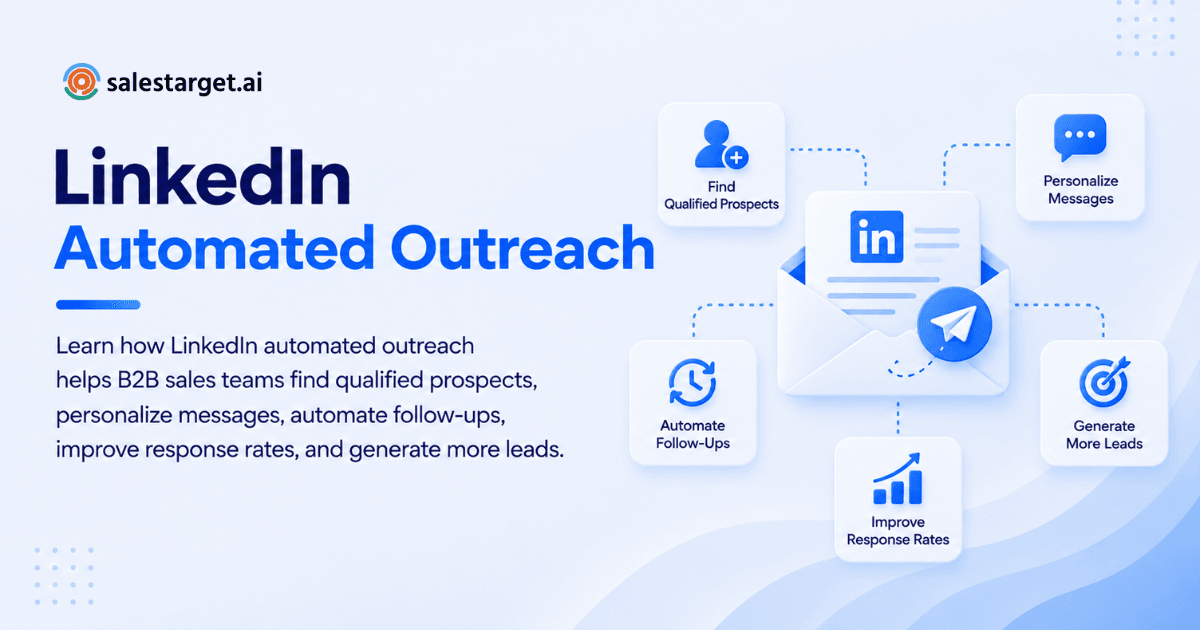
LinkedIn automated outreach uses software to send connection requests and follow-up messages on a schedule, so reps spend their time on replies instead of clicks. It produces qualified B2B leads when it targets a defined ICP, personalizes every message, and passes interested replies into a CRM. SalesTarget.ai runs that whole loop in one workspace.
This guide covers the steps, features, metrics, and mistakes that decide whether automation fills a pipeline or just fills an outbox.
LinkedIn Outreach Challenges in B2B Lead Generation
The main challenges are manual effort, shallow personalization, weak targeting, and no link between LinkedIn activity and pipeline.
Expandi's analysis of 13.2 million outreach attempts puts average connection acceptance at 28.5% and message reply at 10.4%. Replies to the connection note itself fell from 3.5% to 2.2% between May 2025 and April 2026. So about seven in ten requests go unaccepted, and the note alone does less work every quarter.
Most teams respond by sending more. That treats a targeting and follow-up problem as a volume problem. Fixing it starts with LinkedIn outreach automation that uses verified B2B data, so every request goes to a real, reachable buyer.
Understanding LinkedIn Automated Outreach
LinkedIn automated outreach is a system, not a single feature. It covers who you target, what you send, when you send it, and what happens after someone replies.
LinkedIn Outreach Automation and Manual Prospecting
Automation handles repeatable actions. Manual work handles judgment.
Let software run the connection requests, the follow-up timing, and the logging. Keep humans on replies, high-value accounts, and anything that needs context. Teams that automate judgment calls sound robotic. Teams that hand-send every request run out of hours by Wednesday.
Automated Connection Requests and Follow-Up Sequences
Automated connection requests send invitations to a targeted list, then trigger follow-up messages once someone accepts.
A good sequence branches. An accepted request gets a message. A silent one gets a later touch or a switch to email. SalesTarget.ai's LinkedIn Outreach uses conditional sequences that branch on replies, actions, or no response.
Personalization in Automated LinkedIn Messaging
Personalization means the message reflects the prospect's role, industry, and situation, not just their first name.
SalesTarget.ai's AI adapts each message to the profile, role, and industry. Add one real trigger, such as a funding round or a hiring spike, and the message reads as written by a peer.
Benefits of LinkedIn Automated Outreach for B2B Sales
The benefit is more qualified conversations per rep hour, with steadier coverage of target accounts.
Higher Prospecting Efficiency for SDRs and BDRs
Automation removes the clicking, copying, and tracking that eat an SDR's day. Reps stop building lists by hand and start working replies.
SalesTarget.ai's own figures show about 6 hours saved per rep per week in the CRM. That time goes to calls and conversations.
Better Lead Quality and Target Account Coverage
Automation covers every account on the list, not only the ones a rep remembers to open. Quality still depends on the list.
Build outreach on verified, filtered data and you reach the buying group, not one lucky contact. This matters since B2B buying decisions rarely rest on a single person.
Consistent Outreach Across Sales Campaigns
Consistency means every prospect gets the same follow-up cadence, whoever owns the account.
Rep-by-rep outreach has gaps: a vacation, a busy quarter, a forgotten thread. Scheduled sequences close those gaps and make results comparable across campaigns.
Steps to Build a LinkedIn Automated Outreach Strategy
Start with the ICP, find the decision-makers, write specific messages, sequence the follow-ups, add email, and qualify before booking. Each step feeds the next, so a weak first step caps the rest.
Define the Ideal Customer Profile and Buyer Personas
Write down the company size, industry, revenue band, tech stack, and the roles that sign off. Then add a trigger: what makes this account ready now.
One non-obvious point from Expandi's benchmark: in tech, the industry label predicts almost nothing about outreach performance. Segment by role and buying signal first, industry second. SalesTarget.ai's ICP Builder in Lead Explorer turns these criteria into a saved search.
Identify Decision-Makers With LinkedIn Prospecting Tools
Use LinkedIn prospecting tools to find the person who owns the problem, plus the one who approves the spend.
Filter by seniority, department, and company size, then check for intent signals. For a deeper comparison of tool types, see our guide to the best LinkedIn prospecting tools to find leads.
Create Personalized Connection Requests and Messages
Keep the request short, specific, and free of a pitch. State why you are connecting in one line.
With note replies falling, test a blank request against a short note and let your acceptance rate decide. Hold the pitch for the first message after acceptance, and make it about the prospect's problem.
Build Follow-Up Sequences for Different Buyer Stages
Match the message to where the prospect is. A new connection gets a light opener. A prospect who viewed your profile gets a direct, relevant offer.
Three to four touches spaced over a couple of weeks covers most sequences. Use branching so a reply stops the sequence at once. Nothing burns trust faster than a bot pitching someone who already answered.
Combine LinkedIn and Email Outreach
Pair the two channels so a prospect who ignores one still hears from you on the other.
Context should travel with them. SalesTarget.ai runs LinkedIn and email in one coordinated flow, so the email can reference the earlier LinkedIn touch. Start free with SalesTarget.ai and run both channels from one sequence.
Qualify Leads and Schedule Sales Meetings
A reply is not a qualified lead. Qualify on fit, need, and timing before a meeting hits the calendar.
Route interested replies to a rep fast, confirm the basics, then book through your calendar link. Define "qualified" in writing before the campaign starts, so your reply counts mean something.
Key Features of LinkedIn Automated Outreach Tools
Look for tools that find and enrich prospects, personalize at scale, sync with a CRM, report on results, and limit account risk.
Prospect Search and Contact Enrichment
Search should combine role, company, and intent filters with enrichment in the same step. If you must export a CSV to enrich, the workflow is already broken.
Message Personalization and Sequence Automation
The tool should adapt messages to each profile and branch on behavior. Check that it schedules by the prospect's timezone and respects working hours.
CRM Integration and Lead Management
Accepted connections and replies should land in the CRM automatically with the full thread attached. Without that, LinkedIn leads live in screenshots and memory.
Campaign Analytics and Performance Tracking
You need acceptance, reply, positive reply, and meeting data per campaign, not a single activity count. Segment by persona and message version.
LinkedIn Account Safety and Compliance Controls
Rate limits, warm-up logic, and auto-pause safeguards lower the odds of account restrictions. They do not remove the policy question, covered in the mistakes section below. Treat any tool that promises zero risk with suspicion.
LinkedIn Outreach Metrics and Campaign Optimization
Track the full funnel from acceptance to pipeline. Stopping at replies hides where leads leak.
Connection Acceptance and Reply Rates
Acceptance tells you if your targeting and profile earn trust. Reply rate tells you if your message earns attention.
Measure them separately. Compare against Expandi's benchmark of 28.5% acceptance and 10.4% message reply, then compare against your own past campaigns. A low acceptance rate points to the list. A low reply rate points to the message.
Positive Responses and Qualified Lead Conversions
Split replies into positive, neutral, and negative. A "not now" is a nurture task, not a failure.
Then count how many positive replies meet your written lead definition. That ratio is your real quality score. Look at the accepted-but-silent group too. These people know you, so move them to email.
Meetings Booked and Pipeline Contribution
Track meetings booked per 100 accepted connections, then tie each meeting to a deal. SalesTarget.ai's CRM shows email stats, open deals, meetings, and pending tasks in one dashboard, so LinkedIn sources appear next to every other channel.
Outreach ROI and Cost per Qualified Lead
Divide the full cost of the program (tools, rep time, data) by the qualified leads it produced. Compare channels using the same formula.
Track this monthly. A campaign with high activity and a rising cost per qualified lead needs a new list or a new message, not more volume.
Why Choose SalesTarget.ai
SalesTarget.ai combines lead data, LinkedIn and email outreach, validation, a CRM, and an AI Copilot in one workspace. You stop stitching point tools together.
Find and Enrich B2B Prospects With Lead Explorer
Lead Explorer searches 840M+ professional profiles and 146M+ businesses, in plain English or with stacked filters. One click enriches verified email, phone, and mobile. Leads go straight to sequences or the CRM with no CSV.
Coordinate LinkedIn and Email Outreach in One Flow
LinkedIn Outreach sends connection requests, DMs, and follow-ups with timezone-aware scheduling and human-like delays. Email Outreach adds multi-step sequences, inbox warm-up, and a unified inbox, and both run in one flow.
Improve Email Deliverability With Email Validator
The Email Validator runs MX and SMTP checks, flags disposable addresses, and scores risk before you send. Cleaner lists protect your sender reputation and keep the email half of your multichannel flow in the inbox.
Manage Leads and Sales Activities in the Built-In CRM
The CRM receives campaign leads automatically and logs every email and call to the lead timeline. Its AI dialer takes call notes for the rep and saves them to the timeline. Follow-up tasks appear when a lead replies or a meeting ends.
Support Sales Workflows With AI Copilot
The AI Copilot finds leads, drafts personalized sequences, and answers questions about your deals and tasks in plain language. It handles grunt work. Strategy stays with your team.
Common LinkedIn Automated Outreach Mistakes
Most failures come from targeting, message quality, and pacing, not from the tool.
Using Generic Messages Across All Prospects
One template for every persona gets ignored. Write a version per persona and name a real reason you picked them.
Targeting Unqualified Contacts
A perfect message to the wrong person still fails. Check fit and role before a name enters a sequence, and verify contact data so the email step works.
Overusing Automated Connection Requests and Follow-Ups
Spikes in activity look like spam to prospects and to LinkedIn. Ramp slowly, cap daily actions, and stop follow-ups after a reply. Fewer, better-targeted touches beat bulk.
Ignoring LinkedIn Policies and Account Limits
LinkedIn's Help Center says it does not permit third-party software that automates activity on its site, and members using such tools risk restriction. No vendor can remove that risk. Choose a tool with rate limits and auto-pause, use a lower volume, and keep email ready as a backup channel.
Focusing on Activity Instead of Qualified Leads
Counting requests sent rewards the wrong behavior. Report on meetings and pipeline, and review your LinkedIn outreach strategy against those numbers each month.
Conclusion: Building a Scalable LinkedIn Outreach Strategy
You opened this page with a familiar problem: lots of LinkedIn activity, few qualified leads. The fix is a tighter system. Define the ICP, find the right buyers, personalize each touch, add email, and measure what reaches the pipeline.
Doing that across five tools means five logins and a lot of lost context. SalesTarget.ai keeps it in one workspace: find and enrich the lead, run LinkedIn and email together, validate contacts, and close in the built-in CRM. If you want to see how that looks with your own ICP, start free with SalesTarget.ai and build your first LinkedIn campaign today.