TL;DR
- LinkedIn restrictions come in three levels — soft limits, temporary blocks, and permanent bans — each with a different cause and recovery path.
- Most restrictions are temporary and lift on their own within days if you stop all activity immediately.
- Appealing works — but only if you follow LinkedIn's process exactly and don't restart automation before you're cleared.
- The fastest way back to normal is preventing the next one — pacing, warm-up, and human-like send patterns matter more after a restriction than before it.
You log into LinkedIn to send your morning connection requests and instead get a banner: "We've restricted some of your account's features." No warning, no explanation you can decode, just a wall. If this is you right now, the first thing to know is that panic makes it worse — what you do in the next hour determines whether this clears in two days or turns into something permanent.
The three types of LinkedIn restrictions
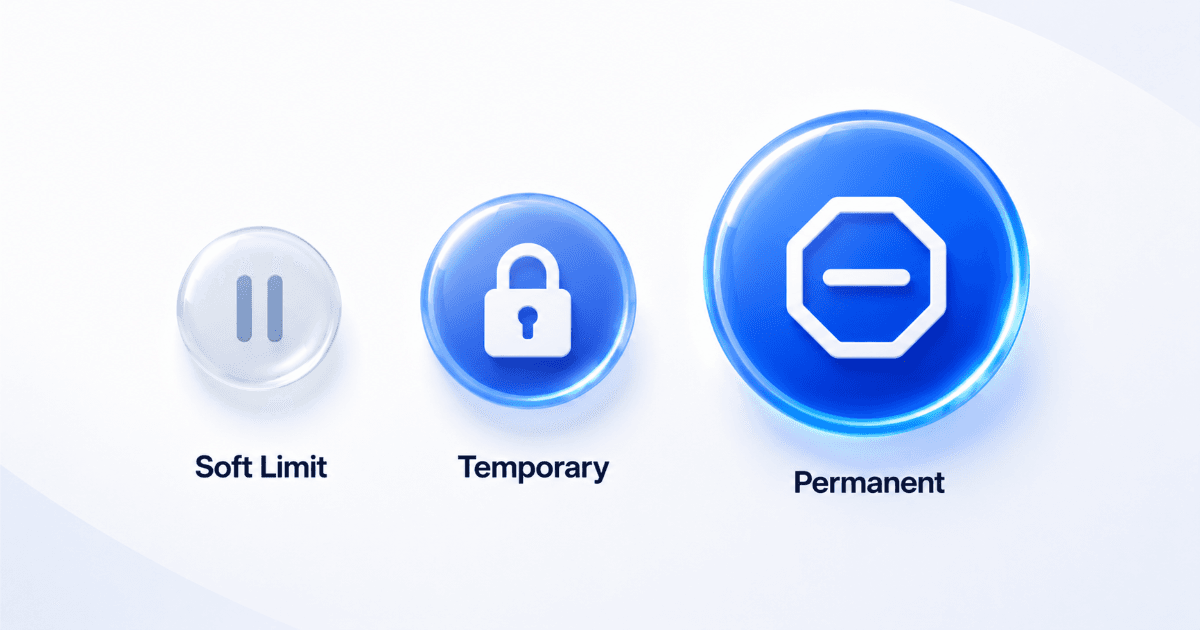
LinkedIn doesn't use one blanket "ban." It escalates through levels based on how far outside normal usage patterns your account activity looks.
| Restriction level | What it looks like | Typical trigger |
|---|---|---|
| Soft limit | A specific action is capped — you can't send more connection requests or messages that day | Exceeding a daily volume threshold for one action type |
| Temporary restriction | Multiple features are blocked account-wide, sometimes with a CAPTCHA or phone verification challenge | Repeated soft limits, or activity pattern flagged as automated (identical message templates, unnatural timing, high-speed actions) |
| Permanent restriction | Full account lock or termination | Continued automation after a warning, ToS violations, or repeated appeals rejected |
What actually triggers each level
LinkedIn doesn't publish exact thresholds, and for good reason — publishing them would just hand a roadmap to whoever wants to skirt them. But patterns from accounts that have been restricted point to a consistent set of behaviors:
Volume spikes. Sending far more connection requests, messages, or profile views in a day than your account's history suggests is normal for you — especially a sudden jump from occasional use to dozens of actions per hour.
Non-human timing. Actions spaced at suspiciously even intervals, or happening at a pace no person could sustain manually, read as bot behavior even if the content of each message looks fine.
Low acceptance and reply rates. Sending high volumes of connection requests that get ignored or declined signals spam-like behavior, not networking.
Repeated identical templates. The same message text sent to dozens of people in a short window is one of the clearest automation signals LinkedIn's systems flag.
How long each restriction typically lasts
Duration varies by severity and account history, but general patterns hold:
| Restriction level | Typical duration |
|---|---|
| Soft limit | Usually resets within 24–48 hours automatically |
| Temporary restriction | Commonly a few days to a couple of weeks, depending on account history and whether an appeal is filed |
| Permanent restriction | No guaranteed timeline — recovery depends entirely on a successful appeal, which is not guaranteed |
These are general patterns, not official LinkedIn commitments — LinkedIn does not publish guaranteed restriction windows, and your specific timeline can vary.
The reinstatement and appeal process
| Step | Action |
|---|---|
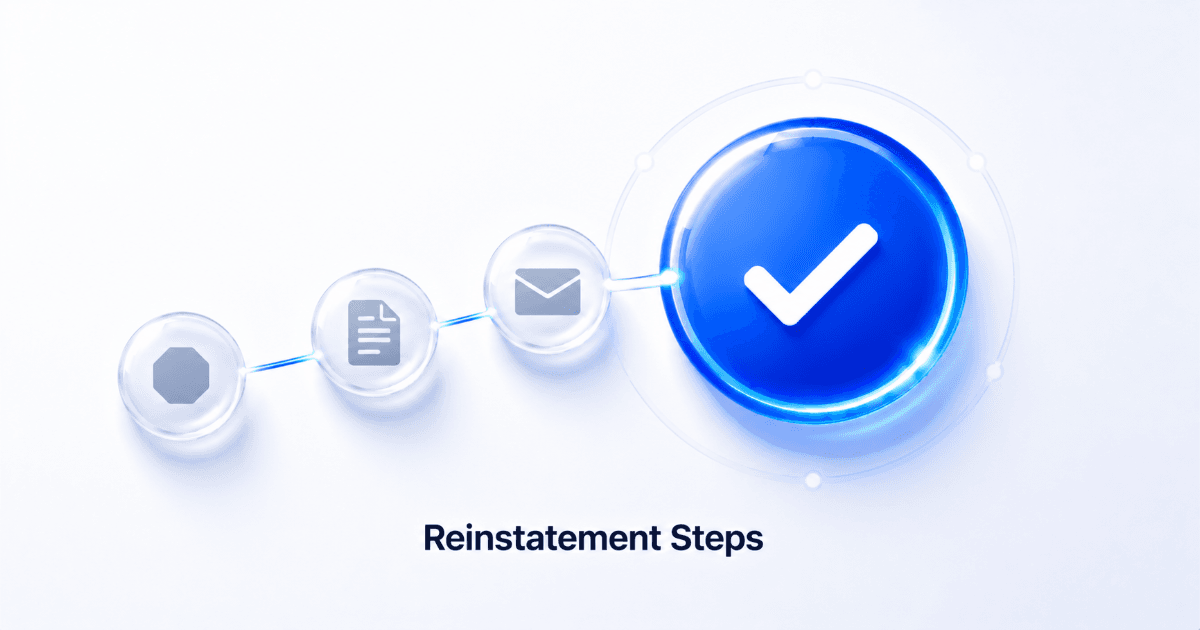
| 1 | Stop all activity immediately — manual and automated. Continuing to act while restricted is the single most common cause of escalation to a longer or permanent block. |
| 2 | Complete any verification challenge shown (CAPTCHA, phone/email verification) exactly as prompted — don't skip or retry repeatedly. |
| 3 | If the restriction doesn't lift on its own, submit an appeal through LinkedIn's official Help Center — never through a third-party form or email claiming to expedite review. |
| 4 | Be factual and brief in your appeal. Acknowledge the pattern LinkedIn likely flagged rather than denying any automation use — vague denials tend to get rejected faster than honest, specific responses. |
| 5 | Wait for confirmation before resuming any outreach activity, even manual. Reinstated accounts are watched more closely for a period afterward. |
Where to file the actual appeal
Official channel only
Use LinkedIn's own Help Center at linkedin.com/help. Restriction appeals filed through official channels are the only ones LinkedIn's team actually reviews — anything else is a wasted attempt at best.
Preventing it from happening again once you're restored
A reinstated account is more fragile than one that's never been flagged. LinkedIn's systems retain history, so the same behavior that got you restricted once is more likely to trigger a faster, harsher response the second time. Once you're back:
Ramp up gradually. Don't return to your previous volume on day one. Start well below your old daily limits and increase slowly over one to two weeks.
Vary your messaging. Identical templates sent at scale are exactly what triggered the flag in the first place — personalization isn't just a conversion tactic, it's a safety mechanism.
Introduce human-like timing. Random delays between actions, activity spread across normal working hours, and pauses on weekends all reduce the chance of being flagged as automated. SalesTarget's LinkedIn Safety & Compliance features are built specifically to keep sending patterns within LinkedIn's safe activity limits, so you're not manually tracking thresholds yourself.
For a deeper breakdown of daily limits and pacing by account type, see our guide on scaling LinkedIn outreach without getting restricted.
Don't do this after reinstatement
Switching to a "safer" third-party tool and immediately running it at your old volume. The tool doesn't determine safety on its own — the pacing and pattern do. Any tool run at unsafe volume produces the same flag.
Get back to outreach without risking another restriction.
SalesTarget keeps your LinkedIn activity within safe limits automatically.
✓ 50 credits ✓ 7-day trial ✓ No credit card required