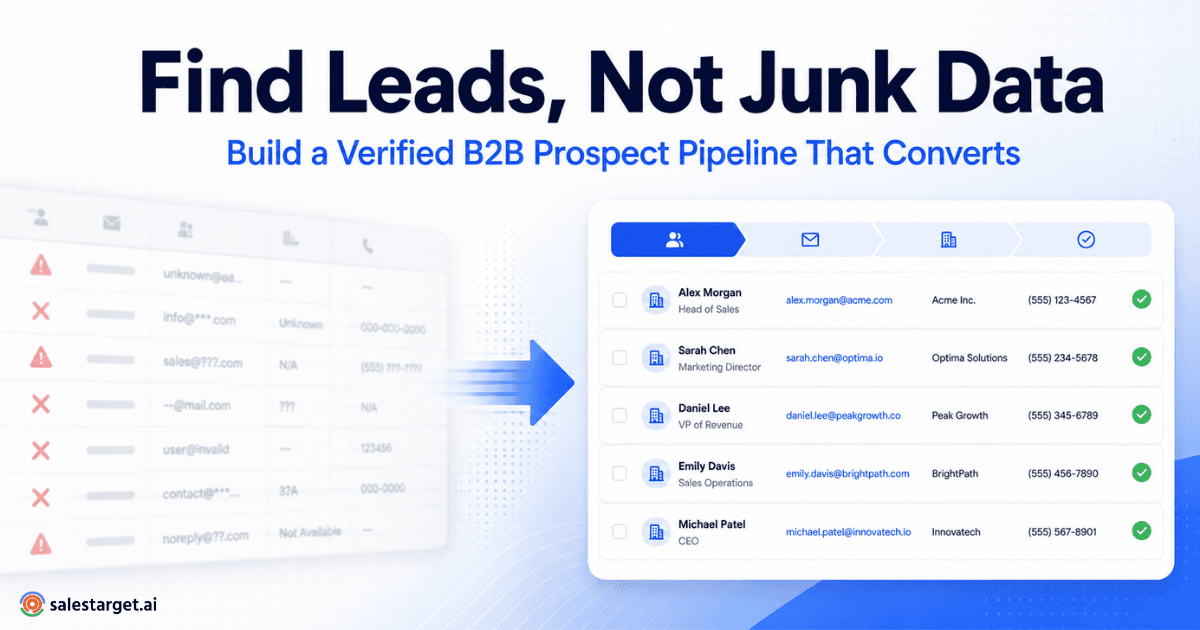
Your list has 4,000 contacts. Half the titles look right, a third of the companies are the wrong size, and the emails you pulled this morning will bounce by Friday. Reps lose whole mornings sorting it out, and replies stay thin.
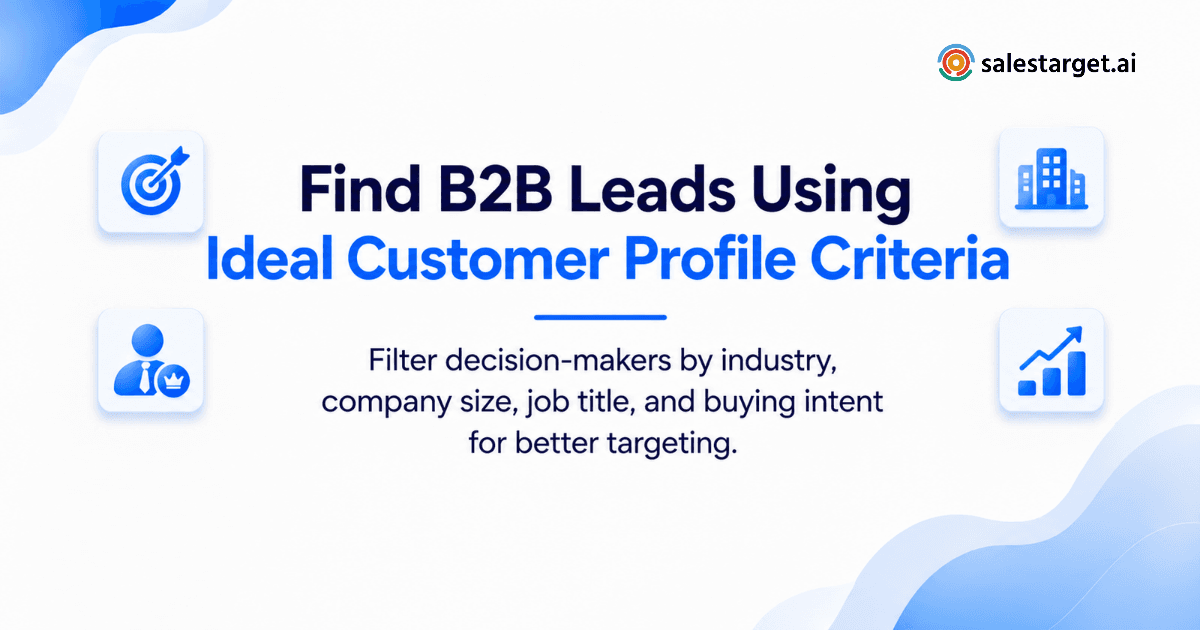
To find B2B leads that convert, write down your ideal customer profile (ICP), turn it into filters for industry, company size, location, and tech stack, then add role, department, and seniority to pick the decision-makers. Check each account for buying signals, verify every email, and only then send. SalesTarget.ai runs that whole sequence in one workspace, from the first filter to the CRM follow-up.
Building an Ideal Customer Profile for More Focused Lead Generation
An ICP is a written description of the companies most likely to buy, close fast, and stay. It becomes the filter set behind every search you run. Build it from closed-won deals, not from a wish list.
Defining the Industries and Business Types Most Likely to Buy
Pull your last 20 closed-won deals and sort them by industry. Two or three industries will carry most of the wins.
Business type matters as much as industry. A SaaS vendor, an agency, and a manufacturer in the same sector buy in different ways. Keep the types where your sales cycle is shortest.
Setting Company Size, Revenue, and Geographic Criteria
Employee count and revenue decide who holds budget and how fast they move. A 40-person firm can buy in a week with one signature. A 4,000-person firm brings in procurement and legal.
Set size bands from your own wins. Add geography only where it changes the sale: time zones, language, compliance, or local support.
Connecting Business Needs With Buyer Personas and Purchasing Roles
Write the business need first, then name who feels it. A pipeline gap lands with a VP of Sales. A data-quality problem lands with RevOps. A cost problem lands with finance.
Per account, name the champion, the budget holder, and the person who can block the deal. Plan for two or three roles, not one.
Separating Must-Have ICP Criteria From Additional Qualification Signals
Must-haves are hard filters: industry, size band, region, role. Signals are soft: a funding round, a hiring spike, a new tool install.
Hard filters decide who enters the list. Signals decide who goes first. Mix them and the list either shrinks to nothing or fills with noise.
Most teams skip a third bucket: exclusions. Remove current customers, open opportunities, competitors, and resellers before the first search. It saves reps from embarrassing emails to people already on a call with a colleague.
The Core Data Behind Effective B2B Lead Filtering
Four data layers do the work: firmographics, role data, buying signals, and contact accuracy. A weak layer breaks the list, so check all four.
Firmographic Data for Identifying Suitable Target Accounts
Firmographics describe the company: industry, headcount, revenue, location, and tech stack. They answer one question: is this account worth a rep's time?
Lead Explorer holds 146M+ business entities, and each one can be filtered on these fields.
Job Titles, Seniority, and Departments for Decision-Maker Targeting
Titles alone mislead. A "Head of Growth" at a 30-person startup signs contracts. At a 3,000-person company, the same title requests approval from someone else.
Stack three fields instead: department, seniority, and company size band. That combination finds the person who owns the budget at each size. For a wider look at sourcing, see this practical guide to finding B2B leads.
Technology Adoption, Business Events, and Buyer Intent Signals
Tech stack shows fit. If a prospect runs Salesforce and your product syncs with it, that is a reason to reach out. Business events show timing: funding rounds, leadership changes, hiring spikes, awards. Intent shows research activity.
SalesTarget.ai tracks 4,000+ intent and buyer signals, including Bombora Intent Topics, plus business events on a 30 to 90 day lookback. A signal older than 90 days is history, not intent.
Contact Accuracy, Email Verification, and Data Enrichment
The right person with a dead inbox is a wasted lead. Enrichment adds the email and phone. Verification confirms they work.
In SalesTarget.ai, enrichment happens at the moment you find the lead, and the contact is verified at that point, not whenever the record was first scraped. That is how the platform reaches 99% verified contact data.
A Practical Workflow for Finding B2B Leads With ICP Criteria
Seven steps take you from a written ICP to a list ready for outreach: define rules, build accounts, find people, apply signals, enrich, segment, and prepare the final list.
Define the ICP and Establish Clear Account Selection Rules
Write rules as statements anyone can test: "Software companies, 50 to 500 employees, US and Canada, running Salesforce." If two reps read your rule and pick different accounts, it is not a rule yet.
Add the exclusions here, not later.
Build a Target Account List Using Industry and Company Filters
In Lead Explorer, type your audience in plain English or stack Business filters for industry, size, revenue, location, and tech stack. The ICP Builder keeps those criteria the same from one search to the next.
Start with one segment of 200 to 500 accounts. That is small enough to personalize.
Identify Decision-Makers Based on Role, Department, and Seniority
Switch to People filters. Set the department and seniority first, then narrow by title keywords. Pull two or three contacts per account, such as the champion and the budget holder.
Skip assistants, interns, and consultants unless they sit on your buying committee.
Apply Intent Signals to Prioritize Accounts With Relevant Buying Activity
Pick Intent Topics tied to the problem you solve, not to your industry in general. A topic that sounds close but misses the pain adds names, not buyers.
Accounts with a matching signal in the last 30 days go to the front of the queue.
Enrich Prospect Records With Verified Business Contact Details
One-click enrichment unlocks the verified professional email, personal email, phone, and mobile number. Enrich the shortlist, not the whole database. You pay attention and credits only where a lead has earned it.
Segment Qualified B2B Leads by Fit, Priority, and Outreach Purpose
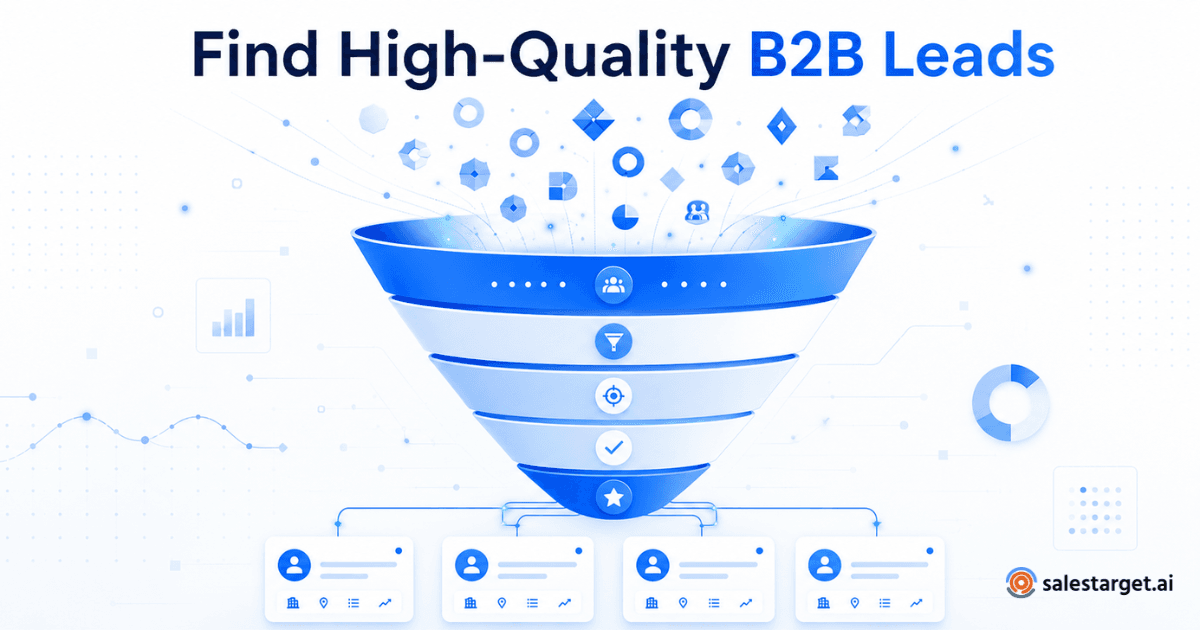
Sort into three tiers. Tier A matches every must-have and shows a signal. Tier B matches every must-have with no signal. Tier C matches most of them.
Then tag the purpose: new business, expansion, or re-engagement. Each purpose gets a different message.
Prepare the Final Prospect List for Personalized Sales Outreach
Run one last pass: remove duplicates, apply exclusions, and validate emails. Then push the list straight into a sequence or the CRM with no CSV in between.
Want to run this workflow on your own ICP? Start free with SalesTarget.ai and build your first segment in one sitting.
Turning ICP-Matched Prospects Into a Focused Outbound Pipeline
A good list only pays off when each segment gets its own message and the results feed back into your filters. Group, write, measure, and track.
Grouping Prospects by Industry, Business Needs, and Buying Roles
Group by the pain, not just the industry. A CFO and a VP of Sales at the same company care about different outcomes. Keep groups small enough that one opening line fits everyone in them.
Creating Relevant Email and LinkedIn Outreach for Each Segment
Write the first line around the signal that put the account on your list. Email opens with the funding round or hiring spike. LinkedIn follows with a short connection note that references the same trigger.
Because both channels run in one flow, context carries from one to the other.
Using Replies, Meetings, and Opportunities to Refine Lead Priorities
Treat each reply as data. If Tier B accounts reply as often as Tier A, your signals are not predicting much. If one role books most meetings, move more of your list toward it.
Connecting Prospecting Activity With CRM Follow-Ups and Pipeline Tracking
Leads from campaigns land in the CRM automatically, and follow-up tasks are created when a lead replies or a meeting ends. Nothing depends on a rep remembering to log a call.
Sales Prospecting Tools and Features That Support ICP-Based Lead Generation
Five capabilities cover the job: a filterable database, enrichment and validation, intent data, multichannel outreach, and CRM tracking. SalesTarget.ai includes all five on one platform.
Lead Databases With Company and Contact Search Filters
A database is only as useful as its filters. Look for company filters (industry, size, revenue, tech stack) and people filters (role, department, seniority) that stack together. SalesTarget.ai offers 840M+ professional profiles with both sets, and Apollo offers a similar database. The gap shows up in what comes next. For a broader comparison of approaches, read proven strategies to build a qualified prospect list.
Contact Enrichment and Email Validation for Reliable Prospect Records
Tools that sell data without validation leave you to bolt on a checker. Tools built for cold email, such as Instantly, Smartlead, and Lemlist, handle deliverability but carry no native B2B database. SalesTarget.ai enriches and verifies in the same click.
Buyer Intent Data for Account Prioritization
Intent data ranks accounts that already fit. Treat it as a sorting layer, not a filter that removes accounts. A match with no signal still belongs on the list at a lower priority.
Email and LinkedIn Outreach Automation for Coordinated Prospecting
Coordinated outreach means one sequence across both channels, with branching when someone replies or goes quiet. Email needs inbox rotation and warm-up. LinkedIn needs rate limits and human-like delays.
CRM Tracking for Lead Status, Conversations, and Next Steps
The CRM closes the loop. It holds the lead status, every email and call on a timeline, and the next task. Without it, you cannot see which ICP choices produce deals.
Why Choose SalesTarget.ai
SalesTarget.ai combines lead data, outreach, email validation, a CRM, and an AI Copilot in one workspace. You stop stitching point tools together and keep one bill.
Find ICP-Matched Companies and Decision-Makers With Lead Explorer
Lead Explorer searches 840M+ profiles and 146M+ businesses across 50+ data sources. Describe your audience in plain English or stack Business and People filters: industry, role, seniority, department, company size, revenue, location, tech stack, and Intent Topics.
Enrich Prospect Data and Access Verified Contact Information
One click unlocks verified professional email, personal email, phone, and mobile. Enriched leads go to a sequence or the CRM directly.
Coordinate Email and LinkedIn Outreach in One Workflow
Email Outreach builds multi-step sequences from a plain-English audience description, with unlimited inboxes, automatic AI warm-up, and inbox rotation. LinkedIn Outreach handles connection requests, DMs, and follow-ups with conditional branching and built-in account safety.
Check Business Emails With Email Validator Before Sending
The Email Validator runs MX and SMTP checks, flags disposable addresses, and scores risk before a send. SalesTarget.ai validates 90% of emails before sending, which protects your sender reputation.
Manage Replies, Calls, and Follow-Up Tasks in the Built-In CRM
The CRM includes lead management, a deal pipeline, tasks, activity tracking, and reports, plus a built-in dialer. SalesTarget.ai reports 91% follow-up completion and about 6 hours saved per rep each week.
Use the Free AI Copilot for Prospect Research and Outreach Drafts
The AI Copilot is free inside the platform. Ask it to find leads across the database, draft a personalized sequence, or flag at-risk deals. It handles the grunt work, so reps spend time on conversations. Strategy stays with you.
Common Lead Filtering Mistakes That Reduce Prospect Quality
Most bad lists come from six habits. Each one is fixable in a single working session.
Building an ICP Around Too Many Industries and Buyer Types
Five industries and six personas produce a generic message that fits no one. Start with one or two segments, then widen after they convert.
Selecting Decision-Makers by Job Title Alone
A title is a label, not authority. Add department and seniority, and check company size, so "Director" means budget at a 50-person firm and a recommender at a 5,000-person one.
Ignoring Company Growth, Buying Signals, and Business Context
A perfect-fit account that just laid off half its sales team is a poor target this quarter. Check events before you send.
Treating Every Matching Account as a Sales-Ready Lead
Fit says an account could buy. Signals say it might buy now. Keep the two labels separate, and do not hand Tier C accounts to an AE.
Using Outdated Contact Data Without Checking Email Validity
B2B contact data decays as people change jobs. Validate before every send, including on lists you built last quarter.
Keeping the Same ICP Filters When Campaign Results Change
An ICP written in January is a guess by June. Review it against pipeline outcomes each quarter and change the filters that stopped working.
Improving ICP Accuracy Through Campaign Data and Sales Feedback
Your first ICP is a draft. Campaign data and rep feedback turn it into something you can trust.
Measuring Account Fit, Contact Validity, and Positive Reply Rates
Track three numbers per segment: the share of accounts reps call a true fit, the share of emails that validate, and the positive reply rate. A drop in any one points to a specific layer: criteria, data, or message.
Comparing Conversion Rates Across Industries and Company Segments
Compare reply-to-meeting and meeting-to-opportunity rates by industry and size band. The best segment often differs from the one you expected.
Identifying Which Decision-Maker Roles Generate Qualified Opportunities
Count opportunities by the role of the first contact. If RevOps leads convert twice as well as VPs, weight your next list toward RevOps.
Updating ICP Criteria Based on Pipeline Outcomes and Buyer Responses
Read the closed-lost notes and the "Not a Fit" replies in the Unibox. They show which criteria let in bad accounts. Add exclusions, tighten bands, and rerun the search.
From ICP Criteria to a Repeatable B2B Lead Generation Process
You opened this page with a list that looked full and performed poorly. The fix was never more contacts. It was a written ICP, filters that mirror it, decision-makers chosen by role and seniority, signals that set the order, and emails verified before they ship.
SalesTarget.ai keeps every step in one workspace: find the account, enrich and verify the contact, send across email and LinkedIn, and track the deal in the CRM. Each campaign then tells you how to sharpen the next ICP.
Ready to build your first ICP-matched list? Start with SalesTarget.ai and turn your criteria into a pipeline you can repeat.