
TL;DR
- CRMs get messy from multiple imports, manual entry, and no dedup rules — not because your team is careless.
- Deduplicating the right way means merging, not deleting — activity history has to survive the cleanup.
- Dead leads should be archived, not erased, so you can re-engage them later without starting from zero.
- The real fix is ongoing dedup rules at the point of entry — cleanup is a one-time fix, prevention is the actual solution.
Somewhere in your CRM right now, the same prospect exists three times — once from a form fill, once from a CSV import, once from a rep who added them manually. Each version has different notes, different stages, and none of them tell the full story. Multiply that across a few thousand records and you don't have a CRM anymore. You have a filing cabinet nobody trusts.
Why CRMs Get Messy in the First Place
Nobody sets out to build a messy CRM. It happens gradually, through a handful of very normal habits that compound over time.
Multiple import sources are the biggest culprit. A list from a trade show, a CSV from lead explorer tool, a batch synced from a marketing form — each import treats itself as the source of truth, so the same person lands in your system under slightly different spellings, emails, or company names.
Manual entry adds a second layer. A rep adds a contact mid-call without checking if they already exist. Multiply that by every rep on the team, every week, and duplicates pile up quietly in the background.
The third cause is the absence of dedup rules at the point of entry. Most CRMs will let you create a new record with an identical email address to one already in the system — nothing stops it, so nothing prevents it.
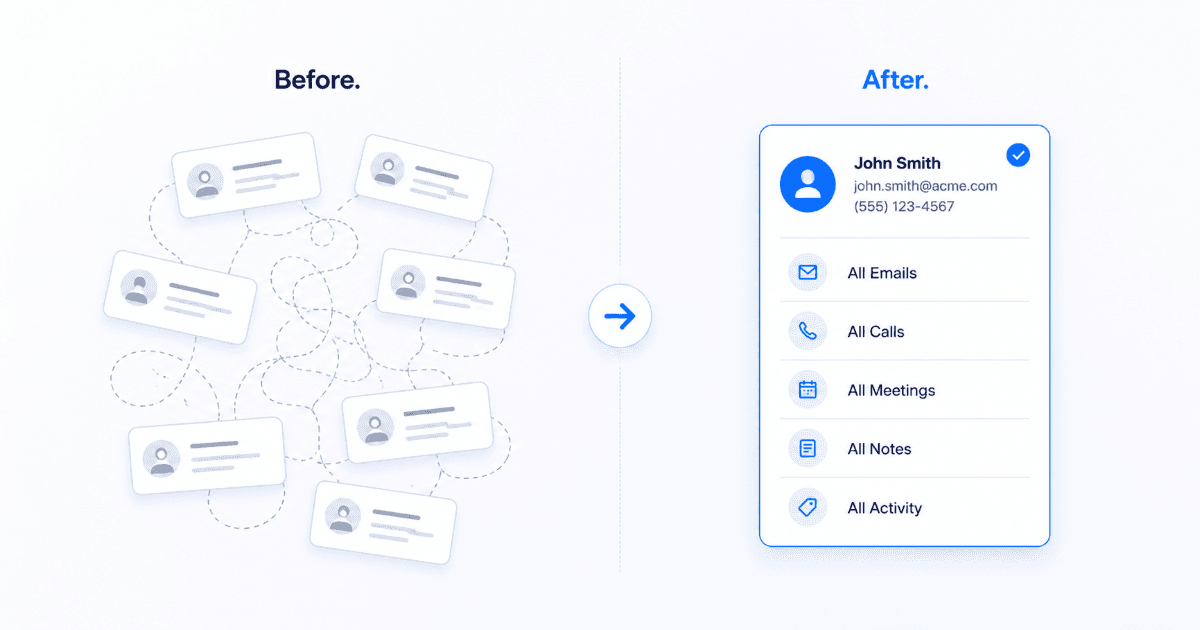
Step 1: Identify Duplicates the Right Way
Before merging anything, you need matching rules — clear criteria for what actually counts as a duplicate, so you don't accidentally combine two different people who happen to share a first name.
| Match Type | Confidence | Action |
|---|---|---|
| Exact email match | High | Auto-merge candidate |
| Same name + same company domain | High | Auto-merge candidate |
| Same phone number, different name spelling | Medium | Manual review |
| Same company, different contact name | Medium | Do not merge — likely different people |
High-confidence matches can go through automatic merge logic. Medium-confidence matches need a human to glance at them — the cost of a wrong merge is higher than the cost of a few minutes of review.
Step 2: Merge Without Losing Activity History
This is where most cleanup efforts go wrong. Merging two records isn't just about picking one email address and deleting the other — every call log, email thread, note, and deal stage attached to both records has to survive into the surviving record.
Merge Checklist
Before you click merge
Confirm which record has the most complete activity history — that one should be the "primary." Reassign notes, tasks, and deal associations from the secondary record before deleting it. Never merge two records that are both mid-deal in different stages without manually reconciling which stage is accurate.
A good rule: the surviving record should always be the one with the longest, richest activity trail — not just the most recently created one.
Step 3: Archive Dead Leads — Don't Delete Them
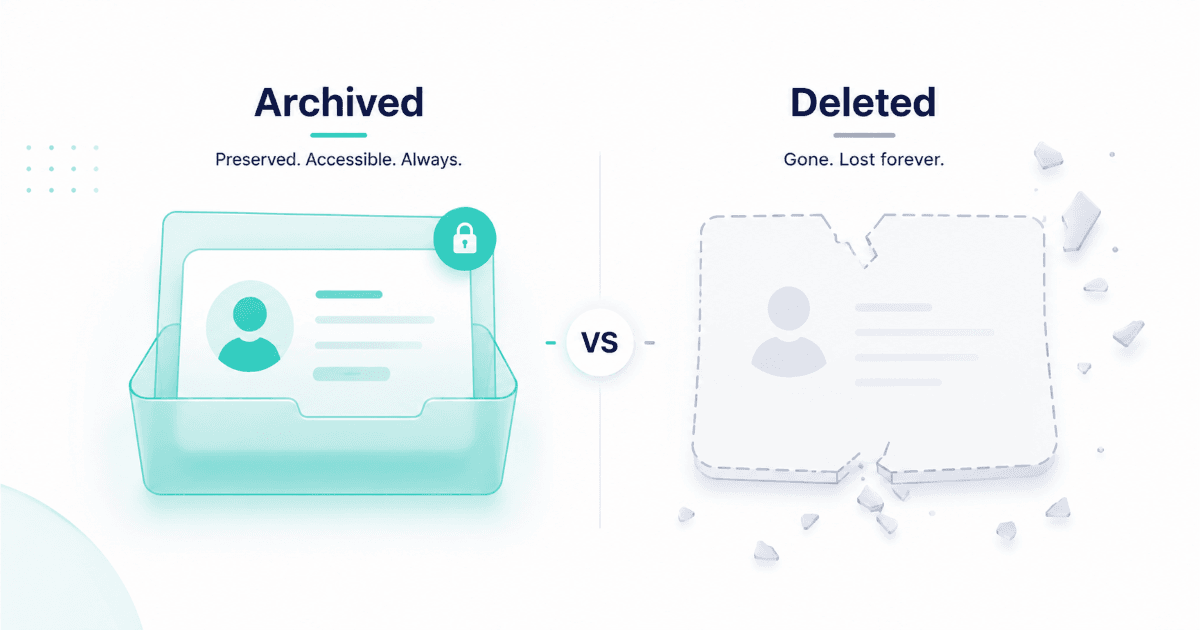
A "dead" lead isn't the same as a bad lead. Someone who went cold eight months ago might be back in-market today, and if you deleted their record, you've lost every bit of context about what they cared about the first time around.
Archiving keeps the record out of your active pipeline views — so reps aren't wasting cycles on stale contacts — while preserving the full history for the day intent signals show that person is active again.
A simple rule of thumb: if a lead has had zero engagement for 90+ days and no active deal stage, archive it. Don't delete unless the contact explicitly asked to be removed from your database.
Step 4: Set Ongoing Dedup Rules to Prevent Recurrence
Cleanup without prevention is a treadmill — you'll be back here in six months doing the exact same project. The fix is stopping duplicates at the point of entry, not after the fact.
- Enforce a unique constraint on email address at the database level, not just as a suggestion.
- Require import tools to check against existing records before creating new ones.
- Give reps a "possible match" warning when manually adding a contact that resembles an existing one.
- Schedule a quarterly light-touch dedup pass — even with prevention in place, a small number will still slip through.
How SalesTarget's CRM Prevents Duplicate Creation
SalesTarget's lead management layer checks for existing matches automatically before a new record is created — whether the contact comes from an import, an outbound campaign, or manual entry. Activity history stays tied to the unified record instead of fragmenting across duplicates, so reps always see the complete picture before they reach out. Teams that have moved off spreadsheet-based tracking into unified CRM workflows report far fewer "wait, have we already talked to this person?" moments — because the system already knows the answer.
Common Mistakes to Avoid
Watch out for
Bulk-deleting anything labeled "old" without checking deal stage first. Merging on name alone without checking email or domain. Treating a cleanup project as a one-time event instead of pairing it with prevention rules. Letting reps opt out of the merge review step to "save time" — this is exactly how bad merges happen.
📊 Why this matters
- B2B contact data decays continuously — research from outbound sales platforms shows email and job-role data degrades by roughly 2% per month, which is exactly why archived (not deleted) records matter for re-engagement.
- Pipeline accuracy suffers directly from data hygiene — sales research consistently links messy CRM data to inflated forecast numbers and lost rep trust in the system.
Stop cleaning up the same CRM twice.
SalesTarget's CRM catches duplicates before they're ever created.
✓ 50 credits ✓ 7-day trial ✓ No credit card required