TL;DR
- "Cost of LinkedIn outreach" is never just the tool subscription — seats, LinkedIn Premium, time, and content creation all add up.
- Hitting real volume goals means running multiple accounts, not one rep sending faster.
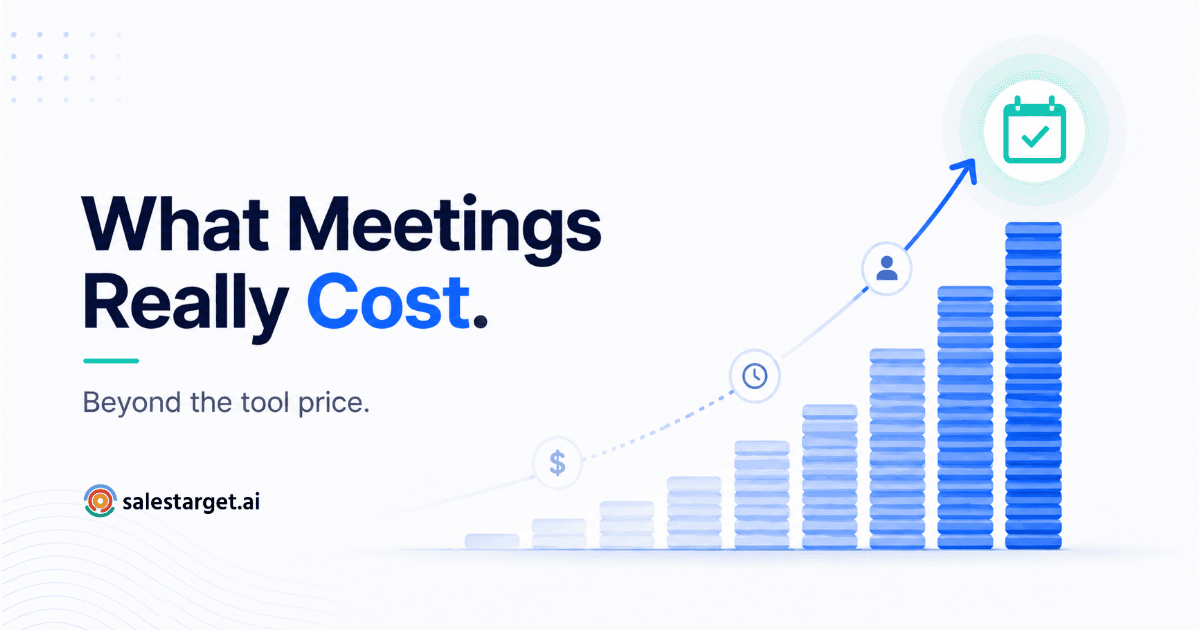
- ROI only makes sense as cost per meeting booked — not cost per seat, not cost per connection sent.
- Past a certain volume, LinkedIn-only outreach hits a ceiling — that's the point to add other channels, not just more accounts.
Ask a VP of Sales what LinkedIn outreach costs and you'll get a tool subscription number. Ask what it actually costs to book 1,000 meetings a month through LinkedIn, and most people go quiet — because nobody has done that math. It's not one number. It's five, stacked on top of each other, and most budget-holders only ever see the smallest one.
The Real Cost Components Nobody Adds Up
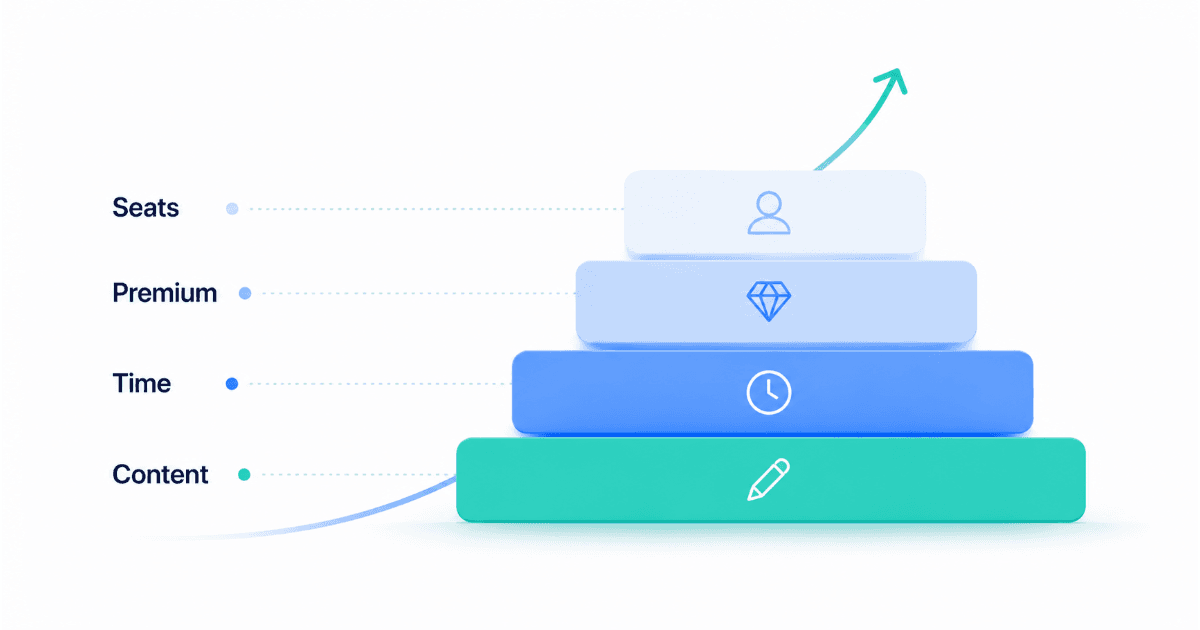
The sticker price on a LinkedIn automation tool is the visible cost. It's also the smallest one. A full picture of what LinkedIn outreach actually costs a sales team has at least four layers.
Tool seats. Per-account pricing on outreach platforms scales linearly — the more accounts you run to hit volume, the more seats you pay for. This is the line item finance teams actually see.
LinkedIn Premium or Sales Navigator. Every account sending meaningful outbound volume needs an upgraded LinkedIn tier for search depth, InMail credits, and higher connection limits. This is a recurring per-seat cost that rarely makes it into the outreach budget conversation.
Time. Someone has to build sequences, review connection requests, warm new accounts, and handle replies. Even with automation handling sends, a human is still accountable for quality and responses — and that person's time has a real cost.
Content and personalization. Generic templates get generic reply rates. Writing sequences that actually convert takes either a skilled rep's time or a tool that does AI personalization well — either way, it's a cost, not a given.
The Math: Accounts Needed to Hit Volume Goals
LinkedIn caps how much any single account can safely send per day before it risks a restriction. That cap is the entire reason multi-account outreach exists — you can't out-work the limit with one account, no matter how good your sequences are.
If a single, properly warmed account can safely send a modest volume of connection requests and follow-ups per day, and a realistic reply-to-meeting conversion sits in the low single digits, the accounts-needed math looks roughly like this:
| Monthly Meeting Goal | Approx. Accounts Needed | Coordination Complexity |
|---|---|---|
| 50 meetings/month | 2–3 accounts | Low |
| 250 meetings/month | 10–15 accounts | Medium |
| 1,000 meetings/month | 40–60+ accounts | High — requires centralized management |
These are directional, not guaranteed — reply rates and safe sending limits vary by industry, ICP, and how well accounts are warmed. But the shape of the curve holds: getting to four-figure monthly meeting volume on LinkedIn alone means running dozens of accounts in parallel, not one rep working harder.
A Realistic ROI Calculation Framework
The only number that matters to a budget-holder is cost per meeting booked — everything else is a proxy. Here's the framework:
- Add up total monthly cost: tool seats + LinkedIn Premium seats + hours spent (at loaded hourly cost) + any content/personalization spend.
- Divide by meetings actually booked that month — not connections sent, not replies received.
- Compare that number against your cost per meeting from other channels — outbound email, paid ads, SDR cold calling.
📊 Why cost-per-meeting matters more than cost-per-seat
- Sales research on SDR economics consistently shows cost-per-meeting varies enormously across channels and teams — comparing raw tool spend without factoring in booked outcomes hides the real efficiency picture.
- A cheap tool with a low reply rate can cost more per meeting than a pricier tool with strong personalization and higher conversion.
When LinkedIn Outreach Stops Being Cost-Effective
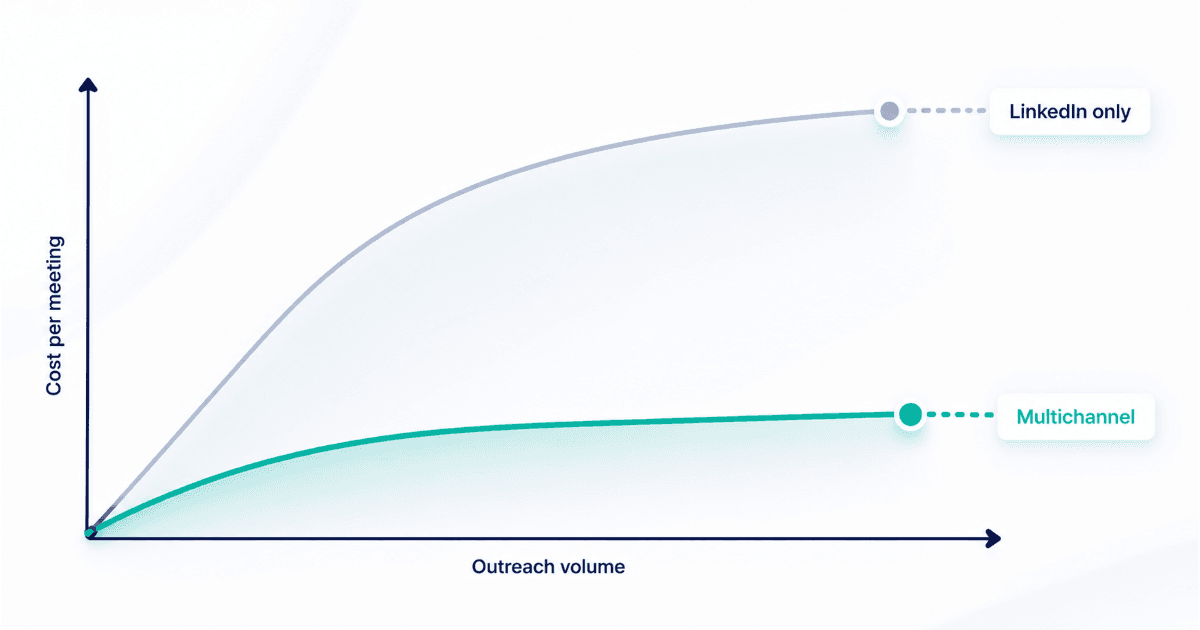
There's a point where adding more LinkedIn accounts stops paying off. It usually shows up as one of two signals: reply rates dropping as you add volume in the same ICP pool, or account health issues (restrictions, warnings) increasing faster than meeting output.
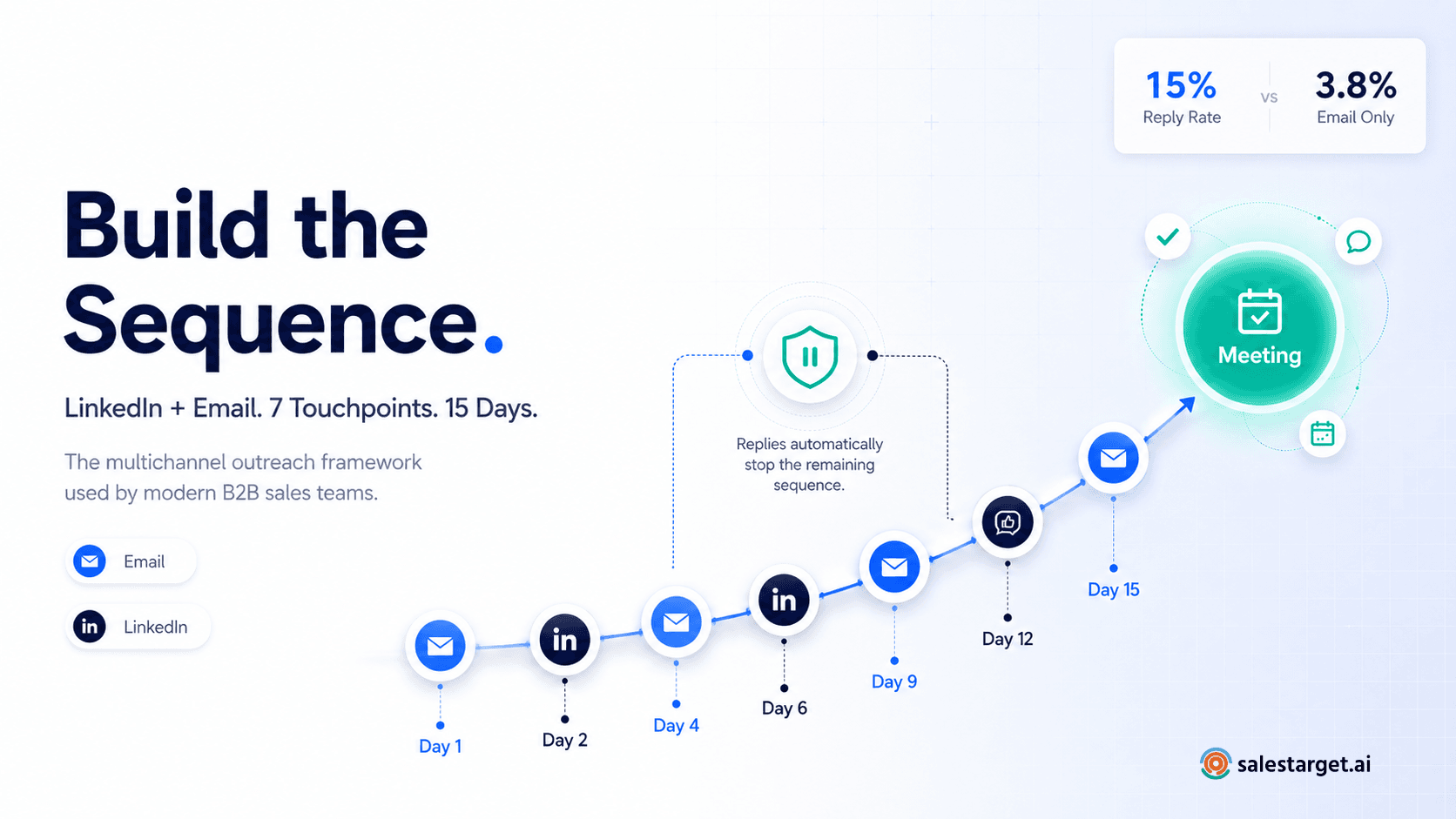
When that happens, the fix isn't more accounts — it's spreading volume across channels. A prospect who ignores five LinkedIn touches might respond to an email in the same sequence, or vice versa. Multichannel outreach isn't a nice-to-have at scale; it's what keeps cost-per-meeting from climbing as you push past what LinkedIn alone can absorb.
How SalesTarget Compares on a Per-Meeting-Booked Basis
SalesTarget's LinkedIn outreach platform is built around the multi-account math above — centralized management across accounts instead of juggling logins and spreadsheets to coordinate sending. Because LinkedIn sales automation here includes safety controls and AI personalization in the same seat cost, teams typically see fewer restricted accounts and higher reply rates than running bare-bones automation with personalization bolted on separately — both of which directly lower cost per meeting booked, not just cost per seat. Full pricing scales with the number of accounts you run, so the per-seat number always ties back to the volume math above rather than a flat platform fee.
Common Mistakes to Avoid
Watch out for
Budgeting only for tool seats and forgetting LinkedIn Premium costs across every account. Measuring ROI on connections sent instead of meetings booked. Adding more accounts to hit a volume goal without checking if reply rates are already declining. Treating LinkedIn as the only channel once volume needs outgrow what it can safely support.
Know your real cost per meeting.
Run LinkedIn outreach at scale without the spreadsheet math.
✓ 50 credits ✓ 7-day trial ✓ No credit card required