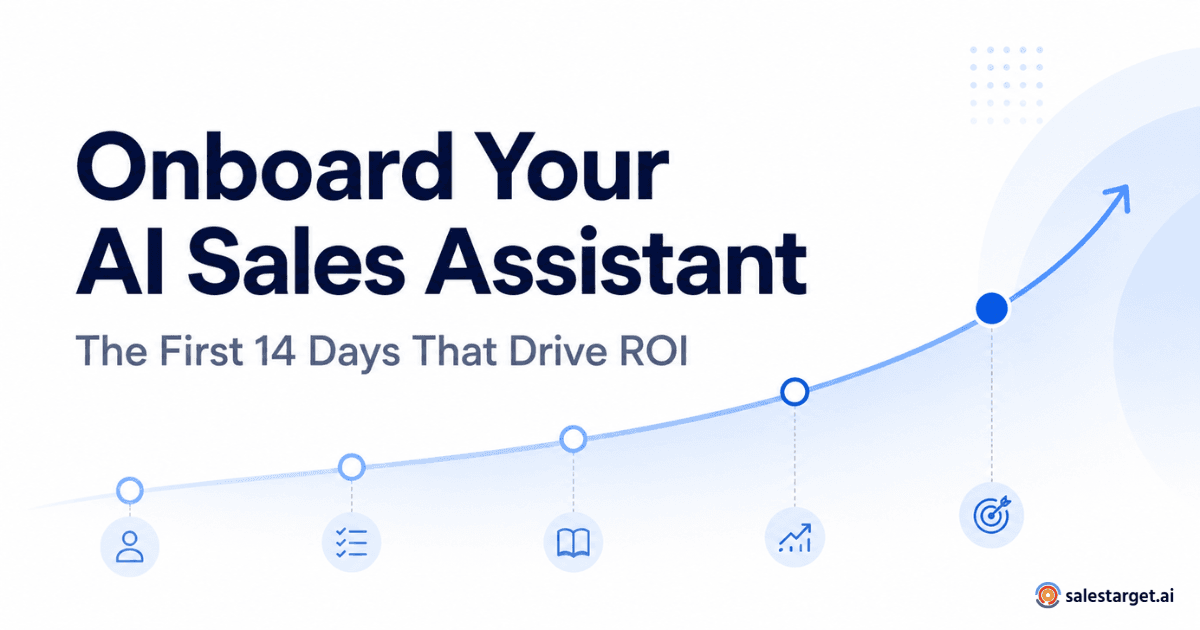
Most sales teams buy AI tools expecting immediate results. The reality is less forgiving. Purchasing the best AI sales assistant software is only the starting line. What happens during the first 14 days of onboarding determines whether that tool becomes a genuine part of your sales workflow or another forgotten subscription gathering dust in your tech stack.
Quick Answer: During the first 14 days of AI sales assistant onboarding, focus on establishing CRM data quality baselines, configuring lead validation as your first quality gate, integrating AI into two or three existing workflows, driving rep adoption through practical training, and measuring before-and-after metrics. These early steps create the foundation for proving real ROI within the first quarter.
The gap between buying software and using it well is where most AI sales investments stall. This guide provides a practical day-by-day framework that B2B sales teams can follow to get measurable value from an AI sales assistant.
Why the First 14 Days Matter for AI Sales ROI
Adoption matters more than purchase. Microsoft's 2024 Work Trend Index found that 60% of leaders said their organization lacks a plan and vision to implement AI (source). Sales teams feel this acutely. Their workflows involve CRM data, prospect research, lead qualification, and pipeline management. Poor setup in any of these areas creates compounding problems that get harder to fix over time.
If your CRM data is messy on day one, every AI recommendation built on that data will be unreliable. If reps don't understand what the tool does for them specifically, they'll ignore it. And if you don't capture baseline metrics before onboarding, you'll have no way to prove whether the investment worked.
The first two weeks are your window to establish data quality, define workflows, and build rep habits before bad patterns set in.
Days 1–3: Establish Your Sales and Data Baseline
Before configuring anything, document where your team stands today. This step is easy to skip and expensive to miss.
Start by auditing your CRM data quality. How many existing leads have verified contact information? What percentage of prospect records are complete? Identify your current lead sources and note how leads enter your pipeline. These aren't academic exercises. They're the inputs your AI sales assistant will work with, and bad inputs produce bad outputs.
Capture your current sales metrics: average time reps spend researching prospects, lead-to-opportunity conversion rate, number of touches before a meeting, and overall sales cycle length. These become your comparison points for measuring ROI at day 14 and beyond.
Also map your existing sales workflow end to end. Where do reps spend the most time on repetitive tasks? Where do leads stall? Understanding these bottlenecks helps you configure the AI assistant to solve real problems. For a deeper look at how AI sales assistants support account executives, that context can help frame what your AEs should expect from the onboarding process.
Days 4–5: Configure the AI Sales Assistant Around Real Workflows
With your baseline established, connect the AI sales copilot to your actual processes. The most common mistake here is trying to automate everything at once. Resist that impulse.
Pick two or three high-impact workflows where an AI powered sales assistant can add immediate value. For most teams, that means prospect research, lead enrichment, and meeting preparation. Define clear ownership for each: what does the AI handle, and where does the rep take over?
Connect the tool to your CRM so data flows correctly. Verify that records sync both ways. Set up any notification or alert workflows your team will use daily. The goal is a clean, narrow integration that reps can start using without confusion or extra steps.
Days 6–7: Make Lead Validation the First Quality Gate
This is where onboarding connects directly to pipeline quality. Lead validation should be the first workflow your AI sales assistant handles consistently, and here's why: inaccurate or outdated lead information wastes rep time at every downstream stage.
Consider a rep who spends 15 minutes researching a prospect, only to discover the contact changed roles six months ago. Or a rep who sends a personalized email sequence to someone who left the company. These aren't rare edge cases. They're daily occurrences on teams working with unvalidated lead data, and they compound across dozens of leads per week.
By making lead validation an early quality gate, you ensure reps only spend time on prospects with verified, current information. This means confirming contact details, checking company data, and flagging leads that don't meet your ICP before they enter active outreach. Sales teams that validate before prioritizing tend to see cleaner pipelines, fewer wasted touches, and more productive conversations.
Teams evaluating AI sales copilot software for sales teams should look for tools that integrate lead validation directly into the sales workflow rather than treating it as a disconnected step.
Days 8–10: Drive Sales Rep Adoption
The best AI sales assistant software won't help if reps don't use it. Adoption is fundamentally a people problem, not a technology problem.
Start with a focused training session that shows reps exactly how the tool reduces their workload on the two or three workflows you configured earlier. Skip the feature tour. Instead, demonstrate the sales AI assistant using real leads from your pipeline so reps see immediate relevance to their day.
Create simple usage guidelines: when to check the AI assistant's output, how to flag errors, and how to provide feedback. Collect rep input actively during this window. Identify where people feel confused or skeptical, and address those concerns directly. Teams that position the AI as a tool that removes tedious work, rather than a system that monitors or replaces reps, see faster and more durable adoption.
For teams interested in combining daily AI workflows with coaching, exploring how an AI sales copilot supports sales coaching can offer additional strategies for building trust and skill development alongside adoption.
Days 11–12: Measure Early Signals of ROI
Revenue impact from an AI sales assistant takes longer than two weeks to show up in closed deals. But early indicators can tell you whether you're on the right track.
Track practical metrics: time saved per rep on research and data tasks, number of leads validated, any changes in lead-to-opportunity conversion, rep usage rates, and response rates on outreach sent to validated versus unvalidated leads.
Illustrative Benchmark: If a team of 10 reps each saves 20 minutes per working day on manual research and lead verification, that equals roughly 16.7 hours recovered per week (10 reps × 20 minutes × 5 days ÷ 60 minutes). Over a month, that's approximately 67 hours redirected toward actual selling. This is a transparent calculation based on assumed inputs, not a guaranteed outcome. Your results depend on team size, current workflows, and data quality.
These early signals matter. They tell you whether the AI copilot is reducing friction or creating it, and they give you data to adjust before habits solidify.
Days 13–14: Review, Refine, and Build the Next 30-Day Plan
Use the final two days to assess what worked and what didn't. Compare your Day 1 baseline metrics against current performance. Review rep feedback. Identify which workflows are producing value and which need adjustment.
Refine your lead validation criteria based on what you've learned about your data. Decide which additional AI workflows to expand into during the next 30 days. Set specific targets: percentage improvement in lead-to-opportunity conversion, time saved per rep, validated leads per week.
The 14-day onboarding isn't the finish line. It's the foundation for a 30-60-90 day measurement plan that connects the AI sales assistant to real business outcomes.
How to Know Your AI Sales Assistant Is Actually Creating ROI
Use a straightforward formula:
ROI = (Value Generated − AI Investment) ÷ AI Investment × 100
Value generated should account for time savings (converted to dollar value based on rep compensation), improved lead quality, increased qualified opportunities, higher conversion rates, and reduced manual research hours. IBM's research on AI ROI measurement emphasizes that organizations establishing clear measurement frameworks before deployment are significantly more likely to report positive returns (source). Compare these figures against the total cost of the AI sales assistant software, including subscription, onboarding time, and training investment.
What to Avoid During AI Sales Assistant Onboarding
Don't automate everything on day one. Start narrow and expand based on proven results. Don't ignore CRM data quality, because dirty data undermines every AI recommendation. Don't skip lead validation; it's the fastest path to cleaner pipeline quality. Don't measure only closed revenue in the first two weeks, because early indicators matter more at this stage.
Don't forget to train reps on practical, daily use cases. Don't treat AI as a replacement for sales judgment; it's a copilot, not an autopilot. And don't try to run six workflows before you've proven that one works. The teams that get the most from AI-assisted selling are the ones who build confidence in a few workflows first, then scale deliberately.
Ready to Turn AI Into a Sales Workflow, Not Just Another Tool?
SalesTarget.ai Copilot helps sales teams bring AI directly into their daily workflow, starting with lead search, prospect research, and campaign management that saves reps time and improves pipeline quality. Instead of adding another dashboard to check, it works within the processes your team already follows.